
Walmart at a Glance
🛒 Step-by-Step: Paying With Buvei Virtual Card at Walmart
-
Sign Up or Log In to Walmart
-
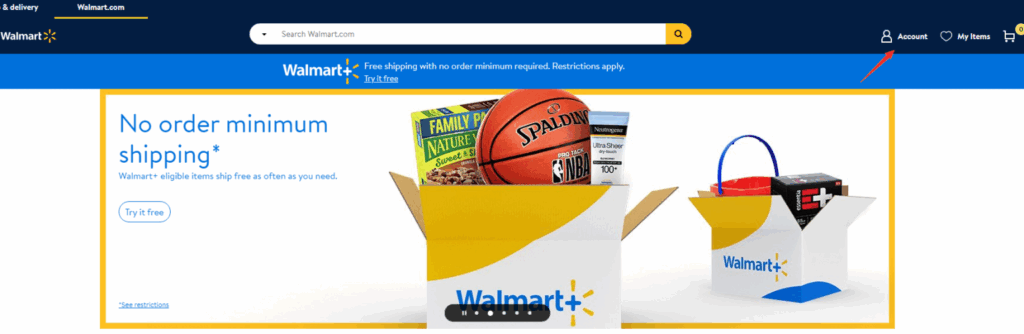
Go to walmart.com
-
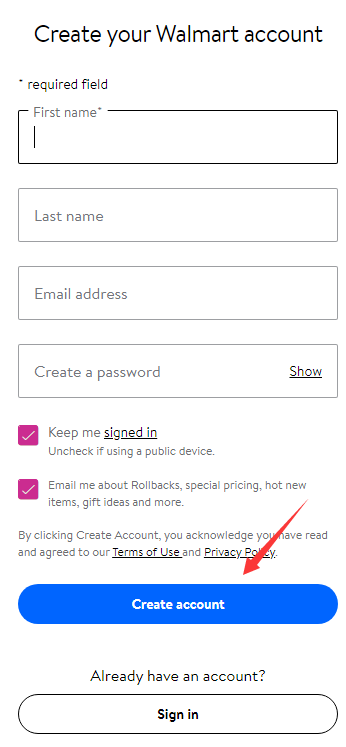
Click “Create account” if you're new, and enter your name, email, and password.
-
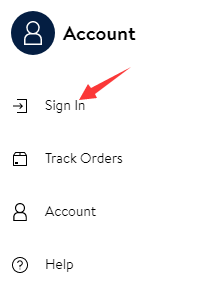
If you already have an account, click “Sign In” to proceed.
-
Add Items to Cart
-
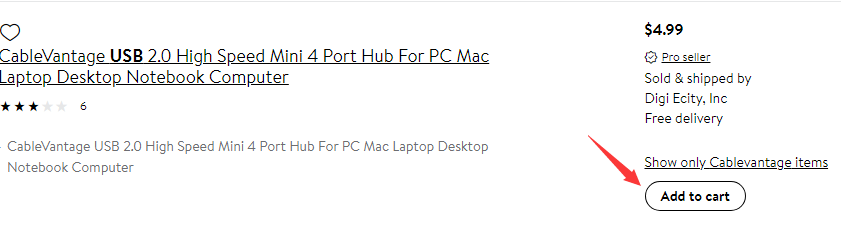
Search for your desired products and click “Add to cart.”
-
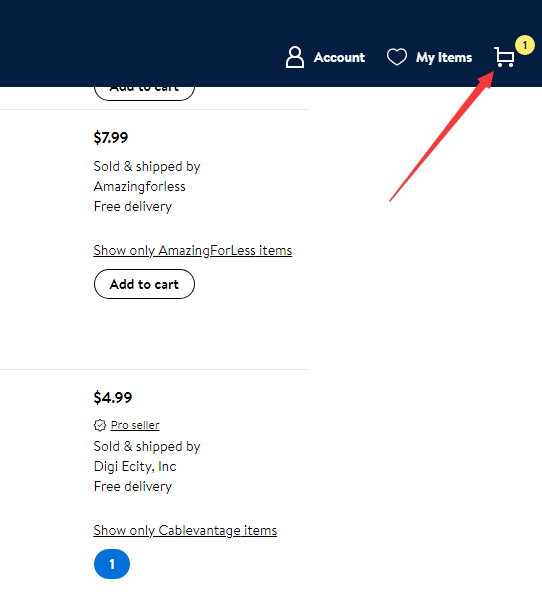
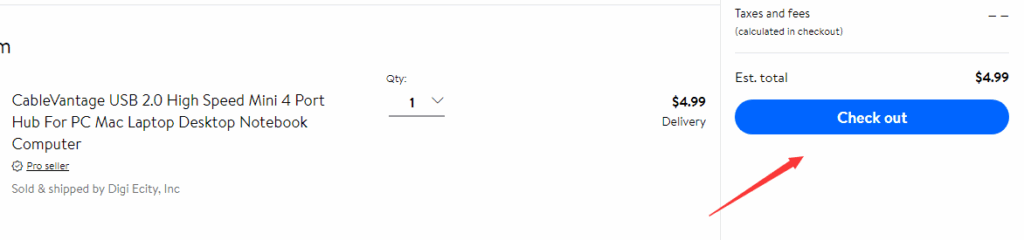
Click the cart icon (top right corner) and proceed to “Checkout.”
-
Enter Shipping Information
-
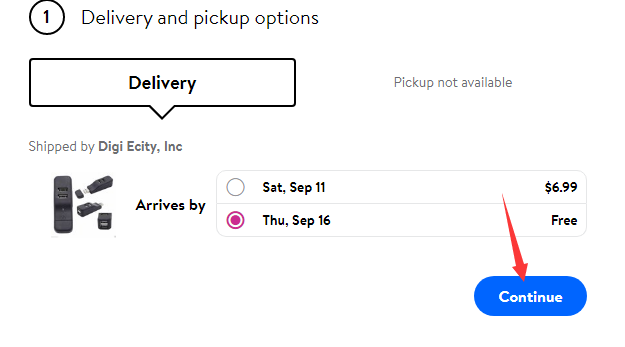
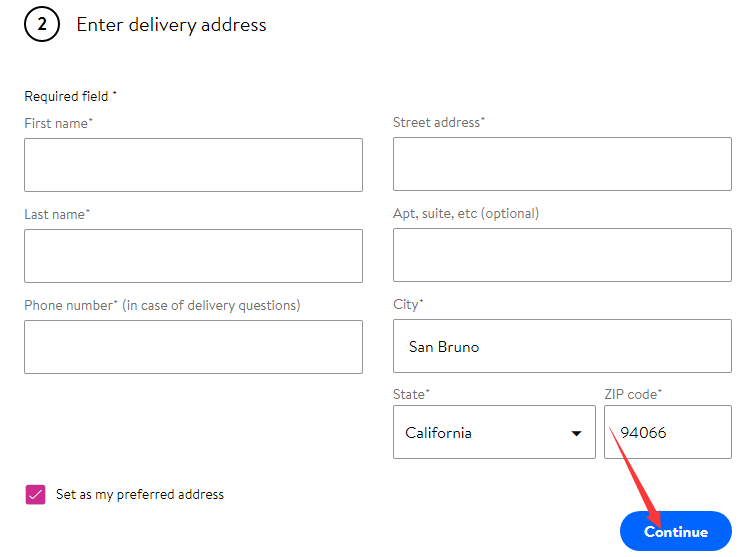
Confirm your delivery options and schedule.
-
Fill out your shipping address and contact details carefully.
-
Enter Buvei Virtual Card Details
-
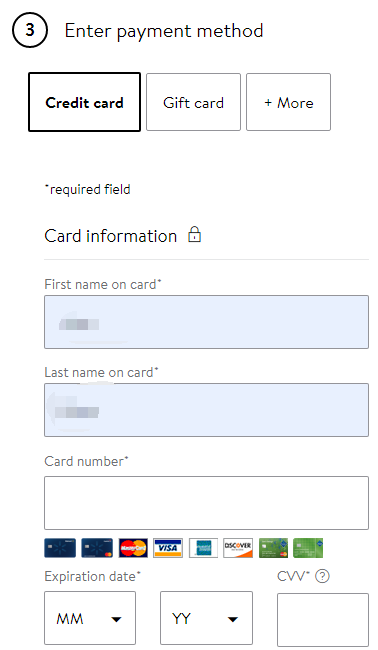
Under Payment Methods, select Credit Card.
-
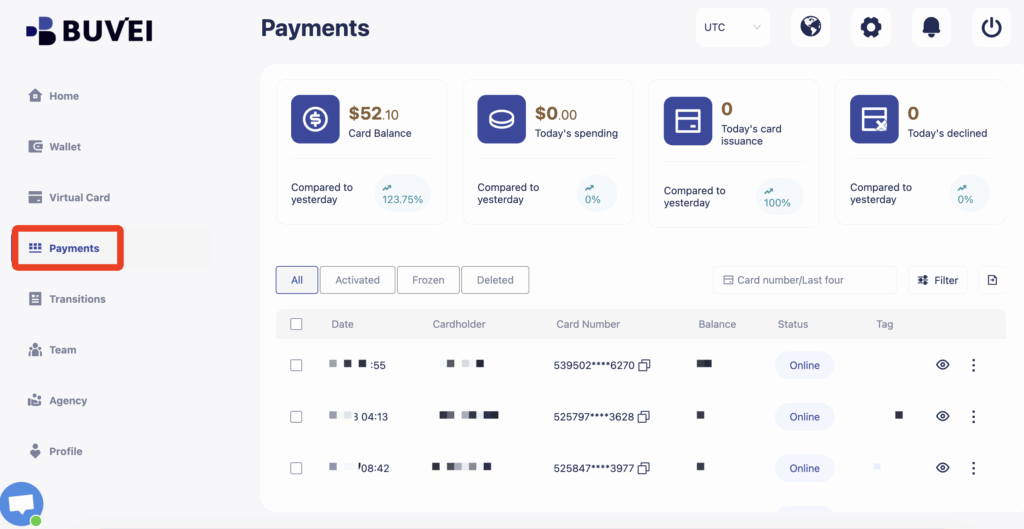
Open your Buvei dashboard and go to the “Payments” page.
-
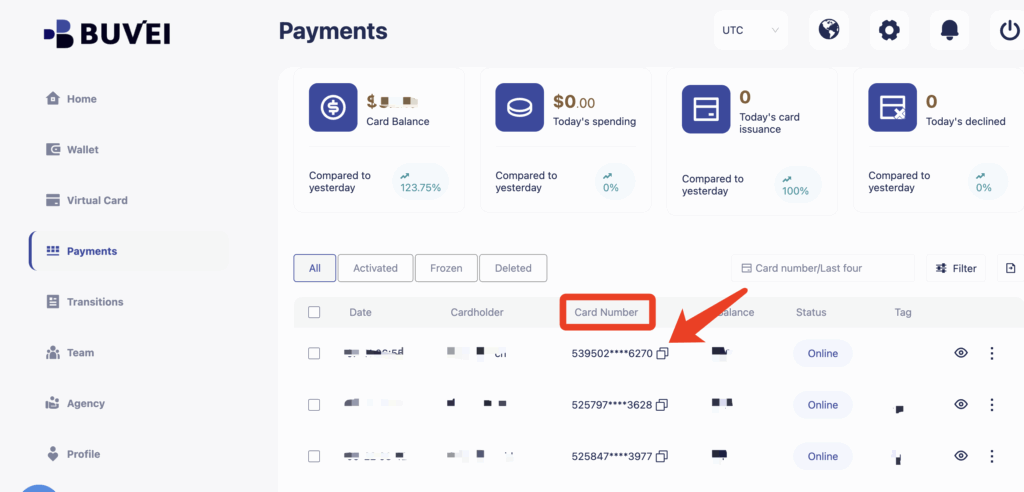
Copy your virtual card number, expiration date, CVV, and cardholder name.
-
Enter the details on the Walmart checkout page.
-
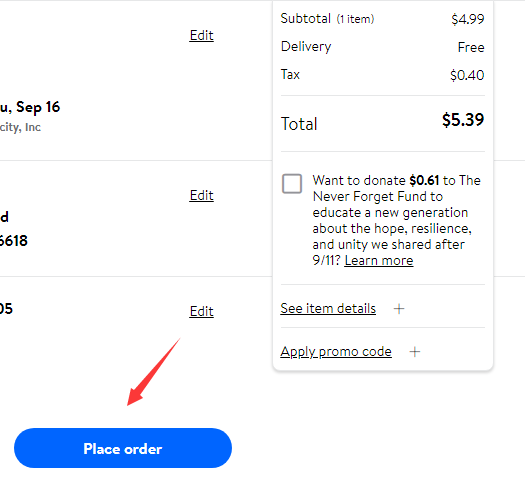
Click “Place Order” to complete the transaction.
-
Order Confirmation & Tracking
-
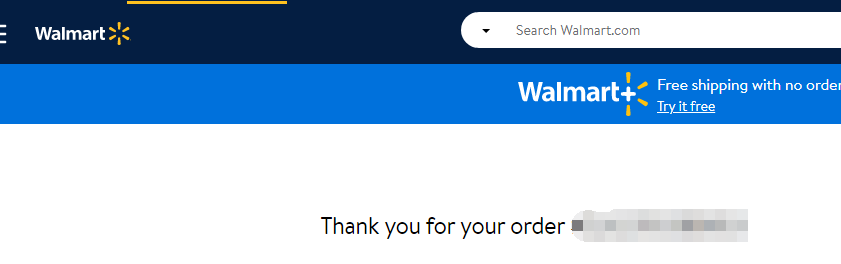
After successful payment, you’ll receive an order confirmation.
-
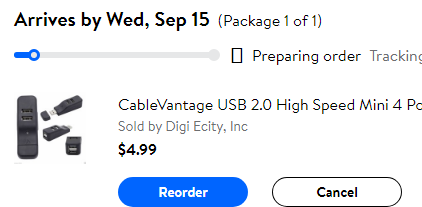
Track your order under “Order History” or “Order Status.”
Why Use Buvei Virtual Cards?
| Benefit | Description |
| Enhanced Security | Card details are tokenized—your real account is never exposed. |
| Spend Control | Set per-transaction or monthly limits. Lock cards to Walmart only. |
| On-Demand Deactivation | Instantly pause or delete cards to stop unwanted charges. |
| Better Budgeting | Use dedicated cards per platform to simplify tracking and reconciliation. |
How To Create a Buvei Virtual Card in Minutes
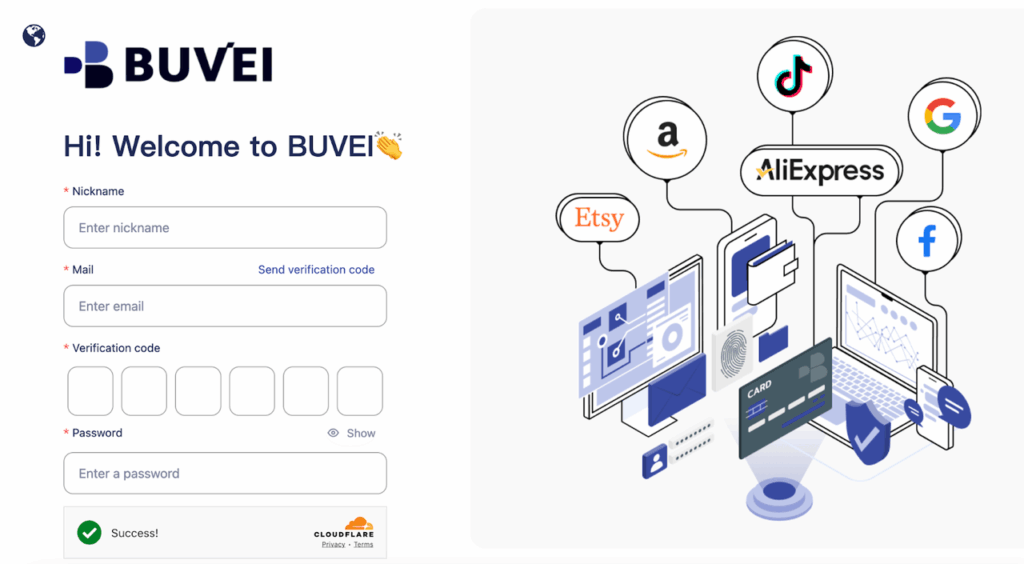
If this is your first time using Buvei, click on the registration page and enter your account name and email. You'll receive a verification code via email—enter it and set your password to quickly complete the sign-up process and get started.
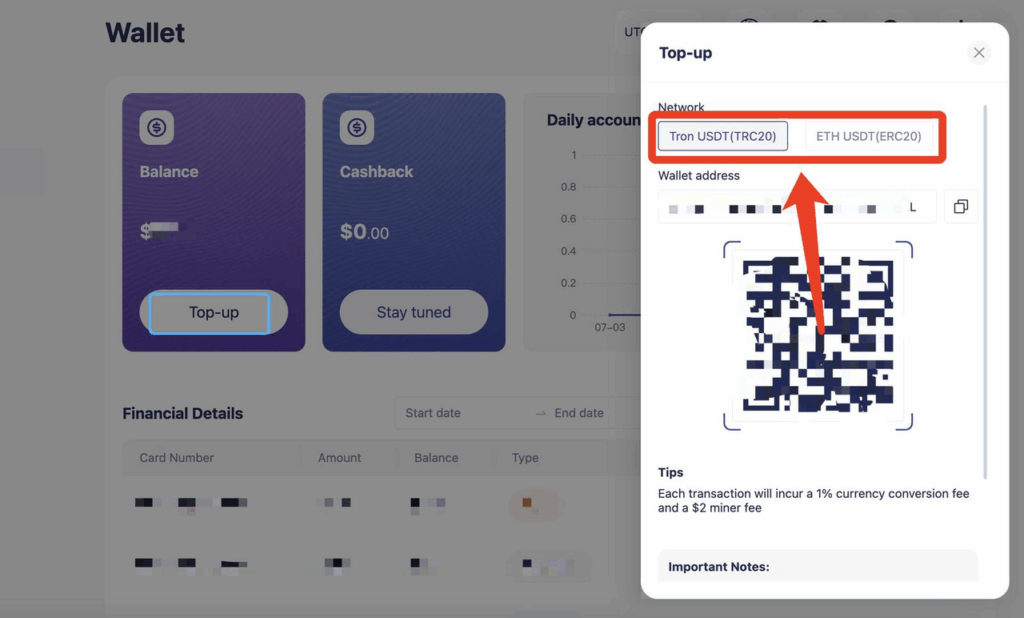
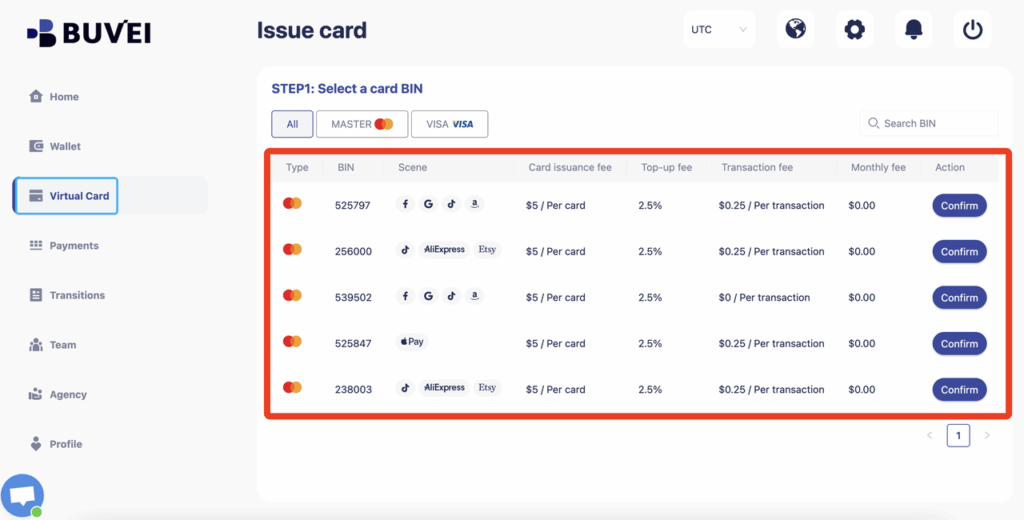
Step 4 – Enter cardholder name, email, amount, and issue the card,
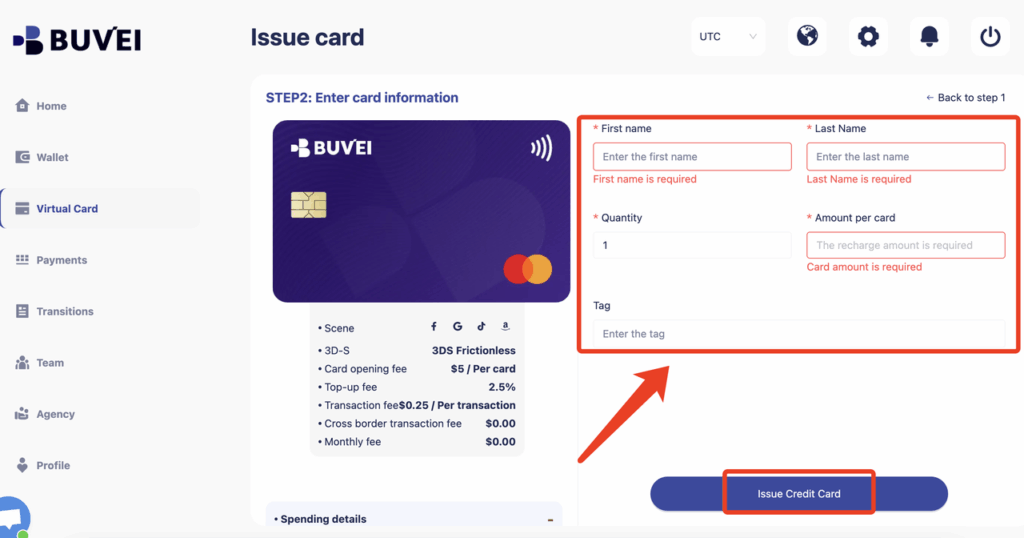
Step 5 –On the Enter Card Information page:
-
First Name
-
Last Name
-
Quantity (number of cards to issue)
-
Amount per Card
-
Tag (for labeling or tracking purposes)
Pro Tips for Using Buvei Cards
-
Use Merchant-Locked Cards for added safety (e.g. only usable on walmart.com)
-
Set custom spend limits to avoid overcharges
-
If a payment fails, pause or delete the card instantly via dashboard
-
Create separate cards for Amazon, Meta Ads, SaaS to simplify accounting
Expand Use Cases with Buvei
-
Digital Ads (Meta, Google Ads): Reliable funding without card rejection
-
Subscription Platforms (Netflix, SaaS): Monthly recurring cards supported
-
Cross-Border Commerce: Ideal for foreign currency or restricted regions
-
Web3 & Crypto Payments: Compatible with wallets and on-chain utilities
Final Thoughts