Figma is one of the world’s leading tools for UI/UX design, enabling real-time collaboration, scalable design systems, and efficient prototyping. For startups and small teams, subscribing to the Professional plan is a cost-effective choice. And by using a Buvei virtual card, you can gain added security and control over your subscription payments.
Step 1: Log in to Figma and Select Your Plan
-
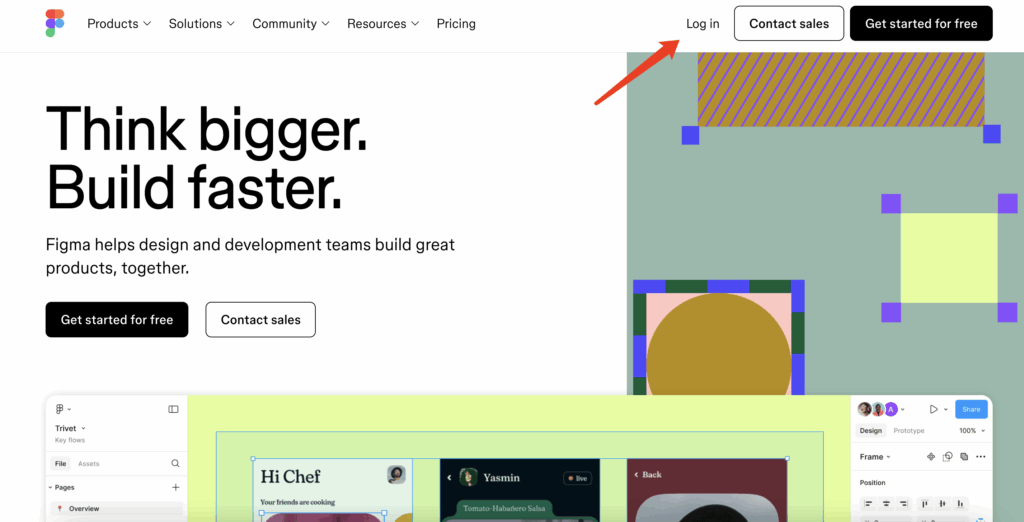
Visit https://www.figma.com,Log in and go to your account avatar
-
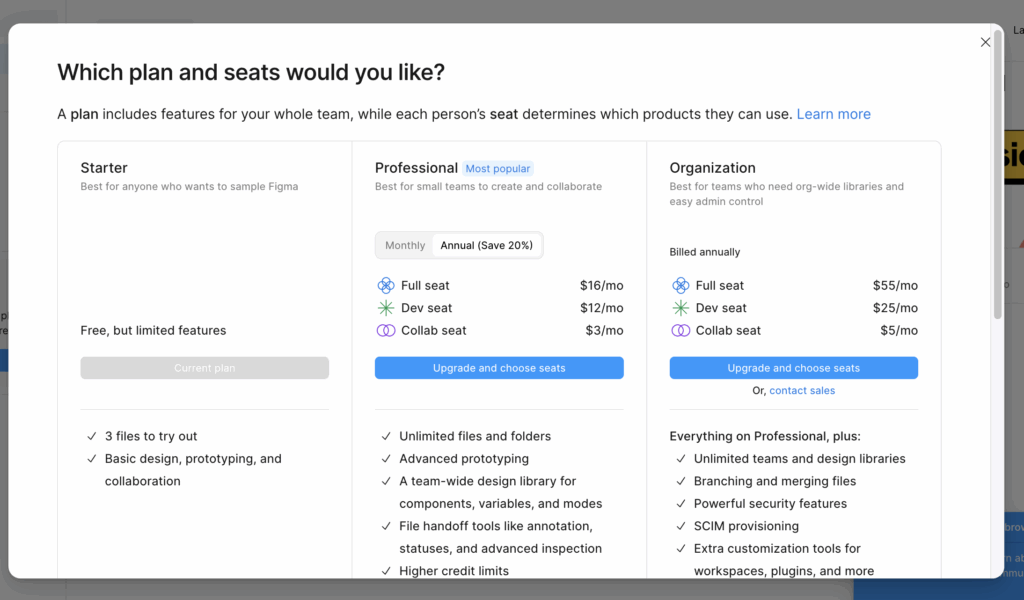
Under Choose a Plan, select Professional
-
Click Upgrade and choose seats, then select seat types based on your team’s needs:
-
Full seat – $16/month
-
Dev seat – $12/month
-
Collab seat – $3/month
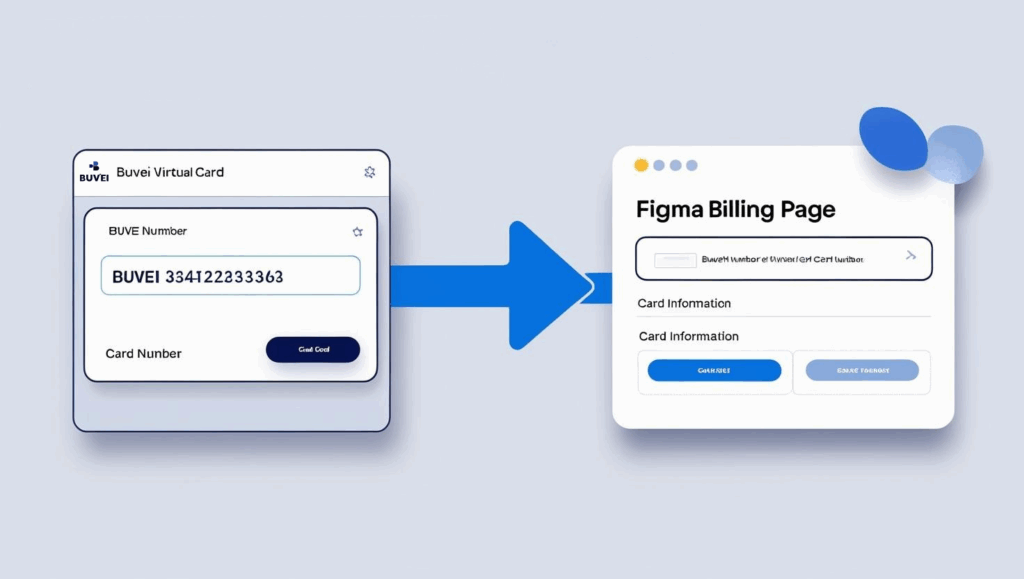
Step 2: Add a Payment Method and Bind Your Virtual Card
During checkout, Figma will ask for payment details:
-
Name: Use the cardholder name shown in your Buvei account
-
Card number, expiry date, CVV: Copy these from your Buvei dashboard under the “Payments” section
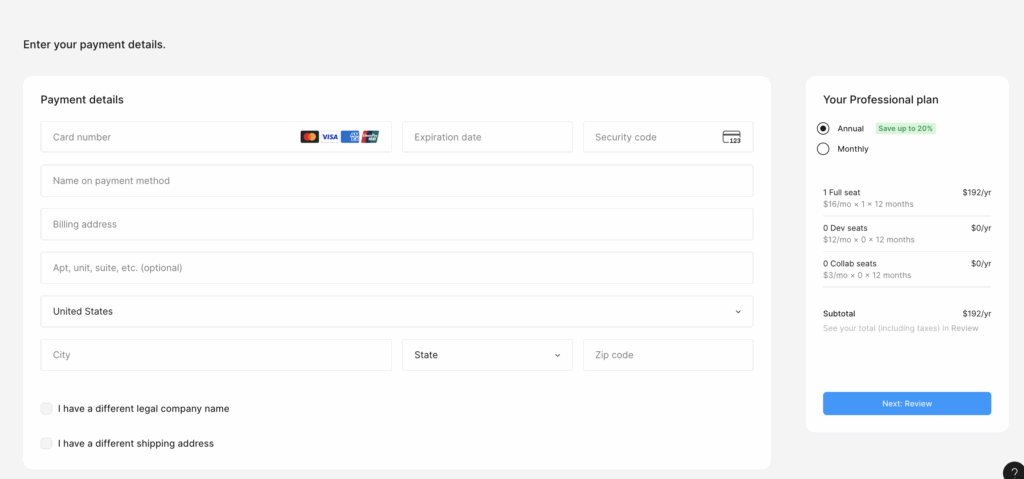
Submit the form to complete your subscription.

Haven’t Created a Buvei Virtual Card Yet? Follow These Steps:
-
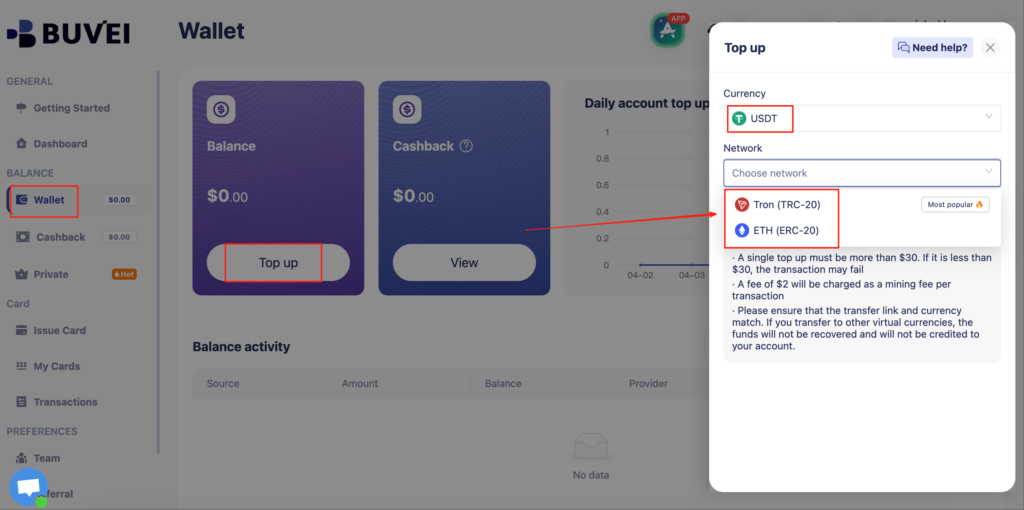
Top up your wallet under the “Wallet” tab
-
Choose TRC20 or ERC20 USDT
-
Use your crypto wallet to send funds
- Wait for the balance to reflect (Note: Make sure the network matches your transfer — TRC20 or ERC20)
-
-
Go to “Virtual Cards”
-
Choose a card BIN suitable for SaaS payments
- Click Confirm and proceed to issue
-

-
Enter cardholder details, email, card quantity, and desired top-up amount
- Click Issue Credit Card to generate your virtual card

-
✅ Tip: Name your card “Figma” for easier tracking
- Click Issue Credit Card to generate your virtual card
-
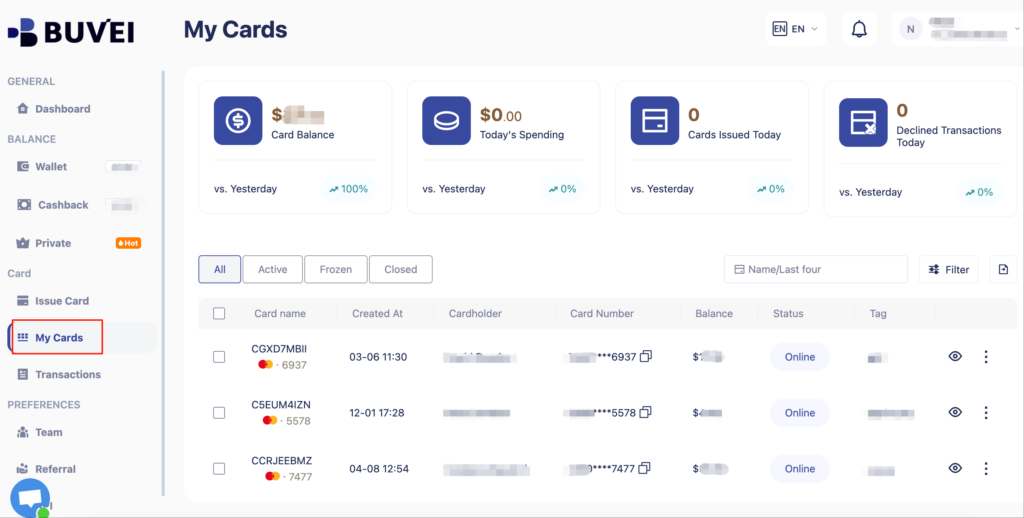
View your card in the “Payments” section:
-
Check card details (name, number, expiry, CVV)
- Recharge, withdraw, or delete the card at any time
-
Why Use a Buvei Virtual Card for Figma Subscriptions?
| Feature | Benefit |
| Dedicated card per SaaS tool | Easier billing and spend visibility |
| Multi-network USDT support | Avoid reliance on legacy banking |
| Spending limits + merchant lock | Prevent unauthorized deductions |
| Team-based card issuance | Allocate cards to employees securely |
Pro Tips
-
For larger teams, issue separate virtual cards based on seat type (Full/Dev/Collab)
-
Not sure how often you’ll use Figma? Choose the Monthly plan for more flexibility
-
Set up email alerts in Figma, and use Buvei notifications for dual-layer expense monitoring
📨 Ready to simplify SaaS payments with smart, secure virtual cards?
Create your Buvei account now and start managing Figma subscriptions in minutes.