



As TikTok Ads continues to expand its global influence in digital marketing, one key challenge many advertisers face is how to bind a virtual credit card for account top-up and ad payment.
This practical guide walks you through the complete process using Buvei virtual cards, covering every step from setup to troubleshooting. Whether you’re an individual advertiser, media buyer, or agency, this article will help ensure smooth and secure payments on TikTok.
1. Preparation: What You Need Before Starting
Before getting started, make sure you have the following:
-
A registered TikTok Ads Manager account
-
A verified Buvei account
-
Sufficient balance to top up your virtual card
-
A stable internet connection (to avoid session timeout during 3DS verification)
📝 2. How to Get a Virtual Card on Buvei
-
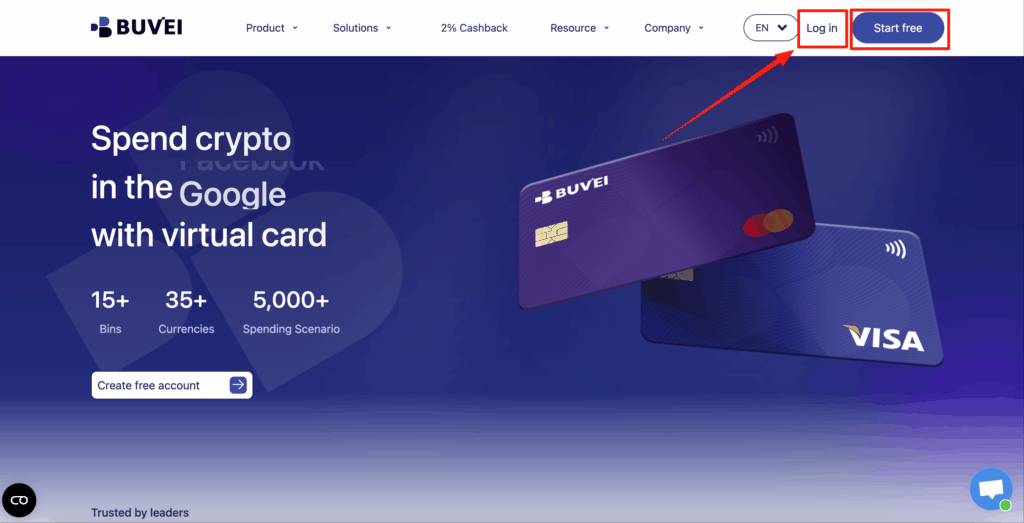
Log in to the Buvei official website
-
In the dashboard, click "Issue Card"
-
Fill in the required information:
-
Card Type: VISA or MasterCard
-

-
After successful creation, save the following information:
-
Card Number (16 digits)
-
Expiry Date (MM/YY)
-
CVV (3-digit security code)
-
Cardholder Name
-

✅ Important: Ensure the card is activated and loaded with funds. TikTok will reject cards with insufficient balance or inactive status.
3. Binding Buvei Virtual Card to TikTok Ads Account
Step 1: Log in to TikTok Ads Manager
-
Go to https://ads.tiktok.com
-
Select your target ad account
-
Click your profile icon (top right) → Enter Account Settings
Step 2: Add Payment Method
-
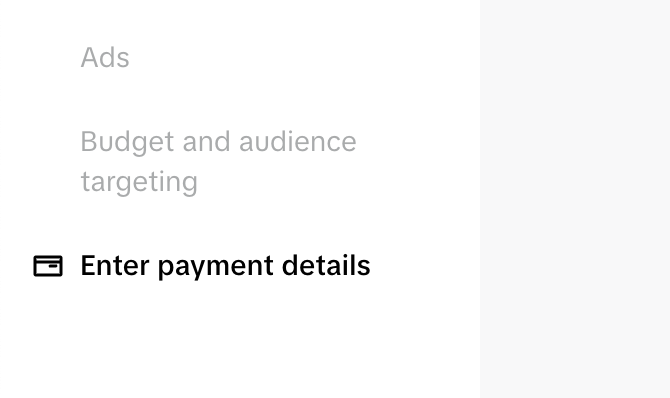
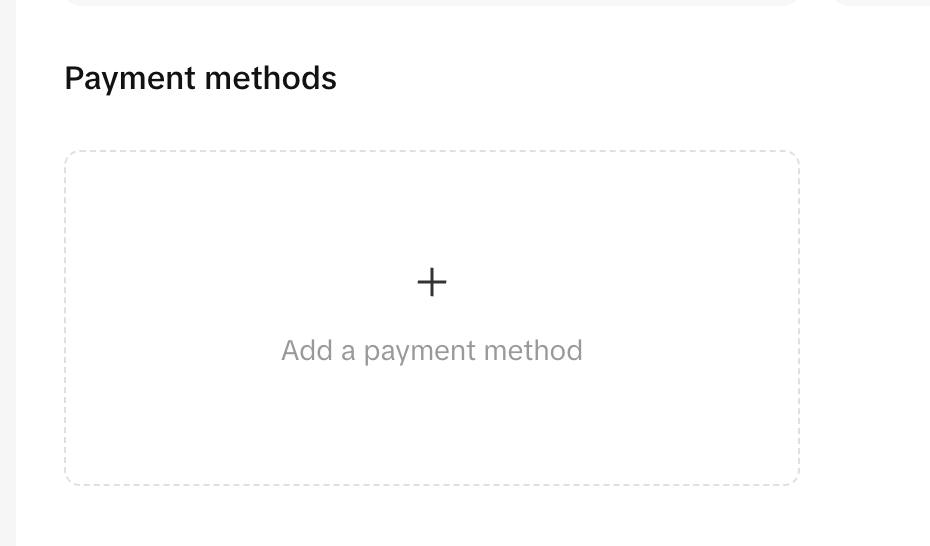
In Billing Settings, navigate to Payment Methods
-
Click Add Payment Method
-
Choose Credit/Debit Card
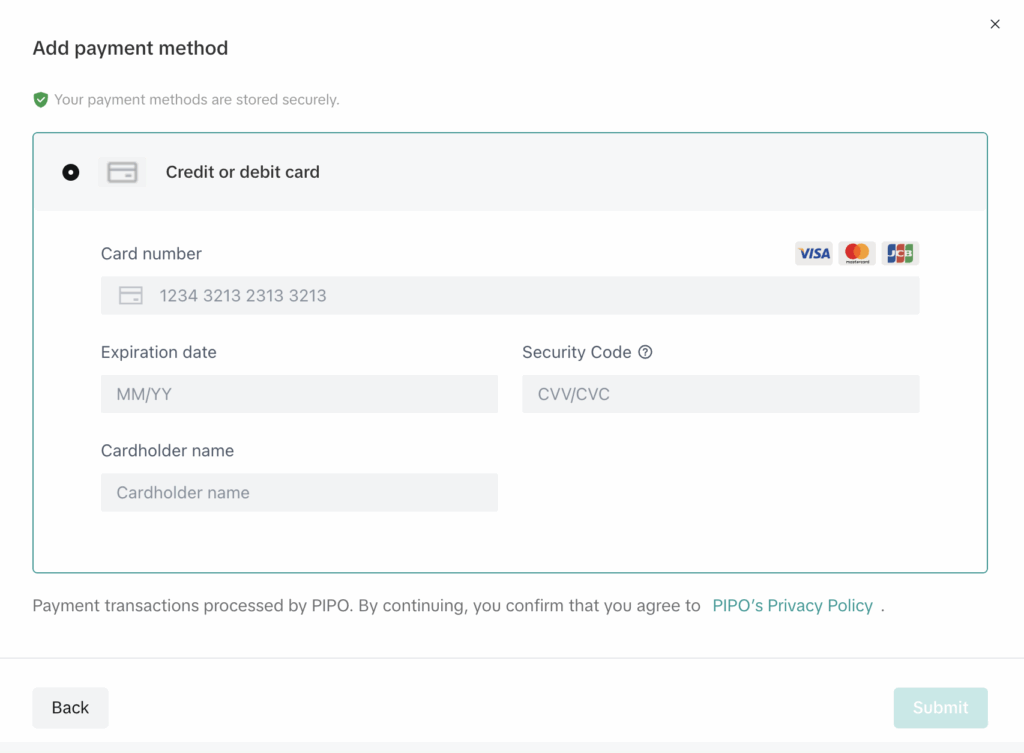
Step 3: Enter Buvei Card Information
-
Input the Buvei virtual card details saved earlier
-
Click Confirm and wait for TikTok to validate
4. Successful Binding Indicators
-
If TikTok triggers 3D Secure (3DS) verification, a secure popup will appear
Buvei supports 3DS — follow the prompt to complete the verification
-
If no popup appears, the card may have been auto-approved (considered low-risk)
-
Once successful, the card will be listed under payment methods and can be used for:
-
Manual top-ups
-
Auto-billing for ads
-
5. Common Issues & Troubleshooting
| Issue | Solution |
|---|---|
| ❌ Card declined | Ensure the card is active and funded. Try re-adding. |
| 🔁 Verification loop | Use a stable network and retry after clearing cache. |
| ⚠️ Card not accepted | Use USD currency and ensure billing address matches. |
Tips & Recommendations
-
One Account, One Card: Avoid linking multiple TikTok ad accounts to the same card to reduce the risk of bans.
-
Low-Limit Cards for Testing: Start with small amounts ($20–$30) for first-time trials.
-
Track Charges in Real Time: The Buvei dashboard allows instant transaction monitoring.
-
Easy Reconciliation: Export billing statements to match TikTok’s invoices.
-
Advanced Control: Agencies can issue cards in bulk, label by project, and integrate via API.
Conclusion
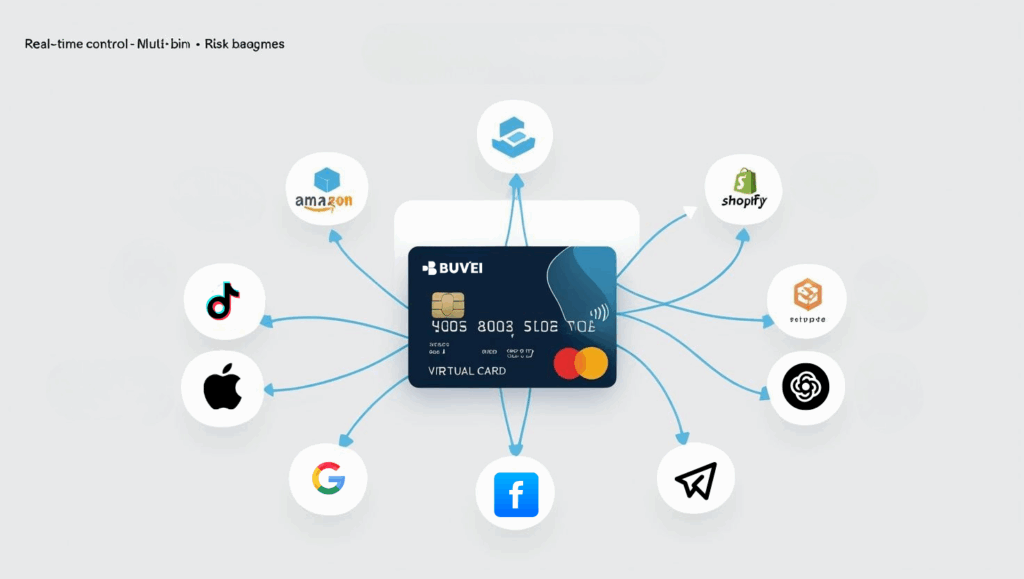
Buvei virtual cards offer a flexible, secure, and efficient way to solve international ad payment challenges. Whether you’re running TikTok Ads, Facebook Ads, or Shopify stores, Buvei helps streamline your financial operations.
By following the above steps precisely, you can achieve a near 100% success rate in binding your card to TikTok Ads — while avoiding the risks and limitations of traditional credit cards.
Ready to scale your ad operations with confidence?
Visit Buvei.com and start issuing your virtual cards today.


_颜色搭配:柔和白灰底蓝绿点缀-or-Airbnb-红金融蓝结合_图标建议:加密币(USDT_ETH)、-400x225.jpg)
__使用蓝白主色调,突出Facebook品牌色__加入箭头或框框强调Ads-Man-400x225.jpg)
