



In the past, registering for ChatGPT required an international email and a phone verification code—often involving virtual SMS platforms. But in 2025, things are much simpler: all you need is a stable VPN connection, and you can sign up in minutes.
Whether you're a new user or looking to upgrade your existing account to ChatGPT Plus, this step-by-step guide has you covered.
💡 Note: Chinese email providers are not supported for OpenAI registration. We recommend using a free Proton email account. While Gmail works, its signup process is more complicated in mainland China.
✉️ Step 1: Create a Free Proton Email
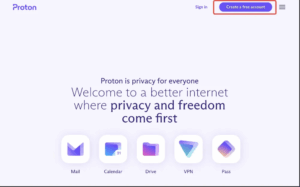
- Go to the Proton website and click “Create a free account” (top right corner).
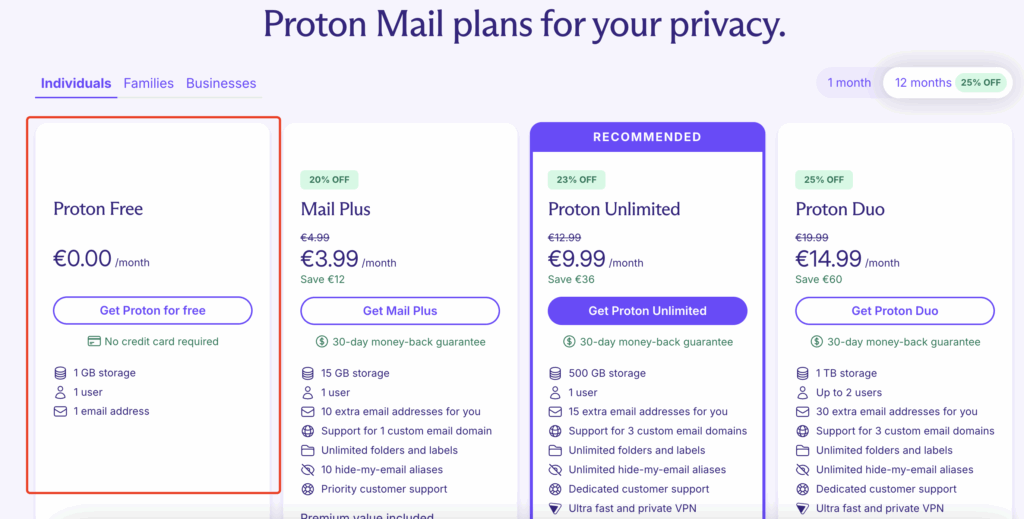
- Choose the Free Plan.
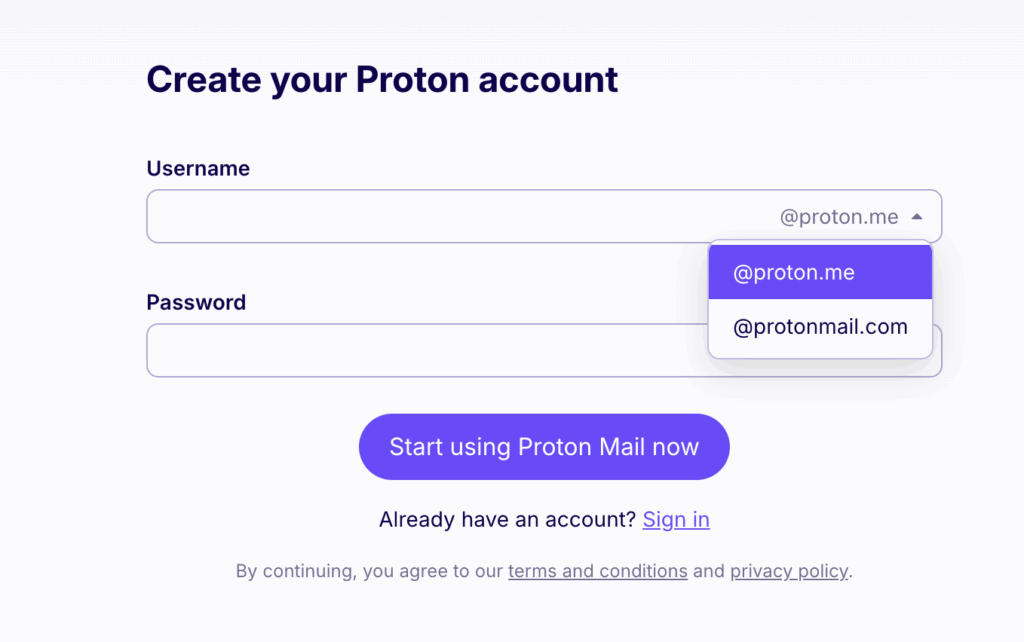
- Select your email domain (we recommend
proton.me), and set your username and password.
- Complete the CAPTCHA verification — no phone number required.
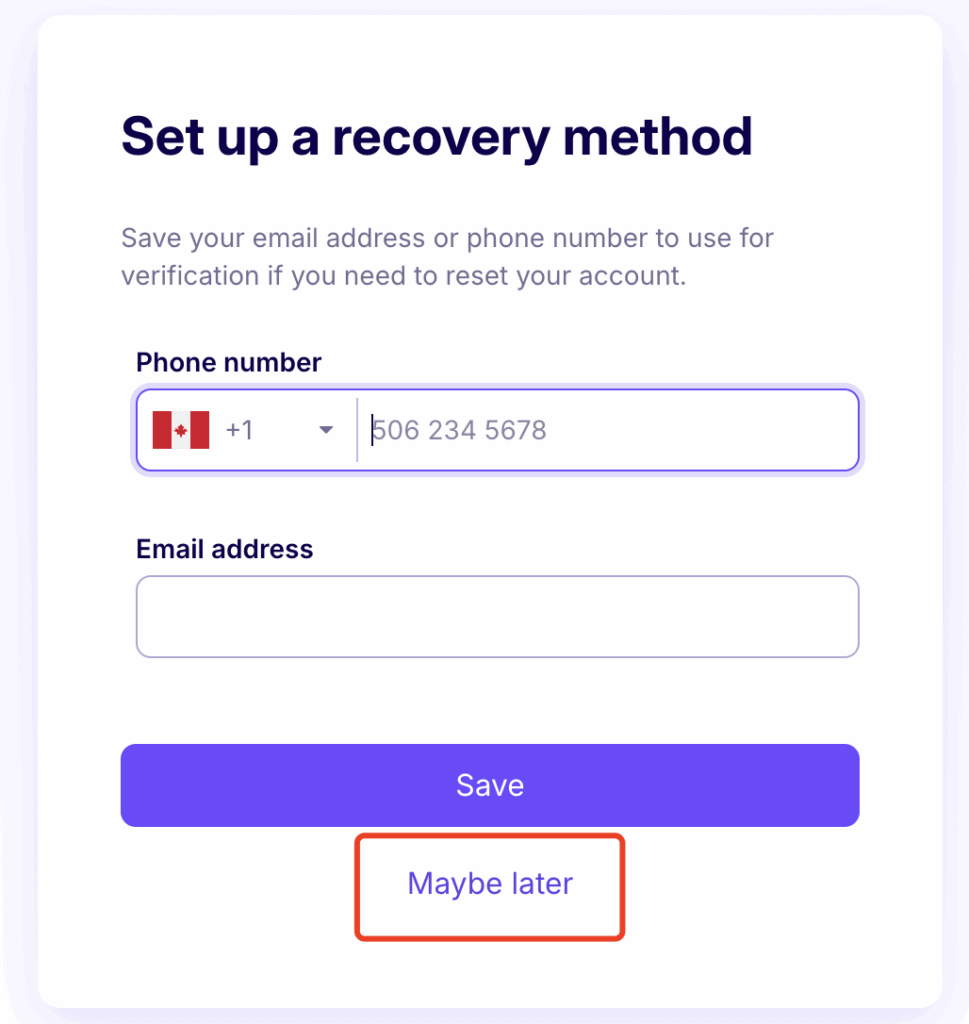
- Once registered, log into your Proton inbox to ensure you can receive confirmation emails.
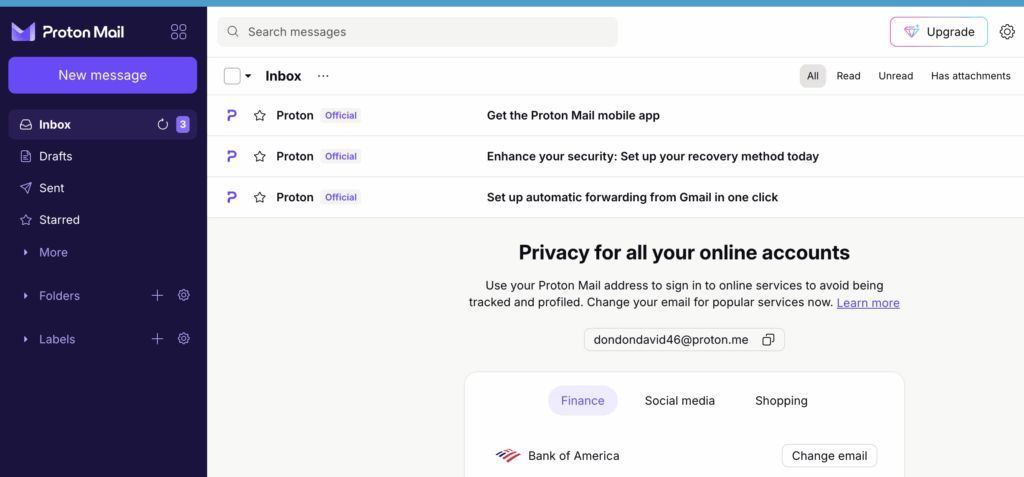
🔐 Step 2: Register Your OpenAI Account
- Go to the OpenAI Signup Page.
- Enter your Proton email and click Continue.
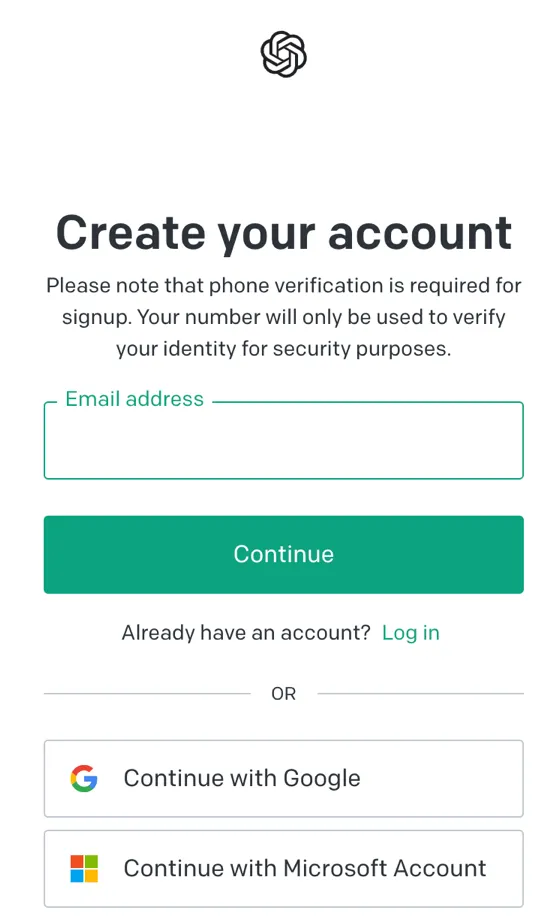
- Check your inbox and click the link in the “Verify email address” message.
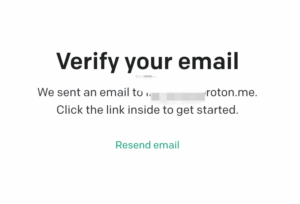
- Fill in your name and birthdate, then proceed.
- Choose your account type:
-
- Select ChatGPT for regular usage.
- Select API if you're a developer building on OpenAI’s platform.
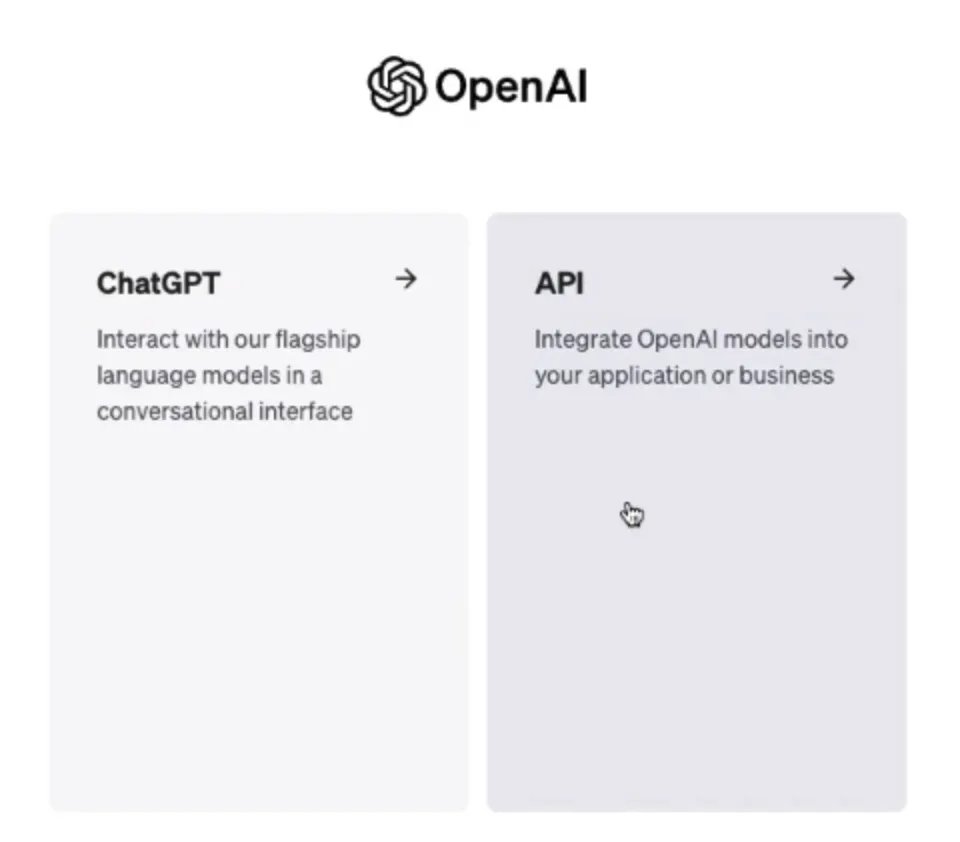 🧠 OpenAI Account Types Explained:
- ChatGPT Accounts: Use GPT-4 by subscribing to ChatGPT Plus for $20/month.
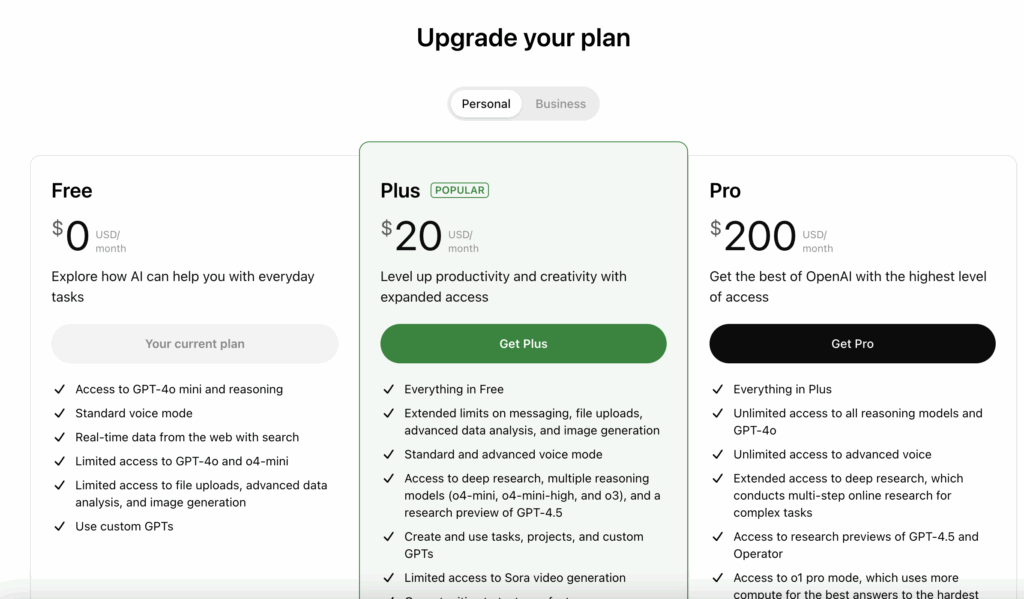
- API Accounts: Access GPT models through API, requires a prepaid deposit of at least $5.
👉 Buvei | Your hassle-free solution for international payments — perfect for ChatGPT Plus subscriptions:
💳 Supports online payments and works seamlessly with platforms like OpenAI, GitHub, Notion, Facebook, and more
🚫 No physical card required — no credit history needed
⚡ Fast registration — get your card ready in just a few minutes

_颜色搭配:柔和白灰底蓝绿点缀-or-Airbnb-红金融蓝结合_图标建议:加密币(USDT_ETH)、-400x225.jpg)
