Want to unlock the full power of Telegram but don’t have access to a physical credit card? No worries—a virtual card is all you need to start enjoying Telegram Premium, which offers faster downloads, larger upload limits, voice-to-text conversion, exclusive stickers and reactions, and a sleek Premium badge.
This step-by-step guide will walk you through subscribing to Telegram Premium using a virtual card. It’s perfect for users who value privacy, security, and payment flexibility—no physical card required!

📌 What You’ll Need
-
A virtual card (e.g., Buvei or any service that supports Visa/MasterCard)
-
A mobile phone or desktop device with Telegram installed
-
Internet access
-
Sufficient balance (Telegram Premium costs around $4.99/month, depending on your country or region)
✅ Step 1: Set Up Your Virtual Card Account
-
Visit the Official Website: Go to the Buvei website or a similar provider.
-
Create an Account: Sign up using your email (Gmail or ProtonMail recommended).
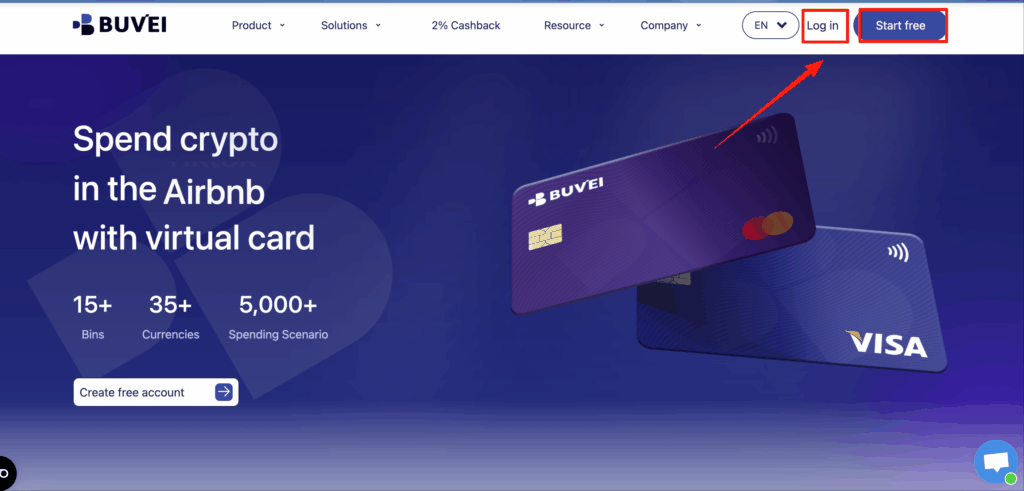
Issue a Virtual Card:
- Go to "Wallet" and access the top-up page.
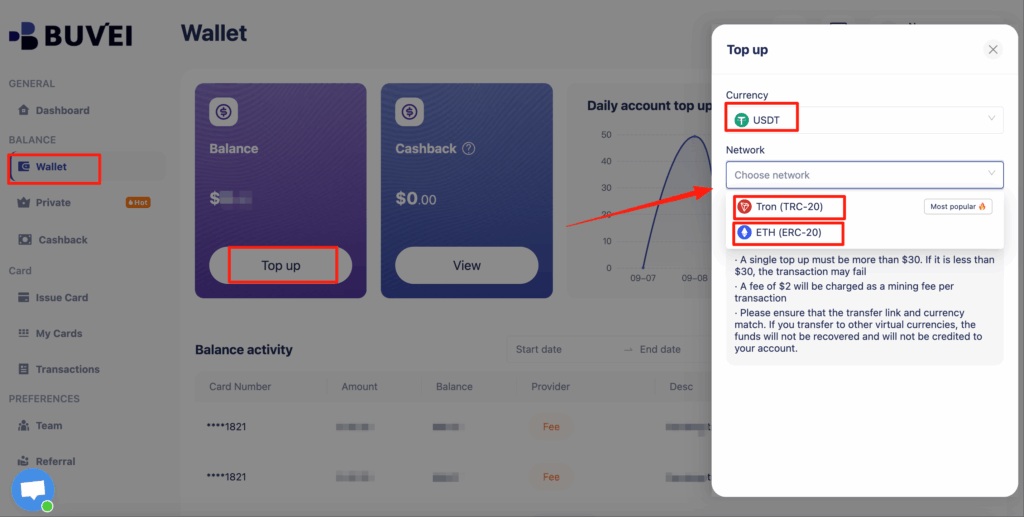
- Choose a Visa or Mastercard card.

- Select the card usage type .

- Enter your name, email, and the amount to load onto the card.
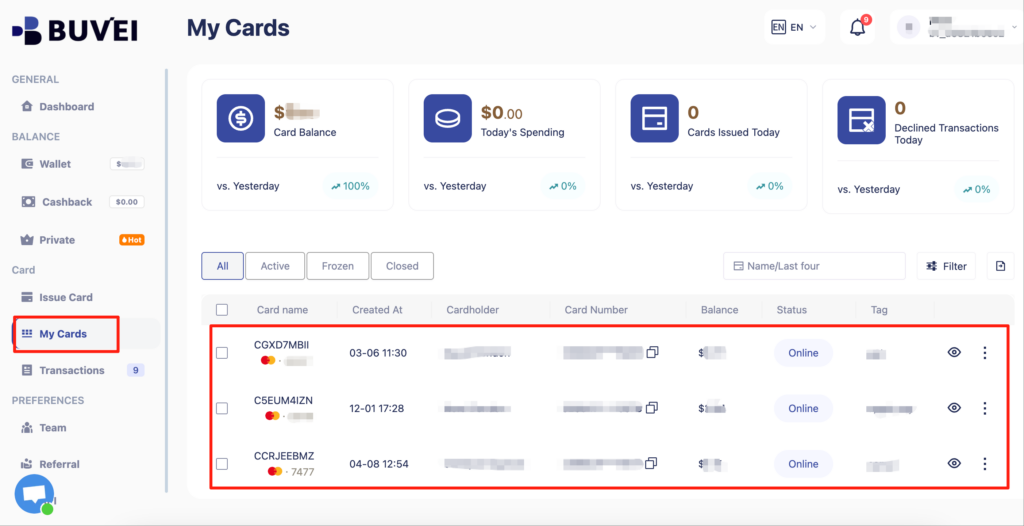
- After topping up, go to My Cards and the system will generate your virtual card with:
-
-
Card number
-
Expiry date
-
CVV security code
-
Step 2: Link the Virtual Card to Apple Pay and Make a Payment
-
On your iPhone, go to Settings > Wallet & Apple Pay.
-
Tap Add Card > Credit or Debit Card.
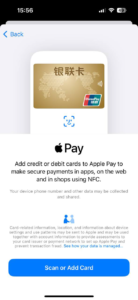
-
Select Enter Card Details Manually, and input your Buvei card number, expiry date, and CVV.
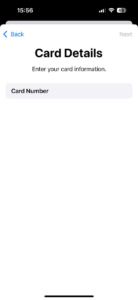
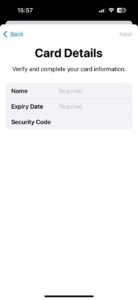
-
Agree to the terms and wait for verification.
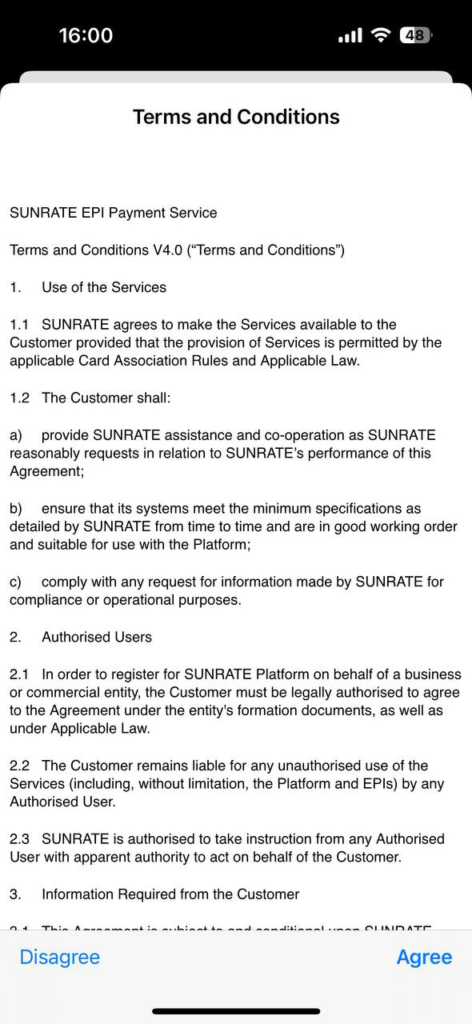
-
Enter the verification code sent to your email. Once confirmed, your virtual card will be ready for use.
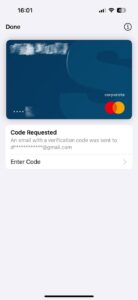
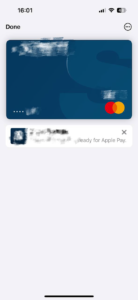
Step 3: Subscribe to Telegram Premium
-
Open the Telegram app.
-
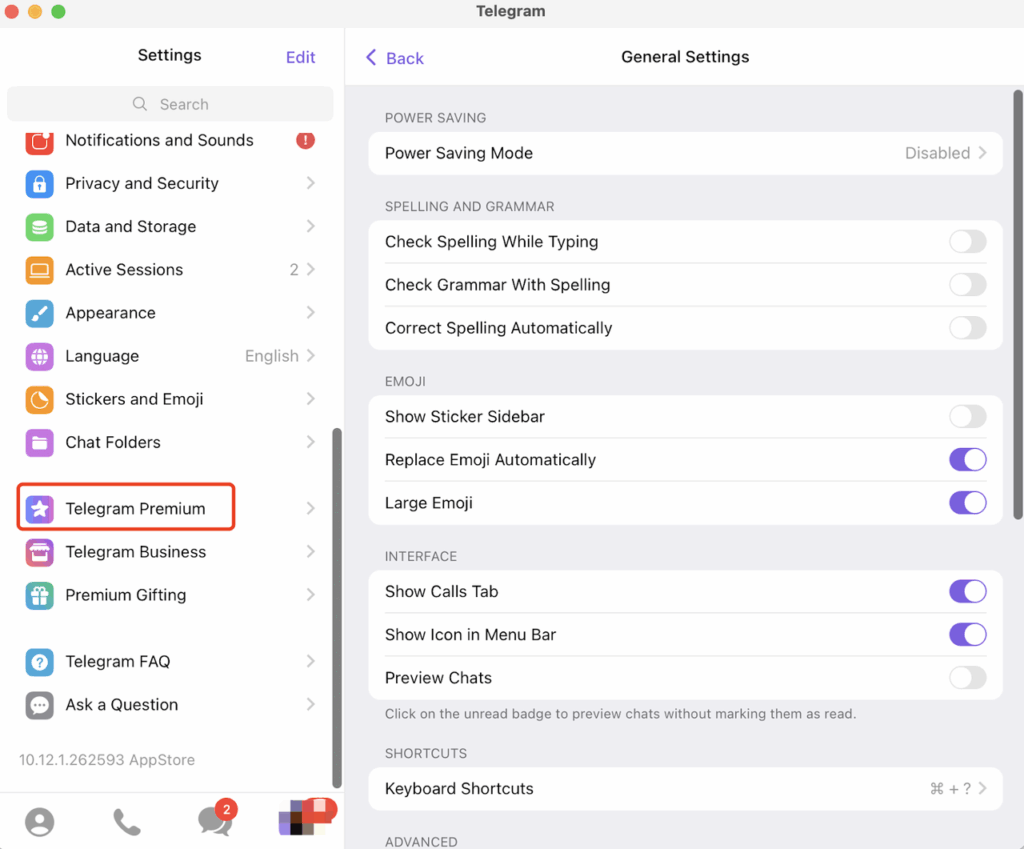
Tap your profile photo (top left) → Settings → Tap Telegram Premium.
-
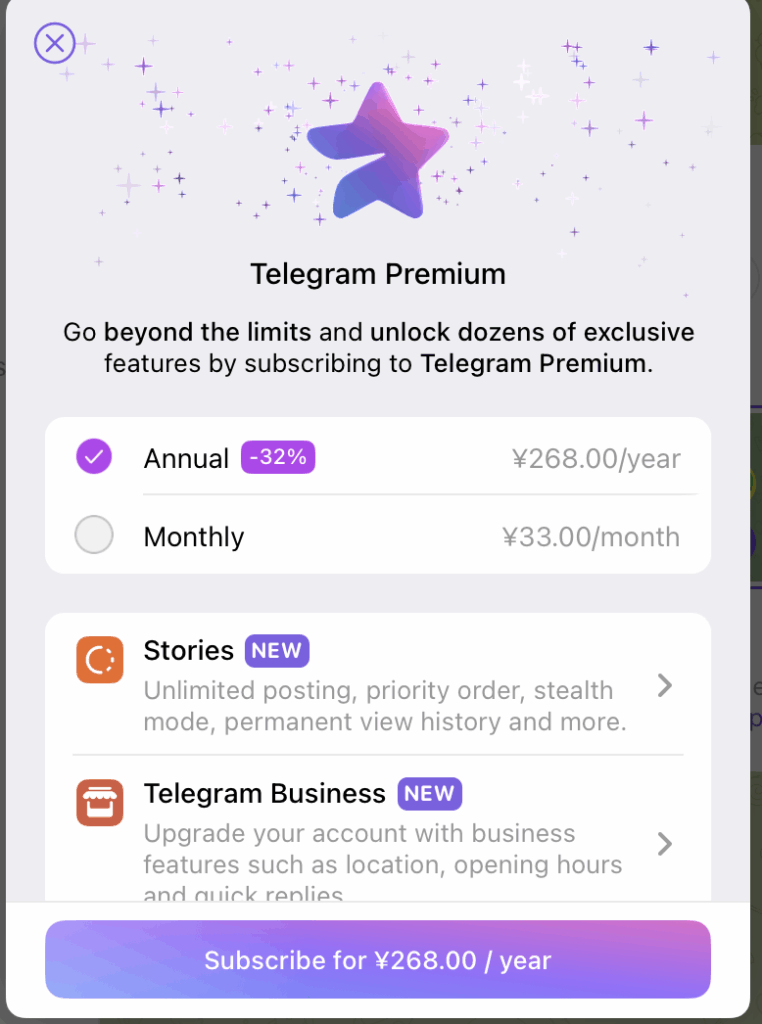
Review the subscription benefits and pricing,Choose a monthly or yearly plan.
-
Select Apple Pay as your payment method and complete the payment.
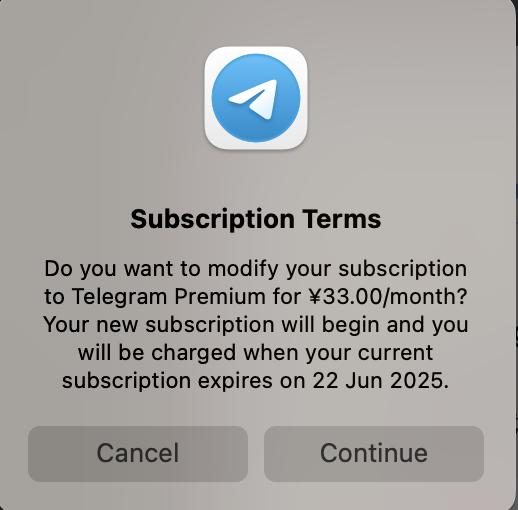
-
Upon success, you'll return to Telegram and see a confirmation that your Premium subscription is active.
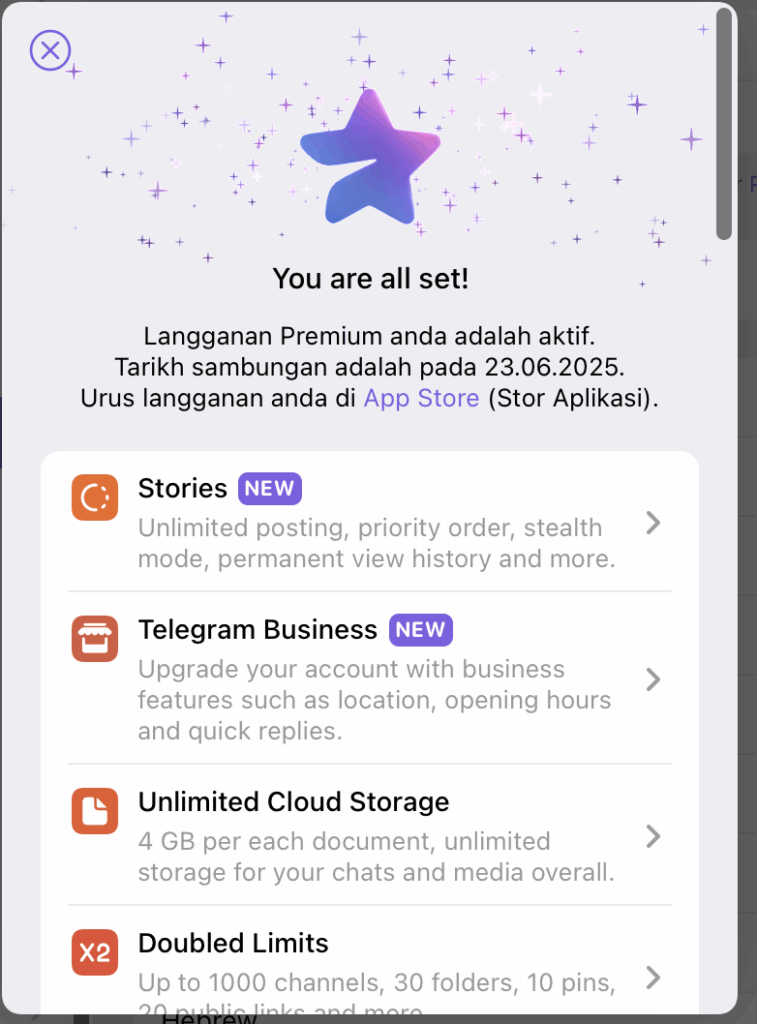
-
A Premium badge will now appear next to your name. (Image: Telegram Premium feature screen)
Why Use a Virtual Card for Telegram Premium?
Using a virtual card to subscribe to Telegram Premium is a smart and secure choice, especially if you care about protecting your personal and financial information.
✅ Enhanced privacy – No need to expose your real card number
✅ Spending control – Set limits or use single-use cards to avoid fraud
✅ Global compatibility – Top-up via crypto or fiat, usable worldwide
✅ Instant fraud protection – Real-time alerts and automatic card freezing for suspicious activity
Final Thoughts
Subscribing to Telegram Premium with a virtual card is a secure, private, and flexible way to unlock all the powerful features Telegram offers. Whether you're a Web3 enthusiast, a crypto user, or someone who simply values online security—this is the safest way to go Premium.
💳 Ready to upgrade? Grab a virtual card and unlock Telegram Premium in minutes!

_颜色搭配:柔和白灰底蓝绿点缀-or-Airbnb-红金融蓝结合_图标建议:加密币(USDT_ETH)、-400x225.jpg)
__使用蓝白主色调,突出Facebook品牌色__加入箭头或框框强调Ads-Man-400x225.jpg)