As online shoppers grow increasingly concerned about privacy, cross-border accessibility, and spending control, virtual cards have become a go-to solution for platforms like Zappos. Whether you're shopping from outside the U.S. or looking to isolate payments for budgeting, a virtual card offers unmatched flexibility and security.
In this guide, we’ll walk you through exactly how to bind and pay with a virtual card—especially one issued by Buvei—for your next Zappos order.
Step 1: Get Your Virtual Card Ready
Before shopping, make sure your card meets these conditions:
-
✅ Supports international online payments (Visa or Mastercard)
-
✅ 3D Secure (3DS) enabled, if required
-
✅ Sufficient balance to cover product price, shipping, and any fees
💡 Buvei offers globally compatible virtual cards that support Zappos and other U.S.-based platforms with stablecoin top-up options like USDT.
Step 2: Add Items to Your Cart
-
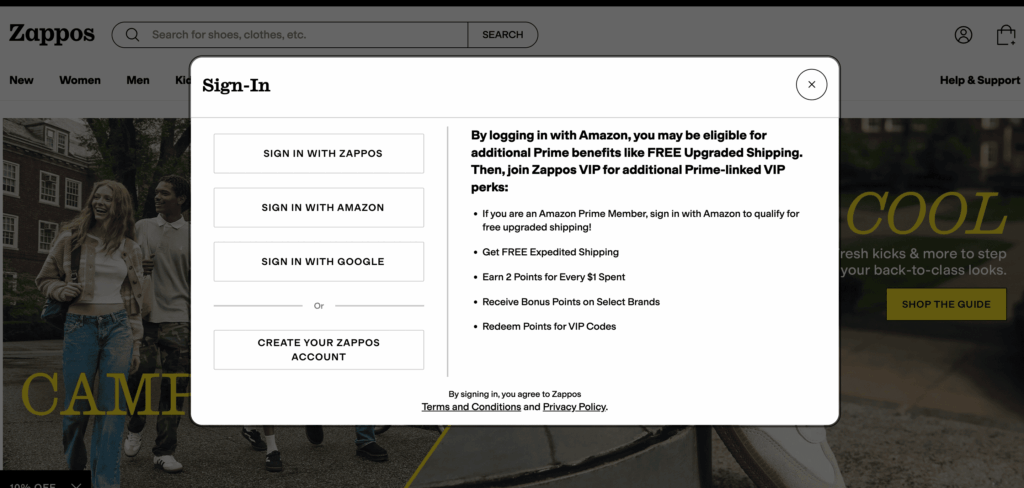
Head to Zappos.com and log in or create a new account
-
Browse your preferred items (shoes, clothing, accessories, etc.)
-
Click “Add to Cart” once you’ve made your selection
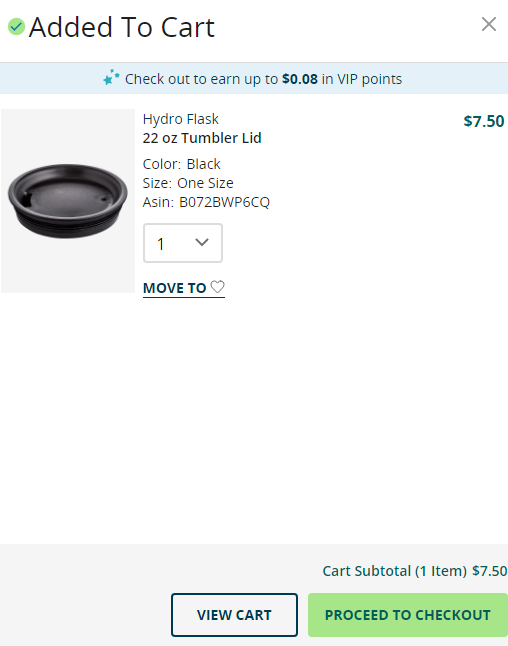
Step 3: Bind Your Virtual Card at Checkout
At the checkout page:
- Fill in the shipping address
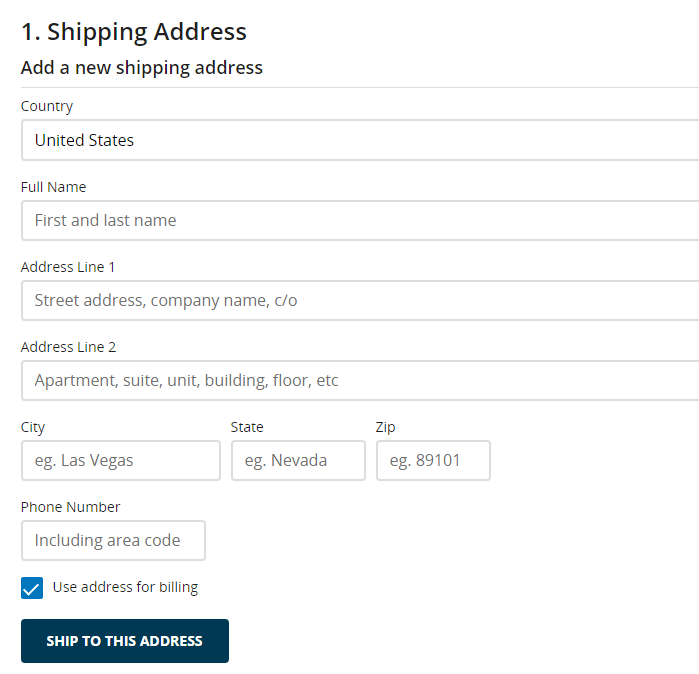
-
Choose Credit/Debit Card as your payment method
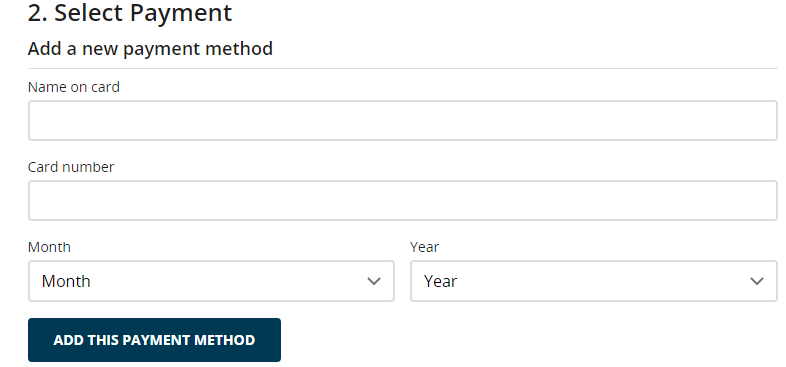
-
Enter your Buvei virtual card details:
-
16-digit card number
-
Expiration date
-
CVV (security code)
-
-
Use a U.S. billing address that matches your virtual card information
💡 Tip: You can enter either your registered address with Buvei or a U.S.-based address used for online orders.
Step 4: Confirm and Complete Payment
-
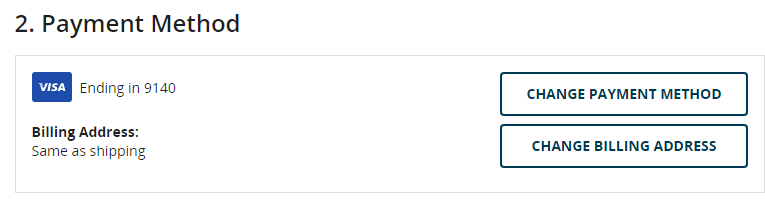
Double-check your billing and shipping info
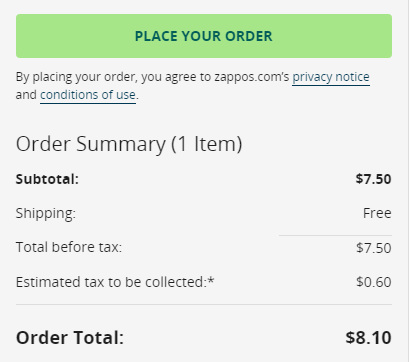
-
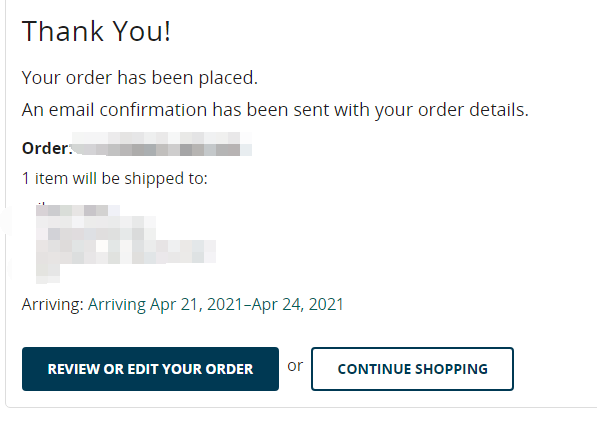
Submit the order and wait for the confirmation page to appear
-
You’ll receive an order confirmation email shortly after payment
Step 5: Track Your Order
Once payment is processed, you can log into your Zappos account to:
-
View order status
-
Track your shipment
-
Manage returns if necessary
If you use a package forwarding service, make sure to monitor their portal as well.

Troubleshooting Guide
| Issue | Solution |
|---|---|
| Payment declined | Check card balance, billing address, and card status |
| ZIP code mismatch | Use a ZIP code (e.g., 10001) that matches your card’s registered region |
| 3DS verification failed | Try switching to a different BIN or verify 3DS is enabled on your card |
| Location restrictions | Enable a U.S. VPN to match the card’s issuing country if needed |
Create Virtual Credit Card
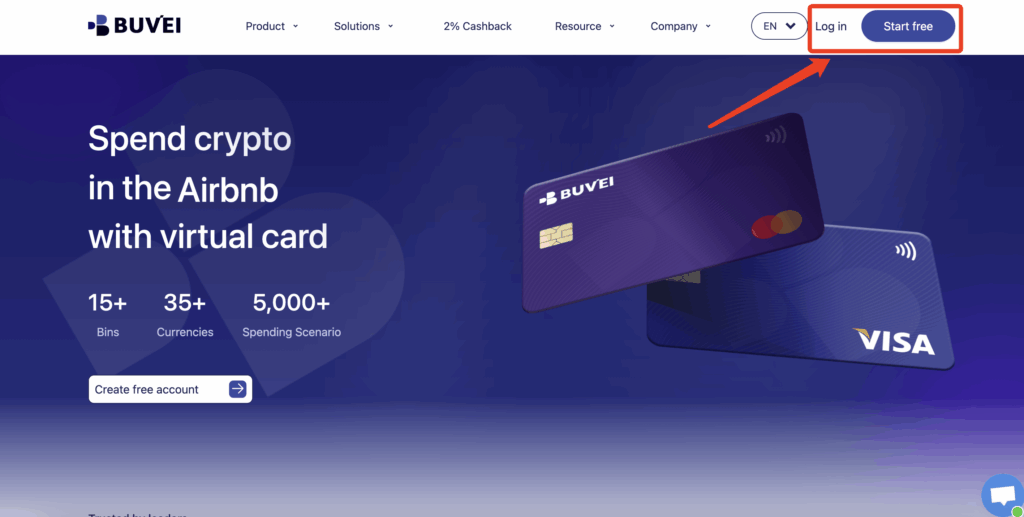
- If you haven’t registered yet, visit https://buvei.com and create a free account.
- After email verification, log in to access the Buvei dashboard.
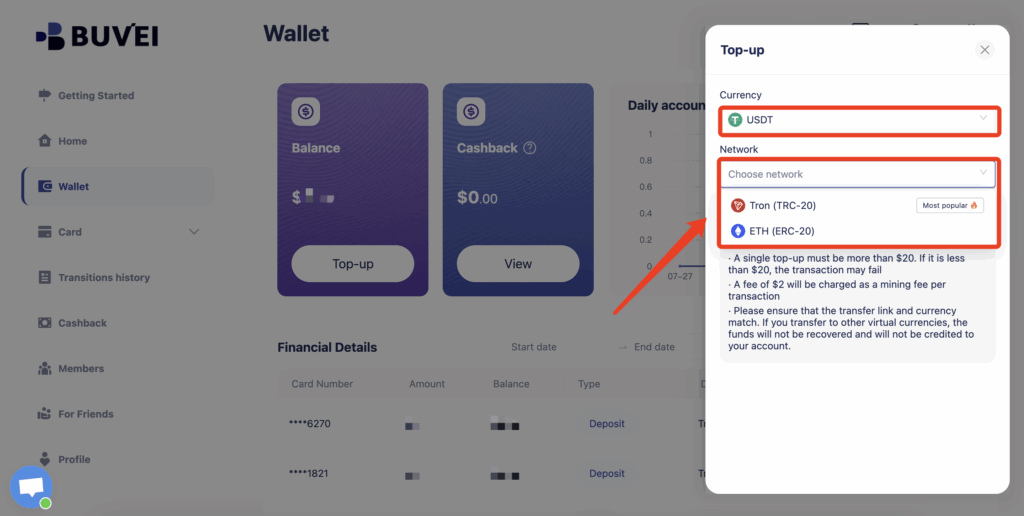
- Navigate to the Wallet tab and top up using supported stablecoins like USDT (TRC20/ERC20). You’ll receive a unique address—copy it and send your funds.
- Once confirmed, your balance will appear in the wallet for immediate use.
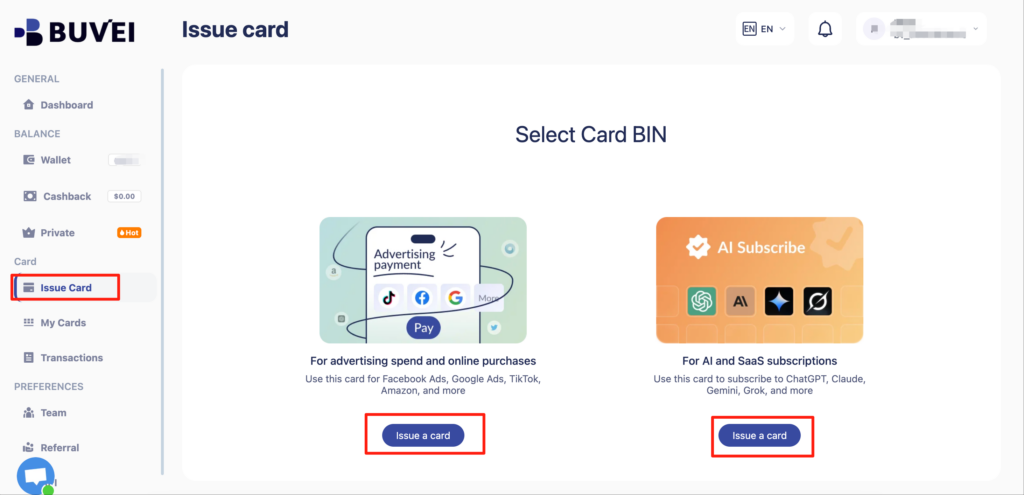
Create a Virtual Card
-
Go to the Card tab
-
Choose your preferred BIN region
-
Select your card type (Visa/Mastercard)
- Click Issue
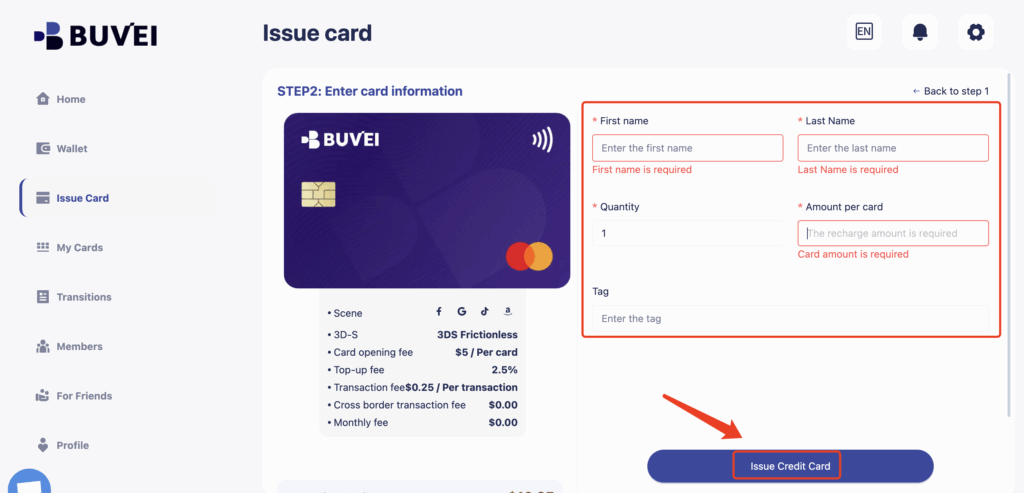
- Fill in the virtual card details, including name, amount, and number of cards.
-
Click Issue Card
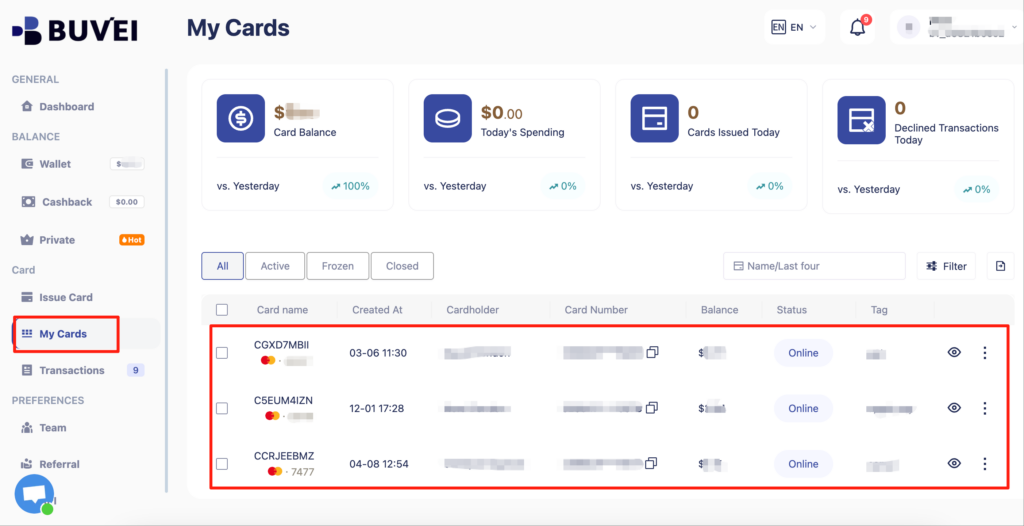
Once created, navigate to My Cards to access your card details:
-
Card Number
-
Expiration Date
-
CVV
Buvei Virtual Cards for Zappos & More
Looking for a fast, flexible, and crypto-friendly card to power your Zappos orders and other international shopping?
🔒 Buvei virtual cards are purpose-built for global e-commerce and ad spend:
-
✔ Stablecoin funding (USDT TRC20/ERC20)
-
✔ BINs optimized for U.S. platforms
-
✔ No physical delivery required
-白色文字,整体干净明快_布局:__中心主体:一台打开的-Kindle-电子书阅读器(屏幕显示-Kindle-Unlimited)__右下-400x225.jpg)