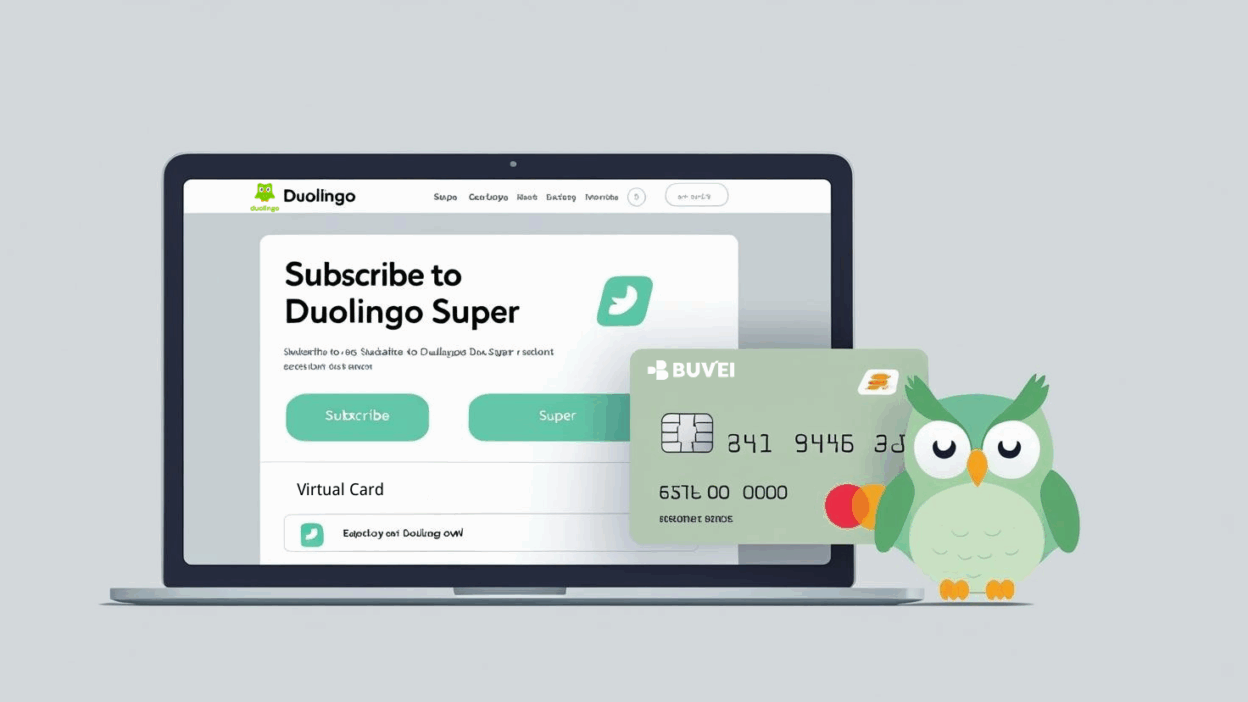
When it comes to learning a new language, having the right tools can make all the difference. As one of the world’s most popular language-learning platforms, Duolingo offers Super Membership—an upgrade that unlocks ad-free lessons, personalized practice, and other premium features for a smoother, more efficient learning experience.
In this guide, we’ll walk you through how to securely subscribe to Duolingo Super using a virtual card, giving you the flexibility to pay from anywhere in the world while enjoying local pricing.
Step 1: Access the Duolingo International Website
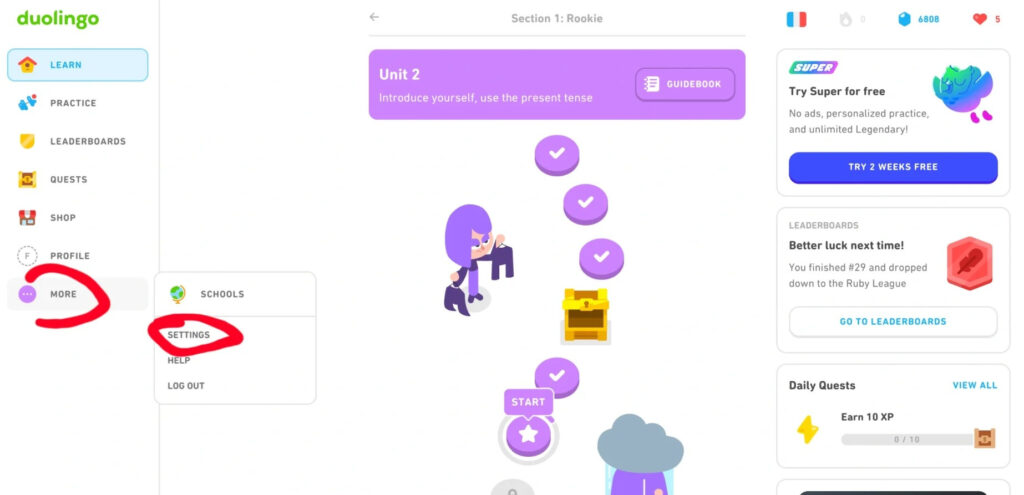
Open your browser and go to Duolingo’s international site. Log in, then navigate to More → Settings to access the international subscription page.
Step 2: Select the Super Family Plan
The platform will automatically display prices based on your current country setting.
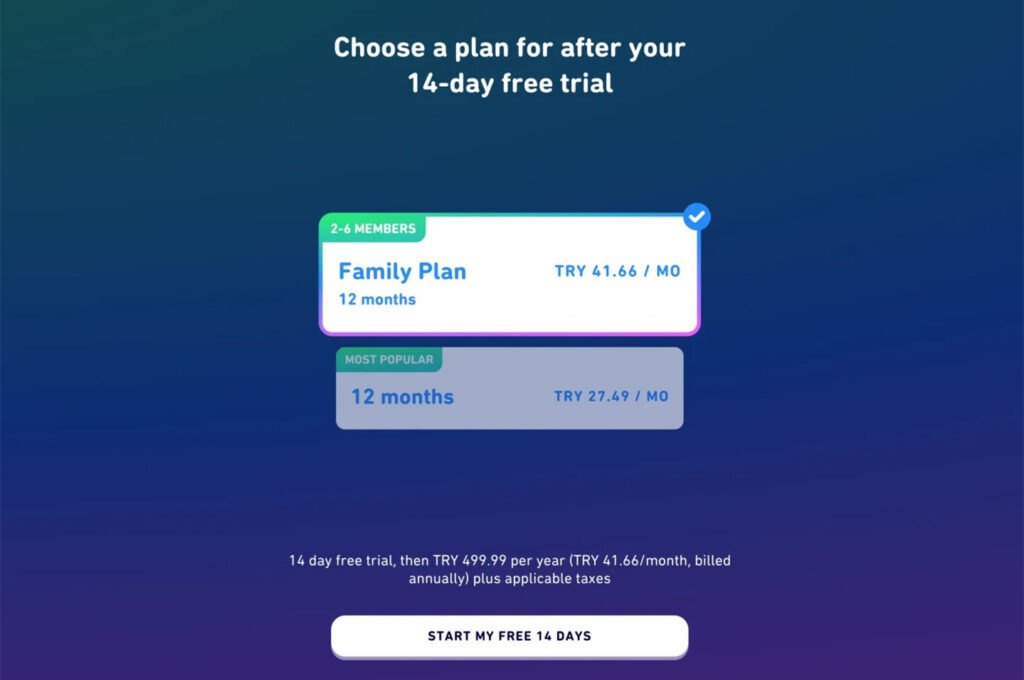
For example, in Türkiye:
-
The annual family plan is priced at 500 TRY. Select your preferred family plan and proceed to the payment page.
Step 3: Complete Payment with Your Buvei Virtual Card
On the payment page, enter your Buvei virtual card details (card number, expiration date, CVV). The system will show the relevant currency and price for your selected country. Once payment is confirmed, your Super Membership will be activated instantly.
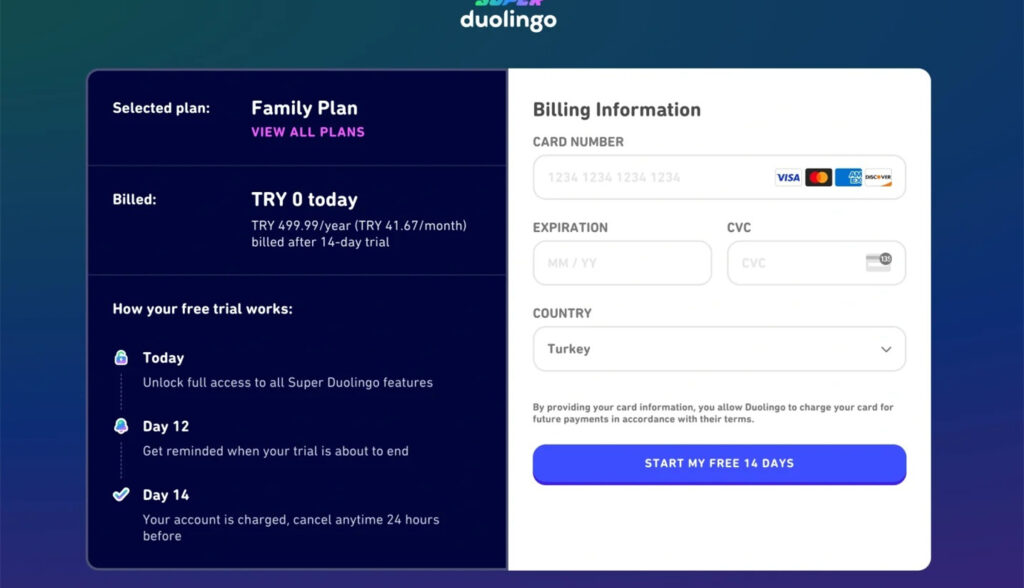
Step 4: Invite Family Members to Share the Subscription
After a successful payment, you’ll receive a family group invite link. Share it with up to five other people—allowing a total of six users to enjoy the subscription together.
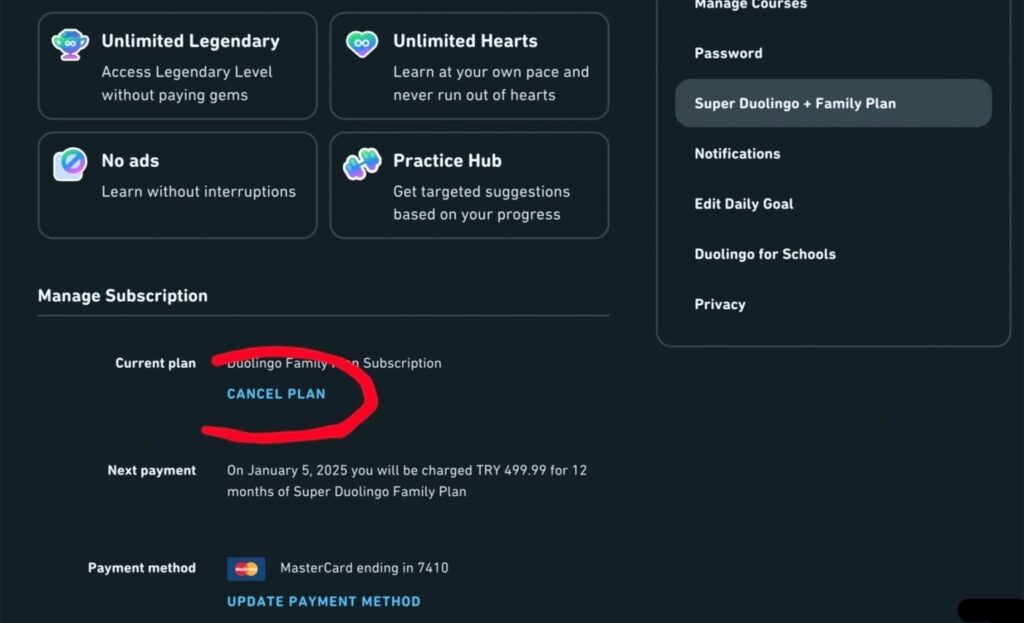
Step 5: Tips to Avoid Auto-Renewal
If you don’t plan to renew, go to your account settings and click Cancel Plan before your billing cycle ends. This will prevent any unexpected charges.
If you don’t yet have your own Buvei virtual card, the following guide will help you create and start using one in no time.
Create Virtual Credit Card
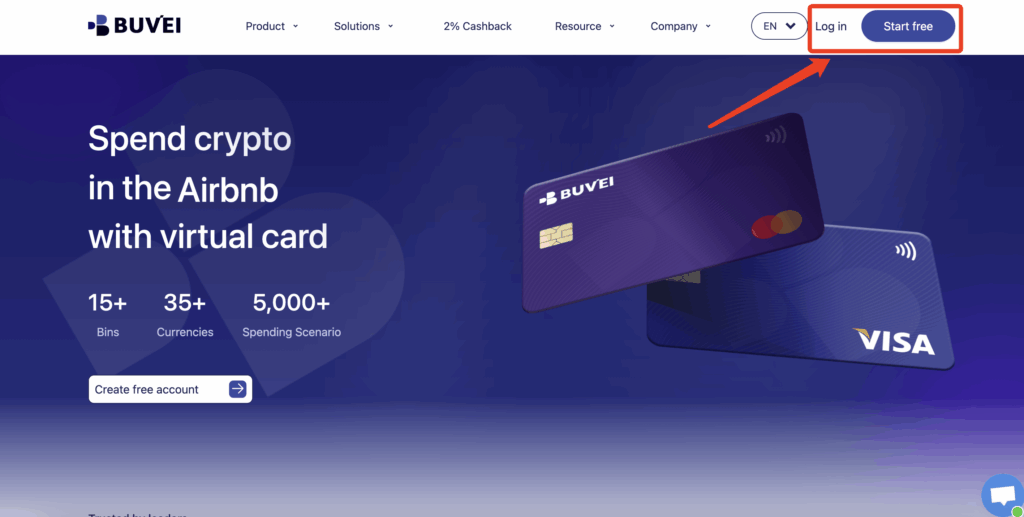
- visit: https://buvei.com and create a free account.
- After email verification, log in to access the Buvei dashboard.
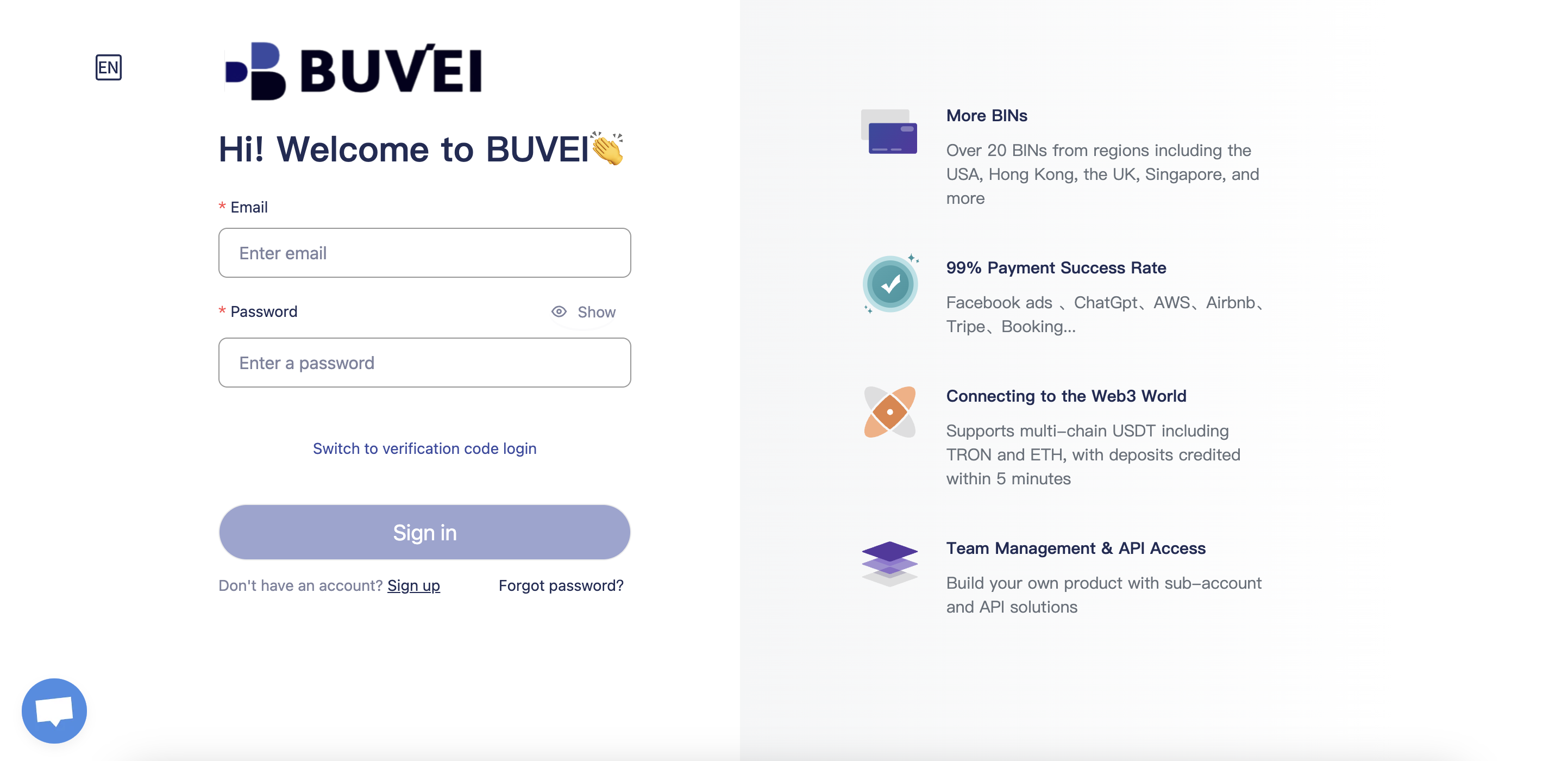
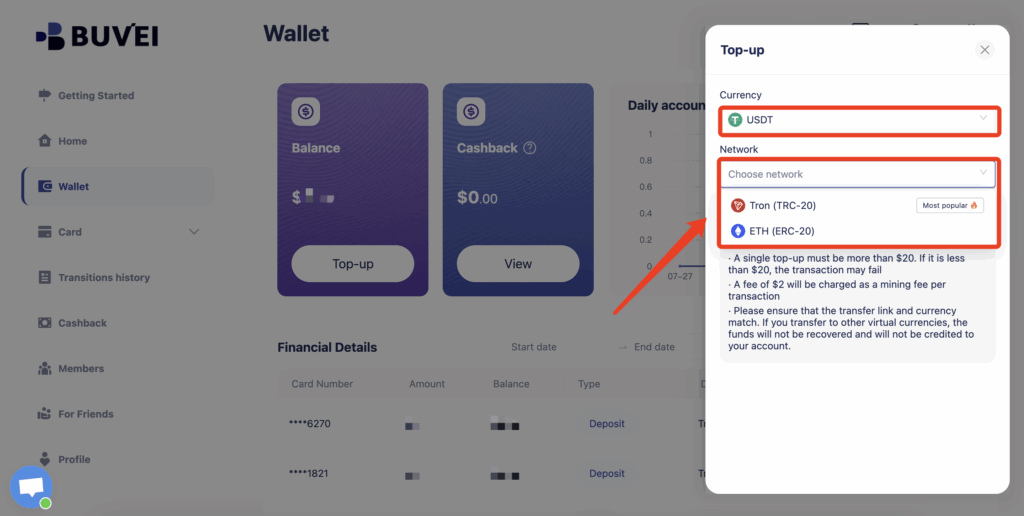
- Navigate to the Wallet tab and top up using supported stablecoins like USDT (TRC20/ERC20). You’ll receive a unique address—copy it and send your funds.
- Once confirmed, your balance will appear in the wallet for immediate use.
Create a Virtual Card
-
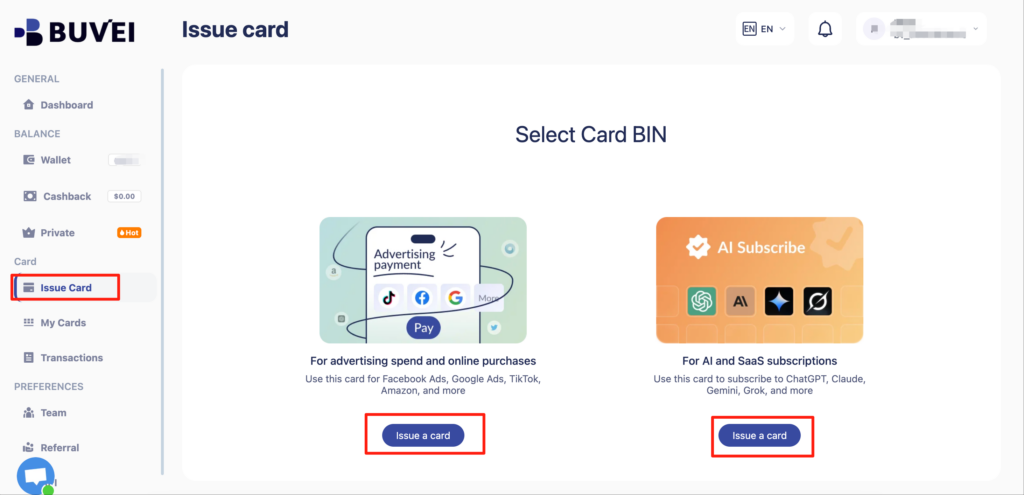
Go to the Card tab, Choose your preferred BIN region
-
Select your card type (Visa/Mastercard)
- Click Issue
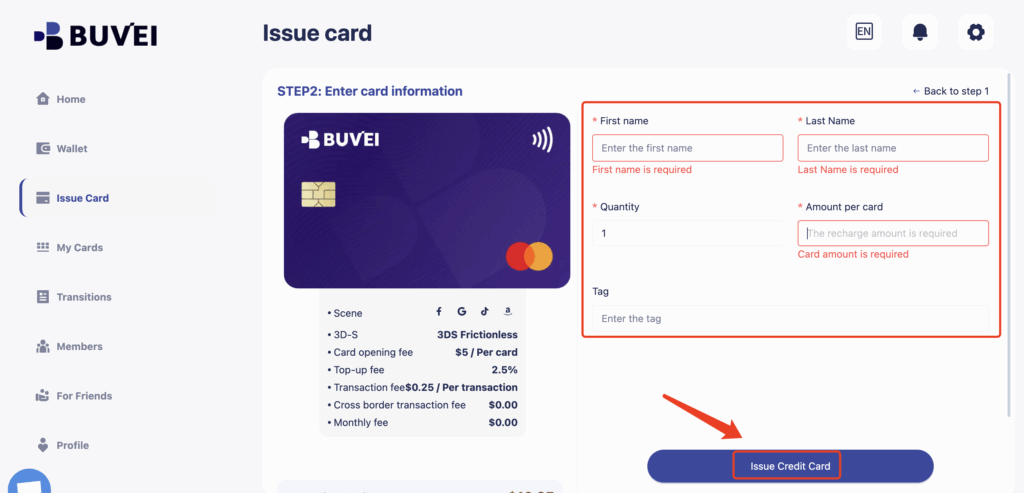
- Fill in the virtual card details, including name, amount, and number of cards.
-
Click Issue Card
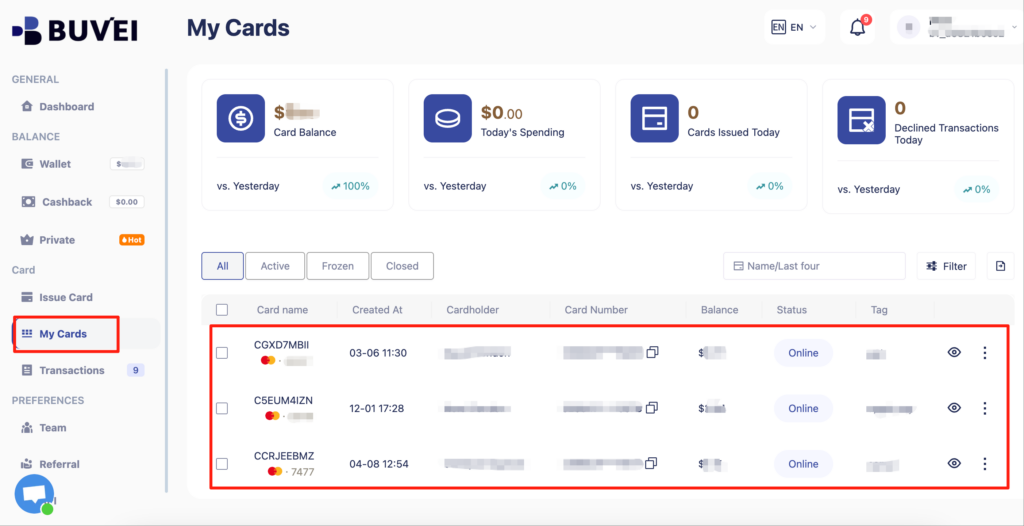
Once created, navigate to My Cards to access your card details:
-
Card Number
-
Expiration Date
-
CVV
Additional Notes & FAQs
- Exchange rates fluctuate—lock in the price by subscribing promptly.
- If the discounted price doesn’t appear, refresh the page and try again.
- Buvei virtual cards offer high compatibility, stable top-ups, and secure payments for legitimate platforms worldwide.
Whether you’re preparing for an exam, boosting your career prospects, or simply learning for fun, a secure and flexible payment method can make your language journey smoother. With a Buvei virtual card, you can quickly subscribe to Duolingo Super—and handle other global online payments with ease.
👉 Create your first virtual card with Buvei today, and start your language-learning journey with safe, hassle-free payments.

-白色文字,整体干净明快_布局:__中心主体:一台打开的-Kindle-电子书阅读器(屏幕显示-Kindle-Unlimited)__右下-400x225.jpg)