
OpenAI offers subscription-based and usage-based billing for products like ChatGPT and API services. While payments are typically straightforward, some users experience card declines—especially with prepaid, regional debit, or restricted international cards.
Virtual cards can provide a more stable and flexible solution for OpenAI billing, particularly for developers, startups, and international users.
This guide explains how OpenAI billing works, why cards get declined, and how to use compatible virtual cards successfully.

How OpenAI Billing and Subscription Payments Work
OpenAI uses automated billing systems for:
-
ChatGPT subscription plans (monthly recurring billing)
-
API usage billing (postpaid, usage-based)
-
Add-on or plan upgrades
Key billing characteristics:
-
Recurring authorization checks
-
International merchant classification
-
Real-time payment verification
-
Automatic retries for failed charges
Because OpenAI operates globally, payments are typically processed in USD and may be categorized as digital services.
This means cards must support recurring and cross-border transactions reliably.

Why Some Cards Get Declined by OpenAI
Payment declines can happen for several reasons:
-
Card not enabled for international transactions
-
Prepaid BIN flagged as high-risk
-
Insufficient balance during renewal
-
Multiple rapid retry attempts triggering fraud filters
-
Mismatch between billing address and card profile
-
Bank restrictions on AI-related merchants
Even valid debit cards can fail if issuing banks apply strict online service filters.
Recurring billing environments are especially sensitive to authorization stability.
Requirements for OpenAI-Compatible Virtual Cards
To improve approval rates, a virtual card should:
-
Operate on Visa or Mastercard networks
-
Support recurring subscription billing
-
Allow international USD transactions
-
Provide stable BIN classification
-
Maintain sufficient balance before billing cycles
-
Offer real-time transaction visibility
Virtual cards structured for SaaS and digital services tend to perform better than local-only debit cards.
Common Payment Errors and How to Fix Them
Here are typical OpenAI payment issues and solutions:
Error: Payment Declined
-
Confirm sufficient balance
-
Avoid repeated rapid retries
-
Check if international transactions are enabled
Error: Card Not Supported
-
Replace with a card that supports recurring billing
-
Avoid certain prepaid or local-only debit cards
Error: Billing Authorization Failed
-
Ensure card details are entered correctly
-
Verify billing address consistency
-
Reissue the card if necessary
Because OpenAI retries failed payments automatically, unresolved issues may lead to temporary service interruption.
Proactive balance management is essential.
Using Buvei Virtual Cards for OpenAI Payments
Below is the standardized operation guide used across Buvei tutorials.
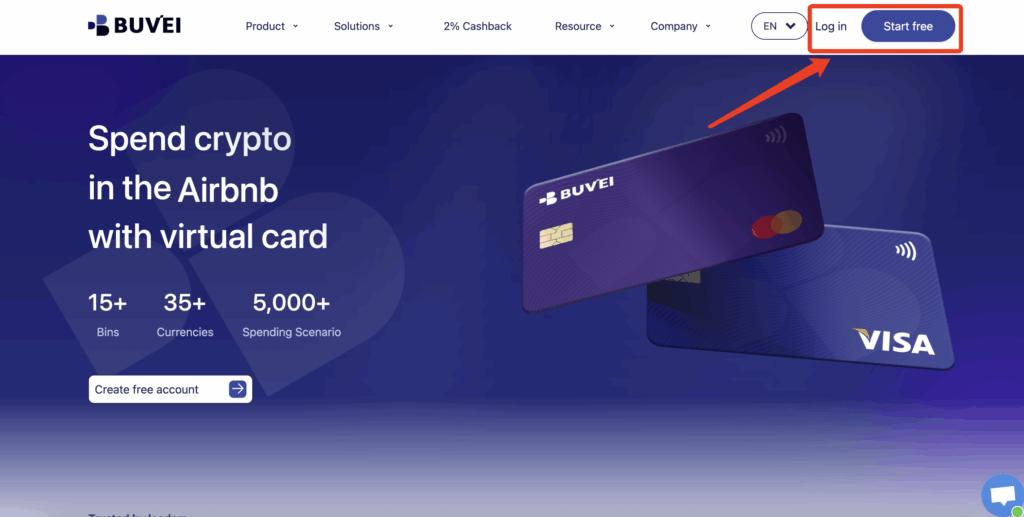
Step 1: Register a Buvei Account
-
Visit https://buvei.com
-
Create a free account
-
Complete email verification
-
Log in to your dashboard
No traditional credit card is required.
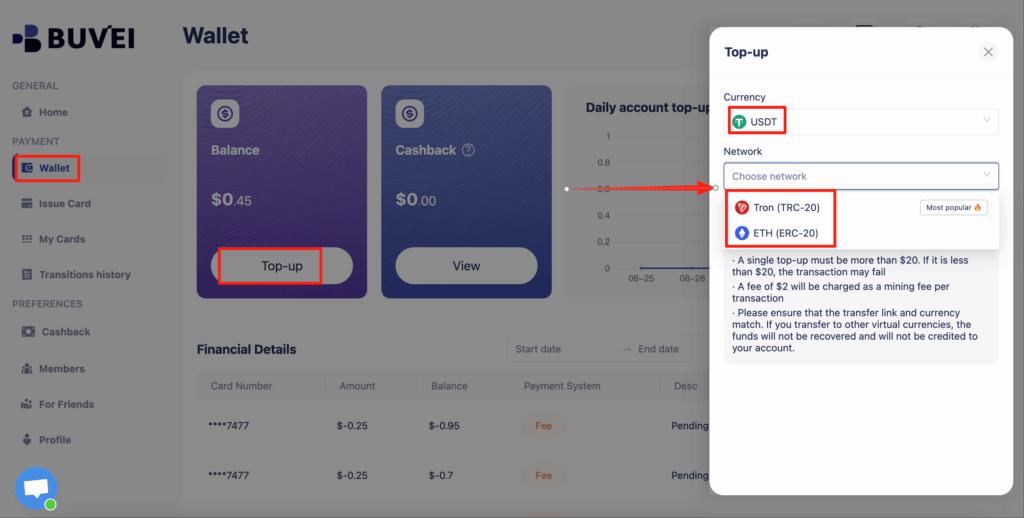
Step 2: Fund Your Wallet with Stablecoins
Go to the Wallet tab and deposit supported stablecoins:
-
USDT (TRC20)
-
USDT (ERC20)
Once the blockchain transaction confirms, your balance becomes available instantly.
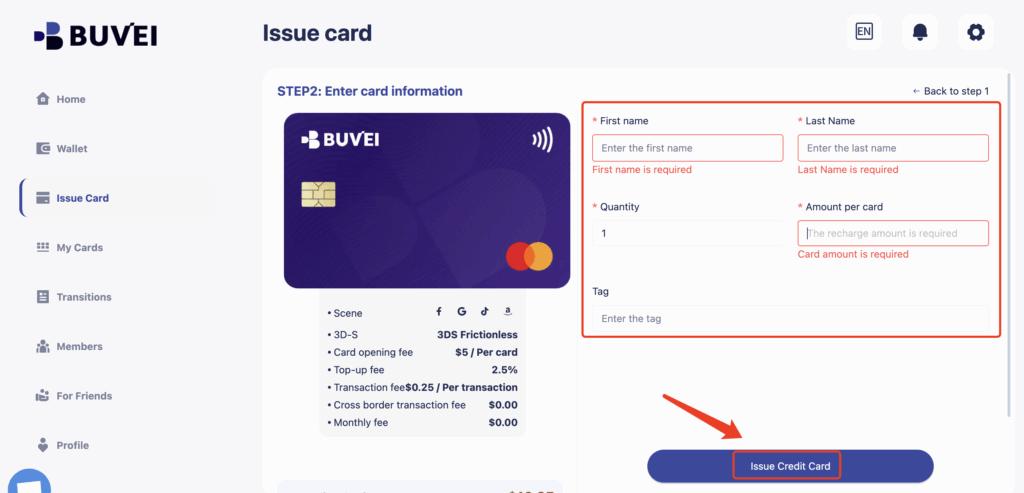
Step 3: Create a Virtual Card
Navigate to the Cards tab:
-
Select an international BIN (US BIN typically performs well for SaaS billing)
-
Choose card type
-
Click Issue Card
Enter the card name and funding amount, then click Create Card.

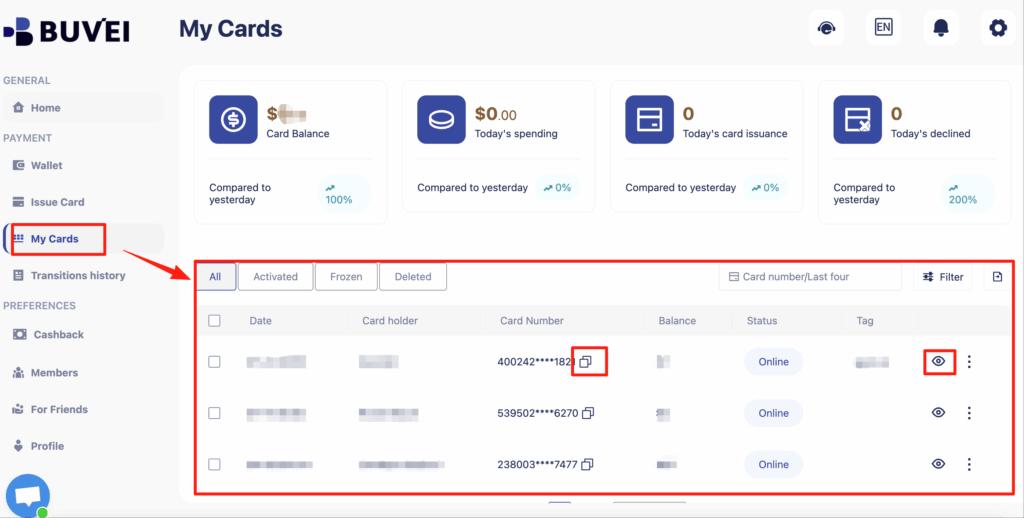
You will immediately receive:
-
Card number
-
Expiration date
-
CVV
-
Balance tracking
-
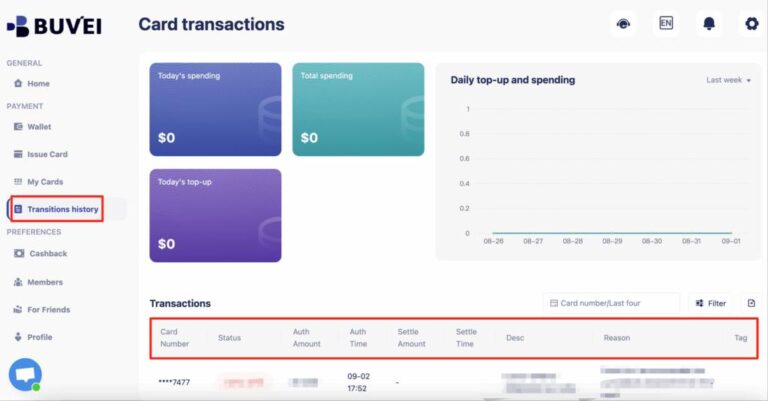
Transaction history
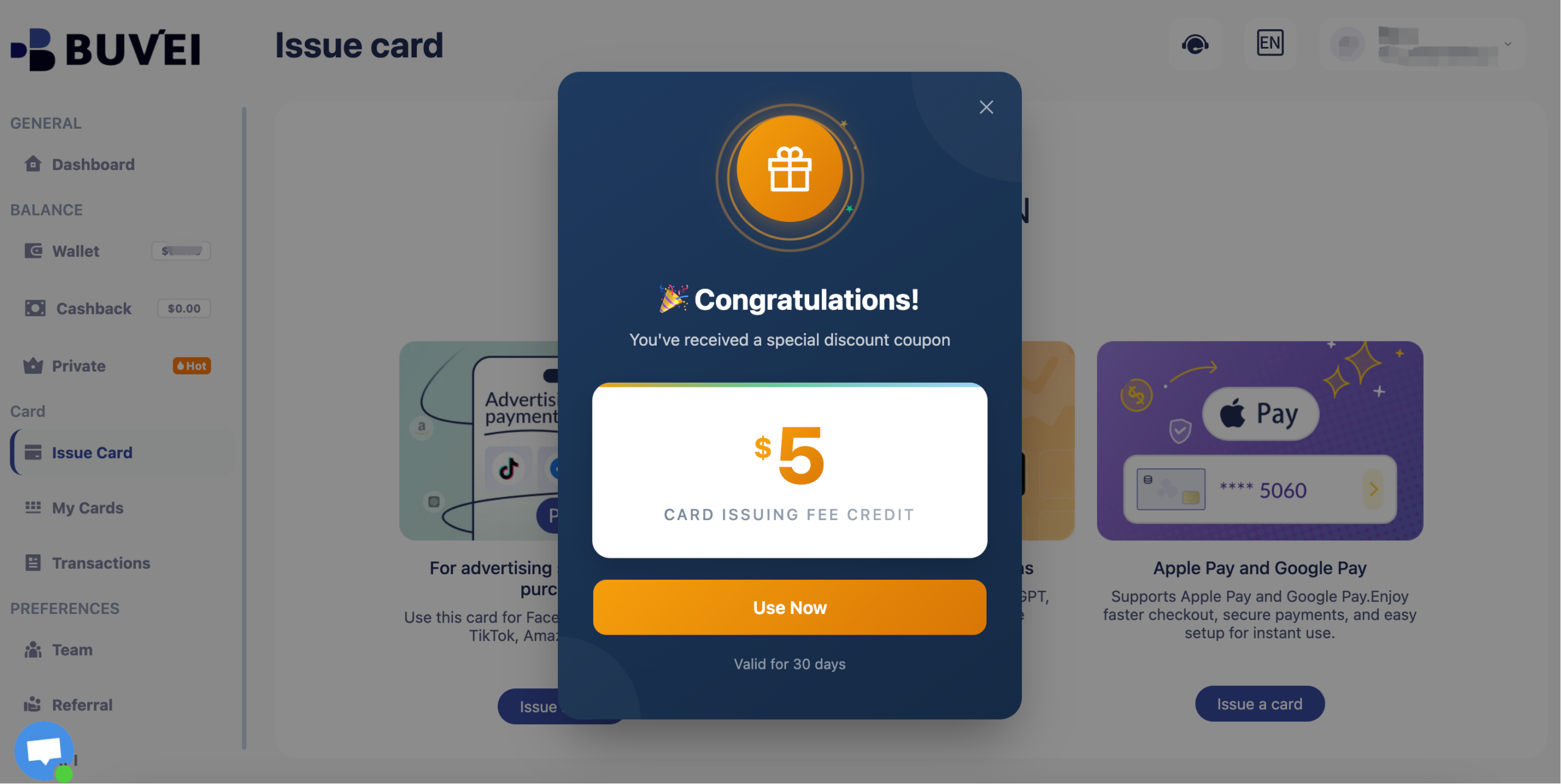
Buvei currently have a promotion: new registered users get a $5 sign-up coupon. You can claim it simply by registering.
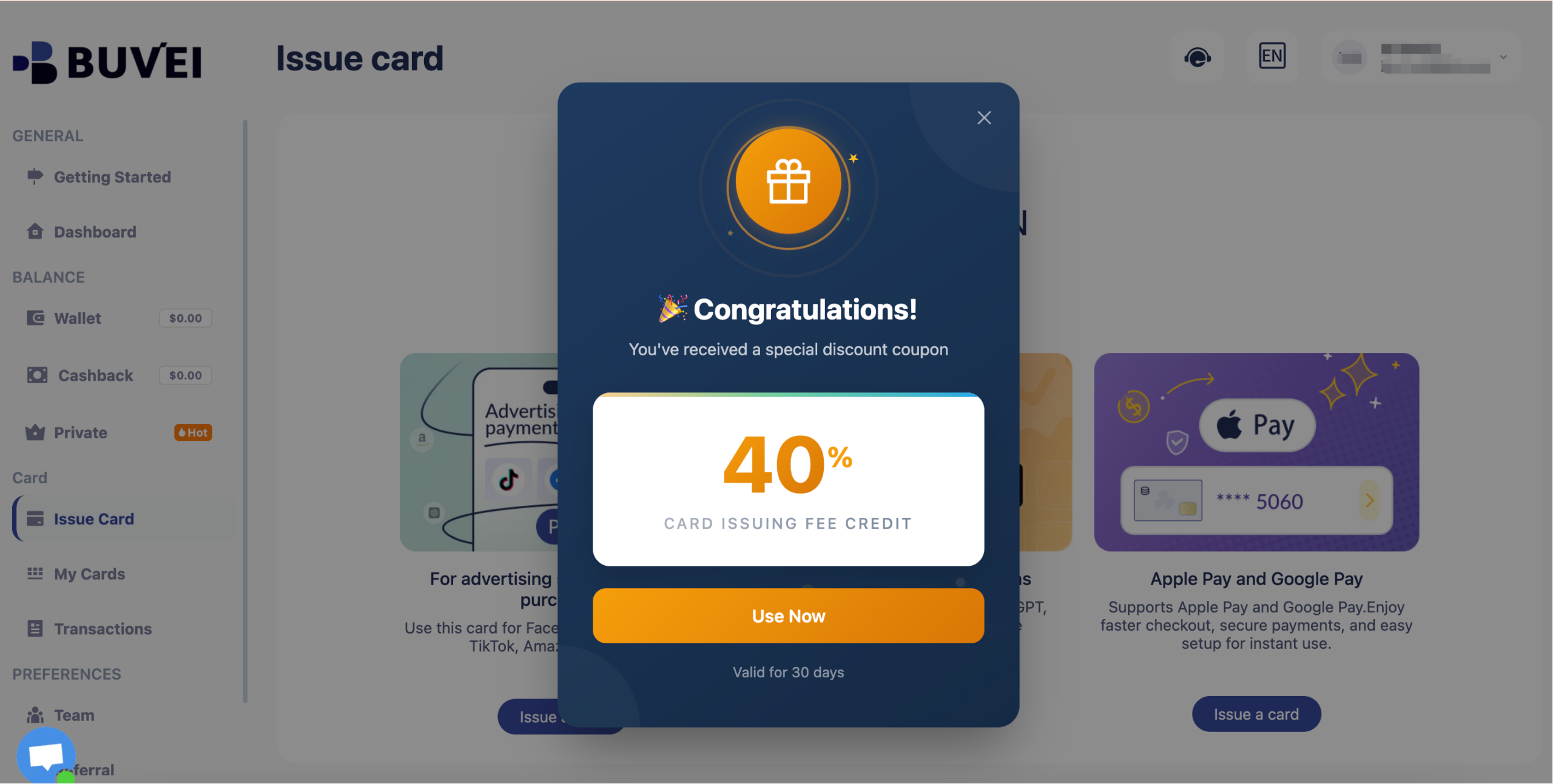
Long-term inactive users will receive a 40% discount coupon.
Best Practices for Stable OpenAI Billing
To minimize disruptions:
-
Keep a balance buffer above expected usage
-
Use one card dedicated to OpenAI
-
Monitor billing cycles closely
-
Replace cards immediately if compromised
-
Avoid repeated failed payment attempts
This structured approach improves long-term payment reliability.

Final Thoughts
OpenAI billing relies on consistent recurring authorization. While some regional debit or prepaid cards may face higher decline rates, compatible virtual cards offer a practical solution.
By using properly configured virtual cards, users can:
-
Reduce payment declines
-
Isolate AI-related expenses
-
Improve cross-border approval rates
-
Maintain uninterrupted access to OpenAI services
For developers and AI professionals, a stable virtual card setup ensures smoother subscription and API billing management.