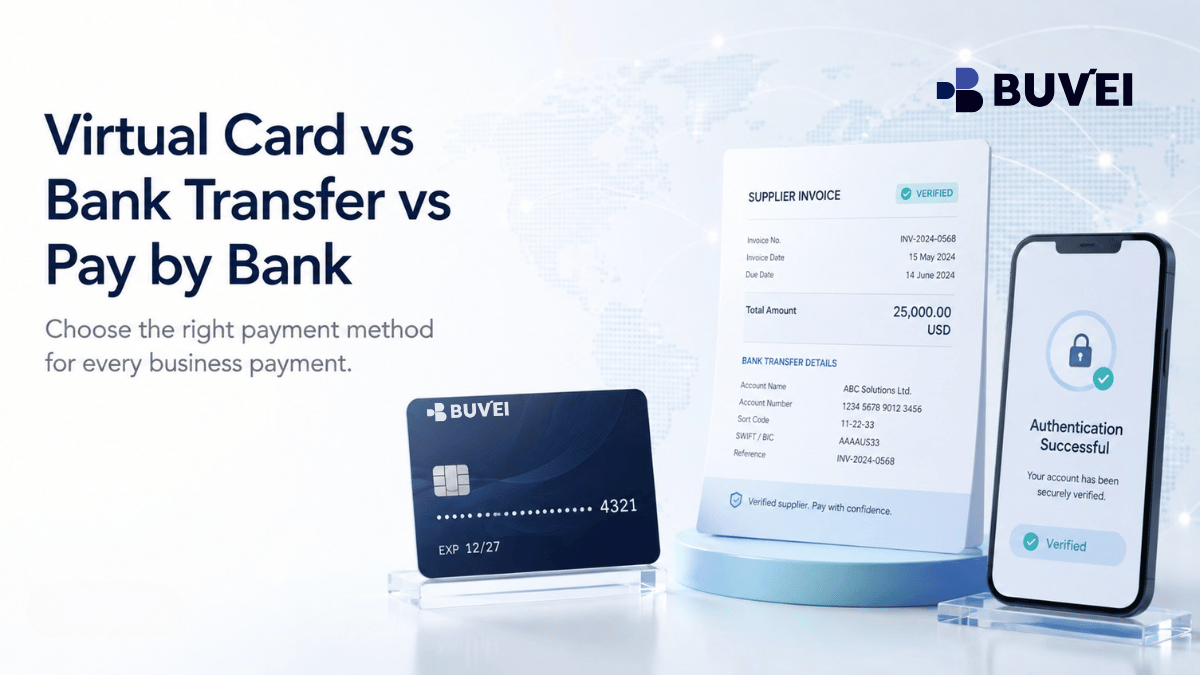
There is no single best payment method for every online or business payment. A virtual card can be useful when a merchant needs a card at checkout or for recurring billing. A bank transfer is often the clearer choice for an invoice with verified bank details. Pay by Bank can offer a guided account-to-account checkout when both the merchant and the payer’s bank support it.
The practical question is not which payment rail is newest. It is which one matches the merchant’s payment request, the urgency of the payment, the currency, the refund path, and the level of control your team needs.
Start with the merchant’s payment request
Look first at how the merchant asks to be paid.
- A Visa or Mastercard checkout is designed for a card payment.
- An invoice with an IBAN, account name and payment reference is designed for a bank transfer.
- A checkout button that redirects you to your bank for approval is generally a Pay by Bank or account-to-account flow.
Using the wrong method creates avoidable friction. A card cannot be entered into an IBAN field, while a manual transfer may not work for a service that needs a stored card for automatic renewal. Pay by Bank may also be unavailable depending on the merchant, country, bank, and account type.
Choose from the payment methods the merchant officially supports. Then compare cost, speed, control, and evidence.
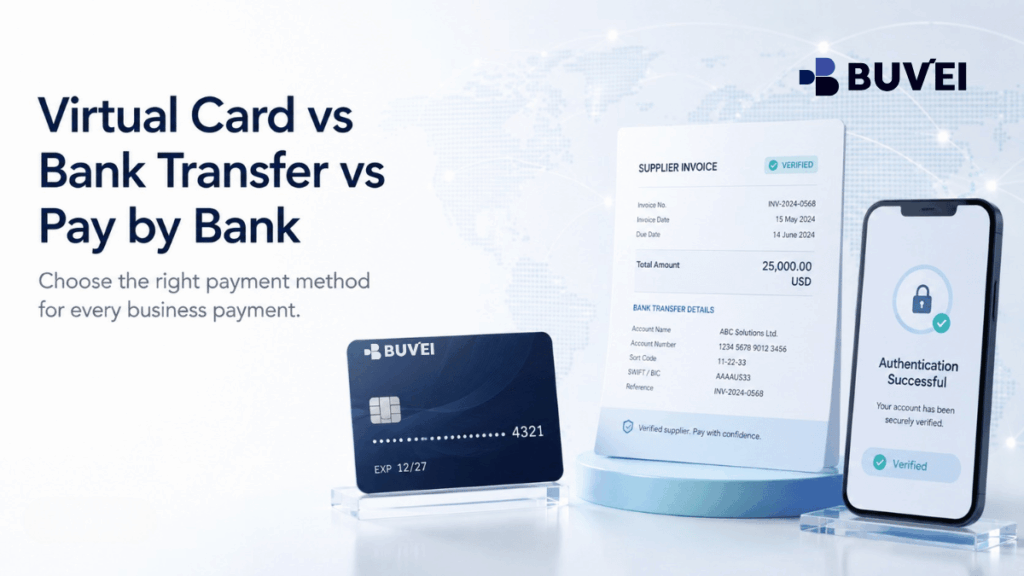
How the three methods work
Virtual card
A virtual card is a digital card with a card number, expiry date, and security code. It works at online card checkout in much the same way as a physical card. Depending on the card programme and configuration, it may be used repeatedly, assigned to a specific purpose, or controlled with limits.
Its biggest operational advantage is separation. A business can use a dedicated card for a subscription, advertising account, project, or vendor, then review that activity separately from other spending. The merchant will still assess the card using its own payment-network, billing, authentication, and risk rules. A virtual card is not automatically accepted by every merchant.
Bank transfer
A bank transfer moves funds from one bank account to another using account details such as an IBAN, account name, amount, and payment reference. It is common for supplier invoices, professional services, deposits, and other documented account-to-account payments.
Transfers can work well when the payment is planned and the merchant needs a clear reconciliation reference. They are usually less convenient for an online service that requires instant card authorisation or a card on file for renewals. Once a transfer is sent, it may be difficult to amend or recover, depending on the bank and circumstances.
Pay by Bank
Pay by Bank generally takes the payer from a merchant checkout to an online banking or bank-authentication flow. The payer selects a bank, reviews the payment, and approves an account-to-account transaction. The exact experience varies by market, bank, open-banking provider, and merchant integration.
It is different from manually entering bank details. A Pay by Bank flow may pass structured payment information and confirmation directly to the merchant. However, it is not universally available, and many flows are designed only for one-time payments rather than recurring billing.
Virtual card, bank transfer, or Pay by Bank?
| Question | Virtual card | Bank transfer | Pay by Bank |
| Best fit | Card checkout or a card stored for future billing | Invoice with verified bank details | Merchant offers a supported bank-authentication checkout |
| Recurring payments | Often suitable when the merchant and card configuration support recurring charges | Usually requires a new payment or standing order | Varies by provider; not every flow supports recurring charges |
| Payment reference | Card transaction record and merchant receipt | Invoice reference can be entered directly | Confirmation may be passed through the integration |
| Control | Dedicated cards, limits, freeze or close controls may be available | Bank permissions and approval policy are the main controls | Depends on the bank and approval flow |
| Refund path | Usually returned through the card network by the merchant | Merchant may return funds by a separate transfer | Depends on the merchant and account-to-account scheme |
| Key check | Merchant acceptance, billing details, authentication | Beneficiary, reference, currency, and recovery process | Bank and merchant availability |
The table is a decision aid, not a guarantee. A transfer may be efficient for a large supplier invoice but unsuitable for urgent service activation. A card can be convenient for a subscription but will not replace a supplier’s invoice process. Pay by Bank can be smooth where it is supported, but it is not a universal alternative to card payments.
Compare the total operating cost
Do not compare only the visible fee. Include the cost of delay, failed payment recovery, and reconciliation.
For a virtual card, check relevant issuance, funding, transaction, and currency-conversion costs, as well as the merchant’s card acceptance requirements. For a bank transfer, consider sending fees, intermediary charges, beneficiary verification, currency conversion, and the risk of an incorrect payment reference. For Pay by Bank, check availability, conversion terms, and what happens if the merchant does not receive the expected confirmation.
A low-fee payment can become expensive if it delays an important software renewal or leaves the finance team unable to match the payment to an invoice. For each important payment, compare four points: direct fee, time to complete, evidence required, and recovery effort if something goes wrong.
Think about what happens after you pay
The right method should remain manageable after the payment is sent.
- Can a future recurring charge be stopped without affecting unrelated payments?
- Can an incorrect beneficiary or reference be corrected before settlement?
- How will a refund be returned?
- Who approved the payment, and where is that evidence recorded?
- Can the business identify the payment if the merchant changes its descriptor or support process?
A virtual card may allow a future limit to be changed or a card to be frozen, but a payment already authorised by the merchant still follows the merchant’s normal reversal or refund process. A bank transfer may have strong approval controls before it is sent, yet be difficult to cancel afterwards. Pay by Bank adds a bank-approval step, but the merchant’s processing still matters.
Which method fits common payment scenarios?
SaaS, AI tools, and recurring subscriptions
Start with the merchant’s recurring-billing rules. If it requires a card on file, a reusable virtual card can be appropriate where the merchant and card programme support recurring payments. A manual transfer is usually less convenient unless the supplier specifically invoices you each month.
Keep enough available balance for expected renewals and assign a clear owner to each important subscription. This makes it easier to identify a failed renewal before it interrupts a team’s workflow.
Digital advertising
Advertising platforms commonly use automated card billing, sometimes charging as spend reaches a threshold. A card-based payment method is often more compatible with that model than a manual transfer. The focus should then be on choosing a suitable card configuration, maintaining balance, and monitoring transactions.
One-off supplier invoice
A bank transfer is often the clearest option when the supplier provides verified bank details and an invoice reference. Before sending funds, confirm the beneficiary through a trusted channel, especially if the supplier has sent updated bank details by email.
Do not make a second payment simply because the supplier has not yet matched the first one. First confirm the transfer status and the reference used.
Travel and large international purchases
Compare the final currency cost, merchant acceptance, beneficiary details, and expected refund path. A transfer may offer a clear invoice reference but limited flexibility once sent. A card may be better for a merchant checkout and card-network refund process, but billing currency and acceptance still need checking. Pay by Bank is an option only where both the merchant and bank support it.
Where Buvei fits
Buvei is relevant when a merchant accepts card payments and you need a virtual card for online spending, subscriptions, advertising, travel, or another supported payment scenario. A dedicated virtual card can help separate spending by vendor, project, or purpose and provide card-level transaction visibility.
It does not turn a card payment into a bank transfer, and it does not override a merchant’s acceptance, billing, or verification rules. Before making a payment, check the merchant’s card requirements, the card’s available balance, the currency, and whether the transaction is compatible with your account and card configuration.
For businesses that need API card issuing, bulk issuance, or more structured card management, the appropriate setup depends on the payment workflow and operational requirements.

Build a simple payment policy
Businesses do not need to use one payment method for everything. A practical policy might use virtual cards for SaaS and advertising, bank transfers for verified invoices, and Pay by Bank for supported account-to-account checkout flows.
Keep the rule simple:
- Identify the merchant, payment method, currency, expected amount, and supporting document before approval.
- Use card payments when the merchant’s checkout or billing model requires a card.
- Use bank transfers for verified invoice beneficiaries and record the payment reference.
- Require an additional review for a new beneficiary, changed bank details, or unusually large payment.
- Record who owns recurring services and when they renew.
The goal is not to force every purchase into the same rail. It is to make each payment understandable, traceable, and appropriate for the way the merchant actually collects money.
Questions to ask before sending money
- What payment method does the merchant officially support?
- Is the payment one-time, recurring, usage-based, or invoice-based?
- Could the final amount change because of tax, foreign exchange, shipping, or usage?
- What receipt, reference, or approval evidence will be needed later?
- How will a failed payment, cancellation, or refund be handled?
- Is the merchant, beneficiary, currency, and payment configuration verified?
Final takeaway
Virtual cards, bank transfers, and Pay by Bank address different payment needs. A virtual card fits a card checkout and can provide clearer separation for online spending. A bank transfer fits a documented account-to-account invoice payment. Pay by Bank fits a supported, guided bank-authentication checkout.
Choose the merchant-supported payment rail first, then apply the right controls and keep clear evidence. This helps avoid failed renewals, unmatched invoices, incorrect transfers, and confusion when a refund or payment issue needs to be resolved.