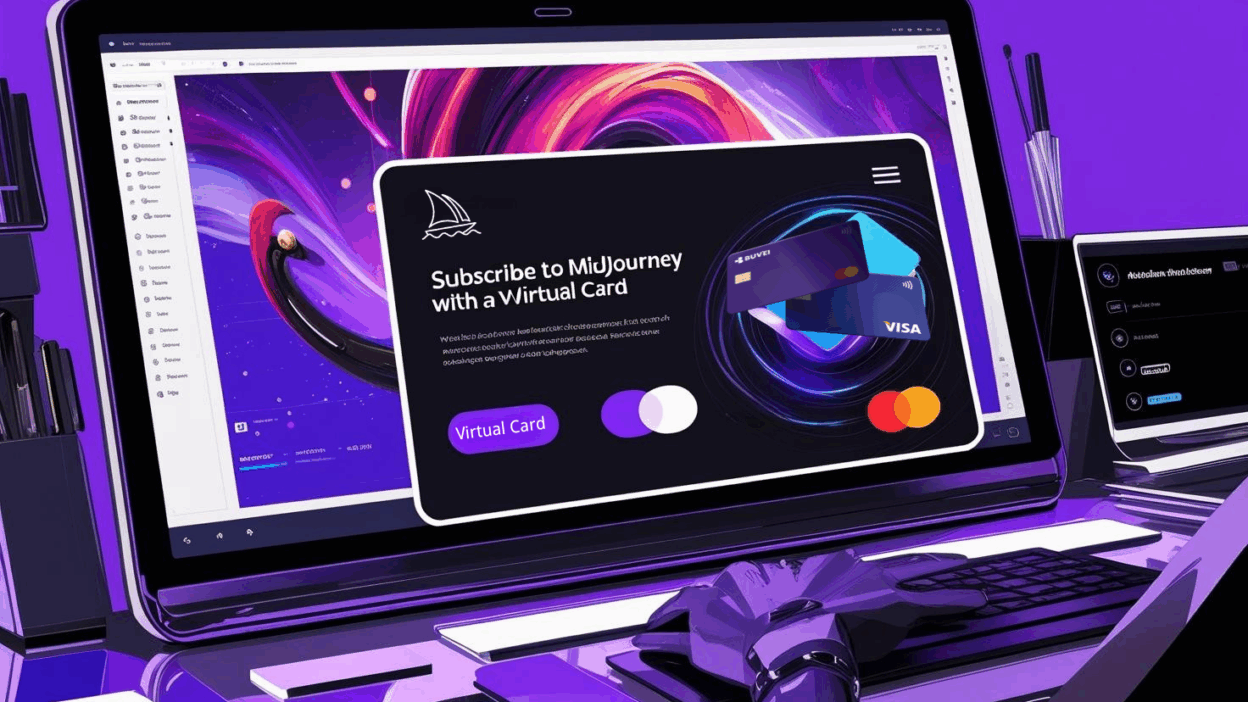
Midjourney is one of today’s most popular AI image-generation tools, widely used for branding, social media content, and visual storytelling. Its GPU-based subscription model charges monthly and accepts VISA and Mastercard payments.

How to Access the Midjourney Subscription Page
Step 1: Register or Log In to Midjourney
-
Visit the official site: https://www.midjourney.com/
-
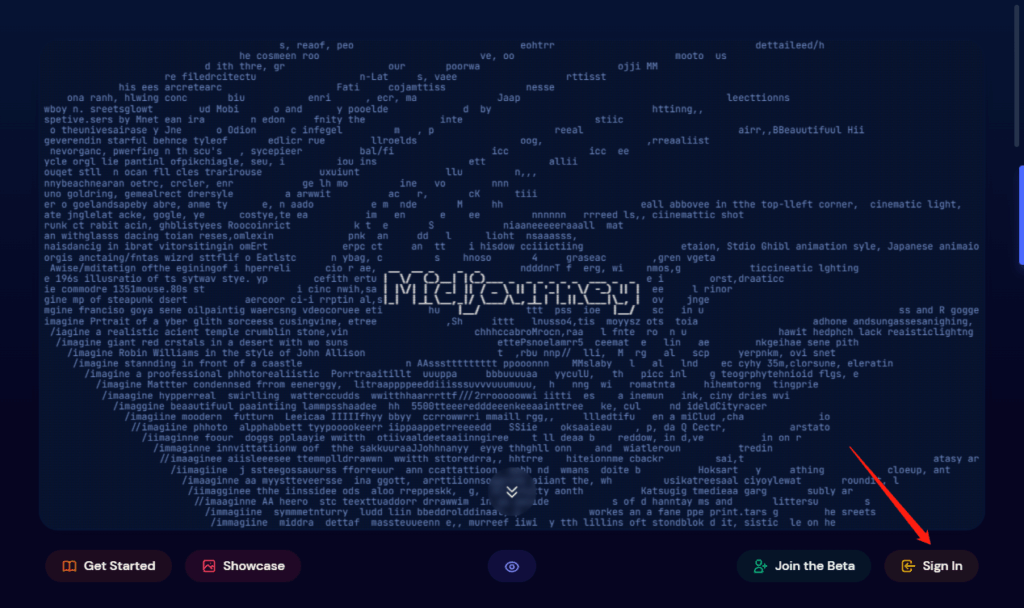
Click “Sign In” at the top right and log in via Discord (Midjourney operates through Discord)
Step 2: Access the Subscription Page
You have two ways to reach the subscription options:
-
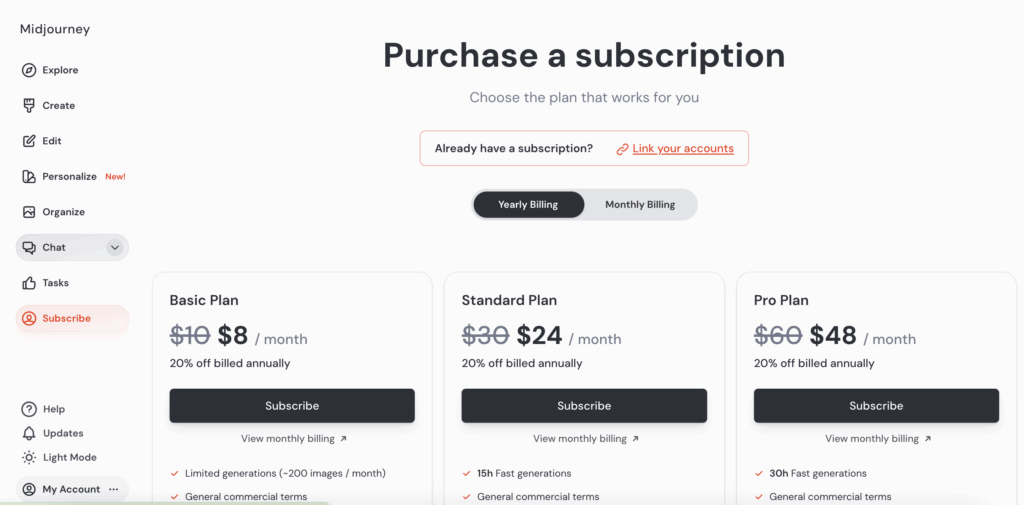
Option 1: Go directly to 👉 https://www.midjourney.com/account
-
Option 2: Visit the Midjourney documentation page: https://docs.midjourney.com/
Scroll to the bottom and click “Subscription Plans”
Step 3: Choose a Subscription Plan
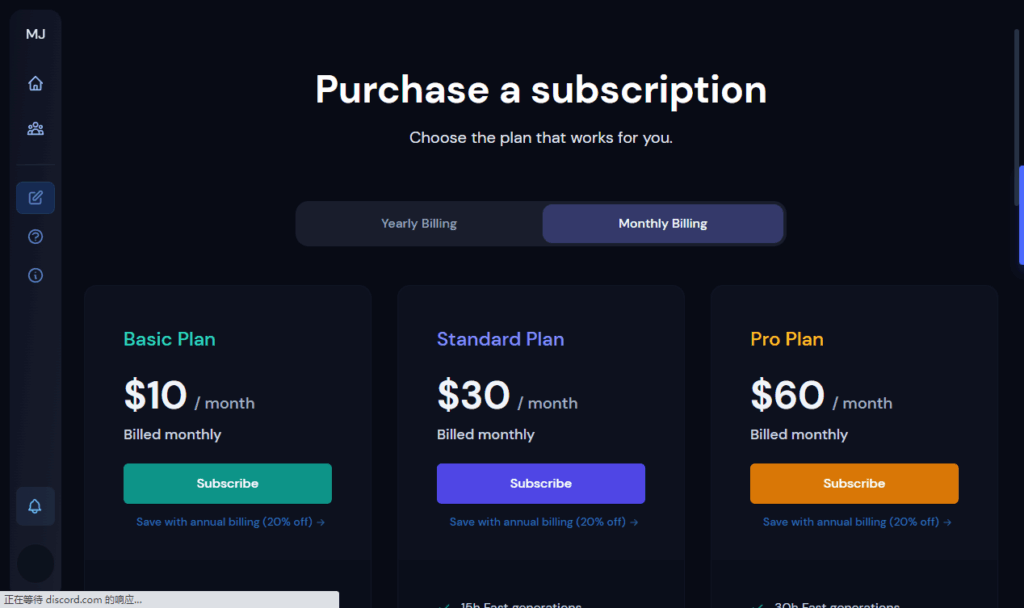
Select the plan that fits your needs:
-
Basic Plan – $10/month
-
Standard Plan – $30/month
-
Pro Plan – $60/month
Click “Subscribe” to proceed to checkout.
Step 4: Enter Your Virtual Card Details
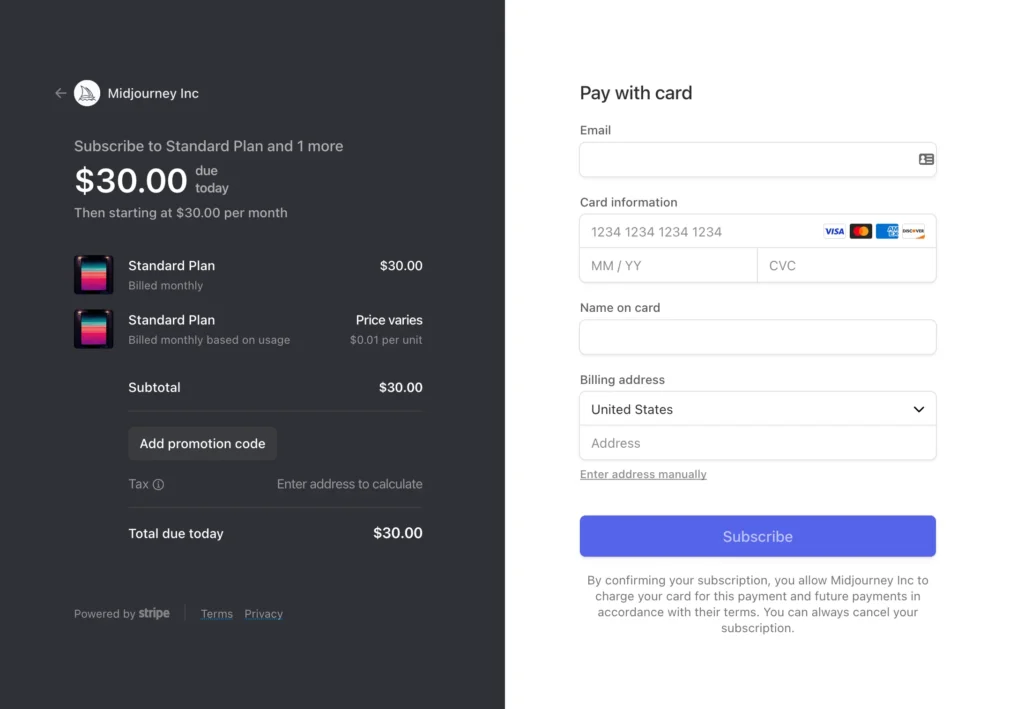
On the payment screen, choose Credit or Debit Card, then enter the virtual card details:
-
Card Number
-
Expiration Date (MM/YY)
-
CVV Security Code
-
Cardholder Name (as shown in your Buvei dashboard)
Step 5: Complete Payment and Activate Your Plan
-
Once the payment is successful, your Discord account will be upgraded automatically
-
You can now use the
/imaginecommand in Discord to start creating images
midjourney subscription plans (as of 2025)
| Plan | Description |
| Free Trial | 24 minutes of GPU time (first-time users only) |
| Basic Plan | $10/month, includes ~3.3 hours of Fast GPU time, more available for purchase |
| Extra GPU Time | $4/hour, purchasable by all plan users |
| Fast GPU Time | Priority image generation (consumes GPU time) |
| Relax GPU Time | Slower processing, preserves Fast GPU quota |
Haven’t Created a Buvei Virtual Card Yet? Follow These Steps:
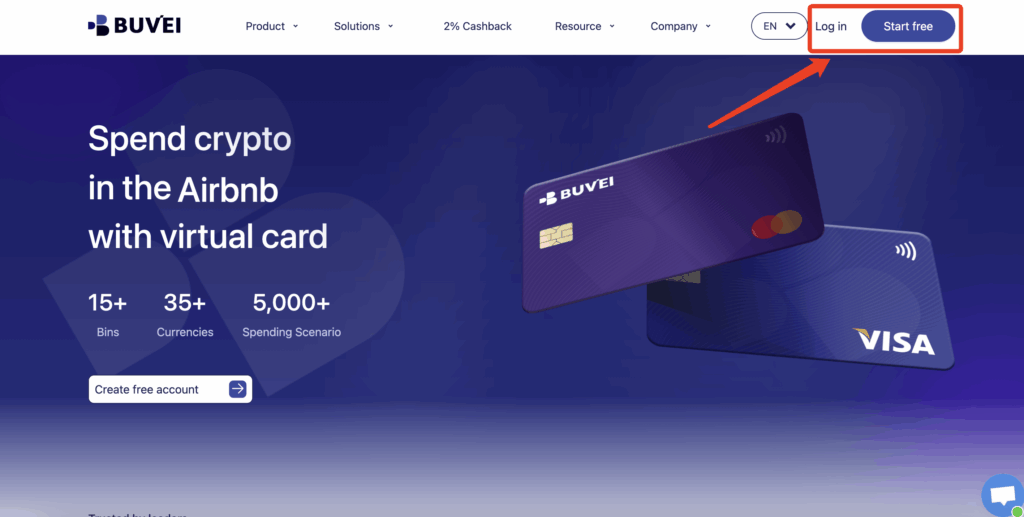
Sign up/Sign in at buvei.com
- If you haven’t signed up yet, simply click 'Start Free' to register quickly with your email.
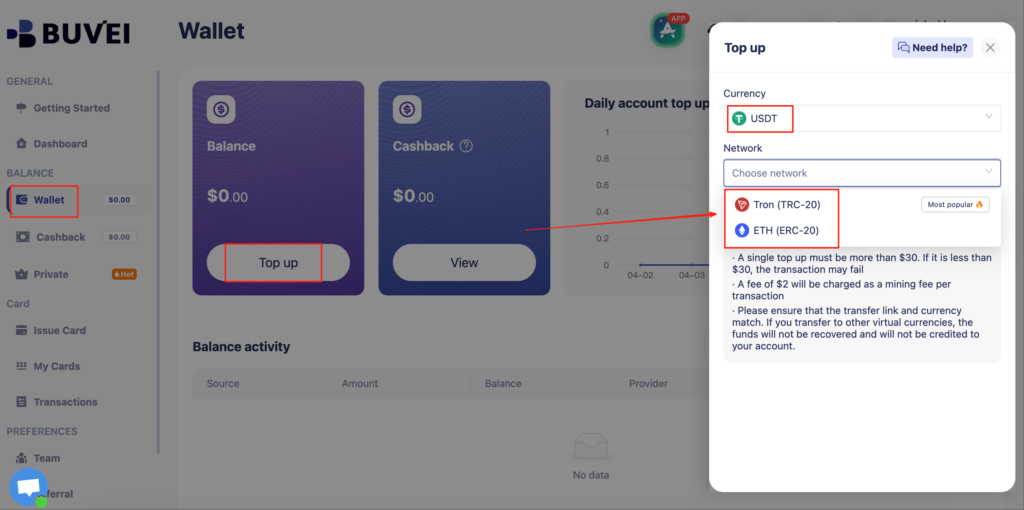
Top up your wallet under the “Wallet” tab
- Choose TRC20 or ERC20 USDT
- Use your crypto wallet to send funds
- Wait for the balance to reflect (Note: Make sure the network matches your transfer — TRC20 or ERC20)

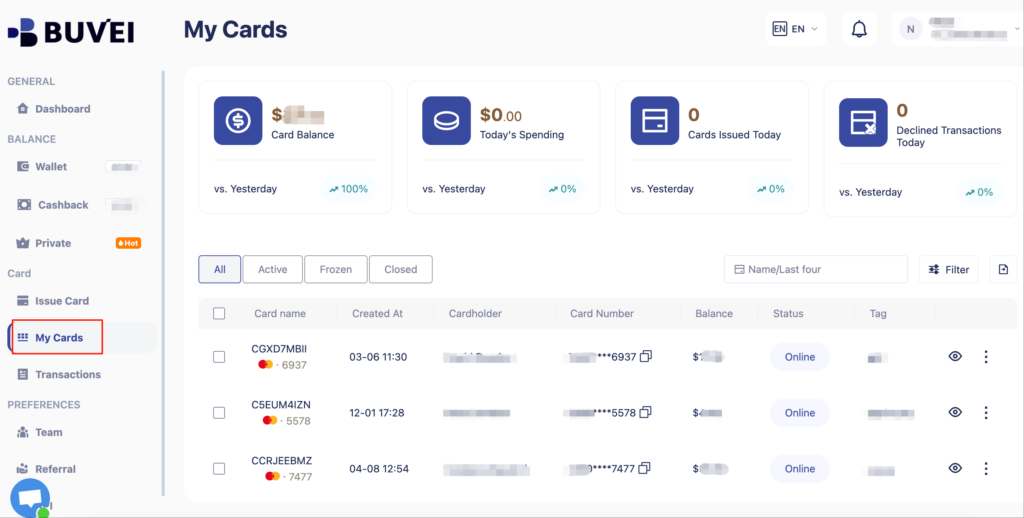
- Enter cardholder details, email, card quantity, and desired top-up amount
- Click Issue Credit Card to generate your virtual card

- Check card details (name, number, expiry, CVV)
- Recharge, withdraw, or delete the card at any time
why creators choose buvei virtual cards
-
Instant issuance, use immediately
-
Rechargeable with USDT (ERC20/TRC20)
-
Control and security: freeze or unlink anytime
-
Multiple cards for different platforms, no accidental billing
final thoughts