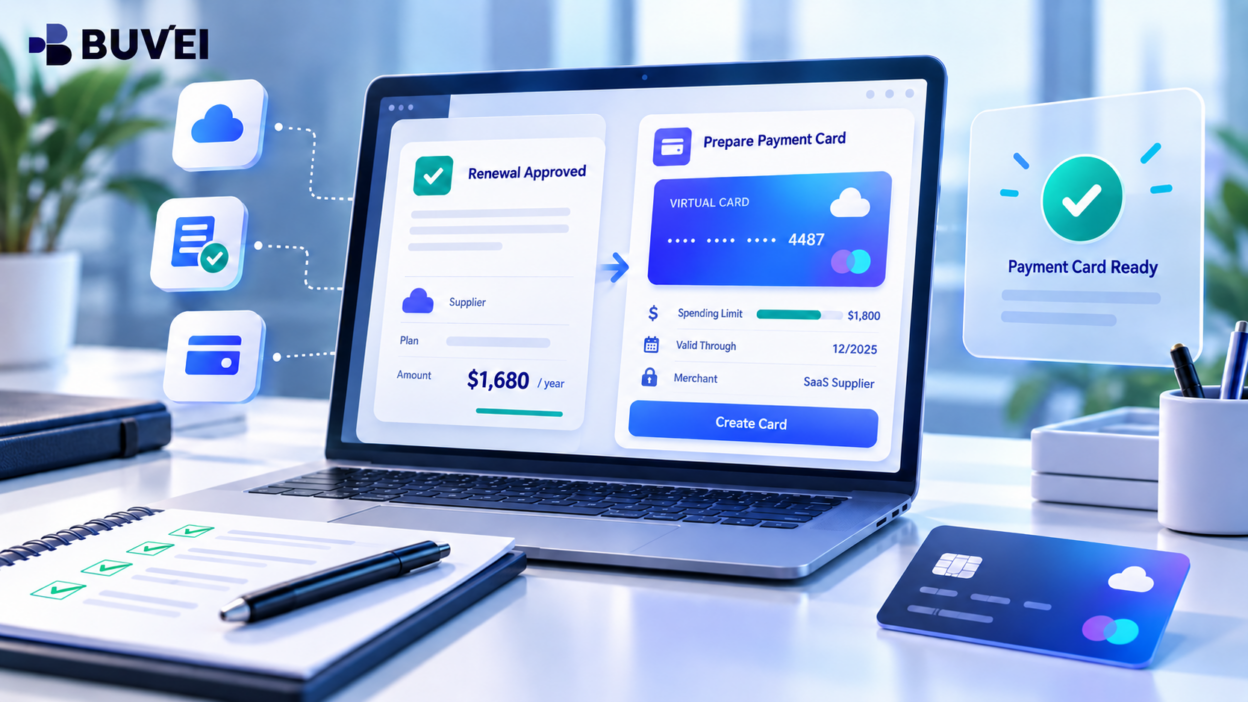
An annual SaaS renewal is approaching. Last year, your business paid €1,200. This year, the new quote is €1,680.
At first glance, the solution may seem simple: increase the card limit and let the payment go through.
But a higher renewal amount is not only a payment issue. Before changing the card limit, it is worth understanding what changed, why the price increased, and whether the business still wants to renew under the new terms.
A structured review can help you avoid paying for unused seats, expired discounts, unnecessary add-ons, or a renewal you did not fully approve.
Why SaaS Renewal Prices Increase
A higher renewal quote does not always mean the supplier simply raised its prices.
The difference may come from several factors:
- More user seats
- An expired introductory discount
- A higher unit price
- New add-ons or features
- Increased usage
- Different billing periods
- Tax or VAT changes
- Currency differences
For example, last year’s €1,200 payment may have included a temporary discount on a €1,600 plan. If the discount ends, the next renewal could rise even if the underlying unit price changes very little.
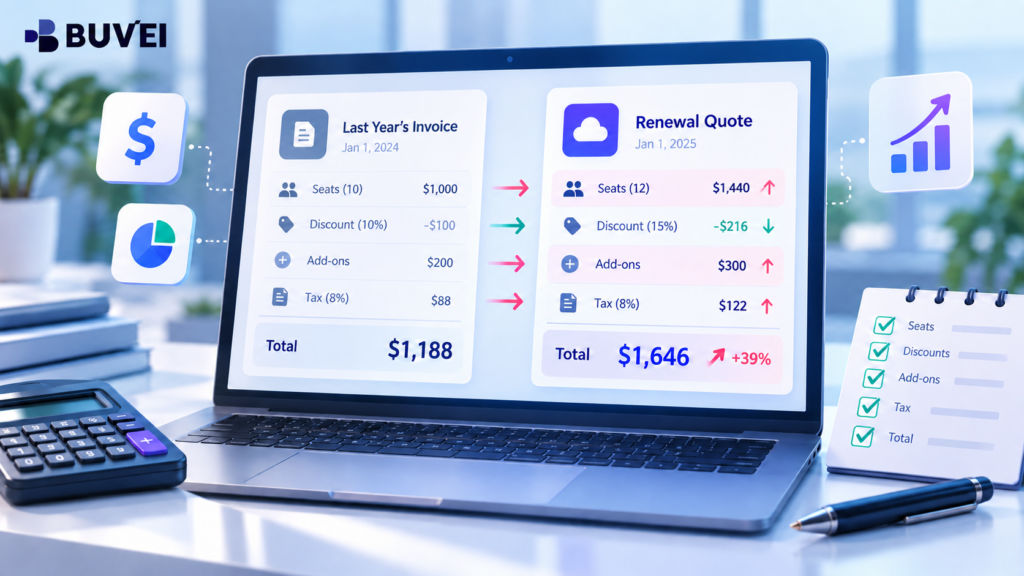
That is why it is useful to compare the old invoice and the new quote line by line instead of looking only at the final total.
Compare the Old Invoice With the New Quote
Before approving the renewal, collect:
- Last year’s invoice
- The original order form or contract
- The current plan
- The new renewal quote
- Any relevant pricing or product-change notices
Then compare:
- Number of users or seats
- Unit price
- Discounts
- Storage or usage allowances
- Add-ons
- Billing period
- Currency
- Tax treatment
A simple comparison can quickly show whether the increase comes from price, quantity, or both.
For example:
Last year:
20 users × €80 = €1,600
First-year credit: -€400
Total: €1,200
This year:
21 users × €80 = €1,680
No promotional credit
Total: €1,680
In this case, the unit price did not increase. The difference came from one additional user and the end of a one-time credit.
That leads to a very different conversation than a true unit-price increase.
Check Seats, Discounts, Add-Ons and Tax
One of the easiest ways for SaaS costs to grow is through unused seats or new features that were added over time.
Before renewing, check:
- How many seats were purchased?
- How many users are actually active?
- Are there unused licences?
- Did any discounts expire?
- Were new add-ons included?
- Are premium features actually being used?
If 30 licences were purchased but only 18 people actively use the service, ask whether the quantity can be reduced at renewal.
If the supplier says an AI feature or analytics package is now included, confirm whether it is optional, required, or part of the existing plan.
Tax should also be reviewed separately. A supplier may quote a tax-exclusive price while the final invoice includes VAT or other applicable charges. Do not assume that a difference between the quote and the card transaction automatically means the supplier raised the commercial price.
Review the Renewal Deadline Before the Payment Date
The payment date is not always the most important deadline.
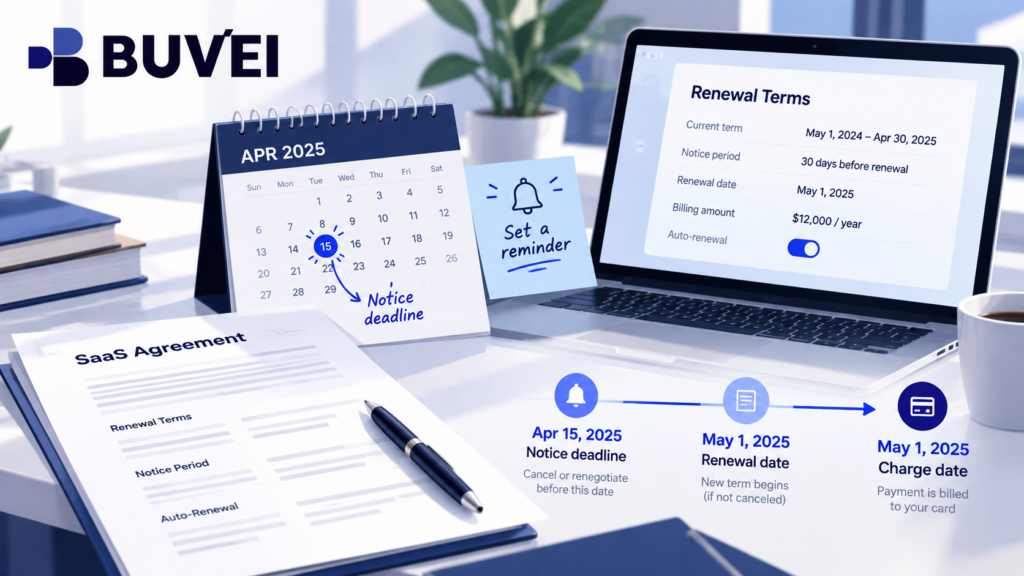
A contract may renew on 1 November but require written cancellation or non-renewal notice by 1 October.
If the team only notices the higher price in late October, the business may already have fewer options even though the card has not yet been charged.
Check:
- Renewal date
- Cancellation or non-renewal deadline
- Required notice method
- Contract duration
- Automatic renewal terms
Do not rely on a failed payment or frozen card as a substitute for a proper cancellation notice. A declined payment may prevent the charge from succeeding, but it does not automatically change the contractual obligation.
Use Actual Product Usage Before Negotiating
Before contacting the supplier, review how the software is actually being used.
Look at:
- Active users
- Feature usage
- Team dependencies
- Support history
- Integrations
- Business importance
- Switching difficulty
This helps turn a general complaint about pricing into specific questions.
Instead of saying:
“Your renewal is too expensive.”
You can ask:
- Can we reduce the plan from 30 seats to 18?
- Can the analytics add-on be removed?
- Is there a lower tier for part of the team?
- Can the current term be extended while we review alternatives?
- What discount is available for a different commitment period?
The stronger the usage data, the easier it is to make a clear renewal decision.
Ask for a Clear Revised Quote
If the renewal amount is unclear, ask the supplier for a written breakdown.
A useful request can include:
- Number of seats
- Unit price
- Discounts ending
- New features or add-ons
- Billing period
- Tax basis
- Renewal deadline
- Alternative quantities or plans
The goal is not simply to request a discount. It is to understand exactly what the business is being asked to purchase.
If the supplier provides a revised quote, make sure the old payment link or invoice is no longer being used. Old invoices and automatic payment settings can sometimes remain active even after commercial terms change.
Only Then Adjust the Payment Card
Once the business has confirmed the final renewal amount, currency and payment date, review the payment card.
Check:
- Available balance
- Card status
- Spending limit
- Per-transaction or periodic controls
- Expected charge date
- Final approved amount
A dedicated virtual card for a specific SaaS supplier can make recurring payments easier to identify and manage.
Where Buvei card controls and transaction history are available, businesses can separate supplier payments and review card activity more clearly. However, card controls do not determine the supplier’s pricing, cancellation terms or contractual obligations. Those commercial decisions should be resolved first.
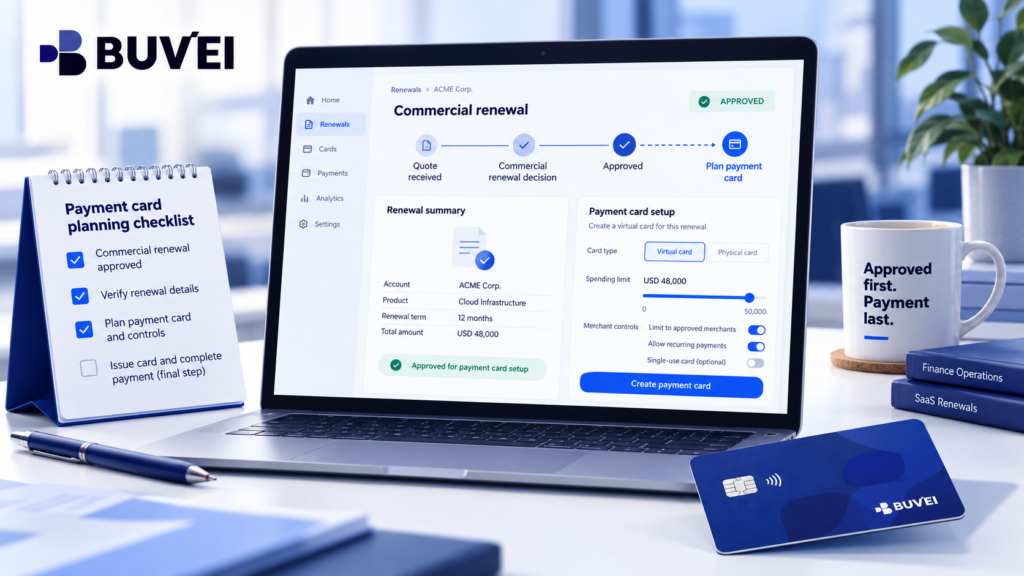
The sequence should be simple:
Review the renewal → approve the commercial terms → confirm the final invoice → prepare the payment card.
Not the other way around.
Keep a Simple Renewal Record
After the renewal decision is complete, keep a short record for the next review.
Include:
- Final plan
- Number of seats
- Annual or monthly cost
- Currency
- Discount expiry date
- Payment date
- Renewal deadline
- Service owner
- Final quote or invoice
This can save a lot of time the following year.
Instead of trying to reconstruct the reason for a higher charge from old emails, the next reviewer can immediately see what was agreed and what changed.
Final Thoughts
A SaaS renewal price increase should be reviewed as a commercial decision before it becomes a payment transaction.
The most useful questions are:
- What exactly changed?
- Are we still using what we are paying for?
- Did a discount expire?
- Did seats or add-ons increase?
- What is the renewal deadline?
- Has the final amount been approved?
Once those questions are answered, the payment setup becomes much simpler.
A clear renewal process helps businesses control recurring software costs, reduce unnecessary spend and avoid letting a payment issue make a commercial decision by accident.