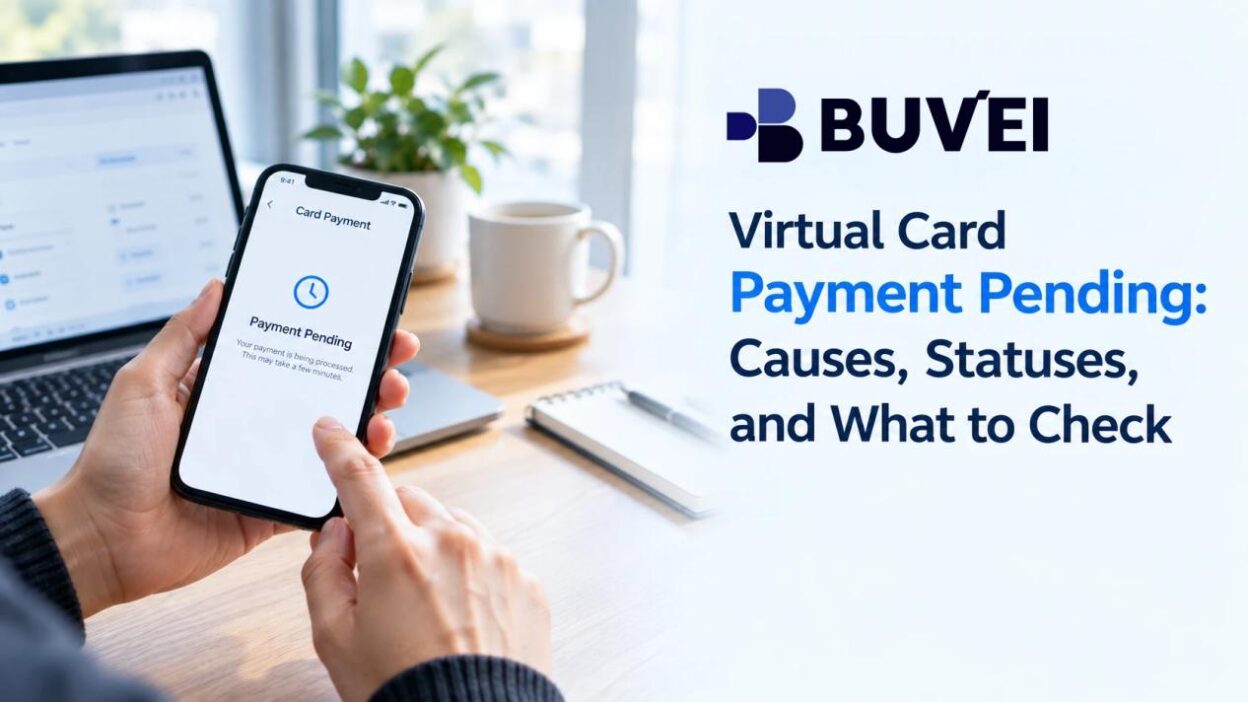
You make a purchase with a virtual card, but the transaction does not appear as completed. Instead, it stays marked as pending.
This can happen with online purchases, subscriptions, bookings, and other card payments. The merchant may show the order as processing, while the card account continues to show a pending transaction. In some cases, the pending amount may also affect the balance available for other purchases.
A pending payment does not always mean something has gone wrong. However, the status can be confusing when the merchant and card account show different information, especially if you are considering whether to wait or make the payment again.
Understanding what the pending status means, what can cause it, and which details to check can make the next step much clearer.
What Does a Pending Virtual Card Payment Mean?
A pending payment is a transaction that has been initiated or authorized but has not reached its final status.
For some purchases, the merchant authorizes the card first and completes the payment later. A temporary authorization may also be used to verify a payment method or hold funds while an order is being processed.
The important distinction is that pending is different from both declined and completed. The transaction is still being resolved.
Does a Pending Payment Reduce Your Available Balance?
It can.
A pending authorization may temporarily reduce the amount available for other transactions, even though the payment has not been finalized. If the merchant completes the payment, it moves forward as a completed transaction. If the authorization is released or reversed, the amount may become available again.
There is no universal timeframe for a pending payment. The merchant, payment processor, transaction type, and card system can all affect how long it remains pending.
Why Is a Virtual Card Payment Still Pending?
A pending transaction does not necessarily indicate a problem with the virtual card. Often, the payment simply has not reached its final stage.
The Merchant Has Not Finalized the Payment
Some merchants authorize a card when an order is placed and capture the payment later.
An online store, for example, may authorize the payment when you submit an order but complete the charge after the order is confirmed or prepared for fulfillment. Booking services and other merchants may use similar processes.
If the merchant shows the order as confirmed or still processing, the card payment may simply need more time.
The Payment Is Under Verification or Preauthorization
A merchant may place a temporary authorization to check whether a payment method is valid or whether sufficient funds are available.
This can happen when adding a card to a service, starting certain subscriptions or trials, or making some types of bookings. The transaction may remain pending until the merchant completes or releases the authorization.
If the amount looks unfamiliar, compare it with the action you just took on the merchant’s website. Small temporary charges, for example, can sometimes be related to card verification.
Check the Card’s Available Balance and Limits
Your available balance and card limits are worth checking before taking another action.
This may not explain why the original transaction is pending, but it can help rule out card-side issues that could affect another payment attempt. If you use several virtual cards, also make sure you are checking the card that was actually used.
The Merchant Requires Additional Payment Information
Some checkout systems require billing information, authentication, or another verification step before a payment can be completed.
If the merchant displays an error or asks you to update your payment information while the card still shows a pending transaction, check what happened with the original attempt before submitting another payment.
Pending vs. Completed vs. Declined vs. Reversed
These statuses generally describe different points in the payment process:
| Status | What it generally means |
| Pending | The transaction has been initiated or authorized but has not been finalized |
| Completed | The payment has been finalized |
| Declined | The transaction was not approved |
| Reversed | A previous authorization was released or reversed |
The merchant and card provider may not update their systems at exactly the same time. For example, a merchant might show a payment as unsuccessful while the card transaction is still pending. A merchant may also show an order as processing while the card remains pending.
When the statuses do not match, compare the transaction time, amount, currency, and merchant information before making another payment attempt.
What to Check When a Virtual Card Payment Is Pending
Start with the merchant order and then compare it with the card transaction.
Check the Merchant Order
Open the merchant’s website or app and check the relevant order, subscription, booking, or account activity.
A confirmed order with a pending card transaction is different from an order that never went through. The merchant may also indicate whether the payment is still processing or whether another action is required.
Compare the Amount and Currency
Check the amount and currency shown by the merchant against the card transaction.
This is particularly useful for international purchases, temporary authorizations, deposits, taxes, or transactions involving currency conversion. A difference does not automatically mean something is wrong, but it is worth understanding before paying again.

Check Your Available Balance
A pending authorization may temporarily affect the balance available for new transactions. If the original payment is still pending, another attempt could create a second authorization. Checking the available balance first can help you avoid tying up more funds than necessary.
Review Previous Payment Attempts
Look at your transaction history around the time of the purchase. If you clicked the payment button more than once, there may be several similar transactions. Compare their times and amounts instead of assuming that every pending record represents a separate completed charge.
Compare the Merchant and Card Status
This is especially important when the two sides show different information.
If the merchant says the payment failed while the card still shows pending, the order may have been rejected even though the authorization on the card side has not yet been resolved.
Keep both records when the statuses disagree. They can help you decide whether to wait, contact the merchant, or ask the card provider to review the transaction.
Should You Retry a Pending Virtual Card Payment?
Do not immediately retry a payment just because the first transaction is still pending.
A second attempt can create another authorization while the original one is still active. That may temporarily affect more of your available balance and make it harder to identify which transaction was ultimately completed.
Before trying again, check whether the merchant created an order and whether it has confirmed that the original payment did not go through.
If the merchant confirms that the first attempt failed and asks you to submit the payment again, you have a clearer basis for doing so.
The key distinction is confirmed failure versus an unresolved transaction. A pending status on its own is not a reason to keep pressing the payment button.
When to Contact the Merchant vs. Your Card Provider
The merchant and card provider can see different parts of the same transaction, so the right contact depends on what you need to find out.
Contact the Merchant When
The merchant is generally the right place to ask whether an order was created, whether the payment was received, or why an order is still processing.
If the merchant says the order was not paid, ask whether the original attempt should be retried or whether the pending authorization is expected to be released.
Contact the Card Provider When
Your card provider is more relevant when you need clarification about the card-side transaction.
Contact the provider if the transaction remains pending without a clear explanation, the merchant says the payment did not complete, the amount or currency looks unusual, or several unexpected transactions appear around the same time.
The provider can review what it sees on the card side, but it may not be able to immediately remove a valid pending authorization that is still active in the payment system.
When contacting support, have the transaction time, amount, currency, merchant name, and any available transaction reference ready. Never send your full card number, CVV, password, OTP, or authentication code through an unverified support channel.
Checking a Pending Payment in BUVEI
For BUVEI users, the card-side transaction record is a useful place to start when a payment remains pending.
The BUVEI App brings virtual card management and transaction information together in one place. You can manage virtual cards and check balances, transactions, and card status from the app.
When checking a pending payment, compare the information shown in BUVEI with the order details on the merchant’s side. Pay attention to the transaction status, amount, currency, card used, transaction time, and available balance.
This can help you distinguish between one unresolved payment and multiple attempts. It also gives you useful transaction details if the payment needs further review.
BUVEI shows the card side of the transaction. The merchant still controls its own order and payment-processing workflow, so a pending transaction does not mean the card provider can simply force the merchant to complete or release it.
Frequently Asked Questions
Why is my virtual card payment still pending?
The merchant may not have finalized the payment, or the transaction may still be going through verification or payment processing. Check the merchant’s order status alongside the card transaction before trying again.
What if the merchant says the payment failed but my card shows pending?
Keep both records and avoid immediately submitting another payment. Check whether the merchant confirms that the first attempt did not complete and whether the pending transaction is still active on the card side.
What happens if a pending payment never completes?
The transaction may eventually be released or reversed if the merchant does not complete it. The timing varies, so there is no single number of days that applies to every card payment.
Conclusion
A pending virtual card payment does not necessarily mean the payment failed, but it does not confirm that the transaction has been completed either.
Check the merchant order, transaction status, amount, currency, available balance, and previous payment attempts before paying again. If the merchant and card show different statuses, compare both records before deciding what to do next.
For BUVEI users, the App provides another place to review virtual card transactions and card status while investigating a pending payment.