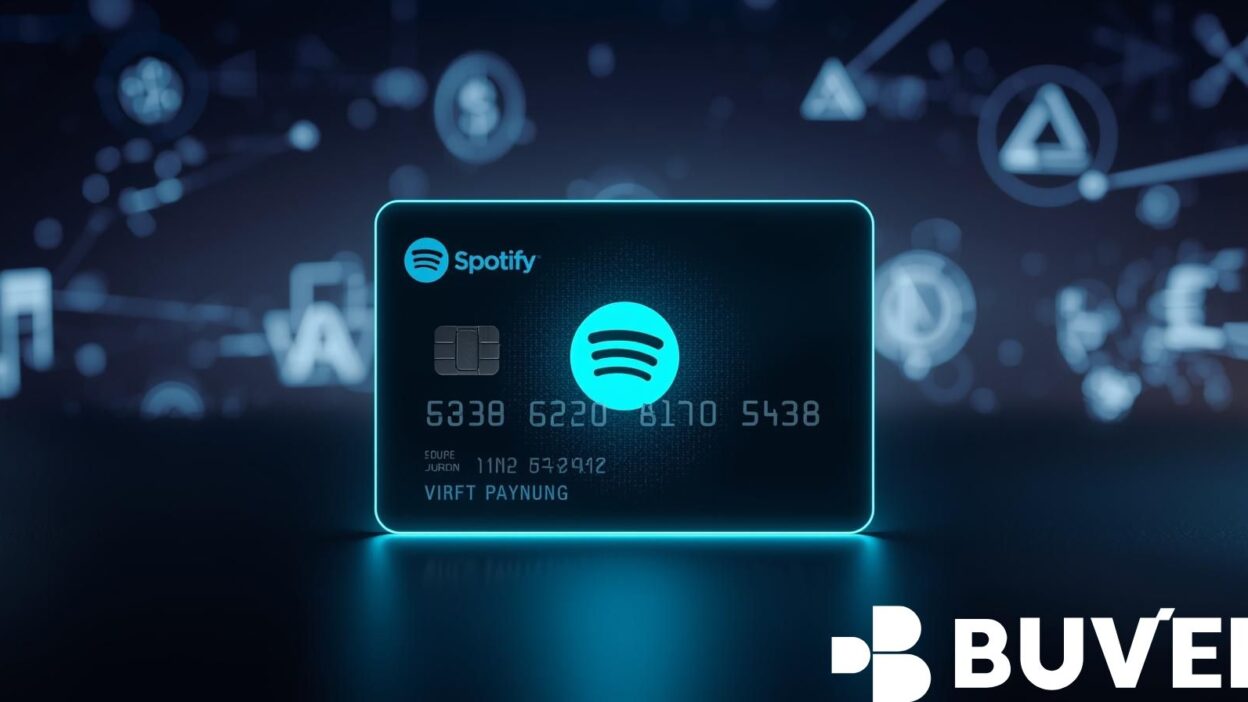
If you love music and podcasts, chances are you’ve thought about upgrading to Spotify Premium. But what if you don’t have a physical credit card—or prefer not to use one online? The good news: you can pay for Spotify Premium with a virtual card.
Virtual cards are safe, easy to issue, and perfect for managing online subscriptions. In this article, we’ll explain step by step how to subscribe, highlight the benefits of using a virtual card, and share how services like Buvei make the process seamless.
Why Use a Virtual Card for Spotify Premium?
There are many reasons to consider using a virtual card over a traditional bank card:
-
Security and Privacy — Virtual cards hide your real bank account details, protecting you from fraud.
-
Control Over Spending — You can set limits or create single-use cards, preventing unwanted recurring charges.
-
Flexibility — Easily manage multiple subscriptions, cancel or replace cards when needed.
-
Convenience — Virtual cards can be issued instantly, without waiting for a plastic card in the mail.

How to Subscribe to Spotify Premium with a Virtual Card
Here’s a step-by-step guide to getting Spotify Premium set up:
-
Get a virtual card. Choose a reliable provider. With Buvei, for example, you can issue a card instantly after registering.
-
Top up your card. Add funds via traditional payment methods or through USDT (TRC20/ERC20) for lower fees and faster balance updates.
-
Go to Spotify Premium. Visit the official site or app, log in, and select your Premium plan.
-
Enter payment details. Input your virtual card number, expiry date, CVV, and billing address as provided by your card dashboard.
-
Confirm subscription. If your card is funded and compatible, your payment will be processed immediately, unlocking Premium features.
Common Issues and Fixes
Even though most virtual cards work with Spotify, here are some tips if you face issues:
-
Payment declined: Ensure the card has sufficient funds and supports recurring payments.
-
Address mismatch: Use the billing address recommended by your provider.
-
Region restriction: Spotify may check card BIN compatibility; providers like Buvei offer Multiple BIN Support for higher approval rates.
-
Renewal problems: If the subscription fails next month, create a new card or enable auto-top-up.
Why Choose Buvei for Virtual Cards?
While many providers exist, Buvei stands out with several advantages:
-
Multiple BIN Support — Increases payment success across global platforms, including Spotify.
-
Strong Compatibility — Works not only with Spotify but also with SaaS tools (ChatGPT, Canva, Notion) and ad platforms (Google Ads, TikTok Ads, Meta Ads).
-
USDT Top-up — Faster and cheaper than bank transfers, ideal for international users.
-
Instant Card Issuance — No long waits or complicated KYC.
Other highlights include transparent fees, security compliance (PCI DSS), multi-account management for teams, and real-time customer service to resolve issues quickly.
Summary
Yes—you can absolutely use a virtual card to pay for Spotify Premium. The process is simple: get a virtual card, top it up, enter details on Spotify, and enjoy uninterrupted music streaming.
The four key steps are:
-
Register with a trusted virtual card provider.
-
Top up your card (consider USDT for low fees).
-
Enter details into Spotify’s payment page.
-
Manage renewals with balance checks or multi-card management.
For users who want higher success rates and convenience, Buvei offers instant issuance, strong compatibility, and reliable customer support—making Spotify Premium payments stress-free.
Ready to enjoy music without payment hassles? Try a Buvei virtual card today, top up instantly, and start your Spotify Premium subscription with just a few clicks.