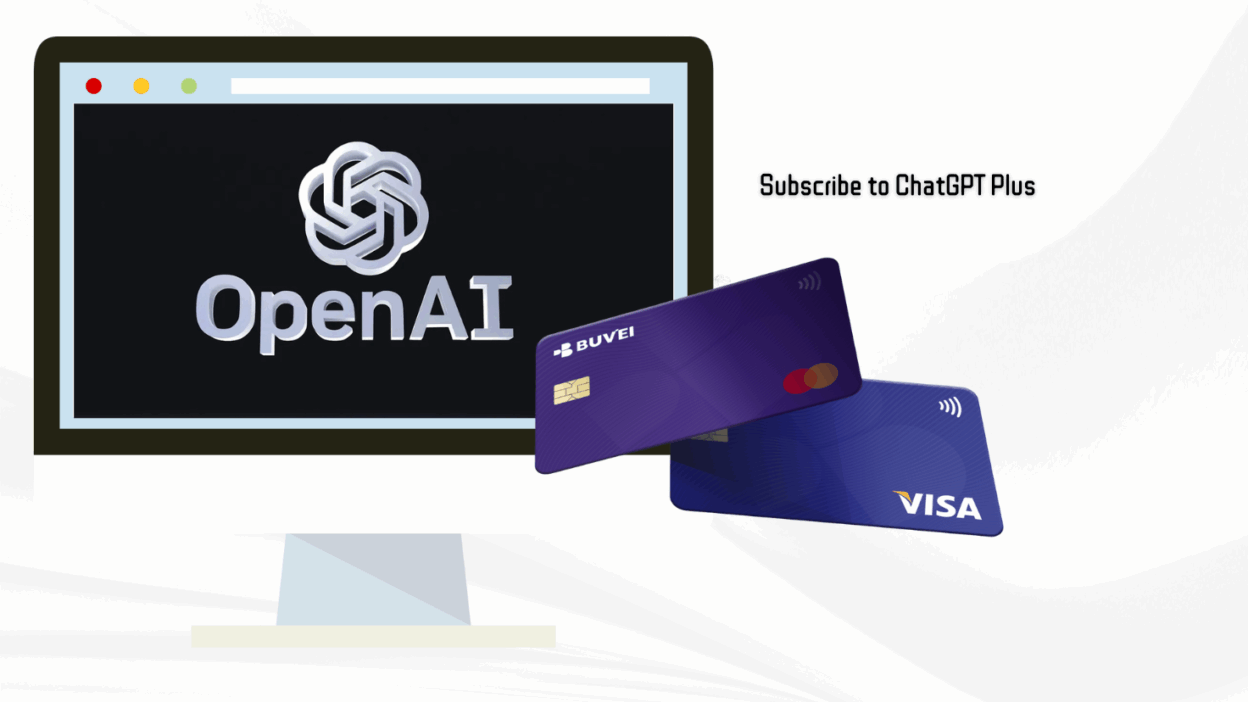
ChatGPT Plus gives users faster response times, priority access to GPT-4, and overall improved service quality. However, many users face payment limitations—either they don't have a credit card, or their regional cards are not accepted by OpenAI.
This guide will walk you through the entire process of subscribing to ChatGPT Plus using a Buvei virtual card, even if you're located in a restricted payment region or prefer crypto-funded methods.
Step 1: Access the ChatGPT Plus Upgrade Page
-
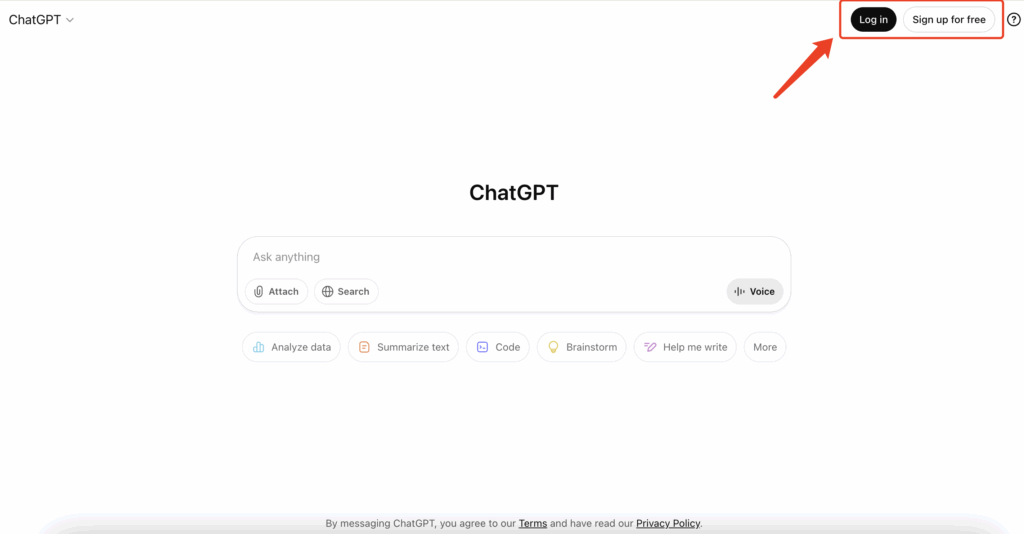
Open your browser and go to the official ChatGPT site: 👉 https://chat.openai.com
-
Log in to your OpenAI account (or sign up if you haven’t yet).
-
Click “Upgrade to Plus” in the bottom-left menu, or use the “Upgrade” button on the top of the homepage.
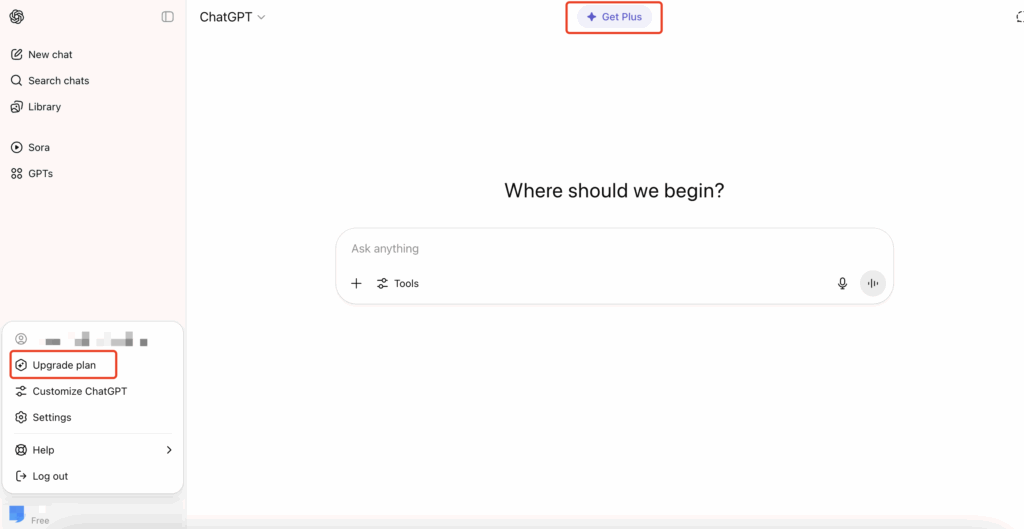
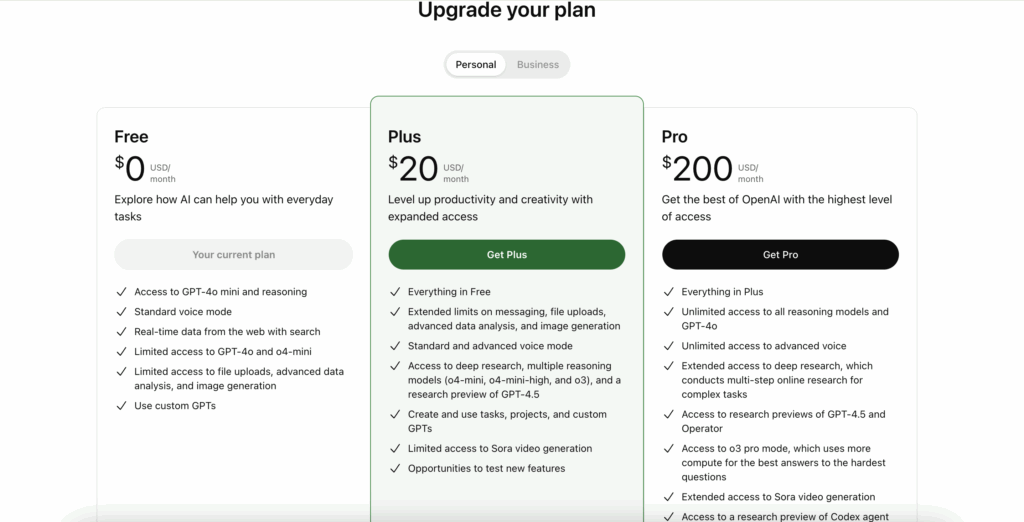
- You’ll be redirected to the subscription pricing page.
Click “Upgrade Plan” to proceed to the payment step.
Step 2: Prepare Your Buvei Virtual Card
Sign Up and Fund Your Account
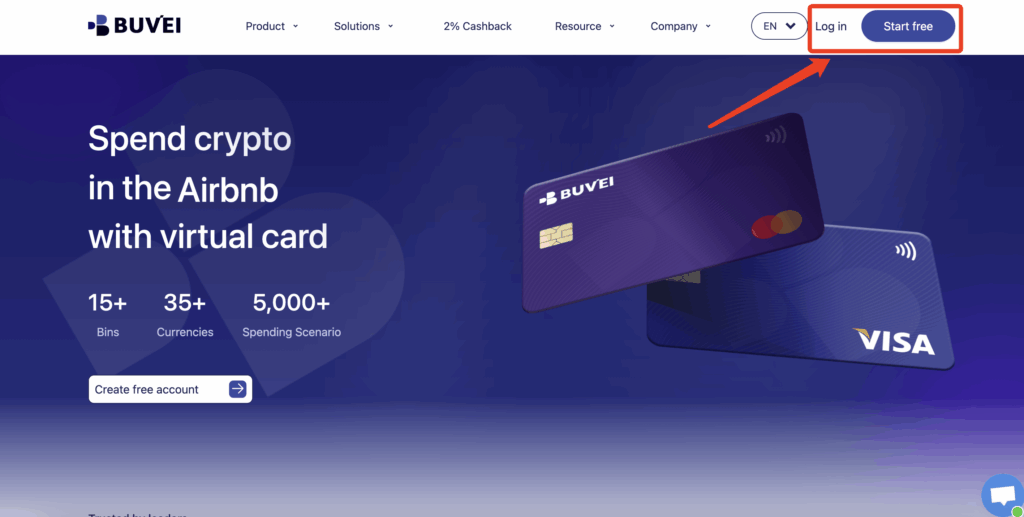
- visit https://buvei.com and create a free account.
- After email verification, log in to access the Buvei dashboard.
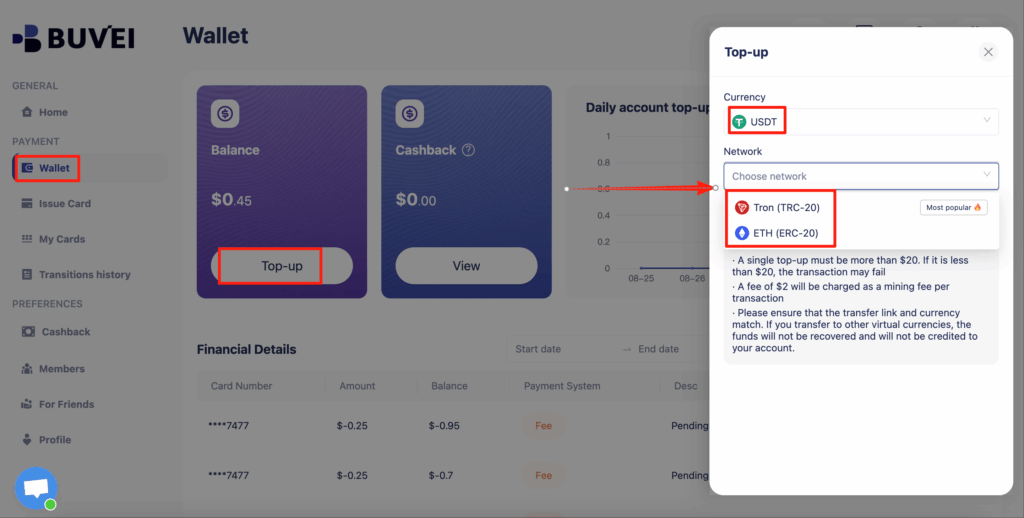
- Navigate to the Wallet tab and top up using supported stablecoins like USDT (TRC20/ERC20). You’ll receive a unique address—copy it and send your funds.
- Once confirmed, your balance will appear in the wallet for immediate use.
- Create a Virtual Card
-
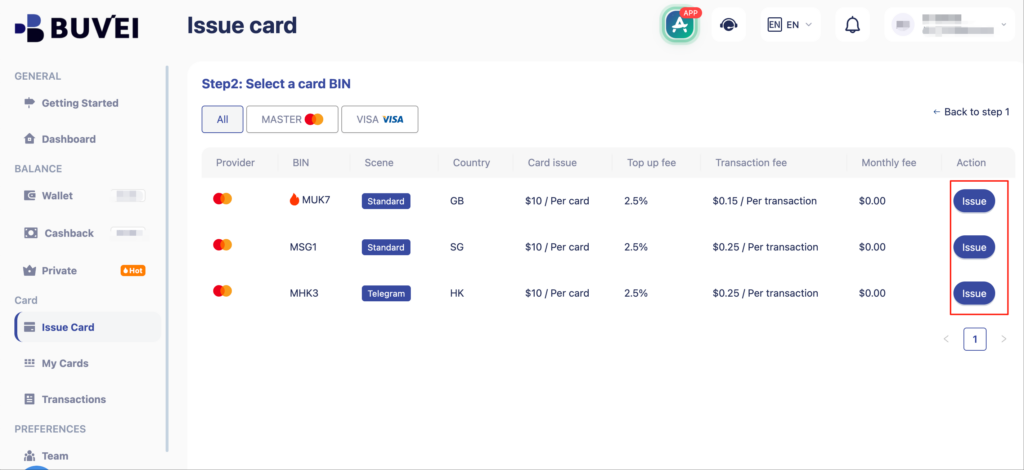
Go to the Card tab
-
Choose your preferred BIN region ,(recommends using US BIN)
-
Select your card type
-
Click Issue
-

- Fill in the virtual card details, including name, amount, and number of cards.
-
Click Issue Card

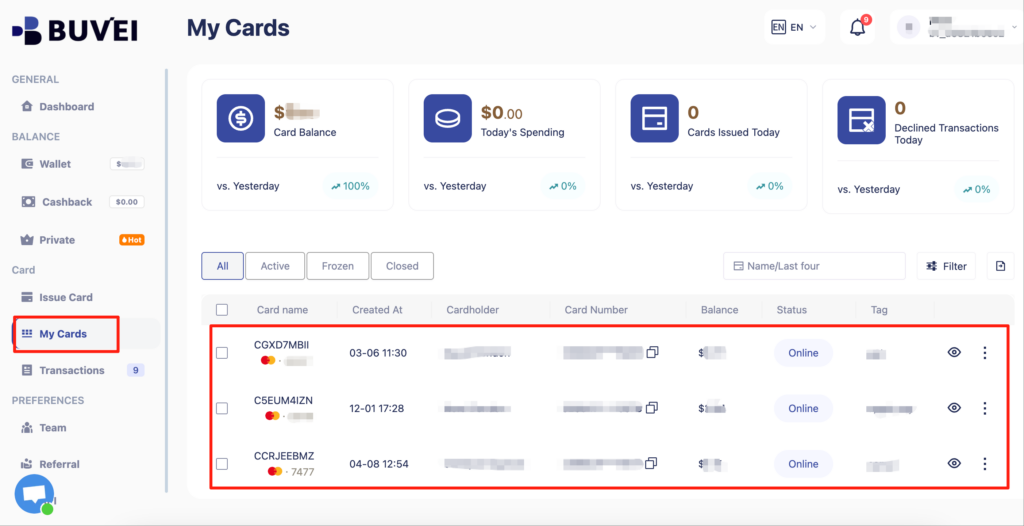
- Once created, navigate to My Cards to access your card details:
-
Card Number
-
Expiration Date
-
CVV
-
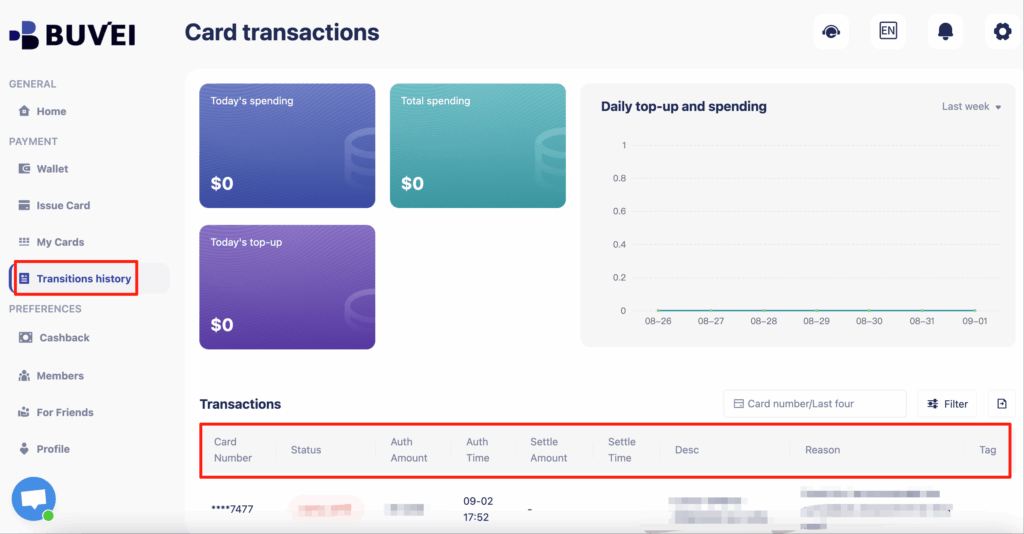
- On this page, users can view an overview of their virtual card top-ups and spending, and check all transaction details.
Step 3: Enter Card Details and Complete the Payment
At the OpenAI payment screen:
-
Enter your Buvei virtual card details:
-
Card Number
-
Expiry Date (MM/YY)
-
Security Code (CVV)
-
Name: Use your Buvei account name or real name (in Latin alphabet)
-
Billing Address: Ensure consistency with the region the card supports
-
-
Click “Subscribe” to complete the payment process.
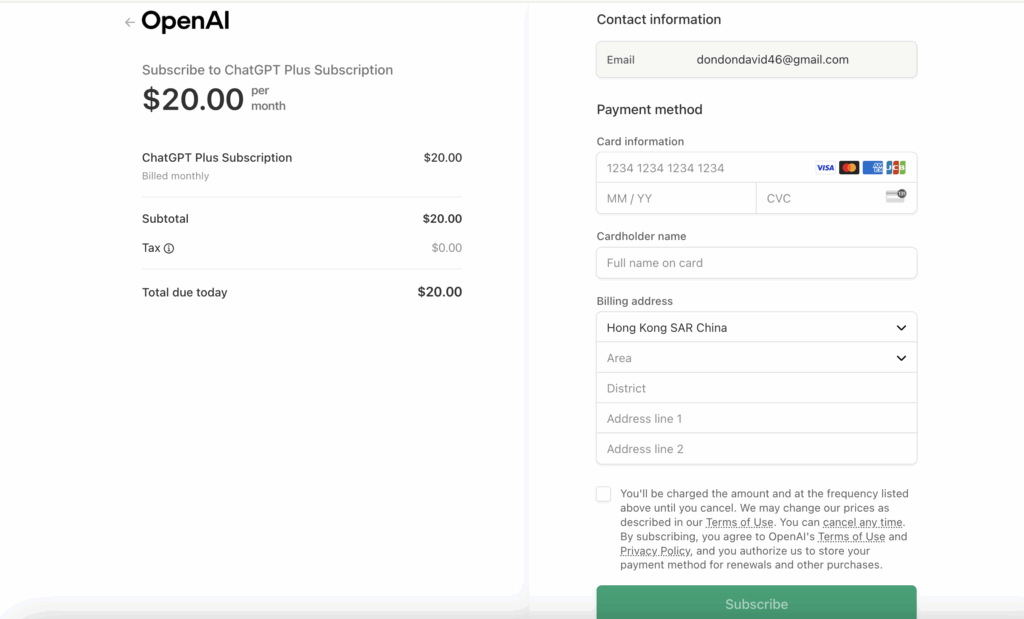
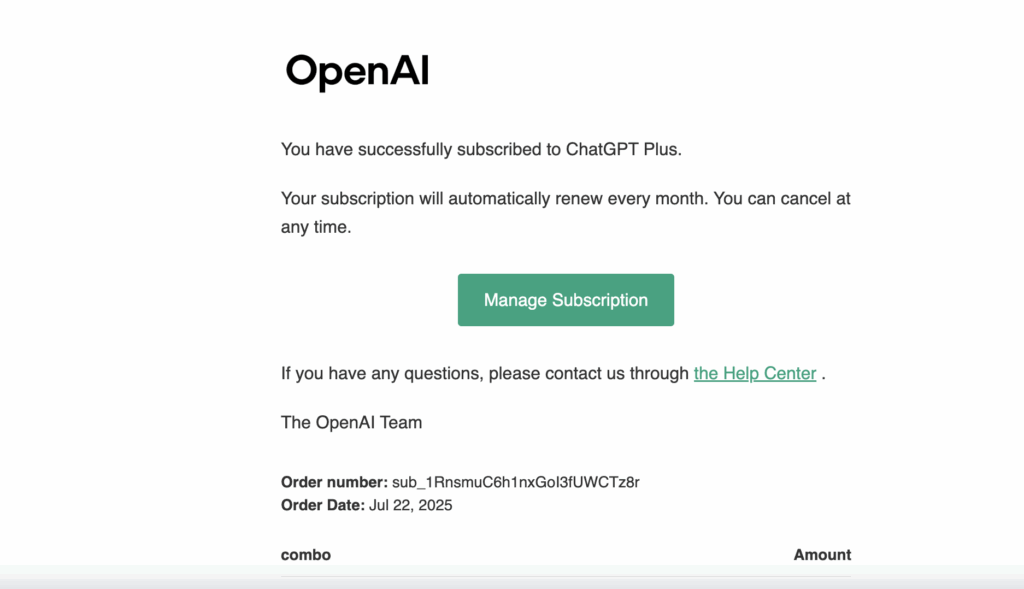
- If successful, you’ll see a confirmation that your ChatGPT Plus subscription is active.

- You’ll also receive a confirmation email from OpenAI — where you can manage your subscription, view billing history, or cancel renewal directly through the link provided.
Troubleshooting Common Issues
Why did the payment fail?
Here are possible causes and solutions:
-
Insufficient Balance: Ensure your virtual card has at least $25.
-
Billing Address Mismatch: Use internationally accepted addresses.
-
Temporary Payment Decline: Wait a few minutes and retry the transaction.
-
Card BIN Not Supported: Contact Buvei support for a compatible card range.
Do I need a physical credit card?
No. Buvei virtual cards are fully supported by OpenAI as long as they are issued under Visa or Mastercard schemes.
Can I link multiple cards to different accounts?
Yes. Buvei supports issuing multiple cards. You can assign a unique card to each OpenAI account for:
-
Spending control
-
Budget separation
-
Project-specific billing
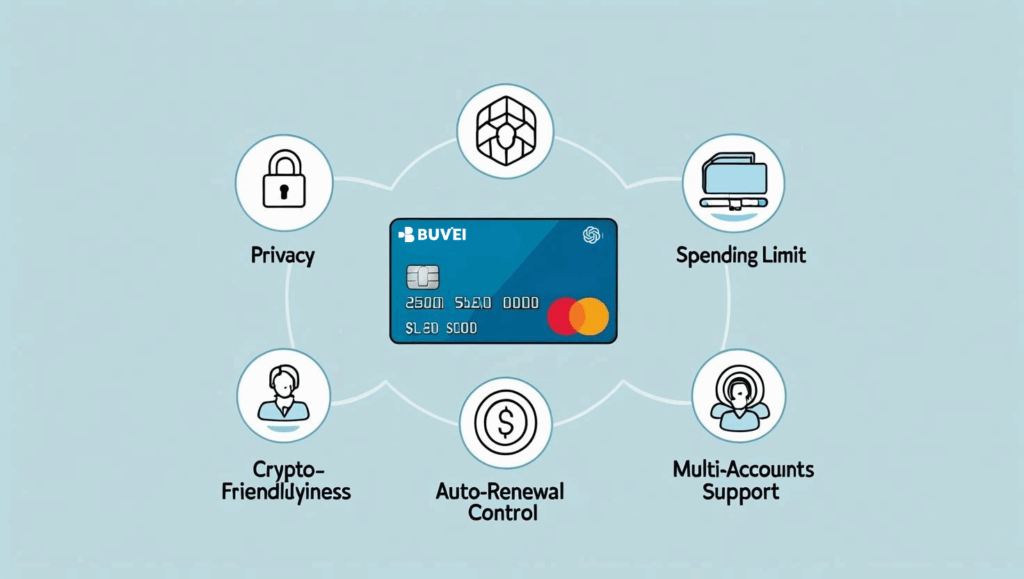
Why Use a Virtual Card for ChatGPT Plus?
-
✅ Control your spending with strict card limits
-
✅ Avoid accidental renewals or overcharges
-
✅ Keep your real credit card information private
-
✅ Fund via crypto — no traditional bank required
-
✅ Suitable for freelancers, businesses, and international users
Ready to Power Up Your AI Workflow?
Subscribe to ChatGPT Plus using a Buvei virtual card and enjoy priority access to GPT-4 with complete control over your payments.
💡 Need help setting up? Our support team is here for one-on-one assistance.