In recent years, virtual Visa cards have gained popularity as a secure and convenient payment method for both online and in-store purchases. These digital cards offer enhanced security features and greater control over spending. This comprehensive guide will walk you through what virtual Visa cards are, how to use them effectively, and where to obtain them.
What Is a Virtual Visa Card?
A virtual Visa card is a digital payment card issued by financial institutions or independent providers. It functions similarly to a physical Visa card but exists solely in electronic form. Key features include:
-
16-digit card number
-
Expiration date
-
Security code (CVV/CVC)
These cards can be linked to your bank account, credit card, or debit card as a funding source. They are primarily used to protect your actual financial information during online transactions.
Using a Virtual Visa Card for Online Purchases
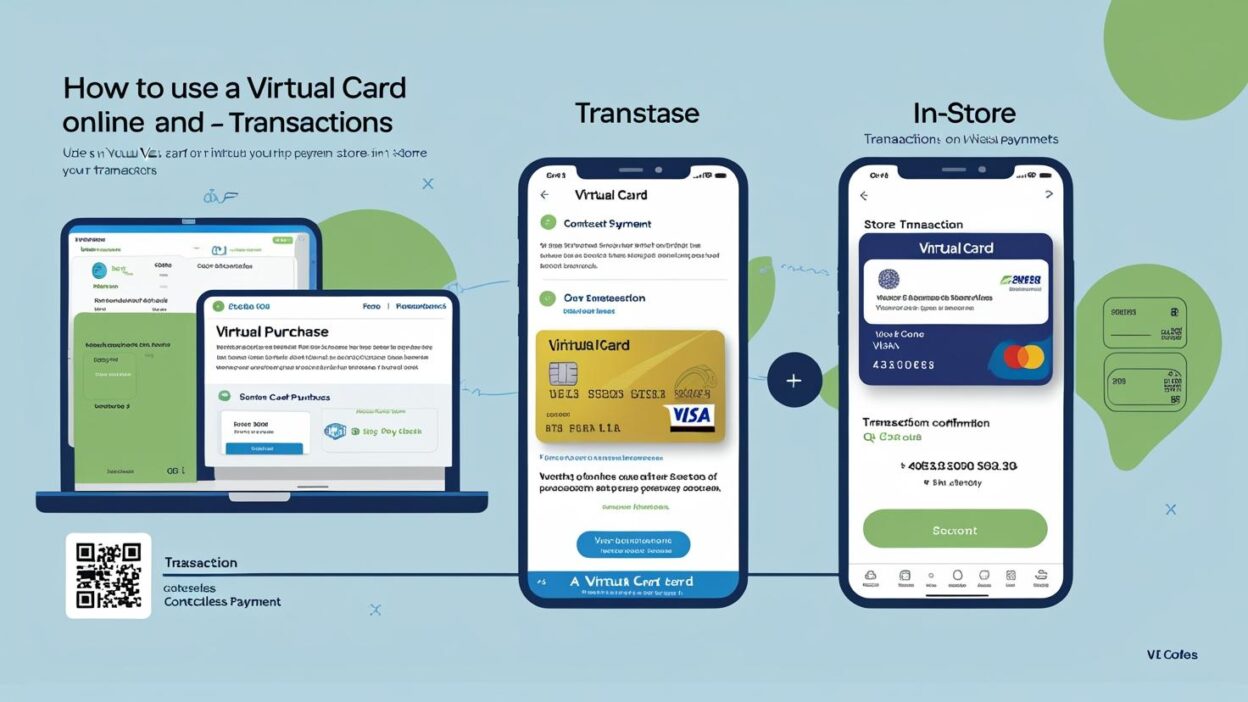
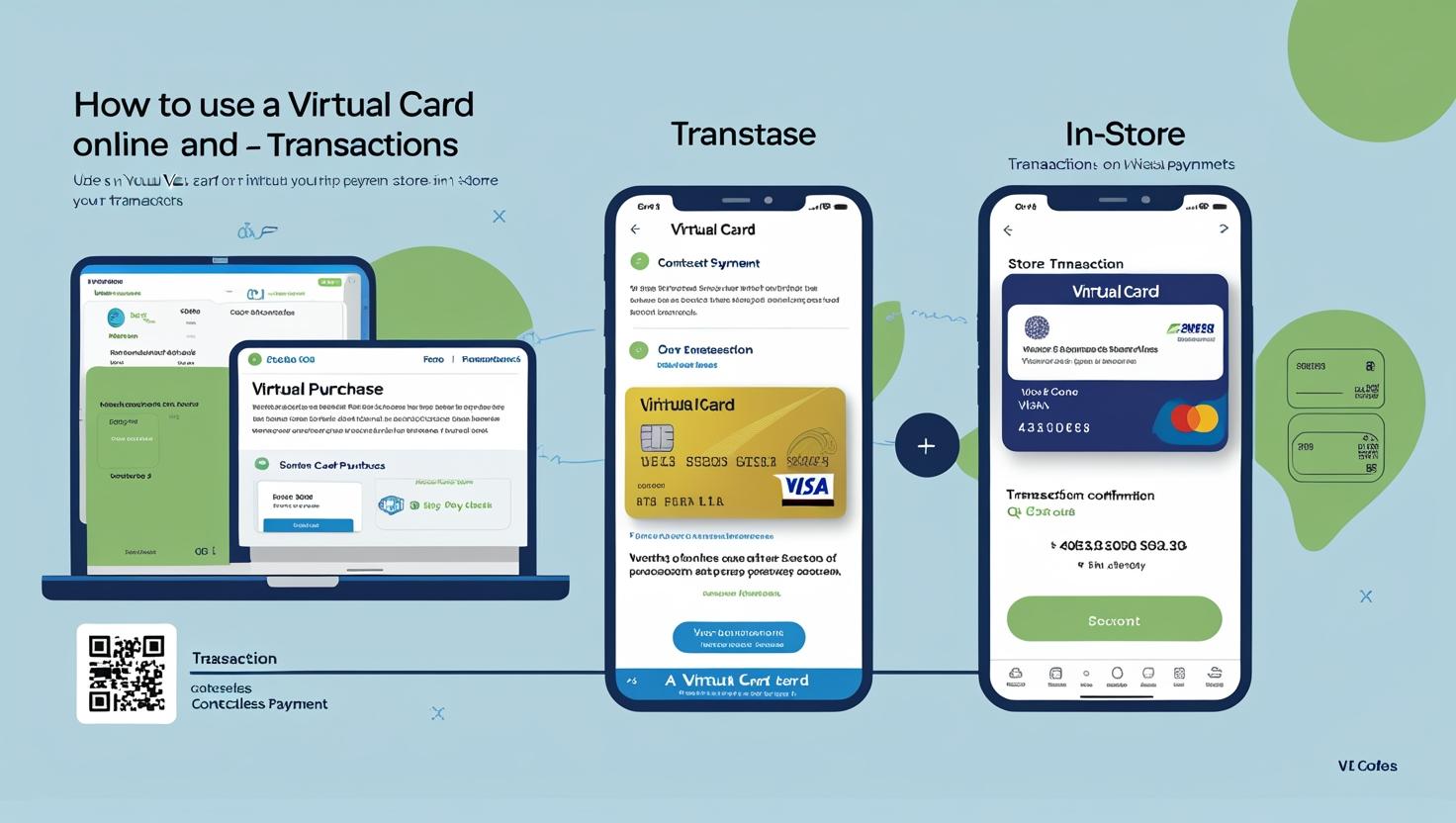
Online purchases are classified as remote or card-not-present (CNP) transactions. To use your virtual Visa card online:
-
Proceed to checkout on the merchant’s website.
-
Select "Pay with a Debit or Credit Card" as the payment option.
-
Enter your virtual card details: card number, expiration date, and CVV code.
-
Provide your billing address if prompted.
-
Complete the purchase.
Some virtual card providers offer browser extensions that auto-fill card credentials, streamlining the checkout process. For instance, Privacy provides extensions for Chrome, Firefox, and Safari that expedite online checkouts.
Using a Virtual Visa Card In-Store
You can use your virtual Visa card in physical stores that accept contactless payments. The process involves:
-
Add the virtual card to a digital wallet (e.g., Apple Pay or Google Pay).
-
Open the digital wallet at checkout.
-
Select the virtual card as the payment method.
-
Tap your smartphone at the contactless payment terminal.
-
Authenticate the payment using your device's security features.
Note that not all merchants accept digital wallets, so it's advisable to check before attempting to use your virtual card in-store.
Limitations of Virtual Visa Cards
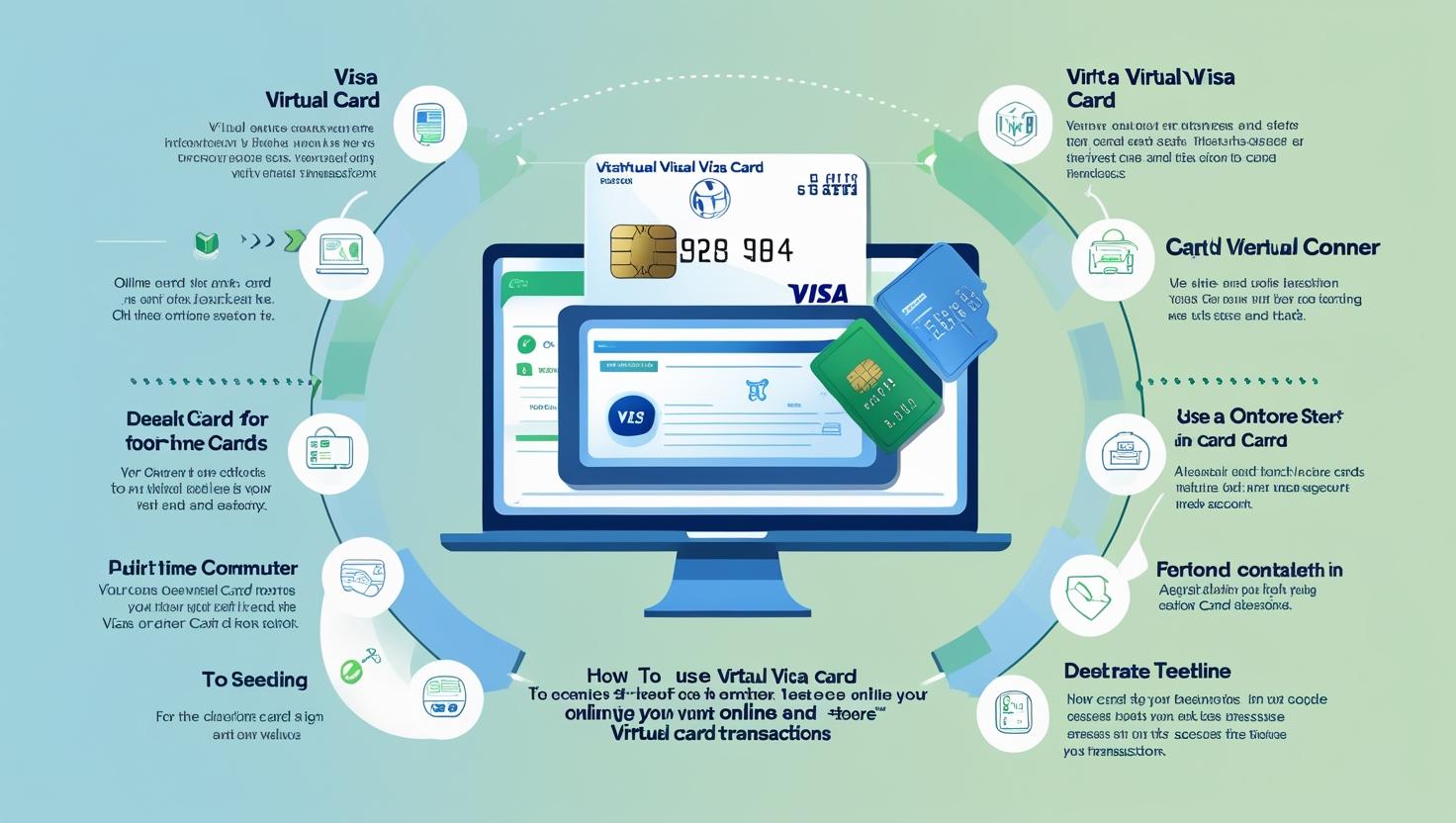
While virtual Visa cards offer enhanced security, they have certain limitations:
-
No ATM withdrawals: Virtual cards cannot be used to withdraw cash from ATMs.
-
Limited in-store use: Acceptance in physical stores may be restricted.
-
No physical card: Some services may require a physical card for identification or verification purposes.
To access cash, consider transferring funds to an account linked to a physical card or using peer-to-peer payment platforms.
Obtaining a Virtual Visa Card
Virtual Visa cards can be obtained through:
-
Banks and financial institutions: Many banks offer virtual cards to their customers.
-
Independent providers: Companies like Privacy and Pyypl provide virtual cards without the need for an existing bank account.
When choosing a provider, consider factors such as fees, security features, and compatibility with digital wallets.
Conclusion
Virtual Visa cards offer a secure and convenient alternative to traditional payment methods, especially for online transactions. By understanding how to use them effectively and being aware of their limitations, you can enhance your financial security and control over spending.