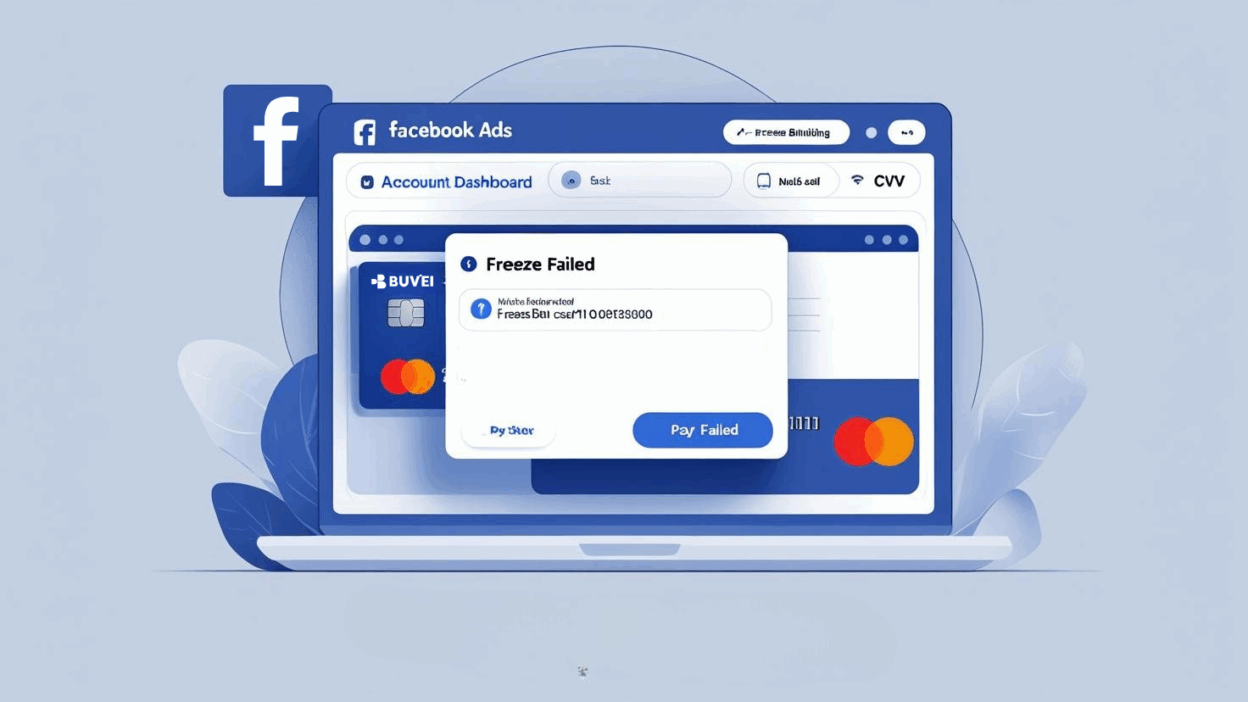
As digital advertising continues to grow globally, Facebook (now Meta) remains a top choice for marketers and agencies. However, many users encounter the frustrating "Freeze Failed" message when trying to bind a virtual card for ad payments. In this post, we’ll explain the causes behind this issue and offer practical solutions—especially for advertisers using platforms like Buvei.
Why Does the “Freeze Failed” Message Appear?
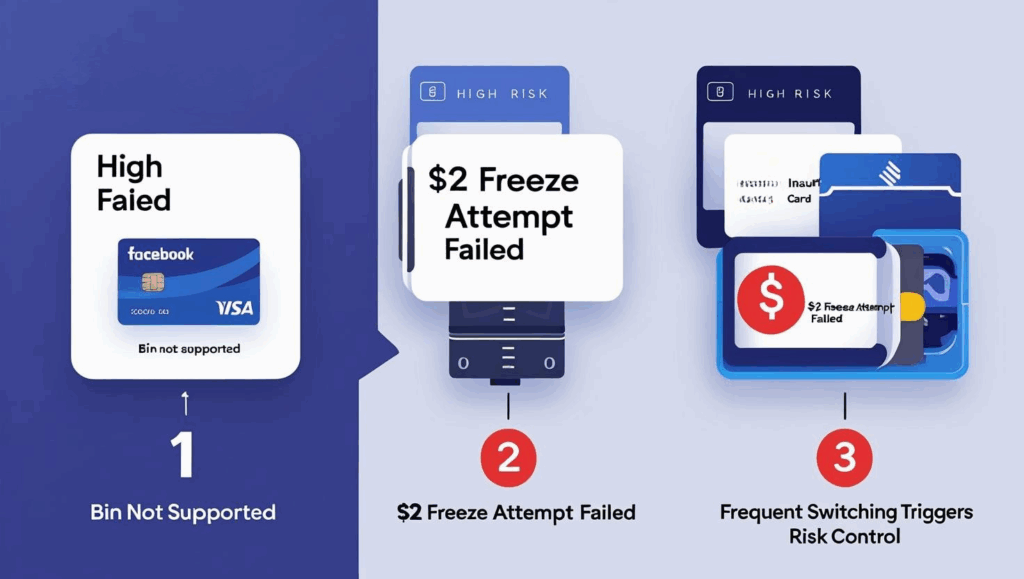
The "Freeze Failed" notice doesn’t mean your balance is zero. It means Meta failed to successfully freeze the authorization amount (usually $2 or $10) during its initial verification attempt. The reasons could include:
-
Unsupported card BIN: Some virtual card ranges or issuing countries are flagged by Meta’s system as high-risk.
-
Risk triggers: A new ad account, frequent card changes, or inconsistent IP addresses can raise red flags.
-
Insufficient freeze buffer: While your balance might seem sufficient, Meta may require 3–5x the freeze threshold.
Five Practical Solutions
✅ 1. Activate Ads and Wait for Auto-Charge
Ensure that your ad campaign, ad set, and ads are all active and pending or delivering. Meta will only trigger the initial charge attempt once the system detects campaign activity. If you still see the error, try clicking “Retry Freeze.”
✅ 2. Change BIN Type + Preload Funds
Use virtual cards with more stable BINs (e.g., Visa/Mastercard issued by trusted institutions) and preload them. Platforms like Buvei offer BINs optimized for Meta Ads and support stablecoin top-ups for global access.

✅ 3. Maintain a Higher Balance Than the Threshold
If the freeze threshold is $10, we recommend keeping $30–$50 on the card. This increases the success rate and improves Meta’s trust in your payment source.
✅ 4. Check for Risk Flags or Previous Failures
Review whether your ad account has experienced prior failed payments or chargebacks. Accounts marked as high-risk may continue to fail even with new cards. If needed, try creating a fresh ad account and linking the card again.
✅ 5. Avoid Frequent Card Changes
Frequent card switching is a red flag. Once you link a virtual card, avoid unbinding or changing it too often. Consistency helps build trust with Meta’s payment systems.
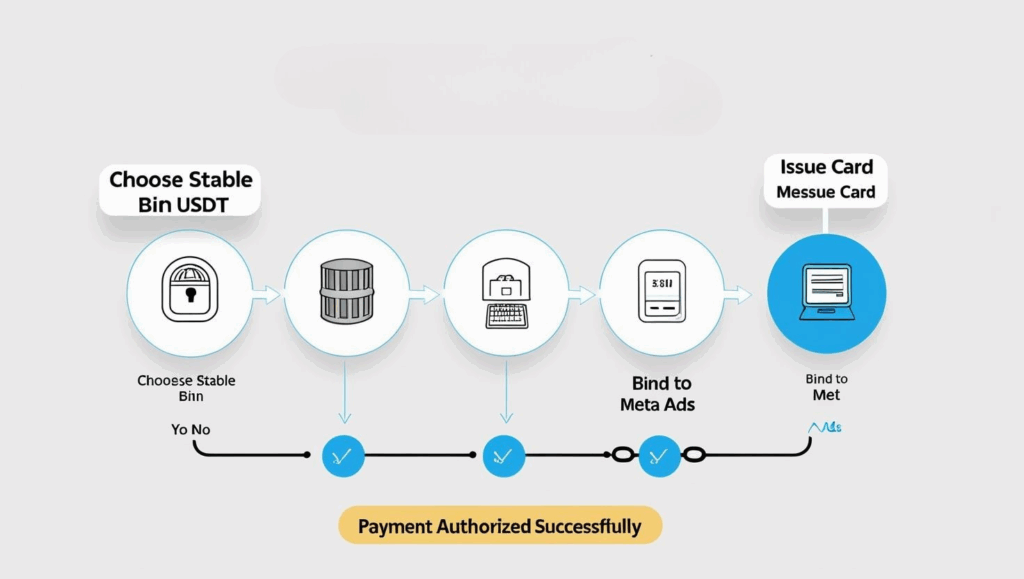
“Freeze Failed” Doesn’t Mean “Payment Failed”
Don’t assume the card doesn’t work just because the freeze fails. If your card BIN is compatible and your balance is sufficient, Meta may still auto-charge once your ads begin delivering. Be patient and wait for the system to trigger payment during actual ad activity.
Use Virtual Cards Optimized for Advertising
Given Meta’s increasingly strict payment risk controls, choosing a reliable virtual card solution is essential. Buvei offers multiple BIN types, real-time API issuance, TRC20/USDT support, and Apple Pay compatibility. It’s optimized for Facebook, Google, TikTok, and other ad platforms—ideal for professional media buyers.
Create Virtual Credit Card
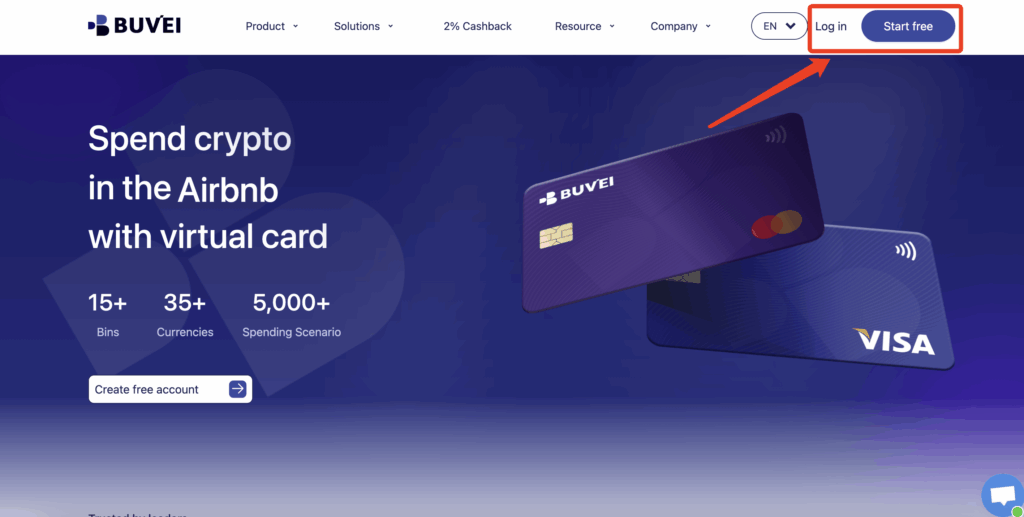
- visit https://buvei.com and create a free account.
- After email verification, log in to access the Buvei dashboard.
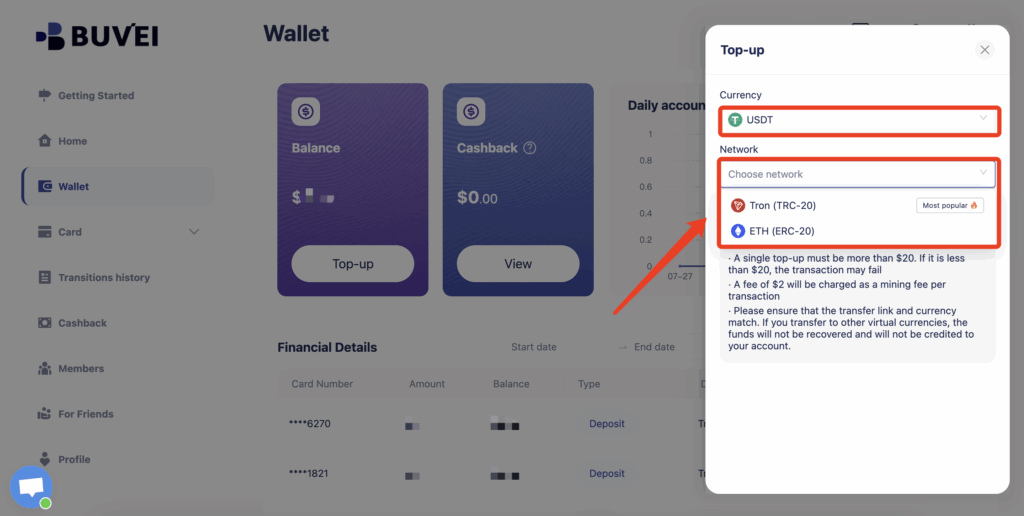
- Navigate to the Wallet tab and top up using supported stablecoins like USDT (TRC20/ERC20). You’ll receive a unique address—copy it and send your funds.
- Once confirmed, your balance will appear in the wallet for immediate use.
Step 4: Create a Virtual Card
-
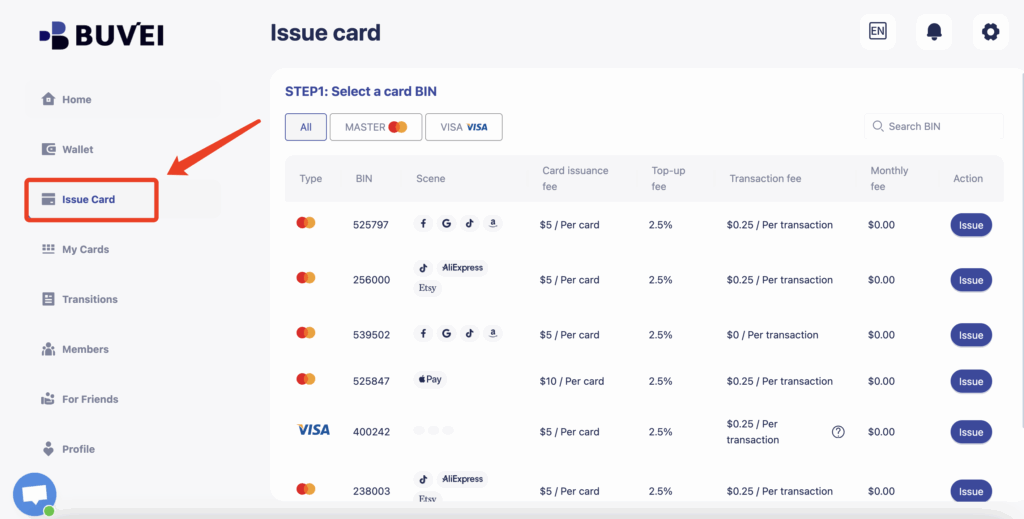
Go to the Card tab
-
Choose your preferred BIN region
-
Select your card type (Visa/Mastercard)
- Click Issue
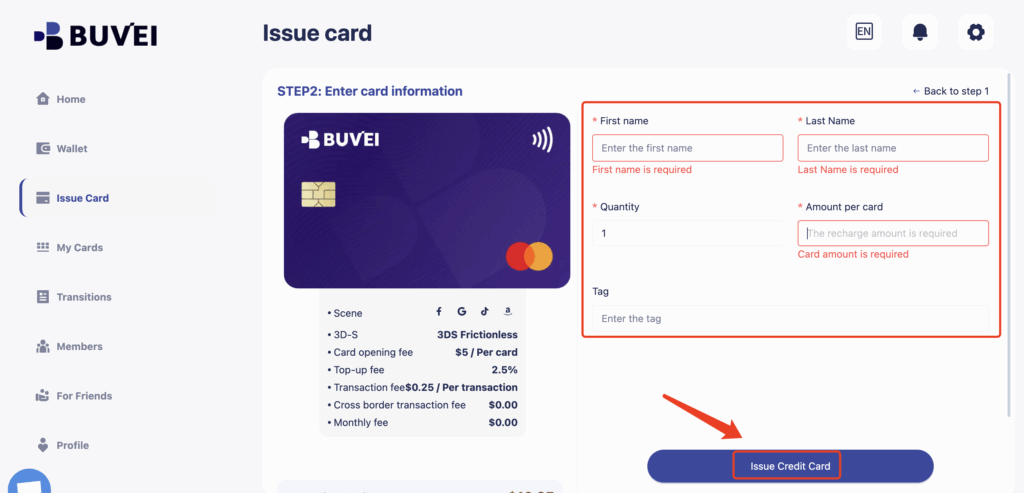
- Fill in the virtual card details, including name, amount, and number of cards.
-
Click Issue Card
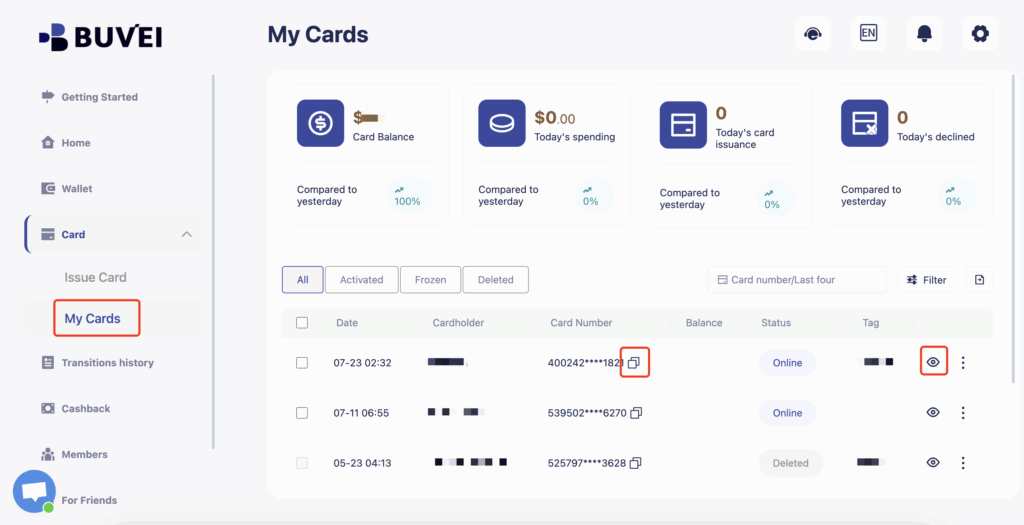
Once created, navigate to My Cards to access your card details:
-
Card Number
-
Expiration Date
If you're frequently running into issues with ad payments, it might be time to try Buvei. We've optimized our virtual cards specifically for Facebook Ads to help you get approved with ease:
✅ Multiple BIN types verified for Facebook compatibility
✅ Supports USDT (TRC20/ERC20) stablecoin top-ups
✅ One card per use — easier to pass risk checks
✅ Instant card issuance with API-based batch management
Whether you're managing multi-account campaigns or handling cross-border ad spend, Buvei offers a more stable and controllable payment solution.