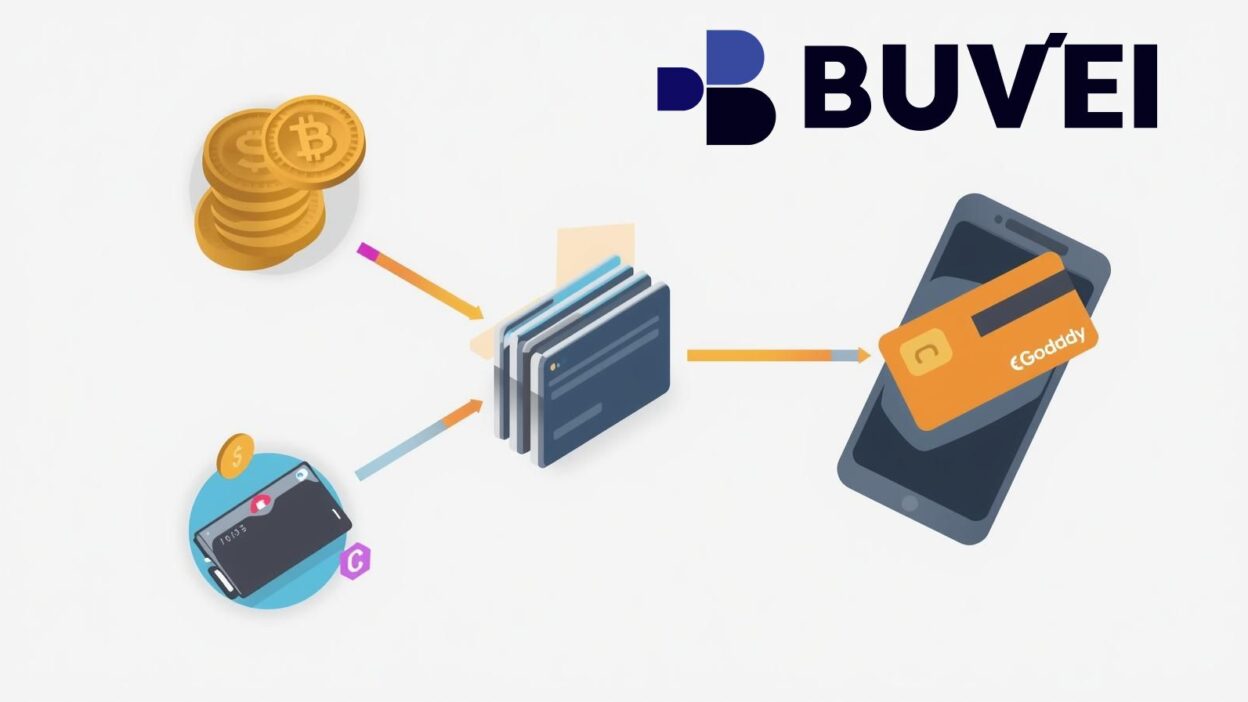
GoDaddy is one of the world’s largest domain registrars, but for crypto users, paying for domains can quickly become frustrating. GoDaddy does not accept direct cryptocurrency payments, and many international cards are frequently declined due to region, risk controls, or verification issues.
The practical solution many users now rely on is simple:
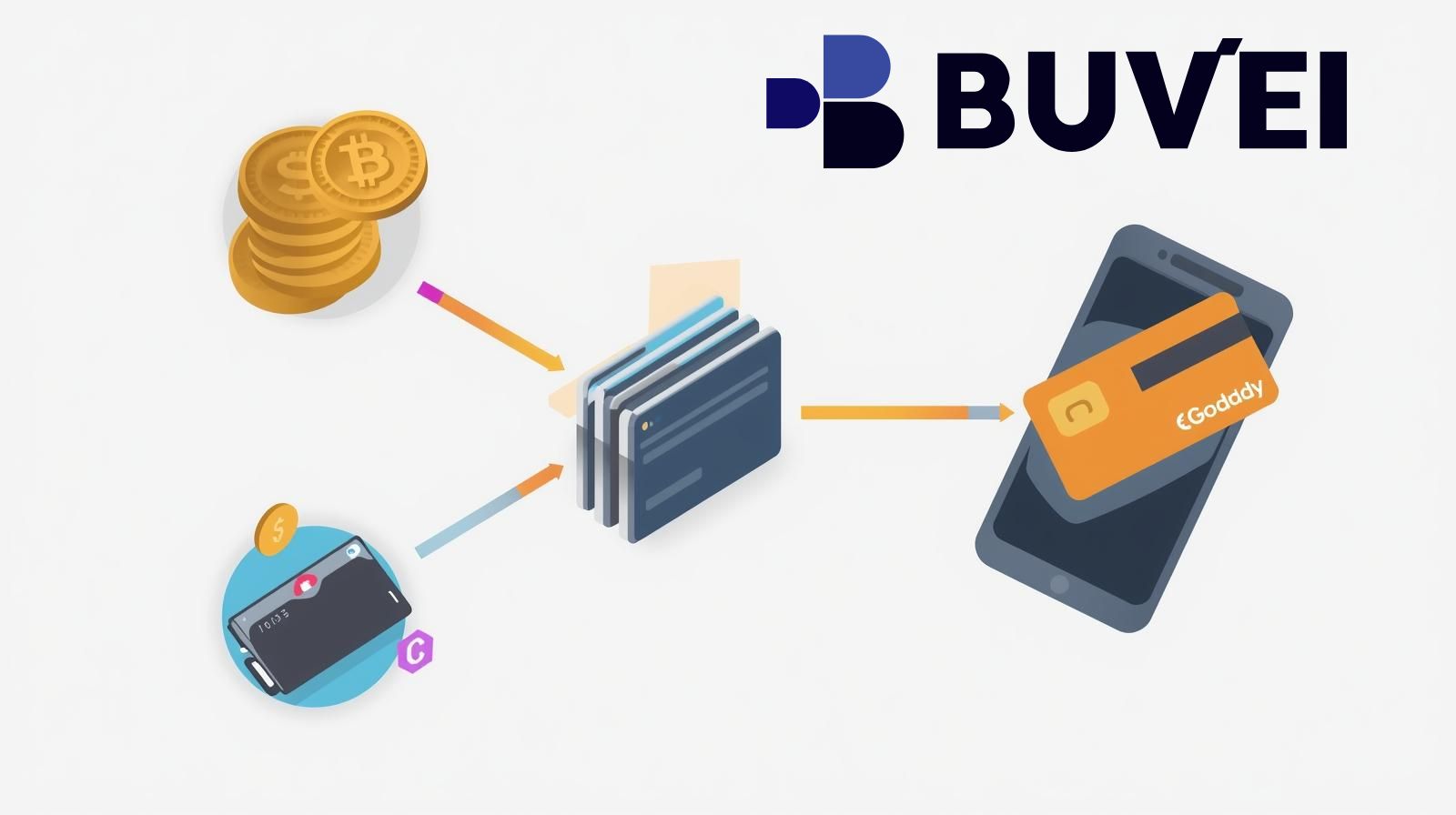
Crypto → Buvei Virtual Card → GoDaddy Checkout
This guide walks you through the exact process step by step.
GoDaddy Payment Restrictions Explained
GoDaddy typically accepts:
-
Credit and debit cards
-
PayPal (region-dependent)
-
GoDaddy account balance
-
Local payment options in select countries
However, users often face problems such as:
-
Cards declined due to country mismatch
-
Prepaid or virtual cards blocked
-
Multiple failed attempts triggering fraud checks
-
PayPal unavailable in certain regions
-
No crypto payment option at all
For crypto holders and global users, this creates a clear need for a more flexible payment method.
Why Crypto Users Need Virtual Cards for GoDaddy
Because GoDaddy does not accept Bitcoin, USDT, or other crypto directly, virtual cards act as a bridge between crypto funds and traditional checkout systems.
Using a crypto-funded virtual card allows you to:
-
Pay GoDaddy like a normal Visa/Mastercard
-
Avoid using your personal bank card
-
Reduce exposure of your real financial identity
-
Improve approval rates with high-quality BINs
-
Separate payments by project, client, or domain portfolio
For domain investors, agencies, and SaaS founders, this structure offers far more control.
Funding Buvei Virtual Cards with Crypto
Buvei makes this process straightforward by allowing users to fund their accounts directly with USDT and instantly generate usable virtual cards.
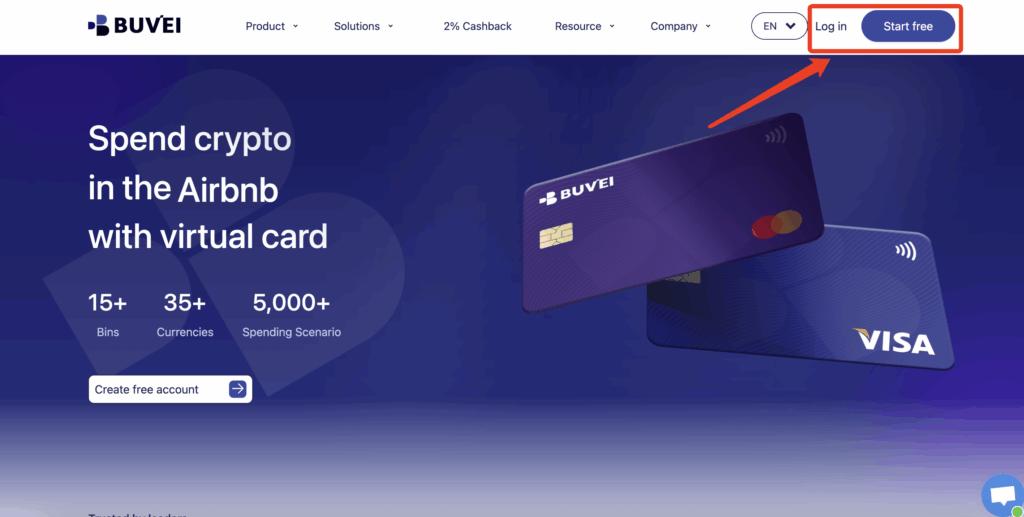
Step 1: Register a Buvei Account
Visit https://buvei.com and create a free account.
After completing email verification, log in to your Buvei dashboard.
Step 2: Fund Your Account
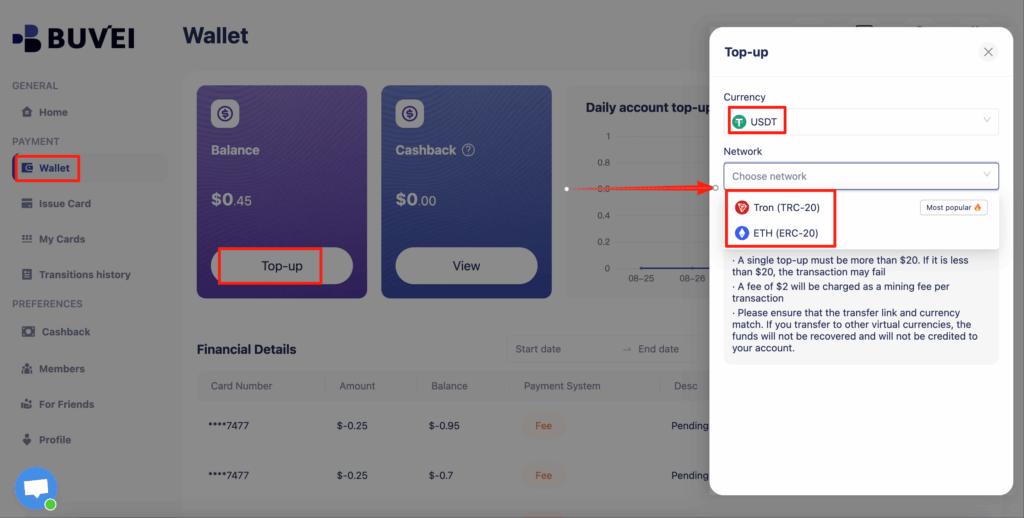
Go to the Wallet tab.
Top up using USDT (TRC20 or ERC20).
You will receive a unique deposit address.
Send your funds to this address.
After confirmation, your balance will appear in your wallet and be available immediately.
Step 3: Create a Virtual Card
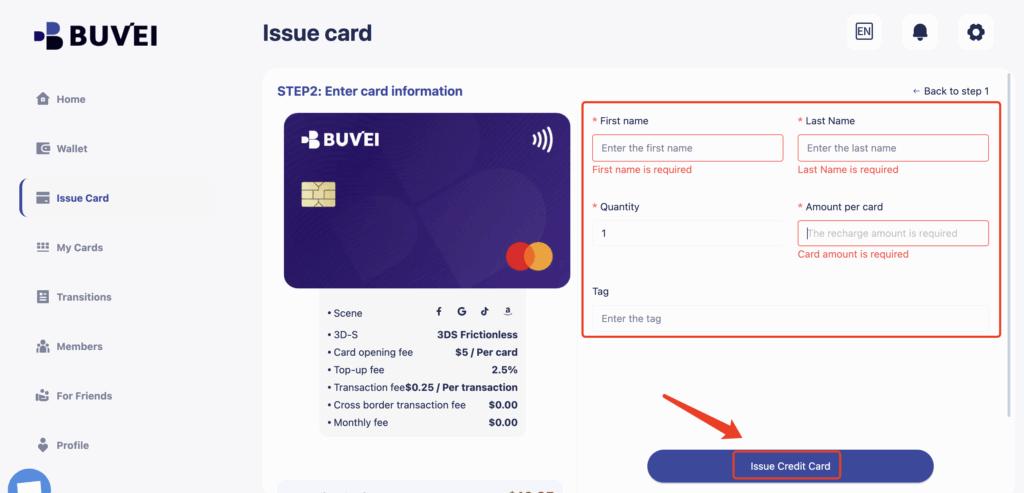
Go to the Cards tab.
Choose your preferred BIN region (US BIN is recommended for higher approval rates).
Select your card type.
Click create.Fill in the card details, including card name, amount, and number of cards.
Click issue card.
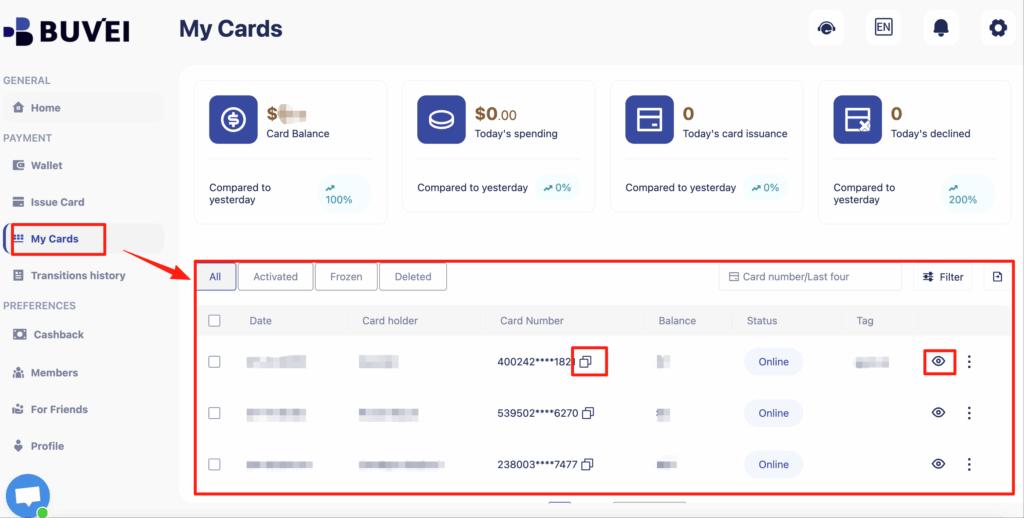
After creation, go to My Cards to view:
-
Card number
-
Expiry date
-
CVV
-
Card balance
-
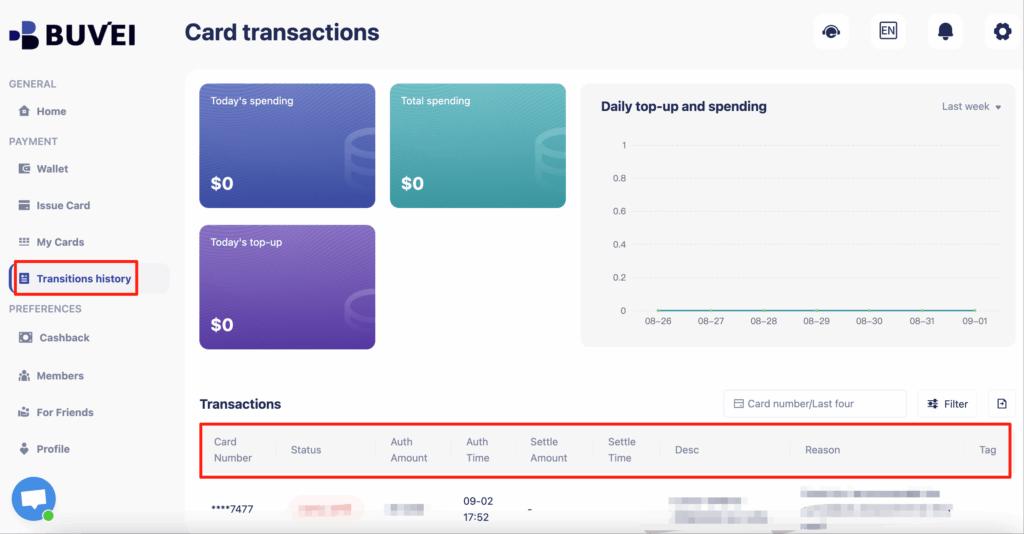
Transaction history
Your Buvei card now functions like a normal international card for GoDaddy checkout.
Setting Up Auto-Renewal Safely
Auto-renewal is essential for domain protection, but it’s also where many users experience payment failures.
A better structure with virtual cards:
-
Create one card dedicated only for renewals
-
Keep stable balance on renewal card
-
Avoid using the same card across too many accounts
-
Monitor transaction history in Buvei regularly
This significantly reduces the risk of losing valuable domains due to billing failures.
Avoiding Payment Declines on GoDaddy
GoDaddy’s fraud systems can be sensitive, especially with international users.
Common causes of decline:
-
Too many failed attempts
-
IP and billing region mismatch
-
Using one card across many accounts
-
Sudden large payment spikes
-
Suspicious activity patterns
How Buvei virtual cards help:
-
Create separate cards per account
-
Control spending per card
-
Isolate risk between projects
-
Easily replace cards without affecting others
-
Track every transaction clearly
This approach gives you both higher approval rates and long-term account stability.
Final Thoughts
GoDaddy may not support crypto directly, but that doesn’t mean crypto users are excluded.
By using Buvei’s crypto-funded virtual cards, you gain:
-
A reliable way to pay for GoDaddy domains
-
Stronger approval rates
-
Better control over renewals
-
Cleaner financial organization
-
A scalable system for multiple domains or clients
For domain investors, affiliate marketers, SaaS founders, and agencies, this has become one of the most practical payment workflows available.