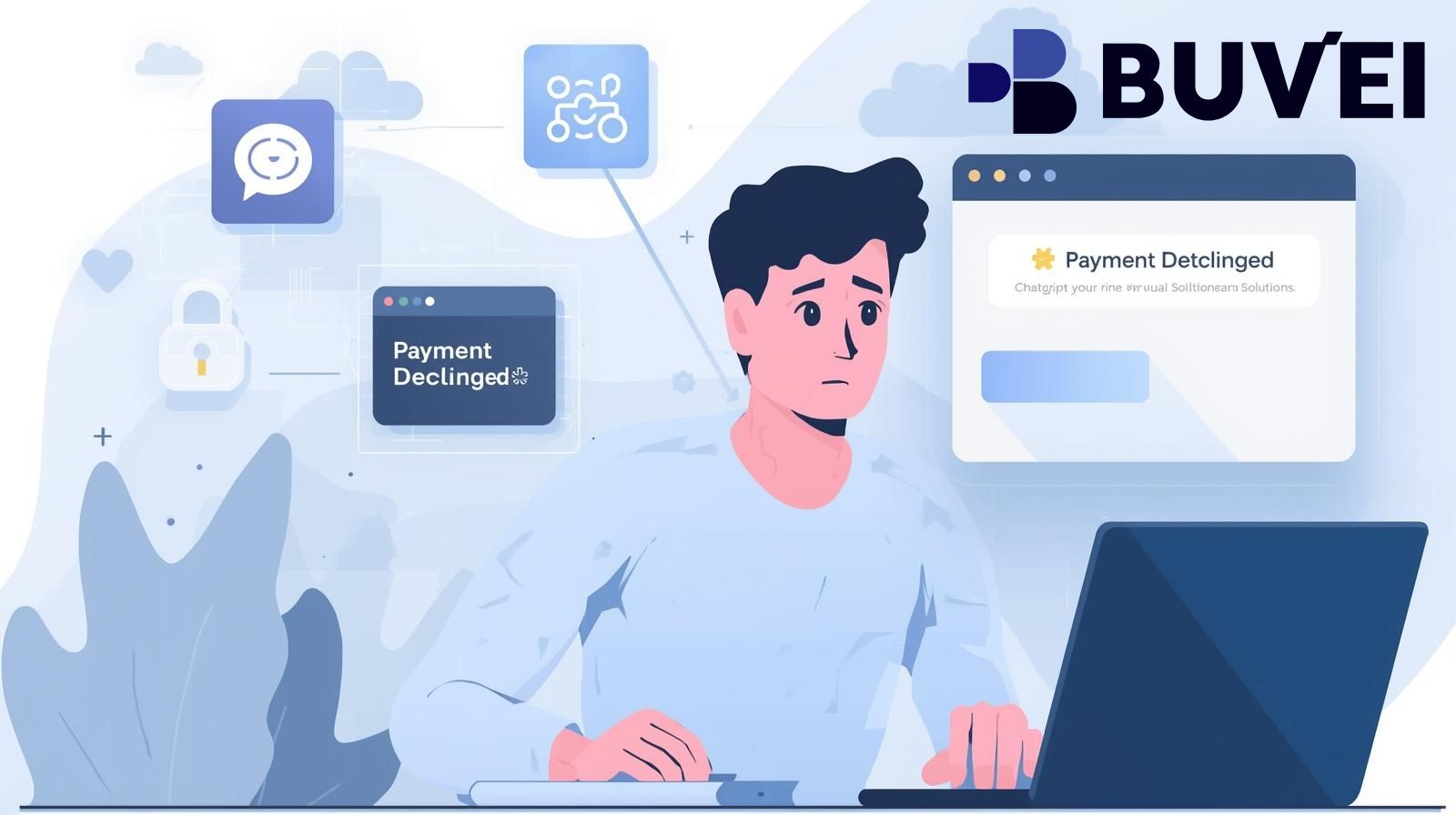
If your ChatGPT Plus or OpenAI subscription payment suddenly fails, you’re not alone.
Many users experience declines even when their virtual card has enough balance.
In most cases, the problem isn’t OpenAI — and it’s not your funds either.
Instead, it usually comes down to how ChatGPT evaluates virtual card payments.
This article breaks down why payments fail and gives you a clear, step-by-step checklist to fix the issue and restore your subscription.
How OpenAI Handles ChatGPT Subscription Payments
First, let’s look at how ChatGPT processes payments.
OpenAI treats ChatGPT Plus as a recurring SaaS subscription, which means:
-
The card is stored after the first payment
-
Monthly renewals run automatically
-
Merchant-initiated transactions (MITs) are used
-
Risk checks increase after any failed attempt
Because of this setup, ChatGPT applies stricter rules than many one-time payment platforms.
As a result, cards that work elsewhere may still fail on ChatGPT.
Why Virtual Card Payments Fail on ChatGPT
Virtual cards are not automatically blocked.
However, ChatGPT looks closely at several factors.
Most failures happen because of:
-
BIN region mismatch
-
Cards that don’t support recurring billing
-
Inconsistent payment behavior
-
Prior failed attempts tied to the same account
Simply put, ChatGPT favors stable, subscription-friendly cards.

The Most Common ChatGPT Payment Failure Scenarios
Understanding the failure pattern helps you fix it faster.
1. BIN Not Trusted for SaaS Subscriptions
Some BINs work for ads or shopping but fail for AI subscriptions.
2. First Payment Succeeds, Renewal Fails
This usually means the card does not support true recurring billing.
3. Multiple Rapid Retry Attempts
Retrying too many times can trigger temporary payment blocks.
4. Balance Too Tight
Small price differences, taxes, or exchange fees can push the charge over the limit.
Virtual Card Fix Checklist for ChatGPT Subscriptions
Follow this checklist carefully before retrying payment.
Step 1: Stop Retrying Immediately
If a payment fails:
-
Do not retry multiple times
-
Wait before testing again
This helps avoid automated blocks.
Step 2: Switch to a Subscription-Friendly BIN
U.S. BINs generally perform best for ChatGPT.
Avoid:
-
Newly issued BINs
-
One-time-use card BINs
Step 3: Set a Balance Buffer
Load at least 10–20% more than the subscription fee.
This reduces renewal failures later.
Step 4: Use One Card Only
Once a card works:
-
Keep using the same card
-
Don’t rotate BINs
-
Don’t change card details
Consistency matters.
Step 5: Confirm Recurring Billing Support
Make sure the virtual card allows:
-
Merchant-initiated transactions
-
Automatic renewals
Without this, long-term success is unlikely.
Final Thoughts
When a ChatGPT subscription payment fails, the issue is rarely random.
Most of the time, it’s caused by BIN choice, recurring billing support, or unstable card usage.
By following the fix checklist above and using a subscription-ready virtual card, you can restore payments and reduce future failures.
Platforms like Buvei help by offering:
-
Strong BIN options
-
USDT funding
-
Full control over card limits and renewals
If your ChatGPT payment failed, don’t guess — fix it step by step.