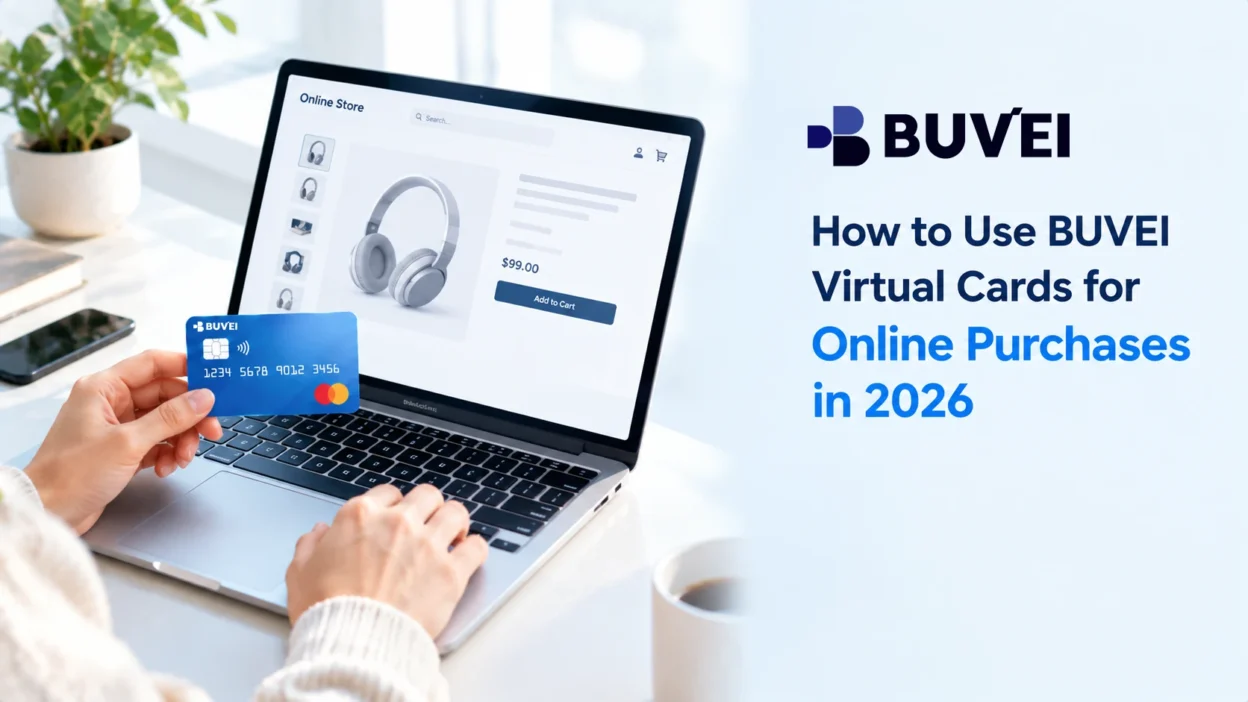
Online shopping has become a routine part of everyday spending, from buying products from online stores to paying for digital services and other purchases. BUVEI online purchases work much like other online card payments, with a virtual card offering a convenient alternative to a physical card.
With BUVEI virtual cards, the actual payment process is simple once the card is ready: check the card and available balance, enter the card details at checkout, and review the transaction afterward. A few additional checks can also make it easier to troubleshoot a declined payment.
The sections below cover what to check before checkout, how to use the card at payment, and what to look at after the transaction.
What You Need Before Making an Online Purchase
Before heading to checkout, make sure you have an active BUVEI virtual card with enough available balance for the purchase.
You’ll also need the card details the merchant requires, usually the card number, expiration date, and CVV. Some checkout pages may also ask for billing information such as a ZIP or postal code.
If you haven’t created a BUVEI virtual card yet, complete that step before starting the purchase.
Check Your BUVEI Virtual Card Before Checkout
If you have more than one virtual card, identify the one you want to use before entering any payment information.
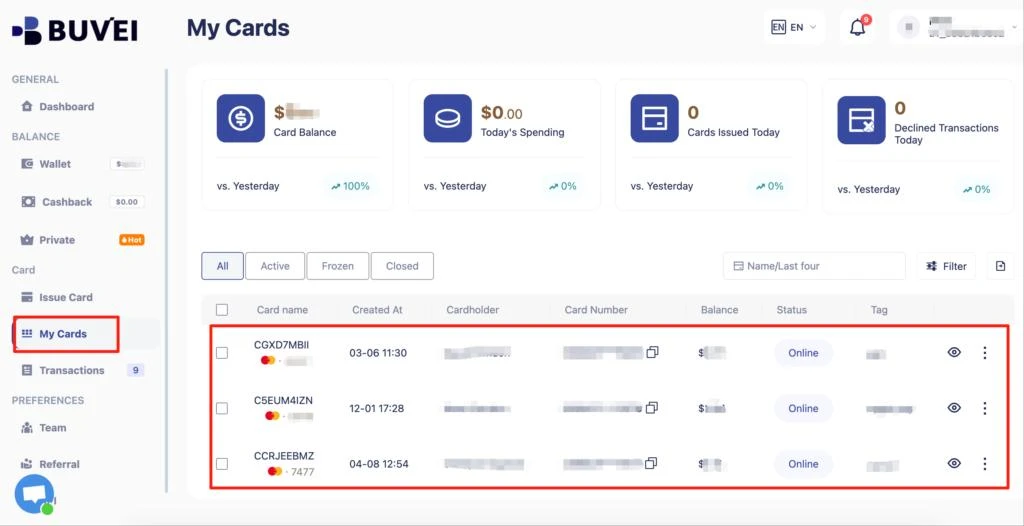
Open the card in BUVEI and check its status and expiration date. It’s also worth checking the available balance to make sure it covers the purchase. If you’ve set any spending or transaction limits, make sure the purchase falls within those settings.
A quick check before checkout can prevent avoidable payment problems later.
Find Your Card Details Before Paying
Once you’ve selected the card, open its details in BUVEI so everything is ready when you reach the merchant’s checkout page. For most online card payments, you’ll need:
- Card number
- Expiration date
- CVV
The merchant may also request billing information. If you use several virtual cards, double-check that the details you’re entering belong to the card selected for the purchase.
Enter Your BUVEI Virtual Card at Checkout
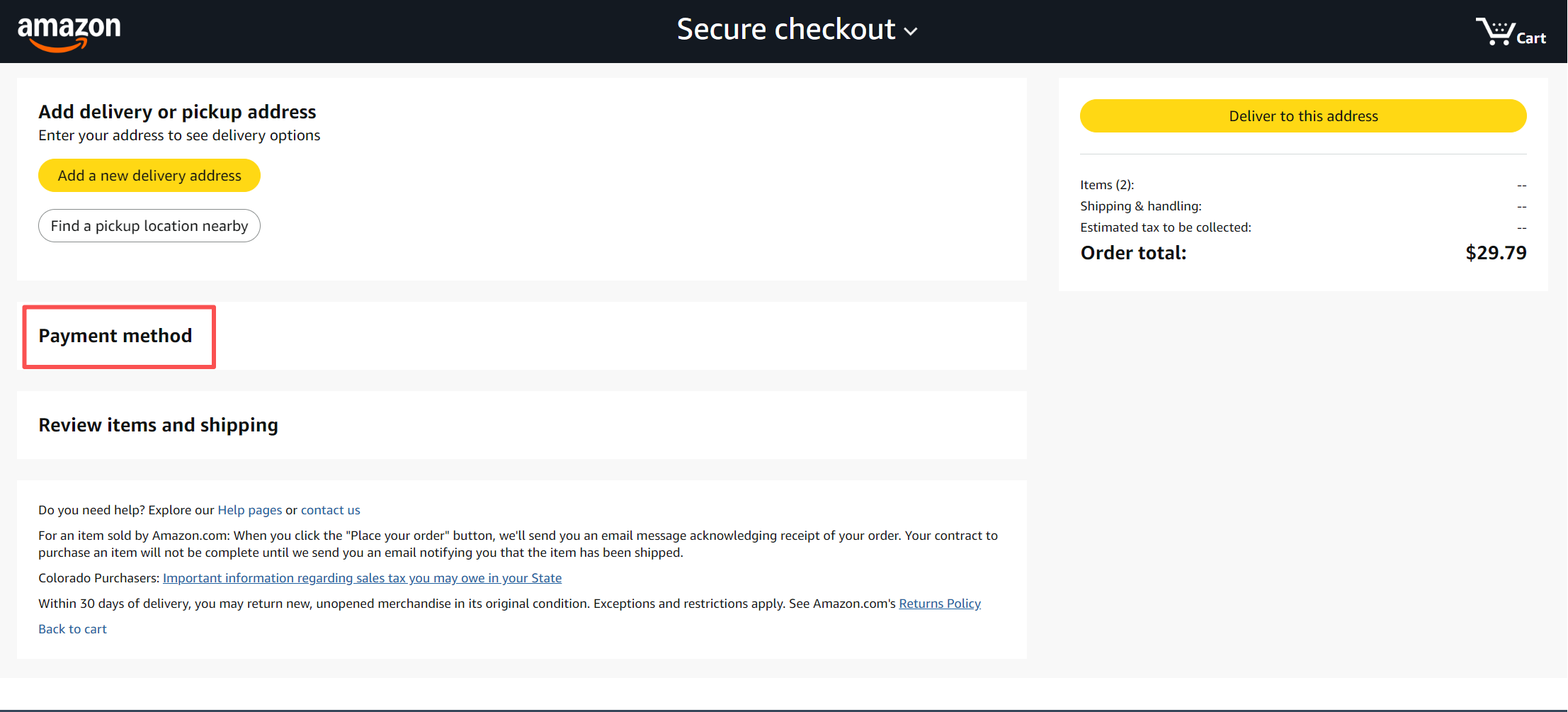
Go to the merchant’s checkout page and select the card payment option. The layout varies between websites, but the information requested is usually similar.
Enter your BUVEI virtual card number, expiration date, and CVV in the appropriate fields. If the checkout asks for billing information, provide the details required for the payment.
Before submitting the order, check the total, currency, billing information, and selected payment method. If everything looks correct, complete the payment.
Check the Payment After Checkout
After you submit the order, the merchant should provide an indication of the payment or order status. This could be an order confirmation, order number, or payment-success message.
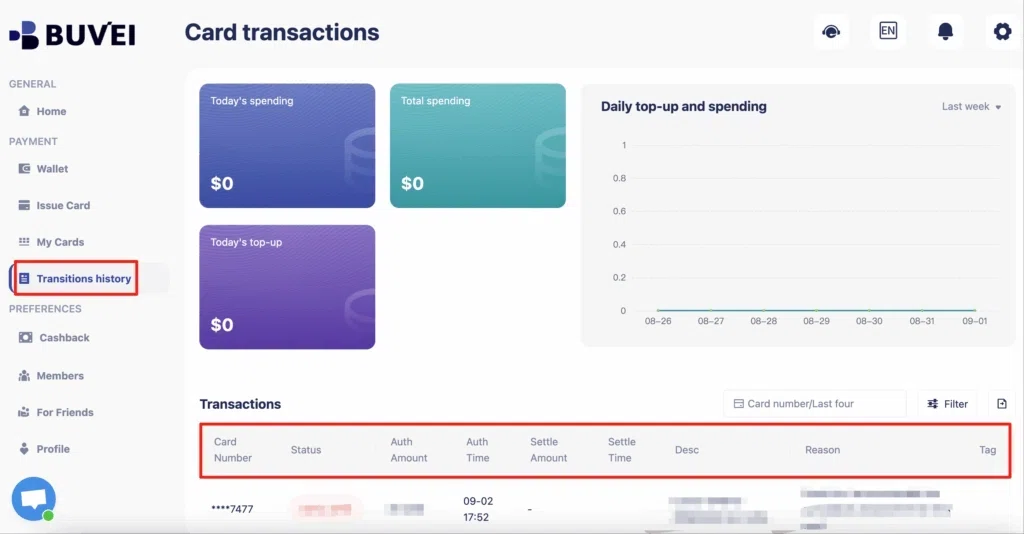
It’s also useful to check the transaction activity for the BUVEI card you used. Compare the recorded amount with the amount shown at checkout and review the transaction status.
If a payment initially appears as pending, that doesn’t necessarily mean the purchase failed. Some card transactions take time to move from an initial authorization or pending state to a completed transaction.
What If Your Online Purchase Is Declined?
A declined payment can have several causes, so there’s no need to replace the card immediately.
Start with the available balance. If the purchase amount exceeds the funds available on the card, the transaction may not be authorized.
Then check the card status and expiration date. An expired, inactive, frozen, or otherwise restricted card can prevent the payment from going through.
Your spending or transaction limits are another possibility. If limits have been configured for the card, make sure the purchase doesn’t exceed them.
The checkout information is worth another look as well. A wrong billing address, ZIP or postal code, or other required field may interfere with payment verification.
If all of those details are correct, the issue may be related to the merchant’s payment setup. Some merchants have their own rules for virtual cards, card types, issuing regions, recurring payments, or cross-border transactions. If the same card works successfully with another merchant, that can help narrow down whether the problem is specific to the merchant or checkout.
Managing Your BUVEI Virtual Card After a Purchase
Once the purchase is complete, you can continue using BUVEI to keep track of the card and its activity.
This can be useful if you manage several virtual cards for different merchants or spending purposes. Keeping those cards organized makes it easier to identify a transaction later and see which card was used.
BUVEI also provides card management and transaction monitoring features that can help you keep track of spending after a purchase. For recurring payments, pay attention to the card’s expiration date and available balance before the next charge.
Tips for Using Virtual Cards for Online Purchases
A few simple habits can make online payments easier to manage.
Use the intended card. When you have multiple virtual cards, confirm the card before copying its payment details.
Don’t rely entirely on autofill. Saved billing information may come from an older card or a different payment method. Verify it before submitting the order.
Leave enough available balance. The purchase should fit within the funds and any spending limits associated with the card.
Keep an eye on transactions. Checking recent activity after a purchase gives you a quick way to confirm the amount and status.
Frequently Asked Questions
Where can I use a BUVEI virtual card for online purchases?
BUVEI virtual cards can be used with online merchants that accept the applicable card network and payment type. Acceptance can still vary by merchant, card type, issuing region, and transaction requirements.
What information do I need to pay with a virtual card?
Most online card checkouts require the card number, expiration date, and CVV. Some merchants also request billing information, such as an address or ZIP or postal code.
Why was my BUVEI virtual card declined?
First check the available balance, card status, expiration date, spending limits, and billing information. If everything appears correct, the merchant’s payment requirements or card acceptance policies may be affecting the transaction.
Can I use a virtual card for recurring online purchases?
It depends on the merchant and its payment requirements. If a virtual card is used for a recurring purchase, keep track of its status, expiration date, and available balance before future charges.
How can I check a completed transaction?
Open the transaction activity associated with the BUVEI virtual card you used. The transaction record can help you confirm the amount and current status of the payment.
Conclusion
Using a BUVEI virtual card for online purchases is straightforward once the card and payment details are ready. Select the right card, enter its information at checkout, and check the transaction afterward.
If a payment is declined, check the card balance, status, limits, billing information, and merchant requirements before assuming the card itself cannot be used.