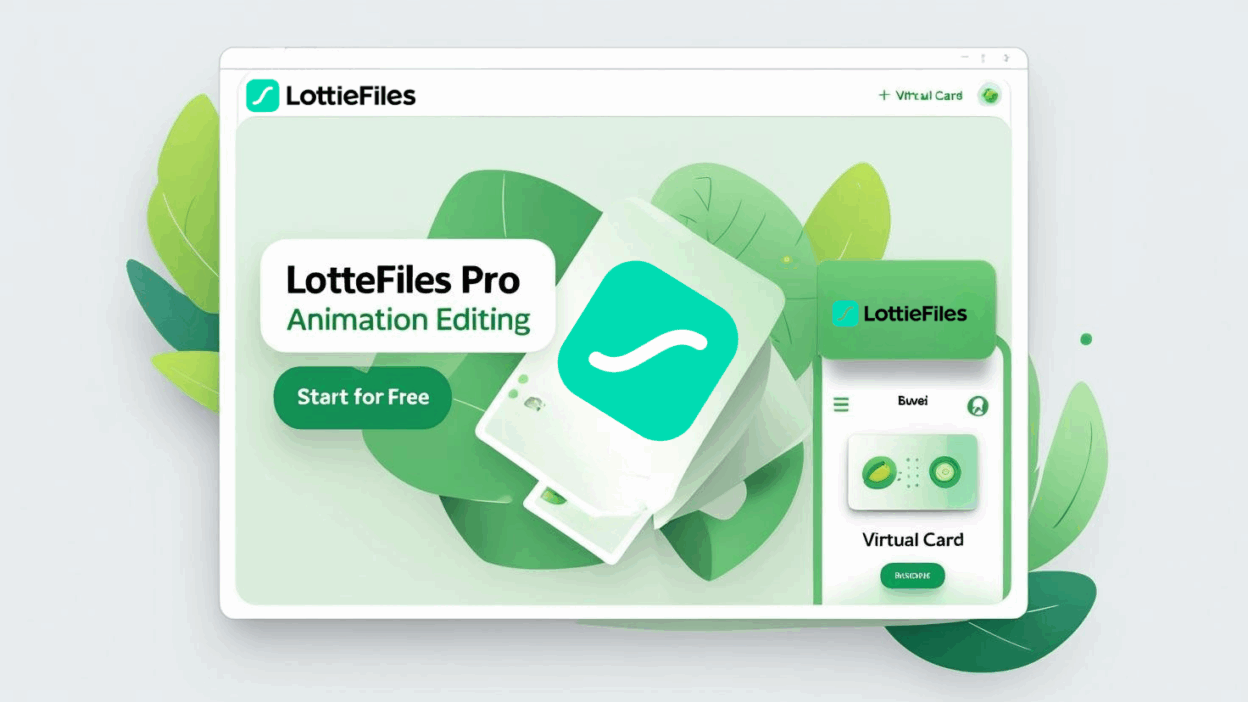
LottieFiles is a go-to platform for designers and developers seeking high-quality animation assets. Upgrading to a Pro account unlocks premium features like private project spaces, team collaboration tools, advanced customization, and commercial licensing. This guide walks you through subscribing to LottieFiles Pro using a virtual credit card from Buvei or any other provider.
Why Choose LottieFiles Pro?
-
Access a vast library of premium Lottie animations
-
Download private or custom-uploaded animations
-
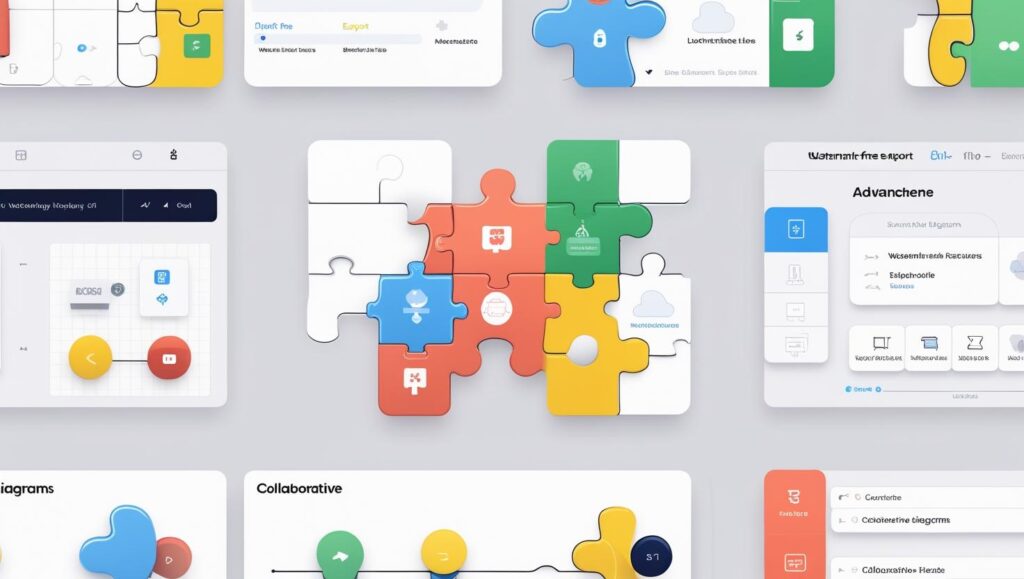
Collaborate on projects with teams
-
Customize player colors and export animations watermark-free
-
Unlock commercial usage rights and code exports
✅ Step 1: Sign Up or Log In to Your LottieFiles Account
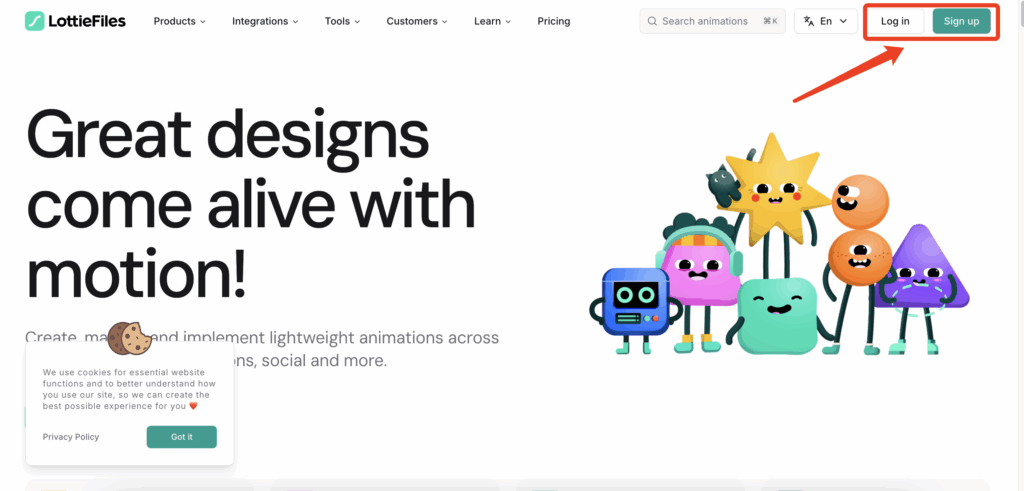
- Visit the LottieFiles website and click “Sign In” or “Sign Up” at the top-right. Use your email or a third-party account (like Google) to access your dashboard.
✅ Step 2: Choose a Subscription Plan
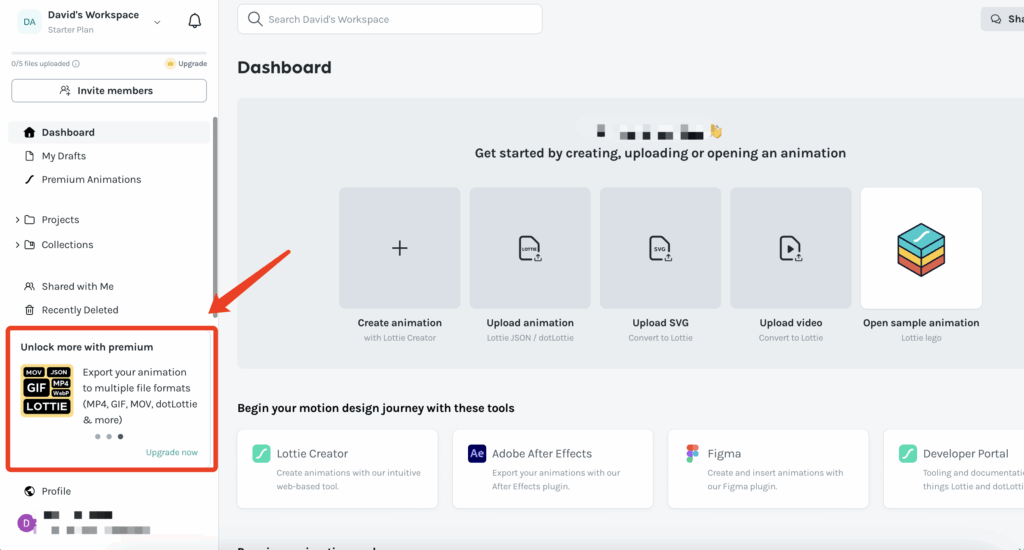
- From the homepage, go to the Pricing page, or select “Upgrade” from your profile dashboard.
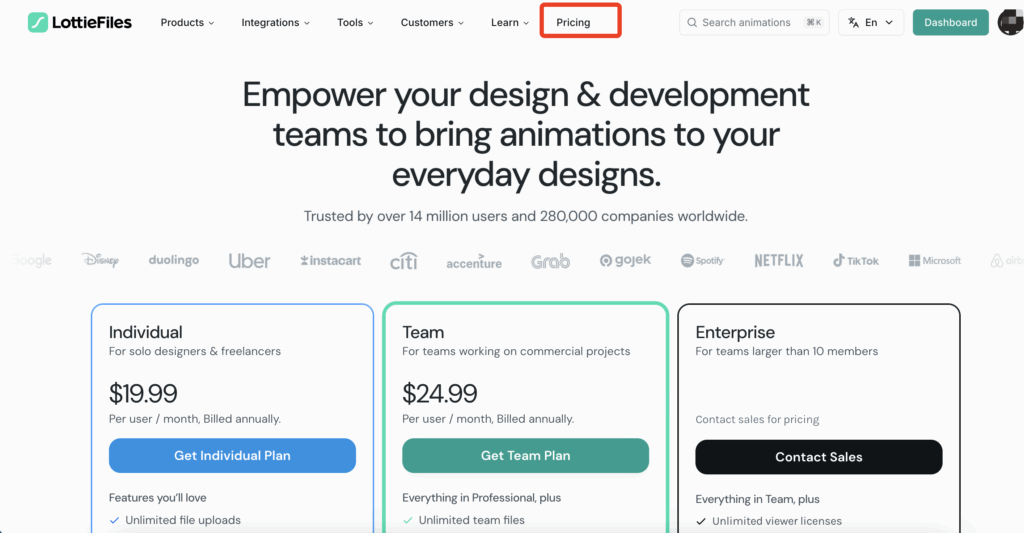
- Pick the plan that suits your needs — such as an individual Pro or team plan — then click “Upgrade”.
✅ Step 3: Select Payment Method
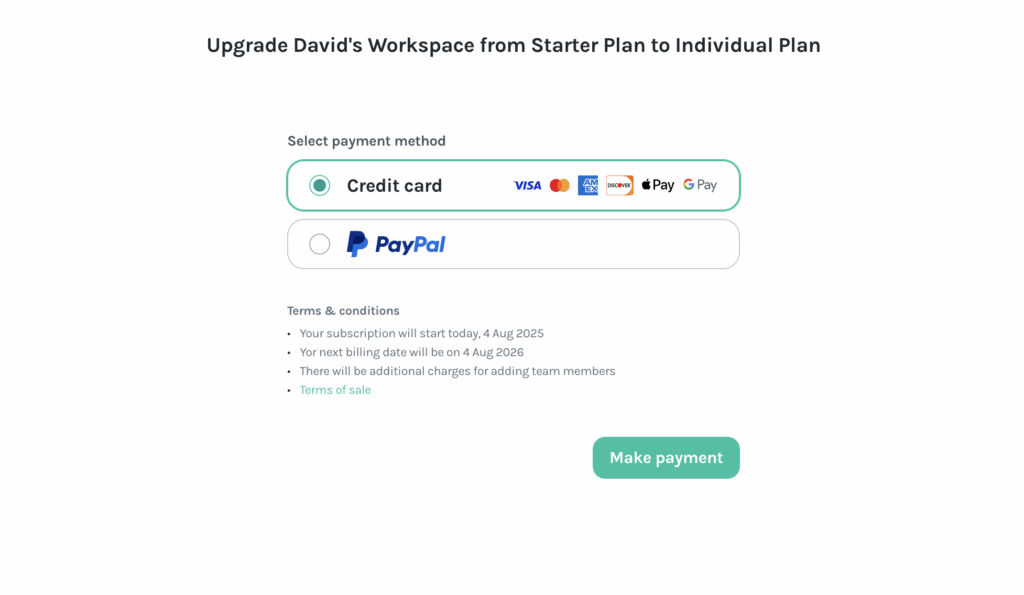
- On the checkout page, select “Credit or Debit Card” as your preferred payment option.
✅ Step 4: Generate and Fill In Virtual Card Details
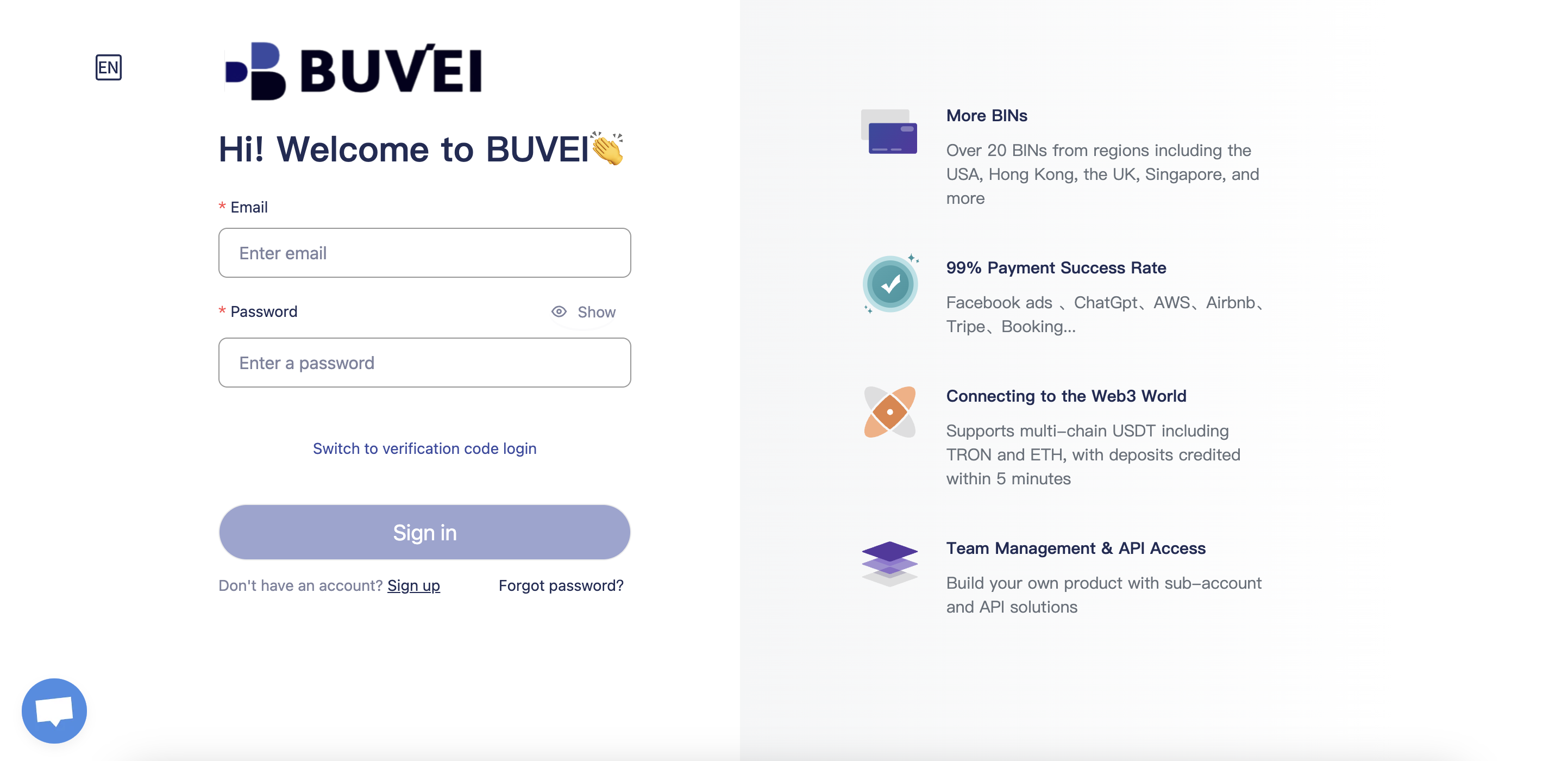
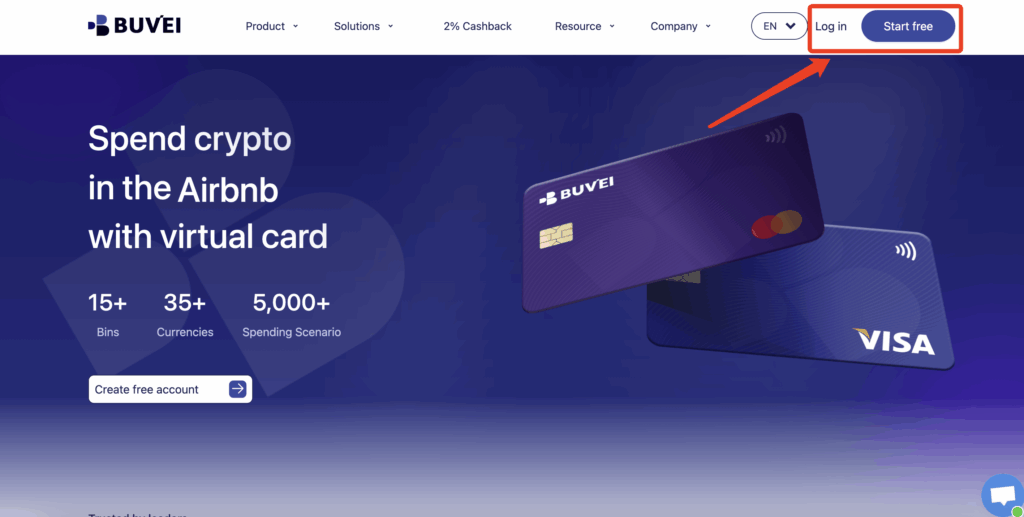
- Log in to your Buvei account:
-
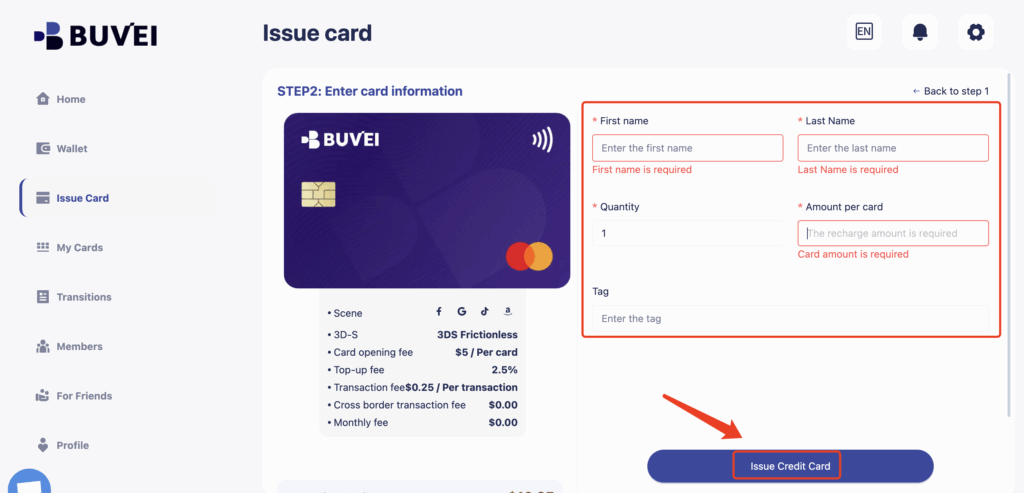
Issue Card - Create a new virtual card
-
Fill in the virtual card details, including name, amount, and number of cards.
Once confirmed, click “Issue Credit Card” to generate your dedicated card.
- Click on the “My Card” page to view your issued virtual card, and copy the following details for checkout:
-
Card Number
-
Expiration Date (MM/YY)
✅ Step 5: Complete Payment & Confirm Subscription
Double-check all information and click “Pay”. Upon successful payment, you’ll receive an on-screen confirmation and an email receipt.
Tips
-
If the payment fails, check the billing address, card limits, or try a different BIN (card type).
-
Use separate virtual cards for each SaaS tool to simplify financial management and reduce risk.
Why Use Buvei Virtual Cards?
-
💱 Multi-currency top-ups
-
🔐 Secure payments with custom card limits
-
📈 Transparent spending — ideal for freelancers and businesses
Conclusion
LottieFiles Pro enhances your animation workflow significantly. With Buvei’s secure and flexible virtual cards, subscribing is fast and hassle-free — no physical card needed.
👉 Explore smart payments now at Buvei.com