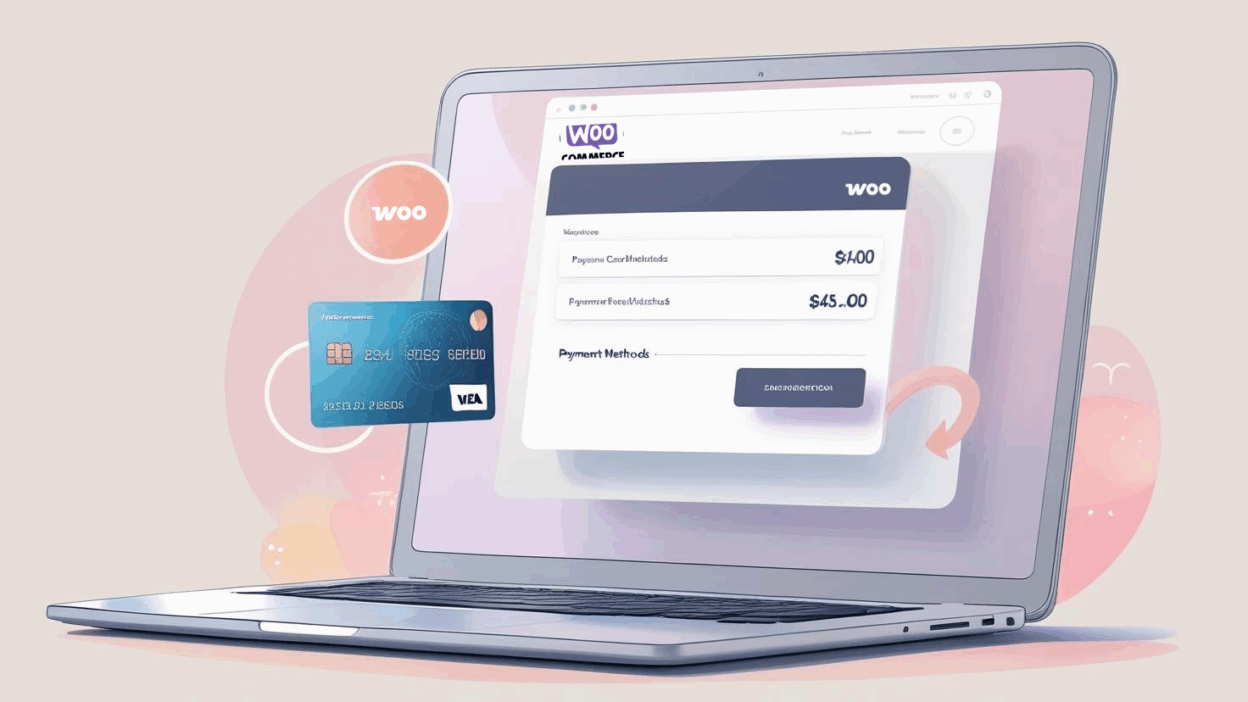
WooCommerce powers thousands of online stores and SaaS platforms globally. If you're managing software subscriptions, product renewals, or recurring services via WooCommerce, using a virtual credit card can give you more control, safety, and flexibility—especially if you're managing multiple accounts or purchases internationally.
Here’s a step-by-step tutorial to bind your Buvei virtual credit card to a WooCommerce subscription.
Step 1: Log In to Your WooCommerce Account
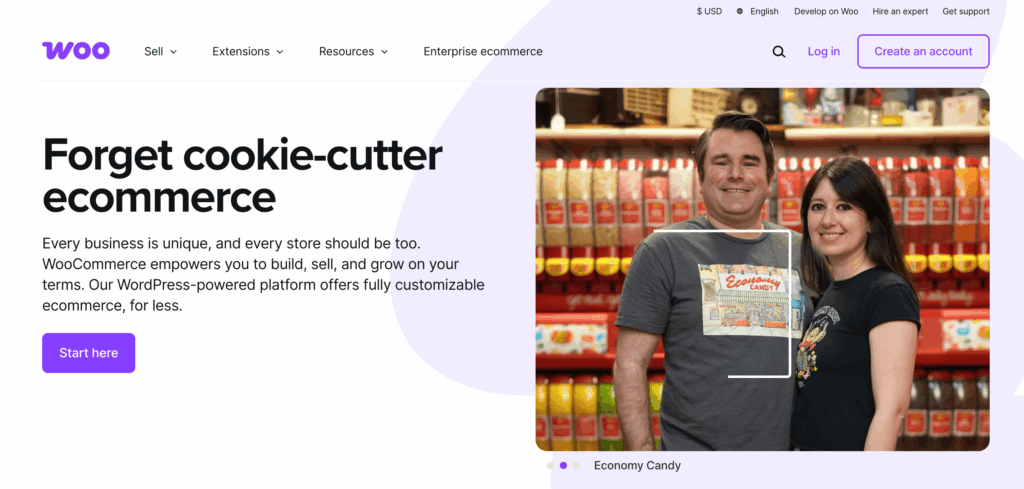
Visit the official WooCommerce My Account page, then log in using your credentials.
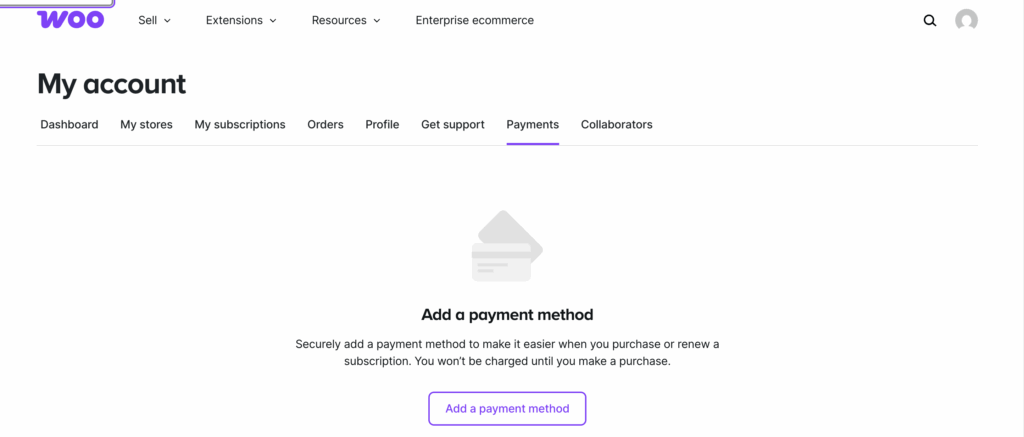
Once logged in, navigate to the “Payment Methods” tab in the left-side menu. This is where you can add, remove, or update your payment cards.
Step 2: Generate Your Buvei Virtual Credit Card
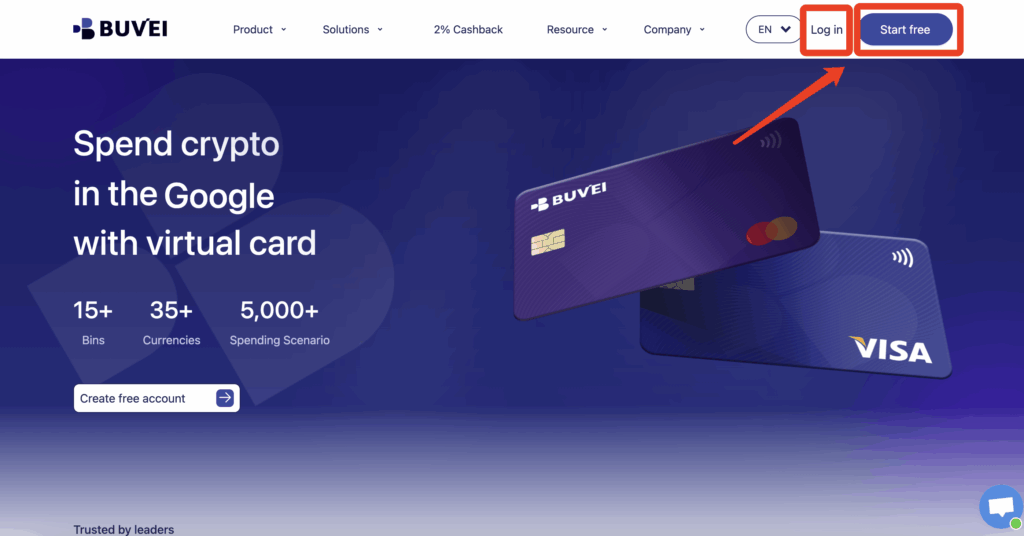
If you haven’t done so already, log into your Buvei Dashboard :
-
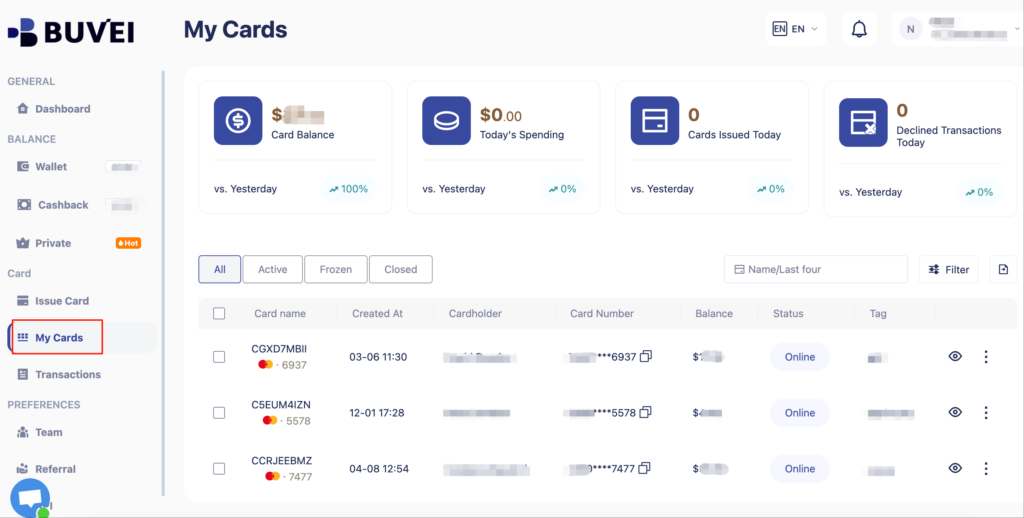
Go to the Virtual Cards section
- Choose a card BIN suitable for WooCommerce (usually works with global SaaS payments)

- Enter cardholder details:email, card quantity, and desired top-up amount
- Click Issue Credit Card to generate your virtual card

- View your card in the “Payments” section:
-
Check card details (name, number, expiry, CVV)
- Recharge, withdraw, or delete the card at any time
Step 3: Add the Virtual Card to WooCommerce
Back in your WooCommerce dashboard:
-
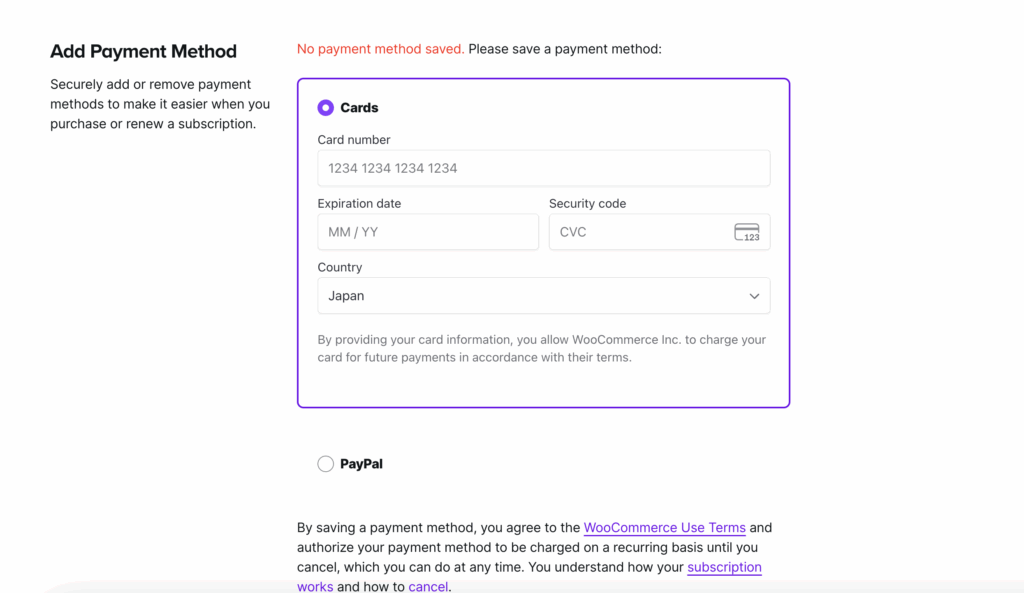
Click “Add Payment Method”
-
Select Credit/Debit Card
-
Input your Buvei virtual card details (card number, expiry date, CVV)
-
Click Add Card
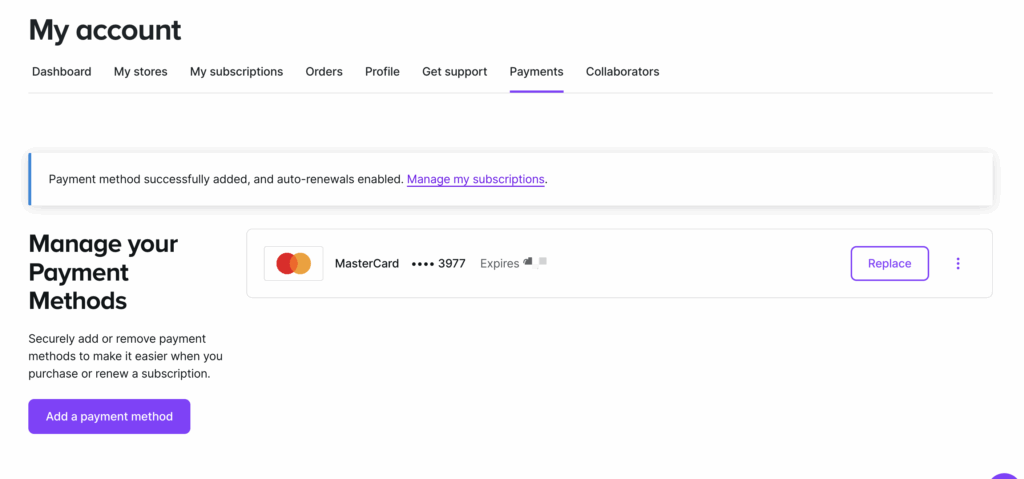
You will see a confirmation if the card is successfully saved.
Step 4: Use It for Subscription Checkout
When subscribing to a new service or updating an existing subscription:
-
Choose the saved Buvei virtual card during checkout
-
Confirm your purchase — your virtual card will be charged as normal
-
You will see the transaction instantly in your Buvei dashboard
This setup is perfect for recurring billing models like SaaS, web hosting, or premium plugins sold via WooCommerce.
Why Use a Virtual Card for WooCommerce?
Using a Buvei virtual card comes with several benefits:
-
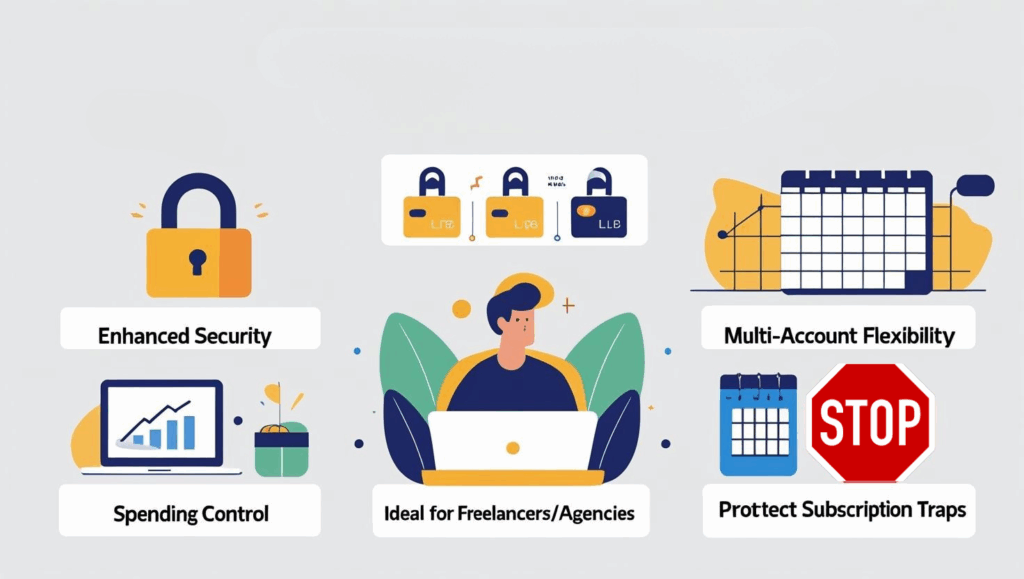
💳 Enhanced Security: Avoid exposing your main bank card
-
🌍 Multi-account Flexibility: Bind separate cards to different stores or subscriptions
-
📈 Spending Control: Set limits, pause, or cancel cards anytime
-
💼 Ideal for Freelancers/Agencies: Manage client billing separately
-
🛡️ Protect Against Subscription Traps: Prevent auto-renewal issues with card expiry control
Common Issues & Solutions
-
Card Declined? → Ensure the card BIN is accepted in your WooCommerce country and the billing address matches.
-
Multiple Subscriptions? → Use different Buvei cards per subscription for easier tracking and budgeting.
Start Simplifying Your WooCommerce Payments
Whether you’re managing one subscription or fifty, using virtual cards like Buvei helps streamline your finances and reduce risk. It's a smart move for modern digital shoppers.
Try Buvei now and enjoy full control over your WooCommerce subscriptions.