You pay for a booking or digital service with a virtual card. Then the merchant emails:
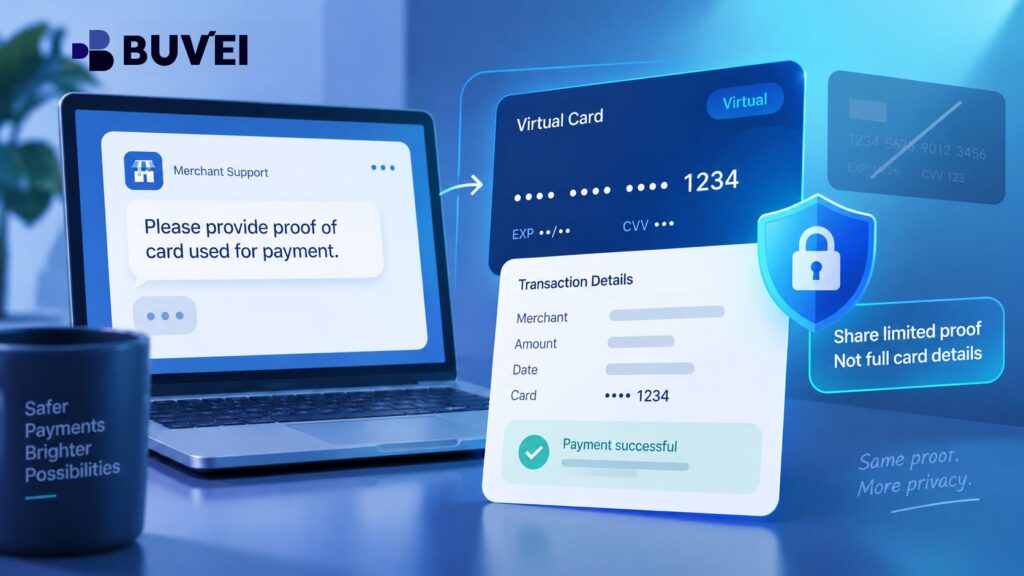
“Please provide a photograph of the card used for payment.”
There is one obvious problem: there is no physical card to photograph.
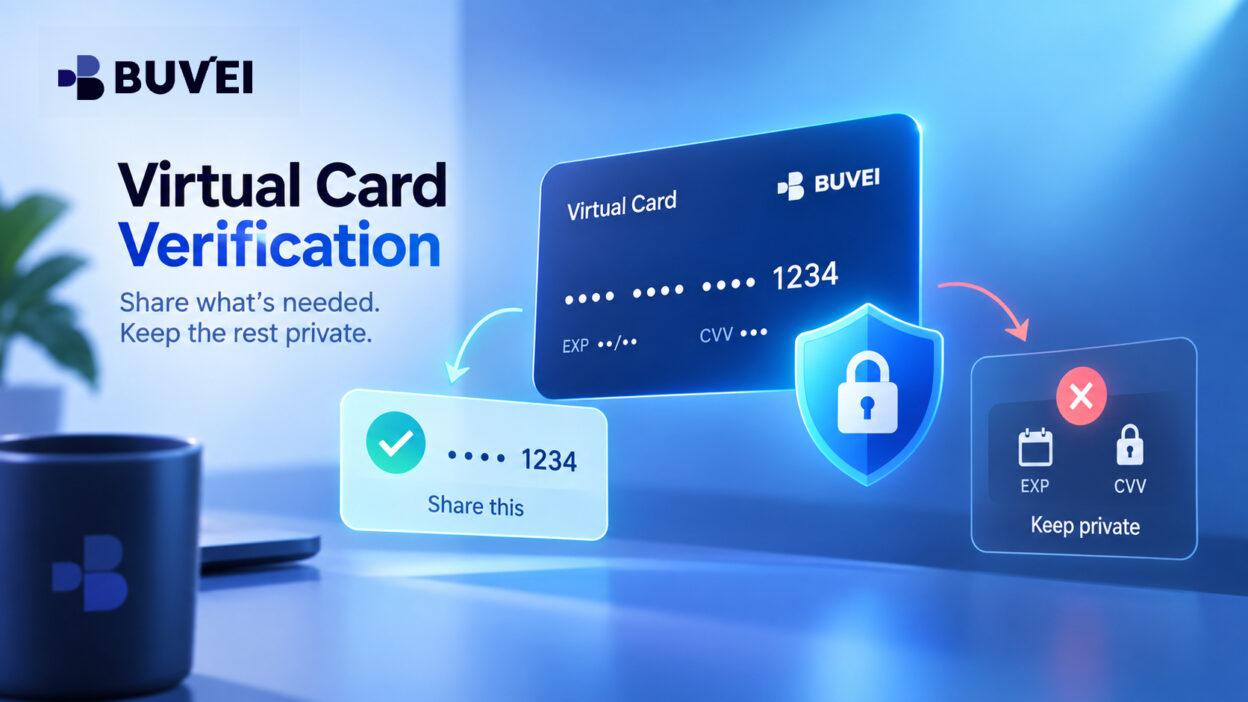
Sending a full virtual card screen is not the answer either. It may expose card details that should never appear in an ordinary support email or chat.
The better question is:
What does the merchant actually need to verify — and what is the least sensitive evidence that proves it?
Virtual card verification is usually about confirming the relationship between the payment, the order, and the person or business using the card. The goal is to help the merchant verify a legitimate purchase without exposing unnecessary credentials.
Why Merchants Ask for Proof of Card Ownership
A request for “proof of card ownership” can mean several different things.
The merchant may want to confirm:
- that the card used at checkout matches the order,
- that the payer is connected to the business account,
- that a hotel guest is authorised to use a company-paid booking,
- or that an order was not placed using stolen payment credentials.
These are different questions and may require different evidence.
Before sending anything, ask the merchant what it specifically needs to verify.
For example:
We paid using a company virtual card, so there is no physical card to photograph. Which details do you need to match to the order, and can you accept a redacted transaction record or company authorisation instead?
Also ask for the merchant’s official or secure submission channel.
Do not assume an email is genuine simply because it contains the correct order details. Confirm the request through the merchant’s official website, account portal, or established support channel before sending documents.
What to Do When You Use a Virtual Card
If the merchant insists on seeing “the card,” explain that the payment was made with a virtual card and therefore no physical front or back exists.
Then ask whether it can accept:
- a masked virtual card view,
- a redacted transaction record,
- an order receipt,
- or a company authorisation letter.
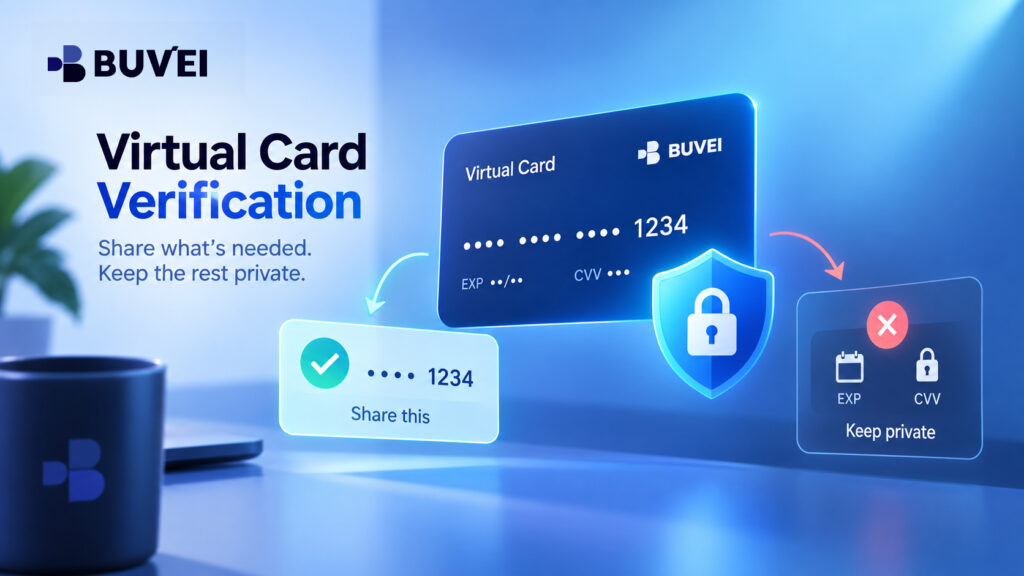
If a masked card display is accepted, only reveal the fields the merchant says it actually needs.
Do not switch the card into a fully revealed mode just to satisfy a casual email request.
And never create or edit an image to make a virtual card look like a physical card. The evidence should accurately describe what was used.
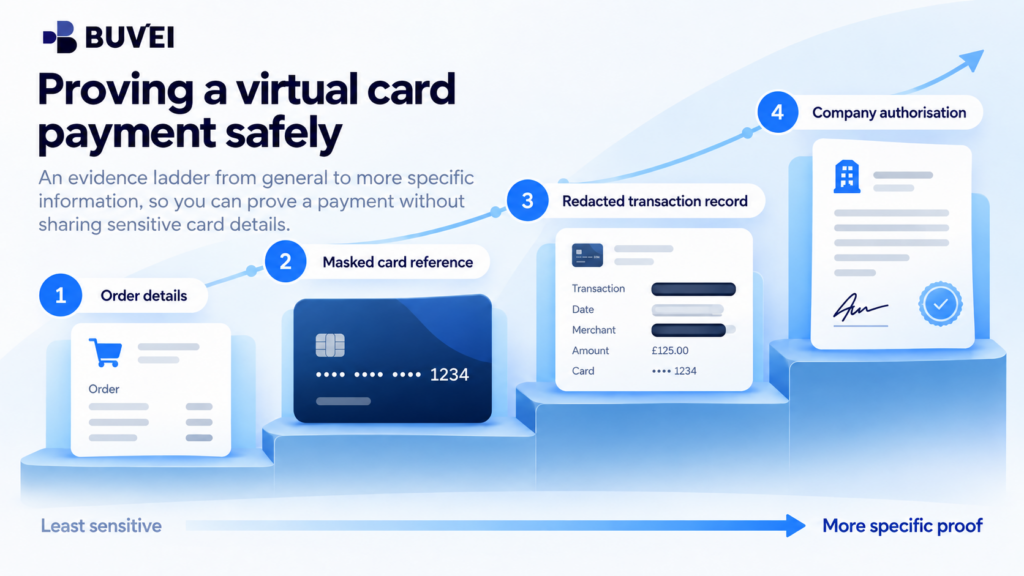
Build an Evidence Ladder
Do not send every document you have at once.
Start with the least sensitive information already connected to the merchant’s order.
A useful sequence is:
1. Order information
Order ID, account email, payment date, amount, and currency.
2. Masked card reference
Last four digits, if visible and relevant to the merchant’s check.
3. Redacted transaction record
A card activity entry showing the merchant, date, amount, currency, and masked card identifier.
4. Company authorisation
Where relevant, a short company letter confirming who was authorised to make the purchase or use the booking.
Move to the next level only if the merchant explains why the previous evidence is insufficient.
The goal is not to provide the largest possible evidence packet.
It is to provide the smallest document that proves the point being checked.
What Information Is Usually Safe to Share
Depending on the merchant’s request, useful fields may include:
- merchant or order reference,
- transaction date,
- amount,
- currency,
- company or cardholder name where shown,
- last four card digits,
- account email,
- or booking reference.
Different payment routes may sometimes display different masked card references. If the merchant sees a different number, do not modify a screenshot to make it match.
Ask which reference appears on the merchant’s side and let the merchant and payment provider investigate the difference using their own records.
What You Should Never Send
Some information does not belong in an ordinary proof-of-payment request.
Do not send:
- the full card number,
- CVV or CVC,
- one-time authentication codes,
- card dashboard passwords,
- recovery codes,
- unrelated card details,
- or login credentials.
If a merchant says it needs to charge the card again, that is a new payment request, not proof of an old transaction.
A new payment should go through the merchant’s secure and approved checkout process.
The same rule applies even when the order is urgent.
Example: A Hotel Booking Paid With a Company Virtual Card
Imagine a company books hotel rooms for travelling employees using a company virtual card.
The hotel asks to see:
“the card and photo ID.”
Before sending documents, the company should clarify what the hotel actually wants to verify.
Is the hotel trying to confirm:
- that the prepaid room was paid,
- that the guest is authorised to use the company booking,
- or that another payment method is available for incidentals?
These are three different issues.
If the hotel only needs proof that the guests are authorised for a prepaid booking, the company may be able to provide:
- reservation number,
- booking confirmation,
- masked card digits where appropriate,
- and a company authorisation letter naming the guests and dates.
If a separate card is required for incidentals at check-in, that should be handled as a separate payment arrangement.
Example: A Digital Service Under Manual Review
A software provider may pause access after payment and ask for proof that the card belongs to the account owner.
In this case, the buyer can first verify the request through the provider’s official portal.
Then it may provide:
- the order ID,
- business account email,
- redacted transaction record,
- payment date and amount,
- and masked card digits.
If the card belongs to a company but the software account is in an employee’s name, explain the relationship instead of exposing more card details.
A company authorisation may be more useful than a full card screenshot.
If the merchant still refuses to release the service, ask it to explain:
- which requirement remains unmet,
- what alternative evidence is accepted,
- and how cancellation or refund works if the order cannot be fulfilled.
What a Safe Proof File Should Look Like
A proof file should be narrow and clearly labelled.
For example:
Redacted transaction record for order AB-1234
Include only the details needed to match the transaction.
Before sending it, remove:
- unrelated transactions,
- other merchant names,
- unnecessary balances,
- unrelated personal information,
- and unused card details.
If you redact a PDF, make sure the hidden information is actually removed rather than simply covered with editable black boxes.
Reopen the final file and verify the redaction before sending it.
Also record which version was sent, to whom, and for which order.
Ownership and Authorisation Are Not the Same
A merchant may ask for “card ownership,” but the real issue may be authority to use the card.
For example:
- a company may own the payment method,
- an employee may be authorised to place the order,
- and a different employee may be the person receiving the service.
A transaction record can prove that the payment occurred.
It does not necessarily prove that a hotel guest is authorised to incur extra charges or that an employee has authority to accept a new commercial obligation.
Ask the merchant which relationship it actually needs to verify.
How to Handle an Unsafe Request
Stop and verify the request if someone asks for:
- CVV by email,
- an OTP over chat,
- a password,
- remote access to your account,
- or a fully revealed card screen.
Confirm the request independently using a known merchant channel.
If sensitive card details may already have been exposed, follow your card provider’s security guidance and review recent card activity.
Requests for passports or national ID should also be treated carefully.
There may be legitimate cases in travel or regulated services, but a simple card-ownership request does not automatically explain why full identity documentation is required.
Ask why it is needed, how it will be handled, and whether less sensitive evidence can satisfy the same verification requirement.
Keep Payment and Verification Separate
A proof request and a new payment request should use different channels.
Use:
- the merchant’s secure checkout page for new payments,
- and its verified support or document portal for evidence relating to an existing payment.
An email attachment is not a replacement for secure checkout.
Likewise, a request to prove an earlier payment should not become an excuse to collect fresh card credentials.
What Buvei Can Help You Verify
Where Buvei is the card provider, use the masked card and transaction information available in your account to help identify the purchase.
Depending on the account and case, this may help confirm card-side details such as:
- transaction amount,
- currency,
- time,
- merchant,
- transaction status,
- and masked card identifier.
The merchant still decides which evidence it accepts for its own verification process.
Buvei can help confirm card-side information according to the available account records, while the merchant controls its own order verification and fulfilment process.
What If the Merchant Rejects Your Proof?
If the merchant does not accept the available evidence, ask for a specific reason.
For example:
- virtual cards are not supported,
- the name does not match,
- the transaction evidence is insufficient,
- or internal policy requires a physical card.
Then ask whether it offers:
- another accepted proof type,
- an alternative payment method,
- a direct business booking,
- or cancellation and refund.
Sending increasingly sensitive documents without knowing the merchant’s acceptance criteria rarely solves the underlying problem.
A Simple Checklist Before You Send Anything
Before responding to a merchant verification request:
- Confirm the request through an official merchant channel.
- Identify what the merchant is trying to verify.
- Choose the smallest document that proves it.
- Remove unrelated and sensitive information.
- Check the final redacted file carefully.
- Send it through the agreed secure channel.
- Record the case ID and ask when a decision is expected.
If the merchant asks for more, ask why the first evidence was insufficient before sharing additional information.
Final Takeaway
A merchant asking for proof of a virtual card payment is not automatically unusual.
But a virtual card has no physical card to photograph, and proof of payment should not require exposing live card credentials.
The safest approach is:
Verify the request → understand what needs to be proven → provide the minimum relevant evidence → protect sensitive card information.
The objective is neither to reject every verification request nor to share everything the merchant asks for.
It is to help a legitimate order move forward while keeping control of your payment information.