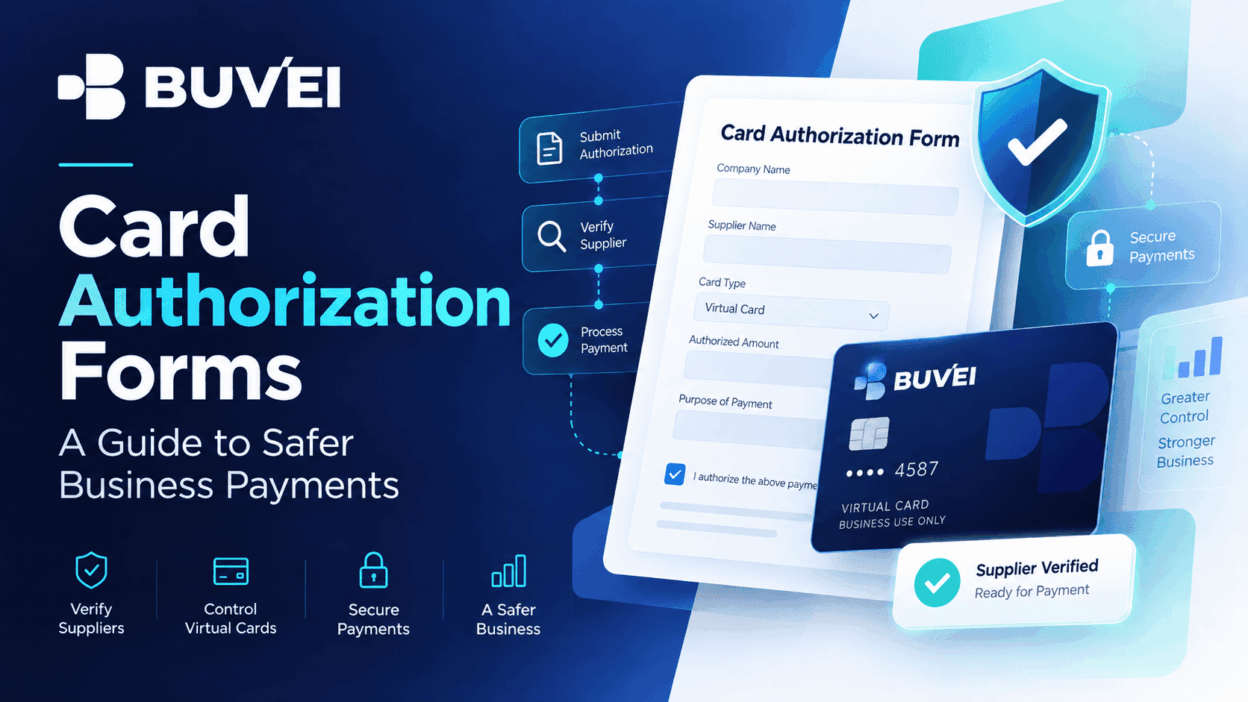
Hotels, event venues, wholesalers, and service providers sometimes ask businesses to sign a card authorization form.
The form can document permission to charge an agreed amount, but it can also create unnecessary risk when sensitive payment details are stored in email attachments, shared inboxes, or other insecure channels. A safer process starts with understanding exactly what the form authorizes, verifying the supplier, limiting the scope of the authorization, and using a secure payment method.
Understand What the Form Authorizes
A card authorization form may cover a single invoice, deposit, incidental charge, recurring service, or future payment.
Before signing, confirm:
- The exact amount or maximum limit
- The purpose of the payment
- The merchant or supplier entity
- Relevant dates
- Cancellation terms
- Whether future charges are included
Broad language creates broader exposure. The business should be able to explain what was approved and compare it later with what the merchant actually processed.
For example, an event venue authorization should ideally cover only the agreed deposit rather than all future charges related to the customer.
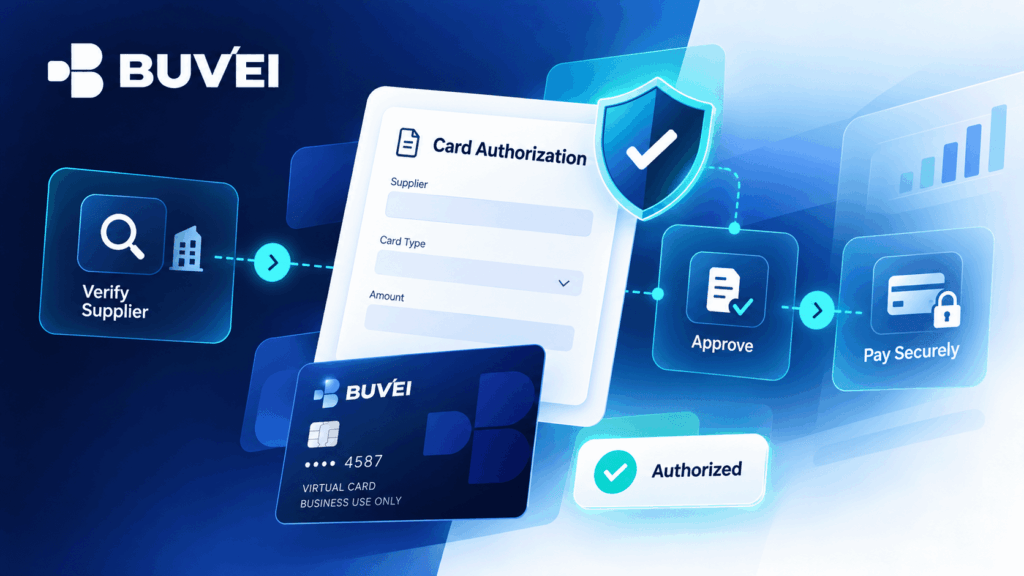
Verify the Supplier Independently
A branded PDF or professional-looking email is not enough to confirm that a payment request is legitimate.
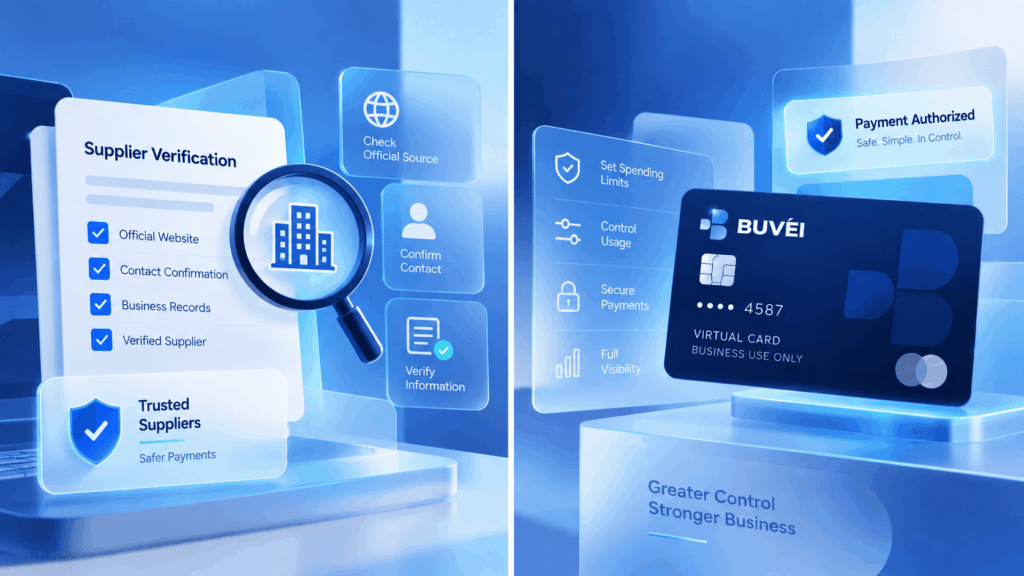
Before providing payment details, confirm the request using a known supplier contact, existing contract, official website, or previously verified account information. Do not rely only on the contact details included in the payment request itself.
This makes it easier to distinguish a genuine supplier request from an altered or fraudulent document.
Separate Purchase Approval From Card Permission
Permission to charge a card does not replace approval of the underlying purchase, invoice, or budget.
Both should be documented.
The authorization form should be linked to the approved purchase record so that the business can later identify:
- Who requested the payment
- Who approved it
- What amount was authorized
- What the merchant charged
A signature or payment field alone may not provide enough context to approve or dispute a transaction.
Protect Card and Authentication Data
Ordinary email and chat are not ideal places for sensitive card credentials.
Whenever possible, use:
- A secure payment portal
- A hosted checkout page
- An approved phone payment process
- Another verified payment channel
Avoid sending unnecessary sensitive information through ordinary email or chat, including full card numbers, security codes, passwords, OTPs, or wallet private keys.
A legitimate merchant should also not require your account password, email password, wallet private key, or a one-time authentication code sent outside the normal verification process.
If support needs to investigate a payment, information such as the account ID, merchant name, transaction time, amount, currency, and last four card digits is usually more appropriate than sharing full credentials.
Set a Maximum Amount and Expiration Date
Open-ended payment permission can create unnecessary risk.
Where possible, define:
- A clear maximum amount
- The exact payment purpose
- A start and end date
- When the authorization expires
For example, a hotel or event authorization can be limited to a specific booking or checkout period rather than remaining valid indefinitely.
Narrow limits make the authorization easier to review and reduce ambiguity later.
Clarify Deposits, Incidentals, and Final Charges
A deposit, no-show fee, damage charge, incidental charge, and final invoice are different payment obligations.
The form should clearly explain which charges may be submitted and how changes or disputes will be communicated.
For example, a hotel may separate the room deposit from optional incidentals. The business should still be able to compare the final charge with what was originally approved.
Using Virtual Cards for Supplier Payments
A dedicated virtual card can help separate a specific supplier payment from other business expenses.
Subject to account and card capabilities, a dedicated Buvei virtual card can be configured with an appropriate limit and clear label to help connect the payment with a supplier, project, or approved budget.
However, a virtual card does not remove the need to:
- Verify the supplier
- Confirm the payment scope
- Protect authentication data
- Use a secure submission channel
The card should also remain available long enough for expected settlement, adjustments, or refunds where necessary.
Prefer Tokenized or Hosted Payment Methods
If a supplier supports a secure payment portal or tokenized payment process, this is generally preferable to storing readable card details in a document.
The supplier may be able to retain a payment confirmation or transaction reference instead of a full card number.
This helps preserve the evidence of authorization while reducing unnecessary exposure of payment credentials.
Store Authorization Documents Carefully
Authorization forms may contain names, addresses, signatures, and partial payment information.
They should be stored in an approved location with appropriate access controls and retention rules rather than remaining indefinitely in shared inboxes or personal downloads.
The goal is to retain the business approval record without creating unnecessary copies of sensitive information.
Safer Card Authorization Checklist
Before providing card details, confirm:
- The supplier has been independently verified
- The underlying purchase has been approved
- The amount and purpose are clearly defined
- The authorization has an appropriate expiration date
- Sensitive payment data will use a secure channel
- The card limit matches the expected payment
- The final charge can be reconciled with the approval
- The authorization record will be stored appropriately
If any of these points are unclear, resolve them before sending sensitive payment information.
The Safest Authorization Is Narrow and Verifiable
Before supplying card details, a reviewer should be able to answer five questions:
- Which legal entity is charging the card?
- What product or service is being paid for?
- What is the maximum authorized amount?
- When does the authorization expire?
- How will the merchant protect or delete the information?
A signed form is not automatically safe simply because it contains a signature. Clear limits on the amount, duration, purpose, and handling of payment information reduce uncertainty for both the buyer and the supplier.
Disclaimer: This article is for educational purposes only and does not guarantee payment acceptance at any merchant. Card availability, limits, verification requirements, and fees may vary depending on the account, card configuration, merchant rules, processing route, and compliance review.