Ever tried to link a virtual card to PayPal—and it just didn’t go through?
No clear explanation. Maybe a “card declined” message. Or the card gets rejected instantly without details.
If that’s happened to you, you’re not alone.
We tested different ways to link virtual card to PayPal, including multiple card providers, regions, and setups, to see what actually works in real use.
The conclusion is pretty straightforward:
linking a virtual card to PayPal works reliably—but only if the setup is correct and the card is compatible.
Why Link a Virtual Card to PayPal
At first, it might seem unnecessary. You could just use your main debit or credit card.
But once you start using PayPal regularly, virtual cards offer clear advantages.
Better Control Over Payments
Instead of exposing your primary bank card, you can:
- Use a separate virtual card
- Set spending limits
- Isolate transactions
This gives you much better control over how your money is used.
Improved Security
Virtual cards act as a protective layer.
If something goes wrong:
- Your real bank account stays protected
- You can simply delete or replace the card
Easier Subscription Management
For recurring payments, virtual cards make things simpler.
You can:
- Assign one card per subscription
- Cancel by removing the card
More Flexibility for Online Payments
Virtual cards are especially useful for:
- SaaS tools
- Advertising platforms
- Cross-border payments
Step-by-Step: How to Link a Virtual Card to PayPal
This is the exact process that works consistently.
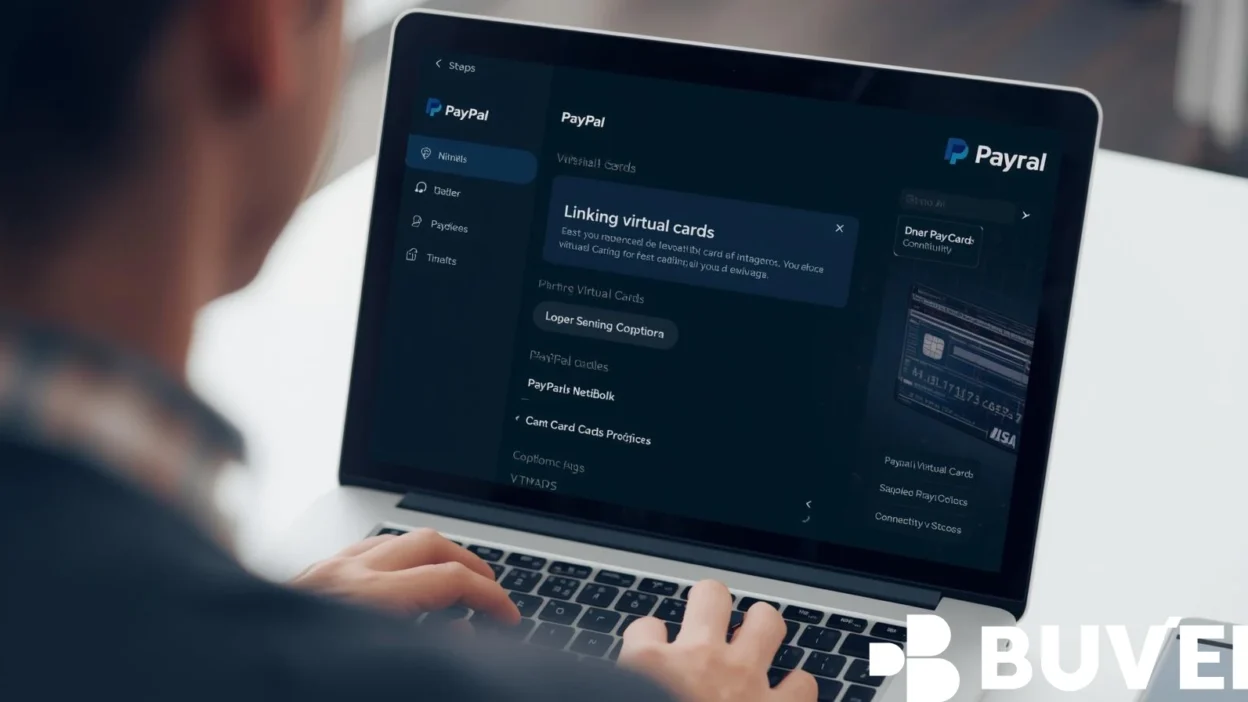
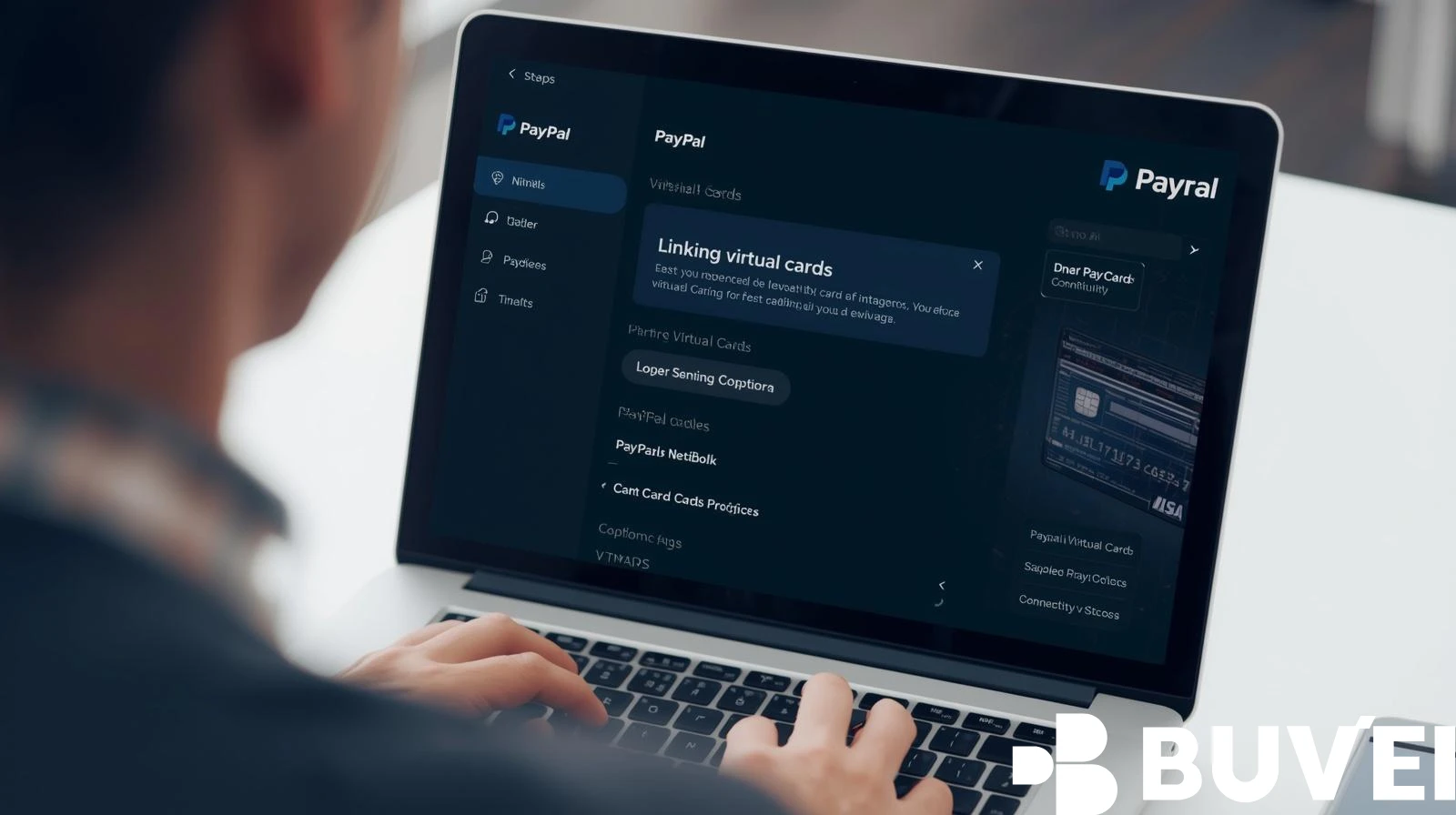
Step 1: Log Into Your PayPal Account
Open PayPal and sign in.
Go to:
- Wallet
- Click “Link a card”
Step 2: Enter Card Details
Fill in your virtual card information:
- Card number
- Expiration date
- CVV
Make sure there are no formatting errors.
Step 3: Add the Correct Billing Address
This is one of the most common failure points.
Your billing address must:
- Match the card’s issuing region (BIN)
- Be formatted properly
Even small mismatches can cause rejection.
Step 4: Complete Verification
PayPal may:
- Charge a small temporary amount
- Ask you to confirm a code
Once verified, your card is successfully linked.
Why Virtual Cards Sometimes Fail on PayPal
Even when everything looks correct, issues can still happen.
BIN Compatibility Issues
Some cards are not fully supported by PayPal due to:
- Issuer restrictions
- Risk scoring
Region Mismatch
If your PayPal account and card region don’t align:
- The system may reject the card
Risk Detection Triggers
Too many attempts or unusual behavior can cause:
- Temporary blocks
- Declined cards
Incomplete Card Capabilities
Some virtual cards:
- Don’t support online payments
- Don’t allow verification charges
How to Fix PayPal Card Linking Problems
After testing multiple scenarios, here’s what actually works.
Use a Compatible Card BIN
Cards with broader acceptance rates perform better on PayPal.
Match Region Settings
Try to align:
- Card issuing country
- PayPal account region
Avoid Repeated Failed Attempts
Multiple failed attempts can trigger risk flags.
If a card fails:
- Wait before retrying
- Try a different card
Test With a Small Transaction
Before using the card heavily:
- Make a small payment
- Confirm it works

Security Tips for Linking Virtual Cards
Even after successful linking, security should be a priority.
Use Dedicated Cards
Avoid using one card for everything.
Instead:
- One card for PayPal
- Others for different platforms
Set Spending Limits
This helps reduce risk in case of misuse.
Monitor Transactions
Check regularly for:
- Unexpected charges
- Duplicate transactions
Replace Cards When Needed
If something feels off:
- Delete the card
- Create a new one
Why Buvei Virtual Cards Work Well with PayPal
Not all virtual cards are accepted by PayPal, and this is where many users get stuck.
From testing, what makes the difference is compatibility and flexibility.
Buvei performs well because it offers:
- Multiple BIN support for better matching
- Stable usage across platforms
- Fast card creation
- Flexible USDT funding
- Multi-card management
In real use, this reduces trial and error and makes it easier to successfully link a PayPal virtual card.
Conclusion
Learning how to link virtual card to PayPal isn’t complicated—but it does require the right setup.
Most failures come from:
- Card compatibility issues
- Incorrect details
- Region mismatches
Once those are handled, the process becomes smooth and reliable.
Using a PayPal virtual card gives you better control, improved security, and more flexibility for online payments.
And once everything is set up correctly, it works just as seamlessly as any traditional card—sometimes even better.