Introduction
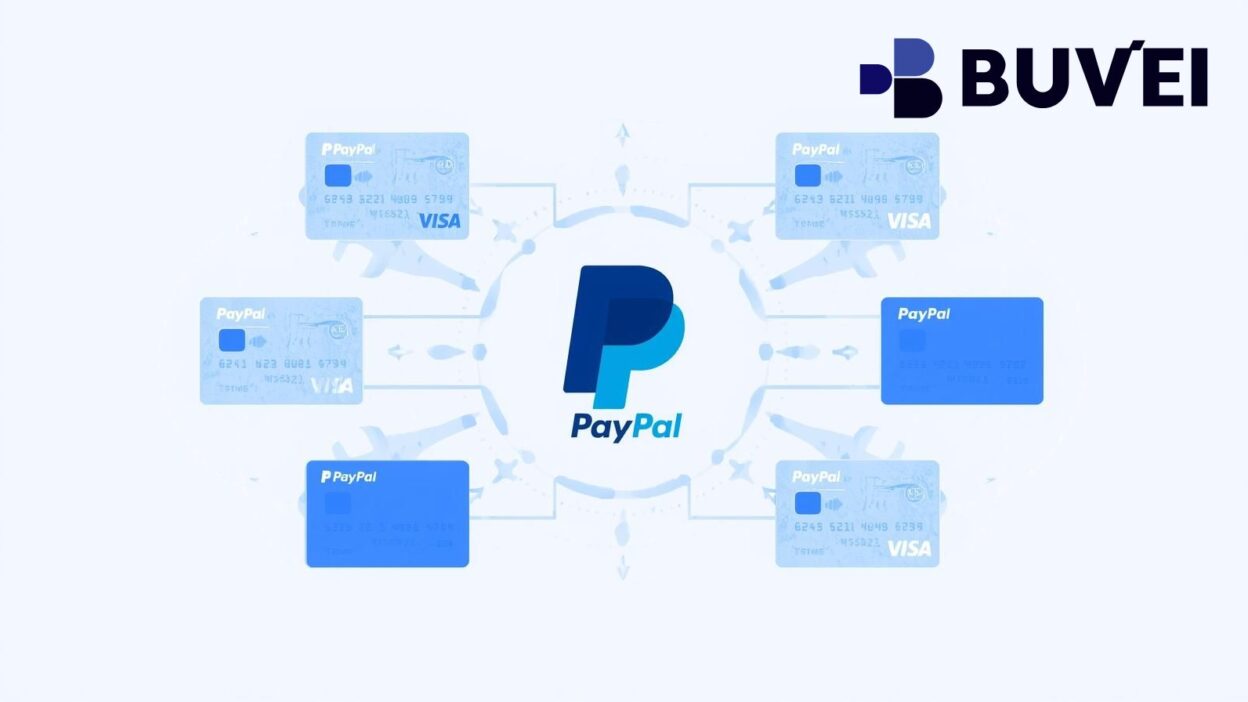
PayPal is one of the world’s most popular digital payment platforms, allowing millions of users to shop, send, and receive money globally. However, not everyone can link their physical bank cards to PayPal due to regional restrictions, declined transactions, or privacy concerns.
That’s where virtual cards for PayPal come in. These digital cards work like regular Visa or Mastercard debit cards but exist entirely online, providing an added layer of security, flexibility, and control over your payments.
In this guide, we’ll explore how virtual cards work with PayPal, their advantages, and how platforms like Buvei make it easier for users to create and manage PayPal-compatible virtual cards.
What Is a Virtual Card for PayPal?
A virtual card is a digital version of a physical card, complete with its own card number, CVV, and expiry date. You can use it for online purchases, subscriptions, or linking to wallets like PayPal, Google Pay, or Apple Pay.
For PayPal users, a virtual card serves as a convenient payment bridge—especially if your bank card isn’t accepted or if you prefer not to expose your real card details online.
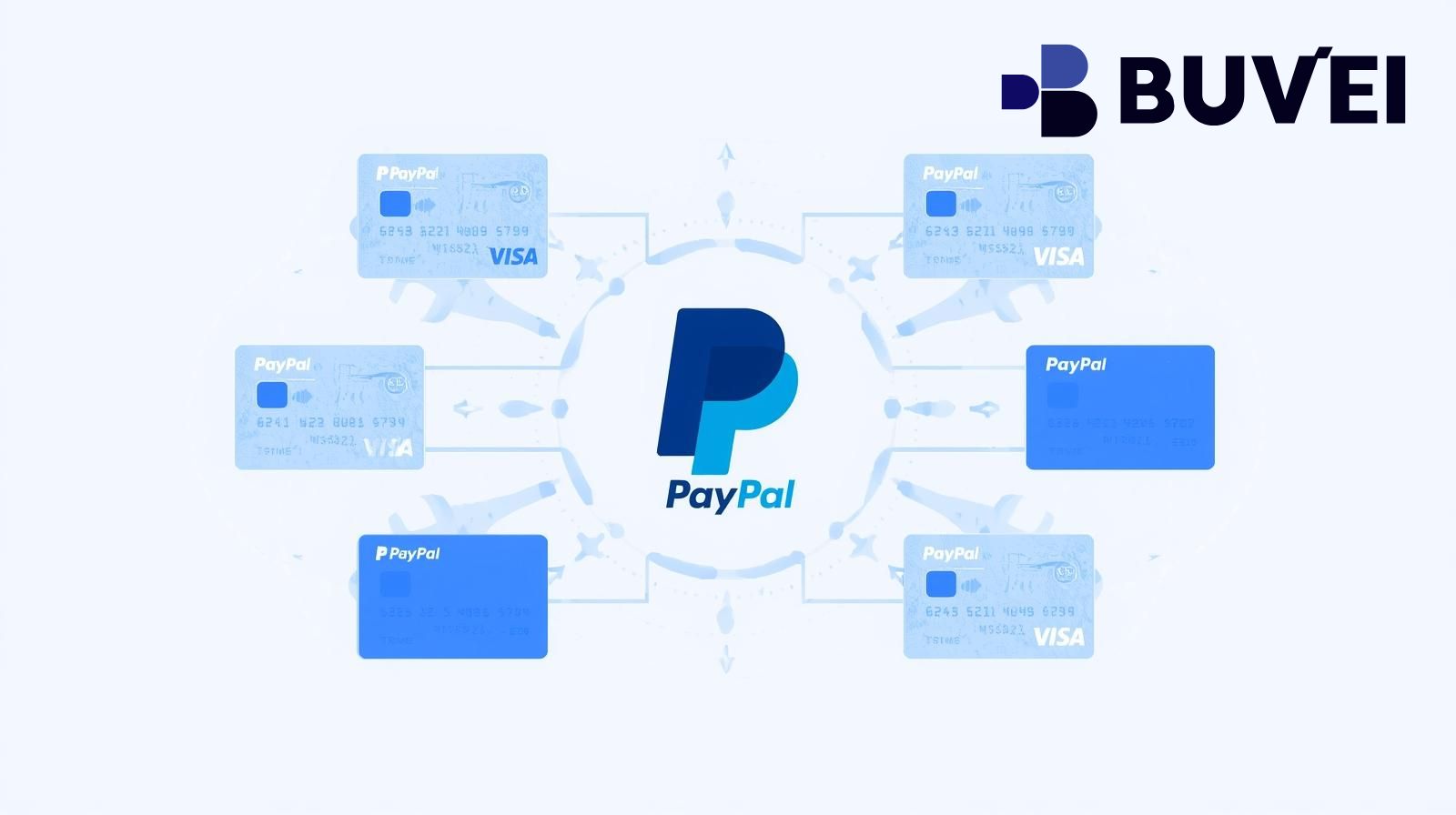
By linking a virtual card to your PayPal account, you can fund transactions, manage online subscriptions, and protect your financial privacy without relying on your main bank account.
Benefits of Using Virtual Cards with PayPal
(1) Enhanced Security
Virtual cards help protect your financial information. When you link a virtual card to PayPal, your real bank card number remains hidden, reducing the risk of fraud or data theft.
(2) Better Privacy
Many users prefer to keep PayPal transactions separate from their main bank account. A virtual card offers anonymity and helps maintain personal spending privacy.
(3) Global Accessibility
Some physical bank cards may face compatibility issues with PayPal due to regional or network restrictions. Virtual cards—especially those supporting Visa and Mastercard BINs—offer a broader acceptance range, allowing smooth transactions.
(4) Easy Expense Management
Virtual cards let users set spending limits, track transactions, and issue multiple cards for different purposes—perfect for freelancers, small businesses, and agencies managing various PayPal accounts.
How to Add a Virtual Card to PayPal
Adding a virtual card to your PayPal account is simple:
-
Log in to your PayPal account.
-
Navigate to “Wallet”.
-
Click “Link a card”.
-
Enter your virtual card details (number, expiry date, CVV).
-
PayPal will verify the card with a small charge (refunded later).
Once verified, your virtual card can be used for online purchases, payments, and subscriptions.
Why Choose Buvei Virtual Cards for PayPal
When selecting a virtual card for PayPal, it’s essential to use a provider with high success rates, global compatibility, and transparent fees.
That’s where Buvei stands out as one of the most reliable virtual card platforms for digital payment users.
(1) Multiple BIN Support for Higher Payment Success
Buvei covers global Visa and Mastercard BIN regions, offering optimized BIN selection for different business types and platforms. This ensures smooth linking with PayPal and fewer declined payments.
(2) Strong Payment Compatibility
Buvei’s virtual cards are widely accepted across platforms like PayPal, Google Ads, Meta Ads, TikTok Ads, and Microsoft Ads.
They also work perfectly with SaaS subscriptions such as ChatGPT, Canva, and Notion, making them suitable for both business and personal use.
(3) USDT Top-Up: Fast and Low Cost
Users can fund their Buvei cards using USDT (TRC20 or ERC20). This reduces international transfer fees and ensures that your balance arrives quickly and efficiently.
(4) Instant Card Issuance and Transparent Fees
Buvei allows users to instantly issue virtual cards without complicated KYC steps.
The fee structure is transparent—you’ll always see top-up and transaction fees clearly in your dashboard. You can also adjust card limits anytime for flexible expense control.
Security and Privacy Advantages
Buvei’s virtual cards comply with PCI DSS international payment security standards, ensuring that your transactions are encrypted and protected.
When using PayPal with Buvei, your real bank information remains private, and you can use different cards for different accounts to minimize exposure risks.
Multi-Account and Team Management
For businesses or freelancers managing multiple PayPal accounts, Buvei enables multi-card management under a single account.
You can issue, top up, and track all virtual cards simultaneously, which helps teams coordinate better and save manual management time.
Customer Support and Convenience
Buvei offers real-time online customer service, so if you encounter issues linking your virtual card to PayPal or during transactions, support is immediately available.
You can even request a dedicated account manager for customized solutions—ideal for business users and agencies.
Summary
For individuals and businesses who rely on PayPal, using a virtual card is a smart and secure way to handle payments.
With flexible top-ups, better privacy, and global compatibility, virtual cards simplify cross-border transactions while keeping your real financial details safe.
If you’re looking for a reliable, fast, and user-friendly solution, Buvei provides one of the best options. Its multiple BIN support, instant issuance, and transparent fees make it an excellent choice for PayPal users worldwide.