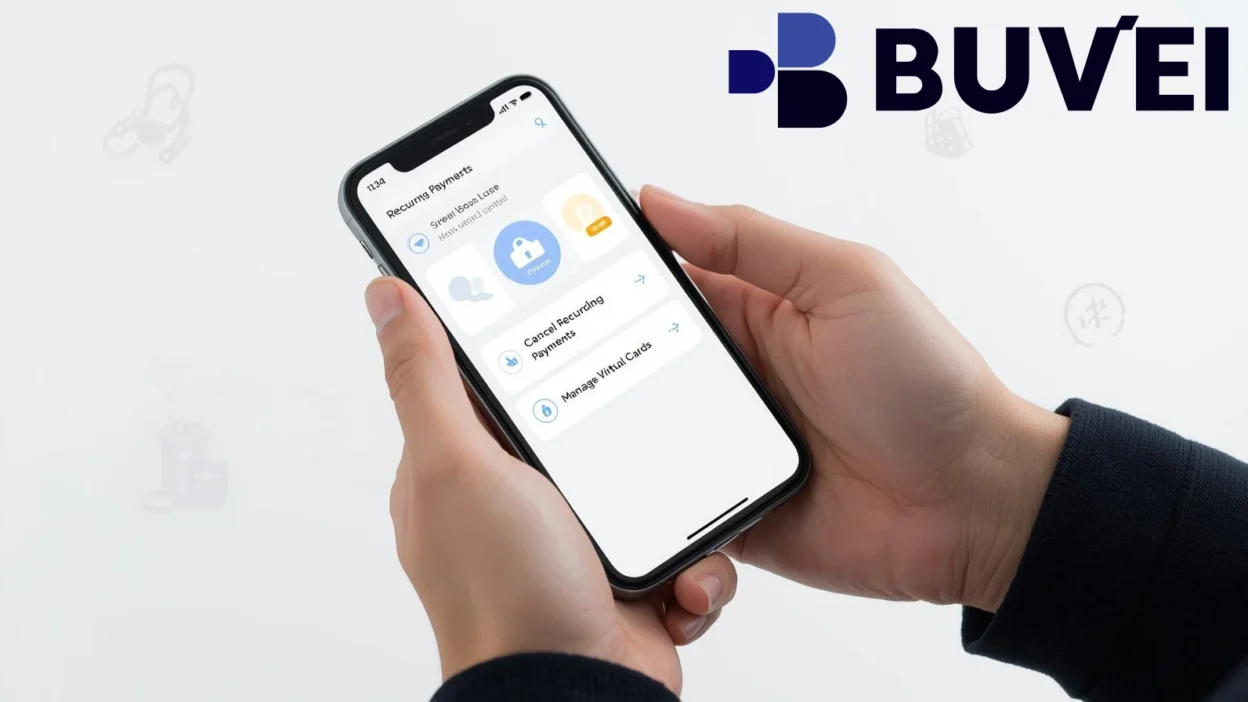
Ever tried to cancel a subscription… and somehow you’re still getting charged?
You go through settings, click “cancel,” maybe even get a confirmation email—and then the charge shows up again next month.
It happens more often than people expect.
We tested different ways to cancel subscriptions using virtual cards, including SaaS tools, streaming platforms, and AI services, to see what actually works.
The conclusion is simple:
canceling subscriptions through platforms isn’t always reliable—but controlling payments at the card level is.
Why Subscription Charges Are Hard to Cancel
At first, canceling a subscription sounds straightforward.
But in practice, platforms don’t always make it easy.
Hidden Cancellation Flows
Some services:
- Require multiple steps
- Hide the cancel button
- Add confirmation delays
Billing Cycles and Timing
Even if you cancel:
- You might still get charged for the next cycle
- Cutoff times aren’t always clear
Stored Payment Authorization
Many platforms keep authorization to charge your card.
That means:
- Charges can continue
- Even after cancellation attempts
Account vs Payment Separation
Canceling an account doesn’t always mean:
- Billing stops immediately
In reality:
You don’t fully control the subscription—the platform does.
How Virtual Cards Change That
This is where things start to shift.
Instead of relying on the platform, you control the payment method itself.
Payment-Level Control
With a virtual card, you can:
- Pause payments
- Set limits
- Disable the card
Instant Cut-Off
Unlike traditional cards:
- You don’t need to contact support
- You don’t need approval
You simply stop the card.
Isolation Between Services
You can assign:
- One card per subscription
So if one service misbehaves:
- It doesn’t affect anything else
No Dependency on Platform Policies
You’re no longer relying on:
- Cancellation buttons
- Support tickets
That’s the key difference:
You control the payment—not the platform.
Step-by-Step: How to Cancel Subscriptions Using Virtual Cards
Here’s the exact process that works consistently.
Step 1: Identify the Active Subscription
Start by checking:
- Which service is charging you
- The billing cycle
- The payment method used
Step 2: Locate the Linked Virtual Card
Find the card used for that subscription.
If you’re using multiple cards, this becomes much easier.
Step 3: Take Action on the Card
You have several options depending on the situation:
- Freeze the card
- Set the limit to $0
- Delete or replace the card
Any of these will stop future charges.
Step 4: Verify That Charges Stop
Monitor your transactions:
- Check for failed charges
- Confirm no new billing occurs
Step 5 (Optional): Cancel on the Platform
You can still cancel within the platform for completeness.
But now:
- It’s no longer critical

What Happens After You Block a Subscription
This part is important.
Failed Charges
The platform will attempt to charge your card—but fail.
Service Suspension
Most services will:
- Pause your access
- Notify you to update payment
No Further Billing
Since the payment method no longer works:
- Charges stop automatically
In practice:
This is often more reliable than traditional cancellation.
Real Use Cases Where This Works Best
This method isn’t just theoretical—it works across multiple categories.
SaaS Tools
For tools like:
- Design software
- Productivity platforms
Virtual cards help avoid forgotten renewals.
Streaming Services
For subscriptions like:
- Video streaming
- Music platforms
You can stop payments instantly without navigating complex menus.
AI Tools and Subscriptions
Many AI platforms:
- Bill monthly
- Auto-renew by default
Using a virtual card gives you full control over billing.
Free Trials That Convert Automatically
Instead of remembering to cancel:
- Use a limited virtual card
- Let it expire or block it
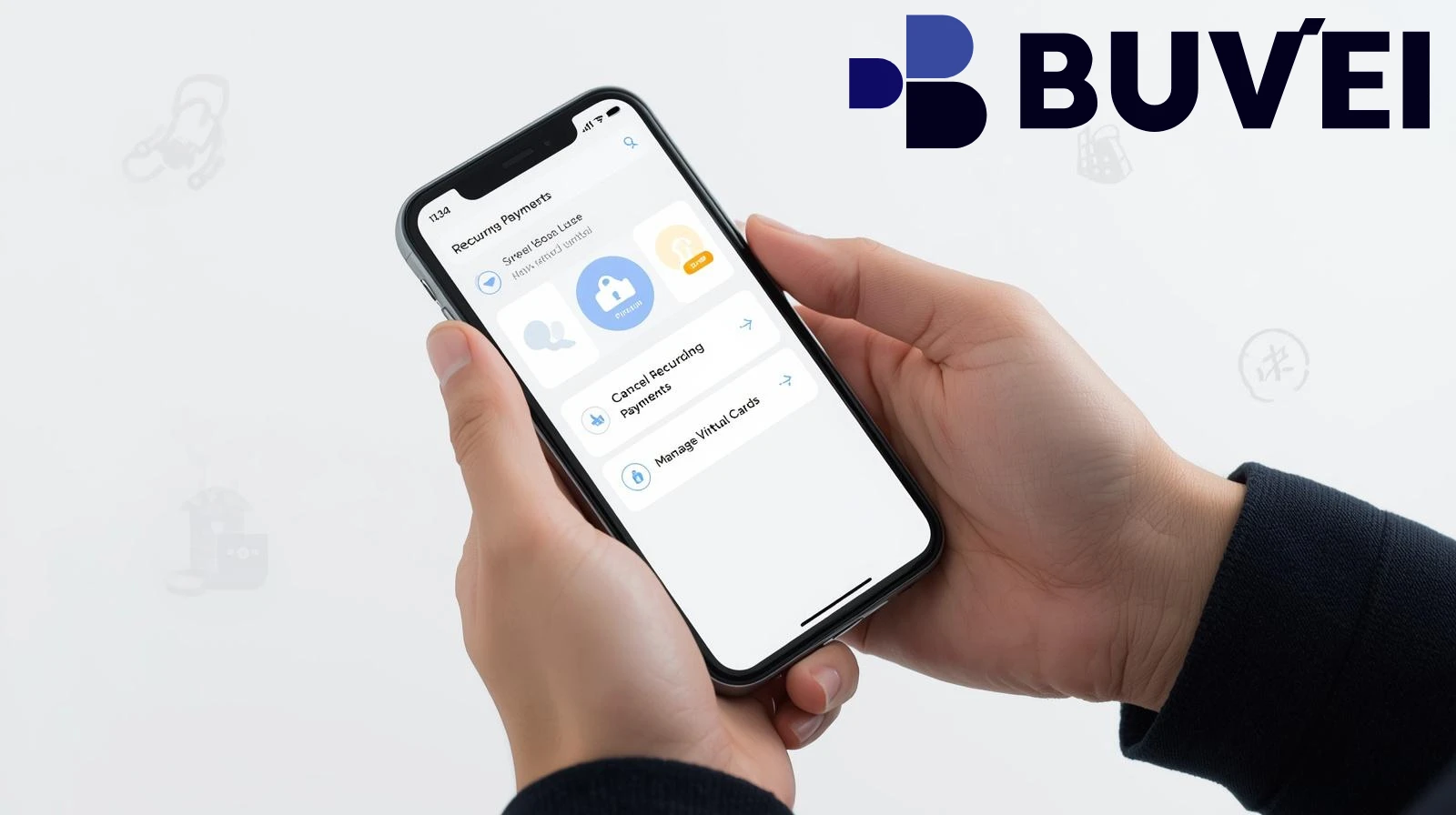
Common Mistakes to Avoid
Even with virtual cards, there are still a few pitfalls.
Using One Card for Everything
If multiple subscriptions share one card:
- You lose control
- Blocking it affects everything
Forgetting to Track Subscriptions
Even with better tools, you still need visibility.
Not Setting Limits
Limits add an extra layer of protection.
Relying Only on Platform Cancellation
Always combine:
- Platform cancellation
- Payment control
Why Buvei Works Well for Subscription Control
From testing different setups, one thing became clear:
control depends on how flexible your card system is.
Buvei makes this easier by offering:
- Instant card creation
- Multi-card management
- Custom spending limits
- Fast USDT funding
- Clear fee structure
This allows you to:
- Isolate subscriptions
- Stop payments instantly
- Avoid unwanted charges
In real-world use, it significantly reduces the frustration of recurring billing.
Conclusion
Trying to cancel subscriptions using virtual cards changes how you manage payments entirely.
Instead of relying on platforms to stop charging you, you take control at the source—the payment method.
That means you can:
- Stop recurring payments instantly
- Avoid hidden billing issues
- Manage subscriptions more efficiently
Once you start using virtual cards this way, subscription management becomes much simpler—and a lot more predictable.
And in a world full of auto-renewals, that level of control makes a big difference.