Generative AI is hot in 2025, but many users hit a paywall when upgrading to SuperGrok (xAI/Grok4)—failed cards, country mismatch, or 3DS errors. This guide shows a clean, professional way to subscribe using a virtual card (Buvei as the example) so you can unlock Grok4 capacity without payment friction.

Why use a Buvei virtual card for SuperGrok?
-
Multi-region BINs (e.g., US/GB/HK) to match checkout region and improve approval.
-
USDT funding with fast settlement—fits global users.
-
Instant issuance & per-card controls (per-merchant limits, freeze/close) for safer renewals.
-
Subscription-friendly—widely accepted on international gateways (e.g., Stripe).
SuperGrok is a paid plan for Grok4, aimed at developers, creators, and teams who need higher limits and features. xAI supports subscriptions on grok.com / x.ai / X (Twitter) / Grok App, typically requiring Visa/Mastercard.
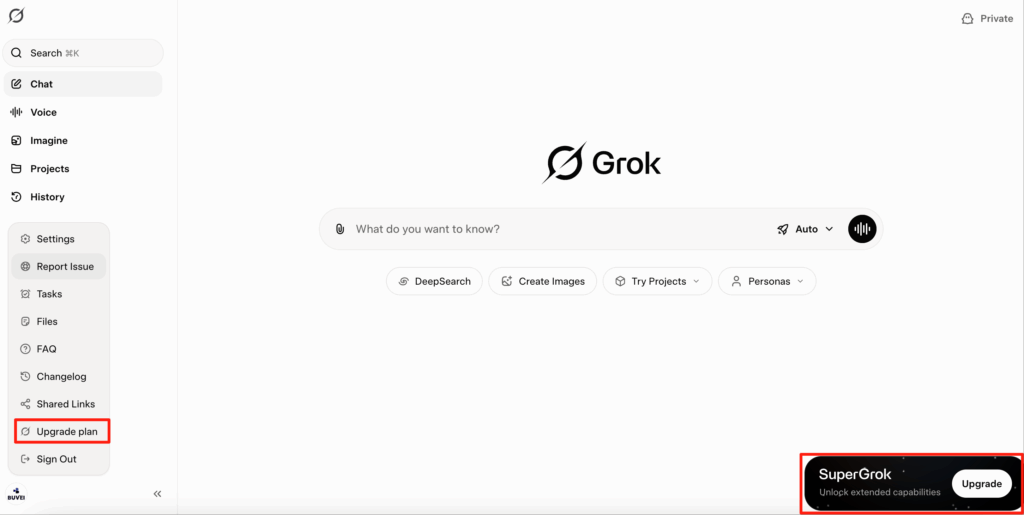
Preferred Path: grok.com / x.ai → Checkout
-
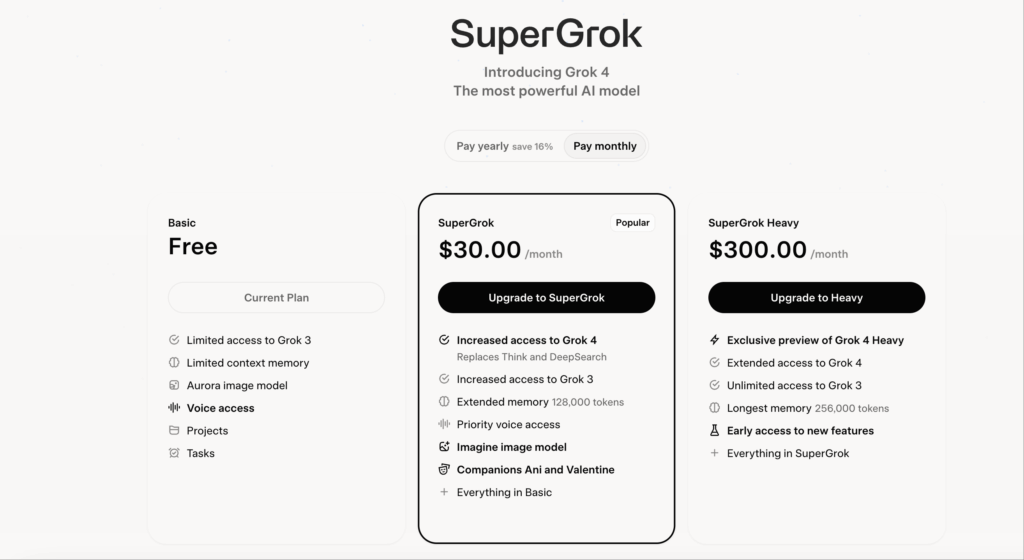
Select SuperGrok / SuperGrokPro (monthly or annual), confirm currency and price.
-
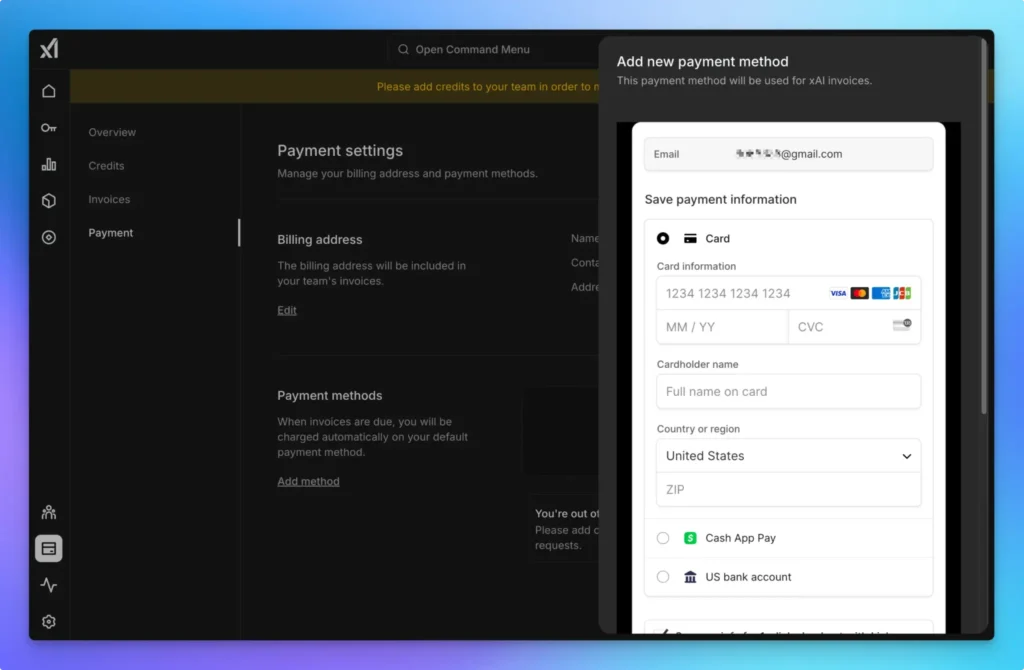
Choose Credit/Debit Card
-
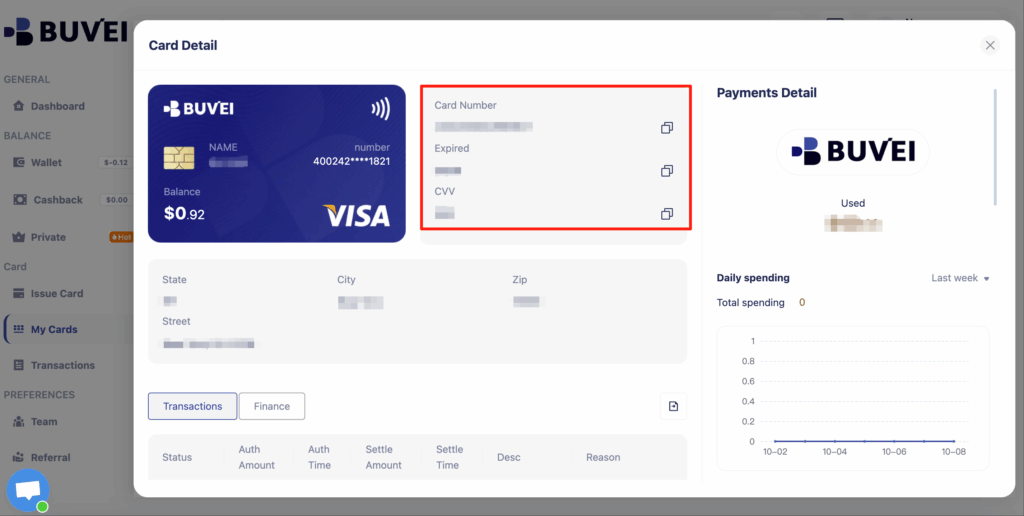
Enter Buvei card number / expiry / CVC and your billing address.
-
After payment, verify status on Grok, or check X → Settings → Subscriptions for invoices and next renewal date.
- No virtual card yet? The steps below will help you issue one and get started fast.
Prepare Your Buvei Virtual Card
Sign Up and Fund Your Account
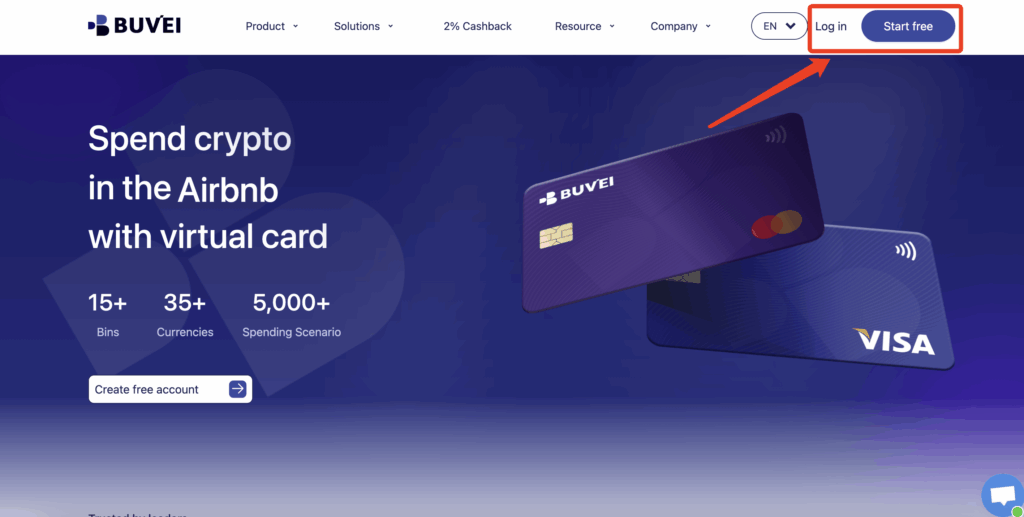
- visit https://buvei.com and create a free account.
- After email verification, log in to access the Buvei dashboard.
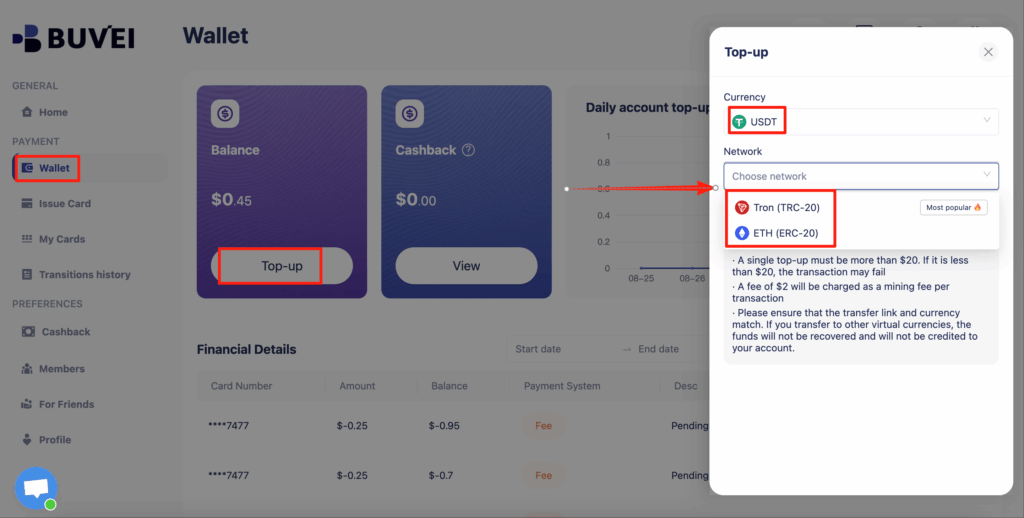
- Navigate to the Wallet tab and top up using supported stablecoins like USDT (TRC20/ERC20). You’ll receive a unique address—copy it and send your funds.
- Once confirmed, your balance will appear in the wallet for immediate use.
Create a Virtual Card
-
Go to the Card tab
-
Choose your preferred BIN region
-
Select your card type (Visa/Mastercard)
- Click Issue

- Fill in the virtual card details, including name, amount, and number of cards.
-
Click Issue Credit Card

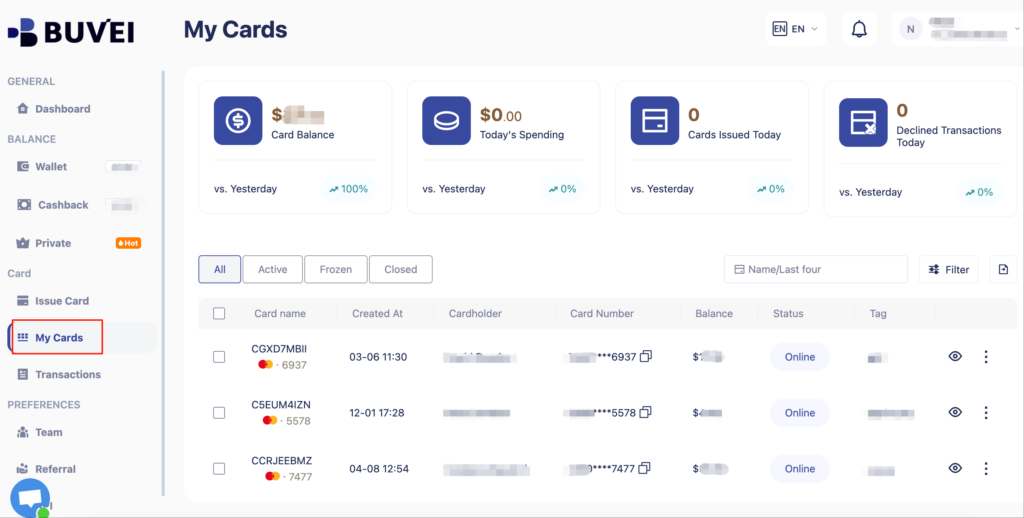
Once created, navigate to My Cards to access your card details:
-
Card Number
-
Expiration Date
-
CVV
Implementation Tips
-
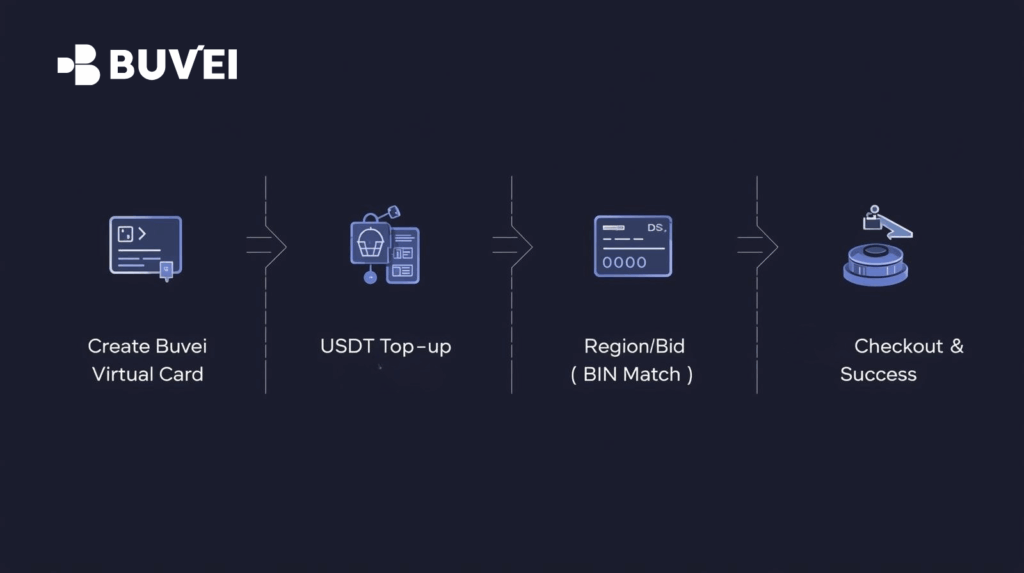
Region consistency is key: X account region = current IP = billing country ≈ card BIN region. Mismatches often trigger declines.
-
Balance & pre-auths: Subscriptions may place small pre-authorizations (often released in 1–3 days). Keep extra balance.
-
3DS readiness: Use Incognito, try another browser, disable blockers. If available, Apple/Google Pay is often smoother.
-
When blocked, switch: Try a different BIN / time window / browser / region-matching network, or swap between grok.com and X Premium flows.
Troubleshooting
| Error / Symptom | Likely Cause | What to do |
| Country mismatch | Region/IP/Billing/BIN not aligned | Align all four; if needed, switch to a better-matched BIN or region-consistent network |
| Do Not Honor | Insufficient balance or acquirer risk checks | Add funds, retry later, or change BIN |
| 3DS fails or doesn’t pop | Browser blocking, unstable network | Incognito/new browser, disable blockers; try Apple/Google Pay if shown |
| Card/address invalid | Field errors or invalid address | Re-enter card details; ensure valid city + postal code; no empty fields |
| Small/duplicate charges | Pre-authorization | Normally auto-releases; if not, contact xAI/X support and Buvei with the transaction ID |
Renewals & Security
-
Auto-renew: On by default. If you only need SuperGrok temporarily, turn it off in X → Settings → Subscriptions.
-
Risk isolation: Use a dedicated card per subscription, set per-card and per-merchant limits, enable transaction alerts, freeze if needed.
-
Compliance: Use for lawful subscriptions only, follow xAI/X terms and local regulations, and enable 2FA on your X account.
Useful Extras
-
Multi-platform access: After subscribing, use Grok on grok.com, x.com, and Grok iOS/Android. iOS supports voice mode.
-
DeepSearch (Grok3): Manually enable when you need deeper web retrieval and analysis.
-
xAI API: See x.ai/api; you can typically pay with the same virtual-card approach (subject to the page’s payment requirements).
-
Invoices: Stripe/X issues subscription invoices; download them in your account for records.
Recommended Card Hygiene
Use one Buvei card per SuperGrok subscription and only bind it to Grok/X. This keeps your billing clean and controllable.
Ready to go? Create your Buvei virtual card, follow the steps above, and unlock the full power of Grok4 without payment headaches.
Buvei — transparent pricing, instant issuance, USDT top-ups, and granular card controls for safer subscriptions. Website: https://buvei.com · Support: [email protected]