For users looking to deploy cloud services or purchase virtual servers, ClawCloud stands out as a high-performance and transparent-pricing platform. Whether you’re an individual developer or managing a team project, completing your account top-up or service payment is the first step before launching your VPS, setting up cloud instances, or upgrading storage.
If you don’t have a physical credit card—or prefer a more flexible and secure payment method—you can use a virtual card, such as a Visa or Mastercard issued by Buvei.
This guide walks you through every step of using a virtual card to pay on ClawCloud—no need to link a physical card, and the entire process can be completed in just a few minutes.
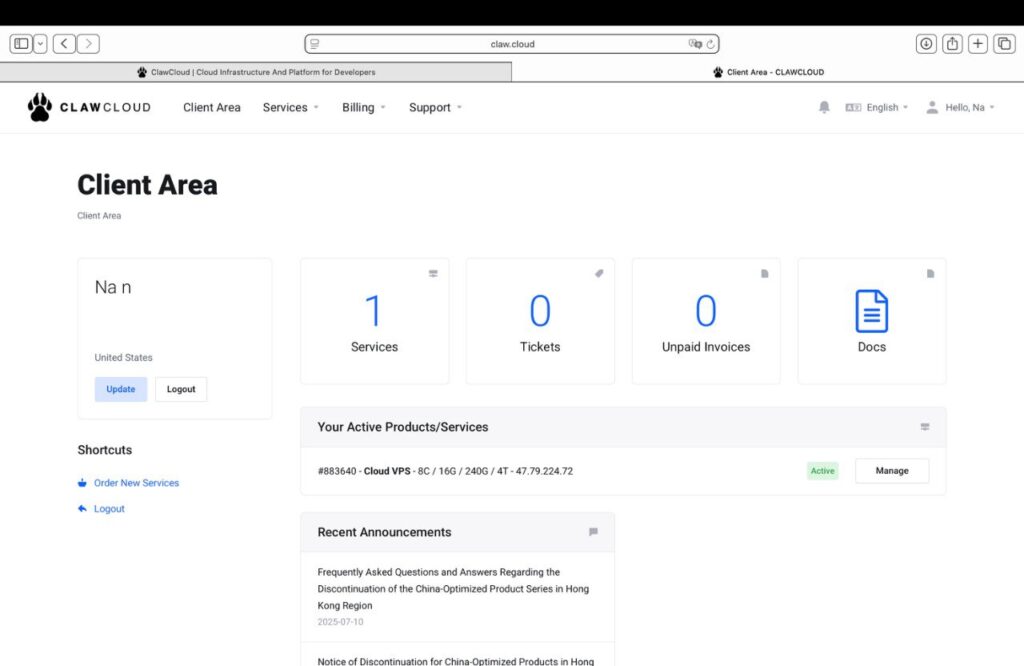
Log in to Your ClawCloud Account
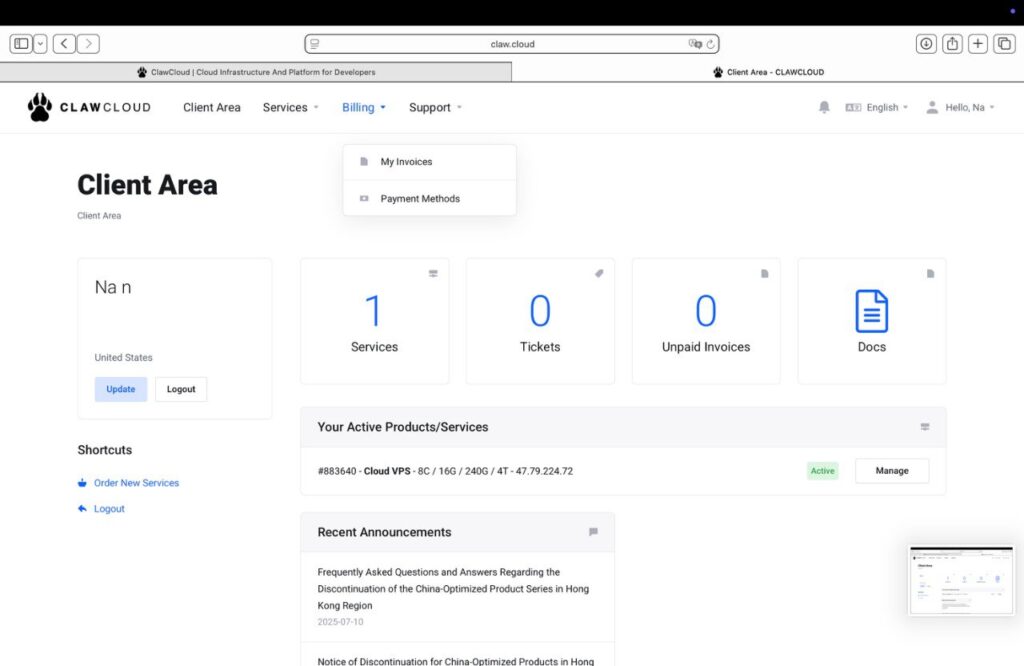
- Go to ClawCloud and sign in to the Client Area. After logging in, you’ll see an overview of your account:

- Navigate to the Billing Section
- At the top navigation bar, open Billing → Payment Methods. This is where you can securely add or update your payment options.
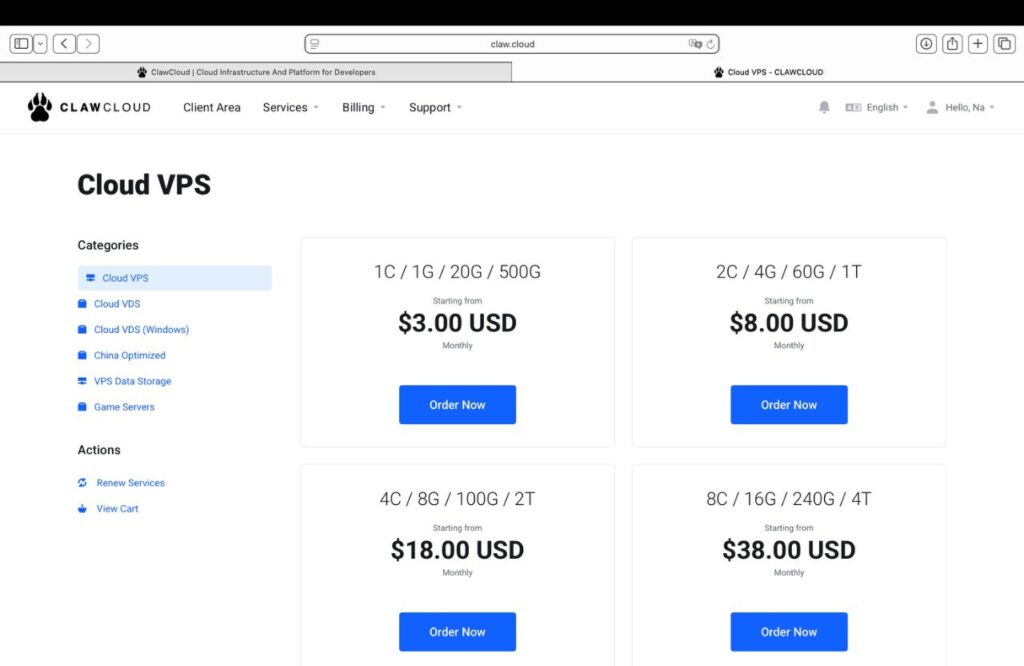
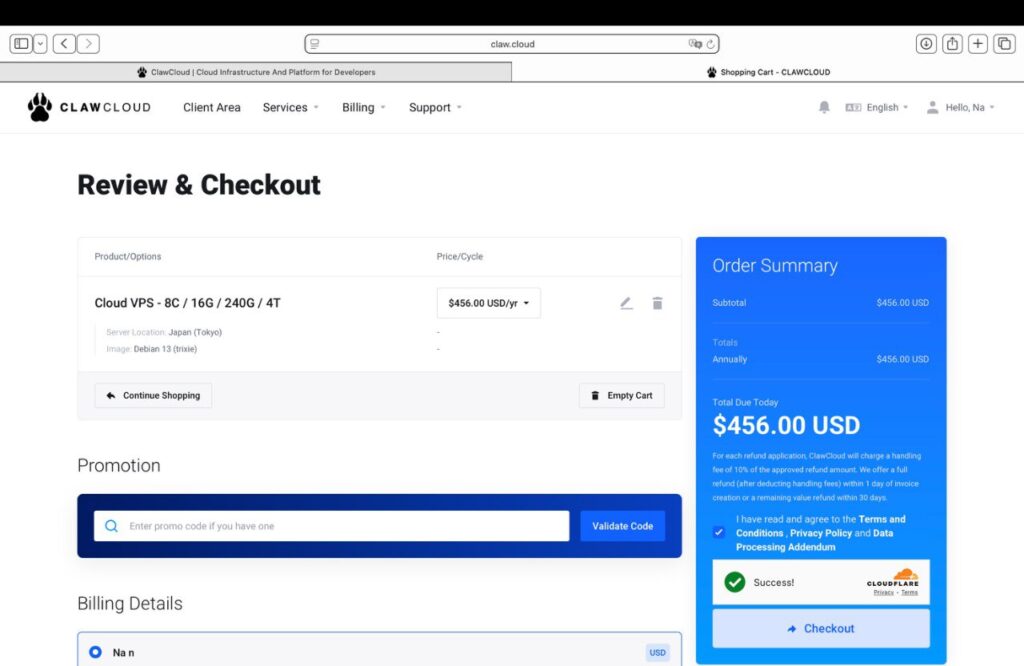
- ClawCloud offers a variety of cloud server (VPS) configurations to meet the needs of individual developers and small to medium-sized teams.
- You can choose the plan that best fits your requirements and then proceed by clicking Next to continue.
- Add a Virtual Card (Example: Buvei Card)
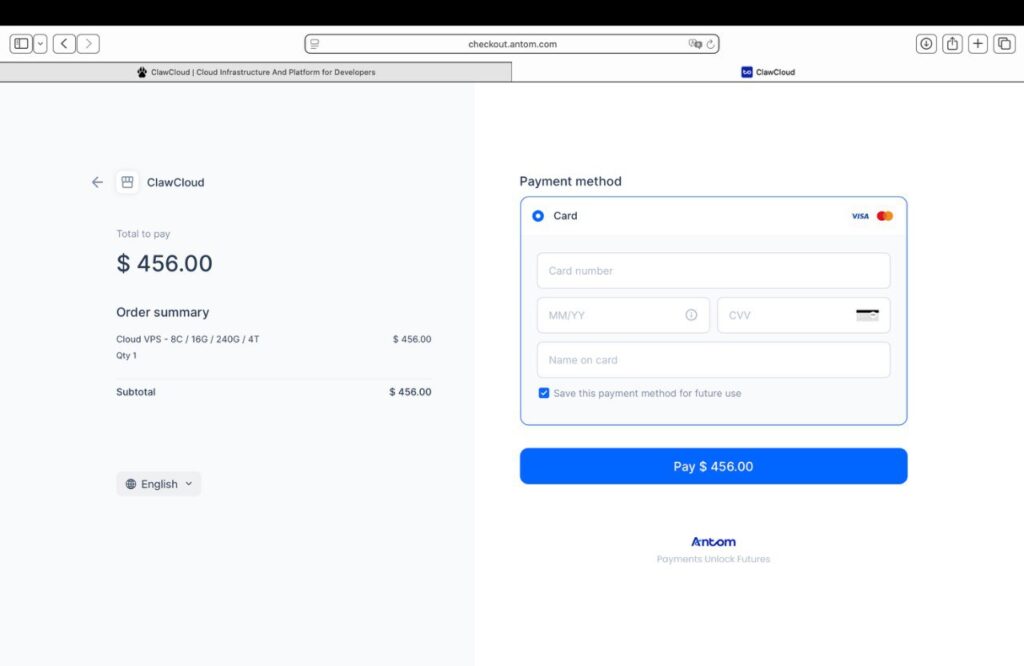
- Click Add New Card / Add Payment Method. ClawCloud uses the Antom secure checkout interface, where you’ll enter the following details:
-
Card Number: 16-digit number
-
Expiry Date (MM/YY)
-
CVV Security Code
-
Name on Card: exactly as shown on your virtual card
💡 Tip: If you’re using a Buvei Virtual Card, simply copy the card number, expiry date, and CVV from your Buvei dashboard. Buvei supports international USD transactions with instant activation and balance control—ideal for cloud-platform payments.
- Click Pay $XXX.XX (for example, $456.00) to complete your transaction.
Review Your Invoice and Payment Status
After the payment succeeds, ClawCloud automatically generates an invoice. You can view it in Billing → Invoices, where you’ll find:
-
Payment status (Paid / Unpaid)
-
Invoice number and amount
-
Downloadable PDF for accounting records
Enable Auto-Renewal (Optional)
To keep your VPS or service active without interruption:
-
Go to Billing → Automatic Renewal.
-
Toggle Auto-Renew on.
-
Ensure your virtual card has sufficient balance and limit.

If you don’t have a virtual card yet, the guide below will help you issue one quickly and start using it.
Prepare Your Buvei Virtual Card
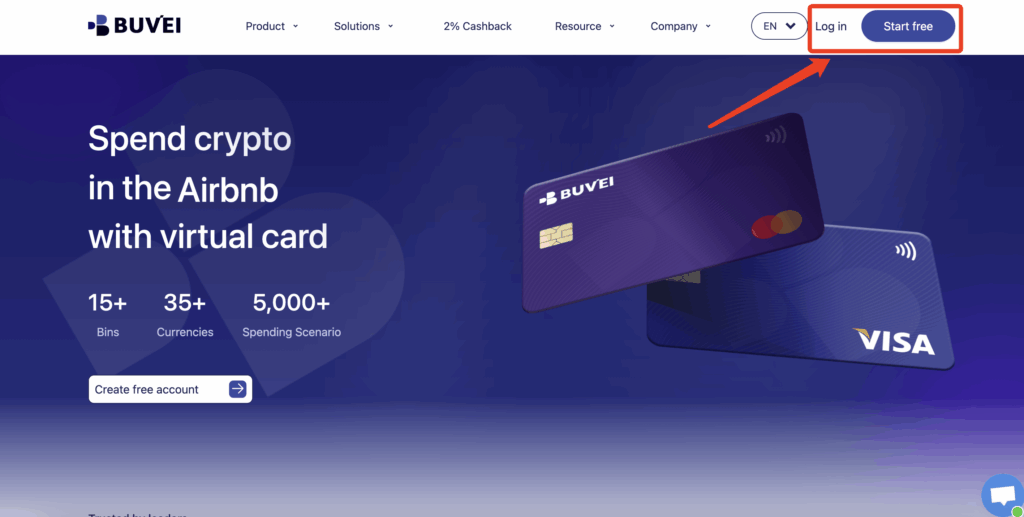
- visit https://buvei.com and create a free account.
- After email verification, log in to access the Buvei dashboard.
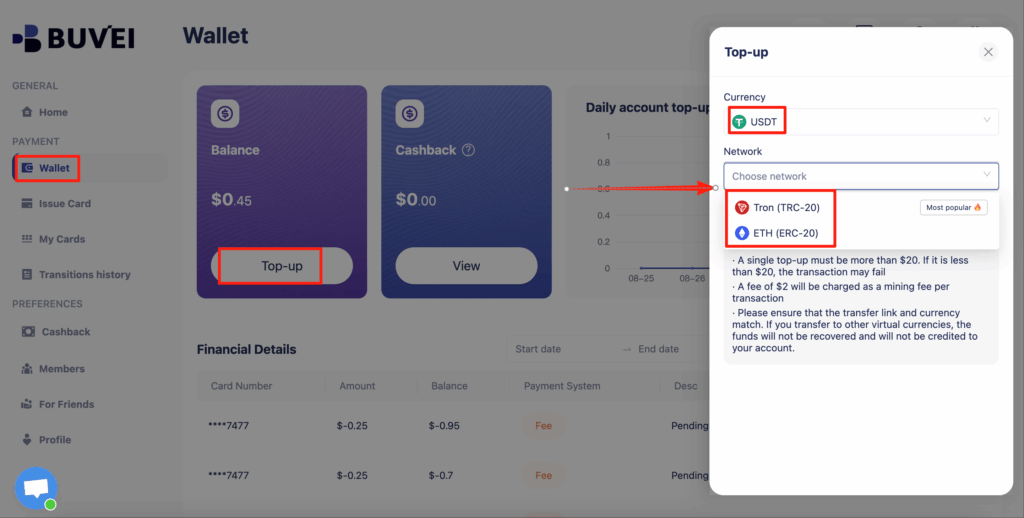
- Navigate to the Wallet tab and top up using supported stablecoins like USDT (TRC20/ERC20). You’ll receive a unique address—copy it and send your funds.
- Once confirmed, your balance will appear in the wallet for immediate use.
- Create a Virtual Card
-
Go to the Card tab
-
Choose your preferred BIN region (Visa is recommended.)
-
Select your card type (Visa/Mastercard)
- Click Issue
-

- Fill in the virtual card details, including name, amount, and number of cards.
-
Click Issue Card

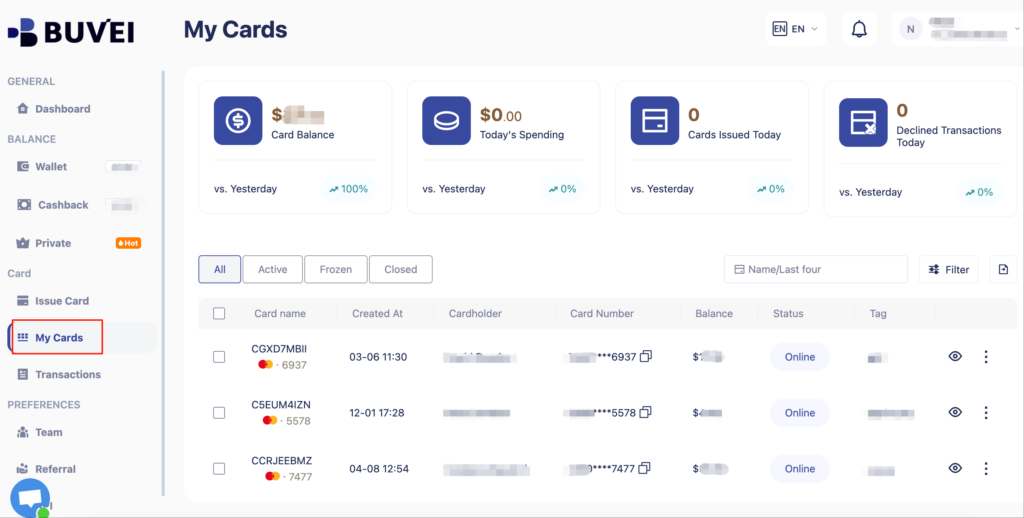
- Once created, navigate to My Cards to access your card details:
-
Card Number
-
Expiration Date
-
CVV
-
Common Payment Issues & Quick Fixes
| Issue | Possible Cause | Solution |
|---|---|---|
| Payment declined | Insufficient balance / international transactions disabled | Top up your Buvei card and enable international payments |
| Address verification failed | Billing address mismatch | Match ClawCloud billing info to your Buvei card address |
| Auto-renewal failed | Card limit reached or expired card | Update limit or issue a new Buvei card |
| Checkout page not loading | Browser extension blocking scripts | Disable ad blockers or switch browser |
Conclusion
Using a virtual card for ClawCloud payments offers simplicity, flexibility, and peace of mind.
Whether you’re launching a personal VPS, managing AI workloads, or deploying enterprise apps, virtual cards like Buvei let you pay securely and maintain precise budget control without revealing your primary credit account.
Ready to try?
- Visit ClawCloud to log in and order your first service. Get a Buvei Virtual Card at Buvei.com to start.