As Telegram continues to evolve its Premium service, more users are opting to pay with virtual cards for a secure and flexible payment experience. Virtual cards offer many advantages, such as better control over spending, enhanced security, and ease of use across platforms. In this guide, we’ll explore how to link a virtual card to your Telegram Premium account, address common issues, and discuss the best practices for using virtual cards effectively in 2026.
How Telegram Premium Billing Works
Telegram Premium provides users with an enhanced experience, offering features like increased media upload limits, exclusive stickers, and faster updates. To access these features, users are required to subscribe to Telegram Premium via a monthly or yearly payment.
Telegram’s billing system typically accepts debit and credit cards, and with increasing demand for digital payment options, virtual cards have become a practical solution for subscribers looking to maintain better control over their subscriptions.

Does Telegram Premium Accept Virtual Cards?
Yes, Telegram Premium does accept virtual cards for payment. Since virtual cards function like regular debit or credit cards, they can be used to pay for subscriptions just like any other method. However, it is important to note that not all virtual cards will work seamlessly with Telegram’s payment system.
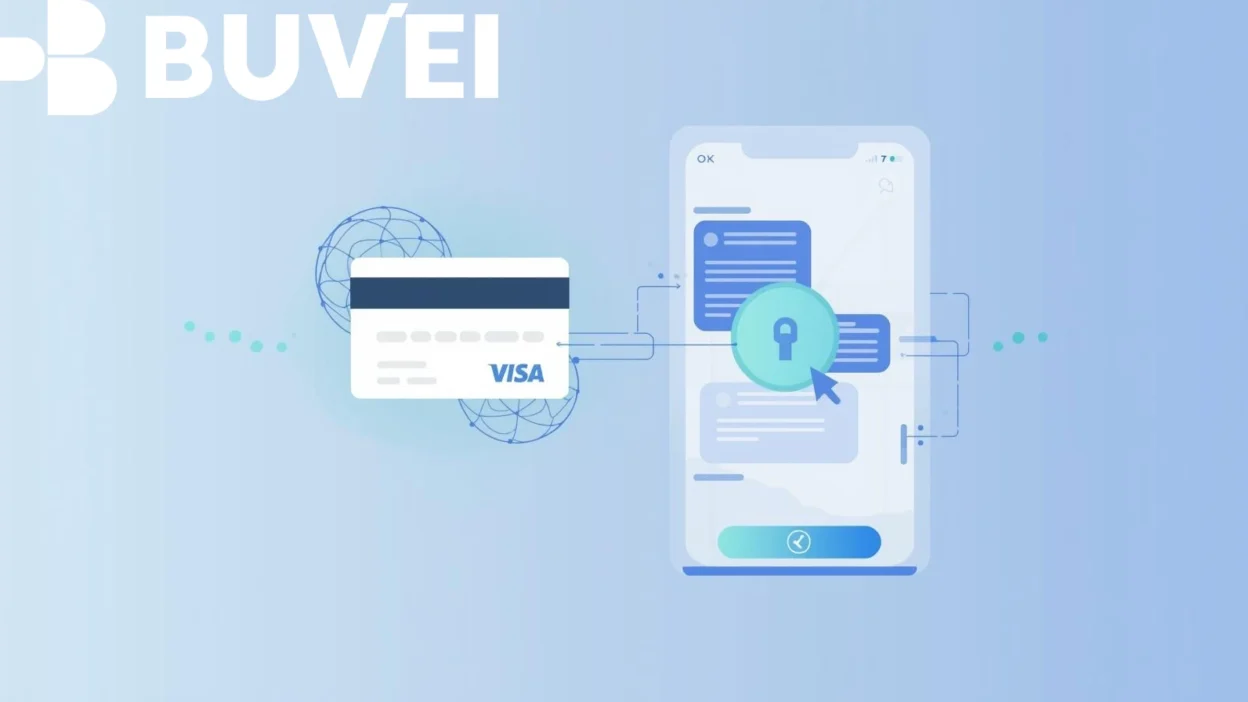
Telegram Premium supports Visa and Mastercard virtual cards issued by trusted platforms, including those with international payment capabilities. Cards that meet these requirements are most likely to be accepted without issues.
Common Issues When Linking Virtual Cards to Telegram Premium
While virtual cards are generally supported, some users may encounter specific problems when linking them to their Telegram Premium account. Common issues include:
-
Card Declines: Some virtual cards might be declined if they are not properly set up for international payments or recurring charges.
-
Insufficient Funds: Virtual cards must have enough balance to cover the subscription fee; failing to load the card before billing may cause issues.
-
Incompatibility with Telegram’s Billing System: Some virtual card providers may not be recognized by Telegram’s payment gateway, leading to failed transactions.
-
Expired Cards: Virtual cards typically have an expiration date, and using an expired card for Telegram Premium can result in payment failure.
Best Practices for Using Virtual Cards with Telegram Premium
To avoid payment issues and ensure a smooth experience with Telegram Premium, follow these best practices when using virtual cards:
-
Ensure International Payment Capability: Choose a virtual card that supports international transactions, especially if you’re using a card issued outside of your country.
-
Set Up Recurring Payments: Make sure your virtual card is ready for recurring charges by ensuring it’s activated and properly linked.
-
Load Sufficient Funds: Always load your virtual card with enough funds to cover the subscription amount before the billing cycle starts.
-
Use Reliable Virtual Card Providers: Opt for well-known virtual card issuers like Buvei that offer reliable customer support and high approval rates for Telegram payments.
How to Link a Virtual Card to Your Telegram Premium Account
Linking a virtual card to your Telegram Premium account is simple. Follow these steps to get started:
-
Log into Your Telegram Account: Open Telegram on your device and go to Settings.
-
Access Premium Subscription: Scroll down and tap on the “Telegram Premium” section to manage your subscription.
-
Select Payment Method: Choose the option to link a payment method, and select “Add a Card”.
-
Enter Virtual Card Details: Input the details of your virtual card, including the card number, expiration date, and CVV code.
-
Confirm Payment: Once your card information is entered, confirm the payment to complete the subscription setup.
-
Verify Subscription: Ensure that your payment is processed and your Telegram Premium account is activated.
How to Create and Use a Virtual Card with Buvei
If you don’t have a virtual card yet, Buvei is a reliable provider that allows users to quickly create virtual cards for online payments, including subscriptions like Telegram Premium. Here’s how you can create and use a virtual card with Buvei:
-
Sign Up for Buvei: Create an account on Buvei’s platform.
-
Fund Your Account: Deposit funds into your Buvei account via supported payment methods.
-
Generate a Virtual Card: Choose the option to create a virtual Visa or Mastercard card, which will be ready for use in just a few minutes.
-
Link Your Card to Telegram Premium: Follow the same steps as mentioned earlier to link your Buvei virtual card to your Telegram Premium account.
Final Thoughts
Linking a virtual card to your Telegram Premium account offers enhanced flexibility, security, and control over your subscription payments. By following the steps in this guide and implementing the best practices, you can enjoy a seamless and secure experience with Telegram Premium in 2026.