Introduction
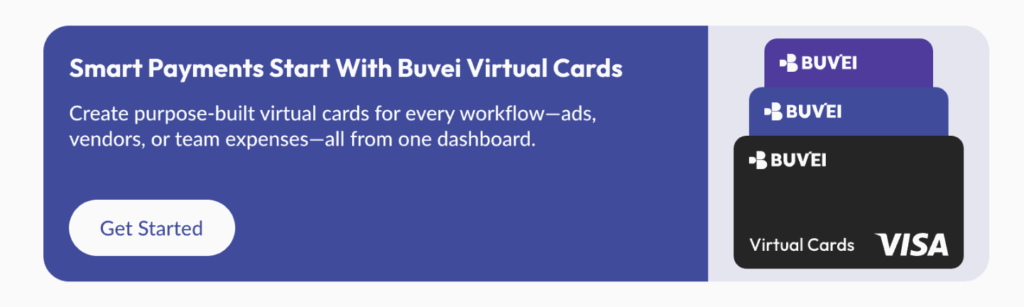
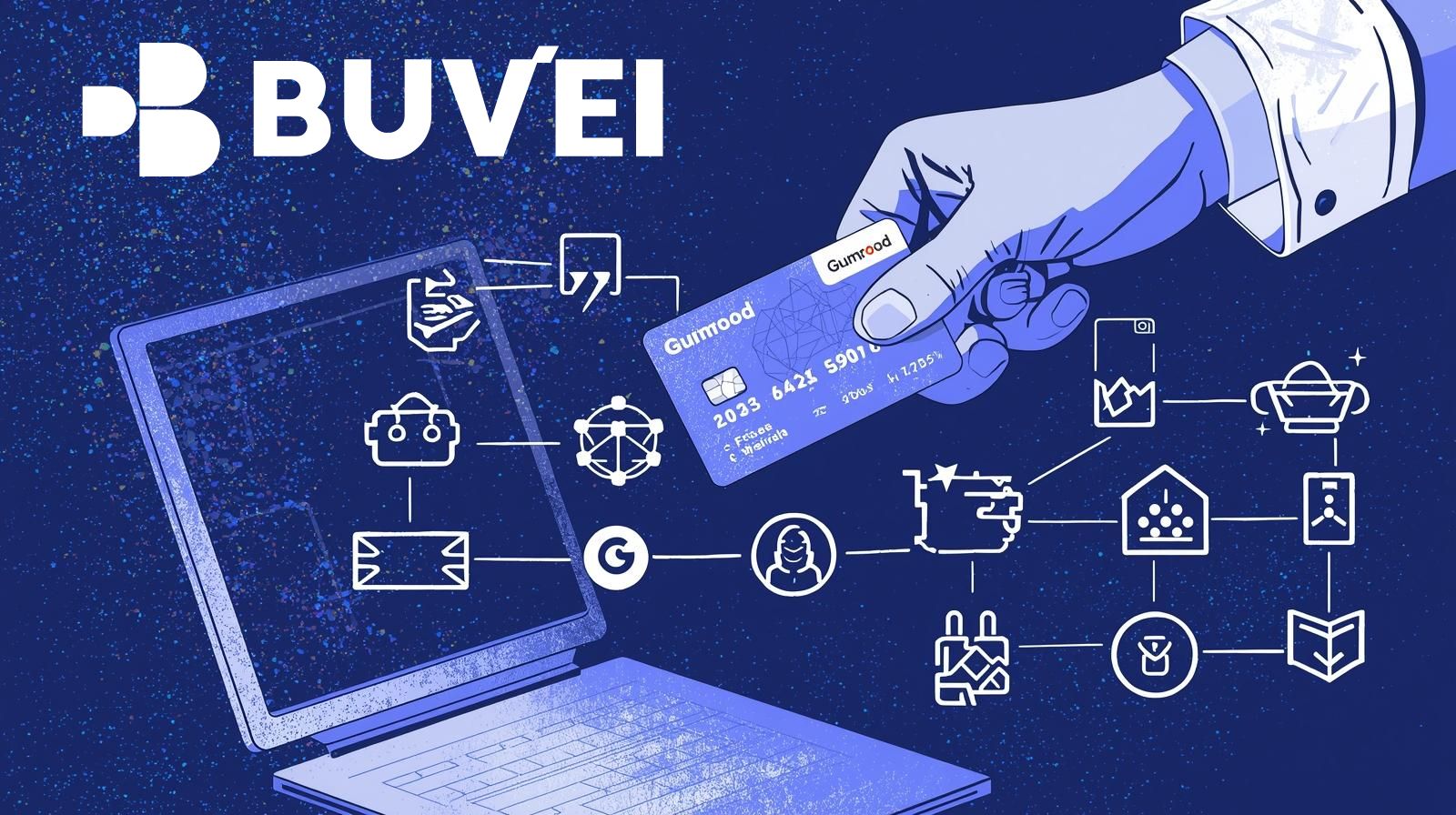
Gumroad is a popular platform for buying digital products, courses, and creator content.
While it generally accepts virtual cards, users often run into issues—especially around refunds.
Payments may go through successfully, but refunds can take longer than expected or fail entirely. In most cases, this comes down to how Gumroad processes card payments and how virtual cards handle reversals.
This guide explains Gumroad’s payment flow, refund rules, common virtual card issues, and how to use a stable virtual card solution—using Buvei as a practical example.

How Gumroad Processes Card Payments
Understanding Gumroad’s billing logic helps avoid surprises.
Gumroad Uses Standard Card Networks
Gumroad processes payments through:
-
Visa
-
Mastercard
Charges are usually:
-
One-time
-
Finalized immediately
-
Settled shortly after checkout
Unlike subscription platforms, Gumroad does not typically rely on recurring billing.
Authorization Happens Quickly
In most cases:
-
The full amount is charged immediately
-
Authorization and settlement happen close together
However, Gumroad still performs fraud checks that can affect virtual cards.
Refund Rules for Gumroad Purchases
Refunds are where most virtual card issues appear.
Refunds Are Merchant-Initiated
When a creator issues a refund:
-
Gumroad sends the request to the card network
-
The refund is routed back to the original card
This means the card must still be:
-
Active
-
Able to receive refunds
If the card is closed or depleted, problems may occur.
Refund Timing Varies
Typical refund timelines:
-
Processing by Gumroad: 1–3 business days
-
Bank or issuer processing: up to 10 business days
Virtual cards may experience additional delays depending on issuer rules.
Using Buvei Virtual Cards for Gumroad Payments
For users who want better control over payments and refunds, Buvei virtual cards are a common choice.
Why Buvei Works Well for Gumroad
Buvei virtual cards offer:
-
Stable Visa and Mastercard BINs
-
Support for refunds and reversals
-
Clear balance visibility
-
Easy card management
These features make refunds easier to track and less likely to fail.
Common Issues with Virtual Cards on Gumroad
Even when payments succeed, issues can still arise.
Refunds Fail Because the Card Was Closed
Some users:
-
Close the virtual card immediately after purchase
-
Reduce the balance to zero
If a refund is issued later, it may not process correctly.
Card Limits Block Refunds
Refunds still require:
-
An active card
-
Proper issuer support
Overly restrictive limits can interfere with reversals.
BIN Reputation Triggers Risk Checks
Unstable or unfamiliar BINs may:
-
Trigger additional reviews
-
Cause delayed refunds
This is less common but still relevant.
What to Do If a Refund Is Delayed or Missing
If you’re waiting on a Gumroad refund, take the following steps.
Step 1: Confirm the Refund Status
Check:
-
Gumroad order history
-
Email confirmation from Gumroad
Ensure the creator has actually issued the refund.
Step 2: Keep the Card Active
Do not:
-
Close the card
-
Remove the balance immediately
Leave the card active until the refund is complete.
Step 3: Contact Card Support
If the refund is delayed:
-
Check your Buvei transaction history
-
Contact customer support for clarification
Buvei provides real-time online support for payment issues.
Final Thoughts
Gumroad does allow virtual cards—but refunds require extra care.
To avoid issues:
-
Use stable virtual cards
-
Keep cards active until refunds clear
-
Avoid overly tight limits
When set up correctly, Buvei virtual cards offer a reliable way to pay on Gumroad while maintaining better control over spending and refund visibility.
For buyers who frequently purchase digital products, that reliability makes all the difference.