Amazon Prime offers fast shipping, streaming, and exclusive discounts through a recurring membership model. However, users often wonder whether virtual cards are accepted for Prime subscriptions—and why some payments fail even when a card appears valid.
This guide explains Amazon Prime’s payment requirements, whether virtual cards work, how to add one properly, and how to manage recurring subscriptions securely.

Amazon Prime Payment Requirements
Amazon Prime is billed as a recurring subscription—monthly or annually—depending on the selected plan.
Amazon typically requires:
-
A valid Visa or Mastercard
-
Support for recurring billing
-
Successful real-time authorization
-
A verified Amazon billing address
Because Prime renews automatically, the payment method must remain active and funded at each billing cycle.

Are Virtual Cards Accepted by Amazon?
In many cases, yes—virtual cards can be accepted by Amazon, including for Prime memberships. However, acceptance depends on the card’s issuer, BIN classification, and merchant compatibility.
Virtual cards work best when they:
-
Support recurring transactions
-
Are enabled for international purchases (if applicable)
-
Have sufficient balance at renewal
-
Are not flagged as high-risk prepaid BINs
Amazon’s fraud detection system evaluates cards dynamically, so proper setup matters.
How to Add a Virtual Card to Amazon Prime
Below is the standardized operation guide used across Buvei tutorials.
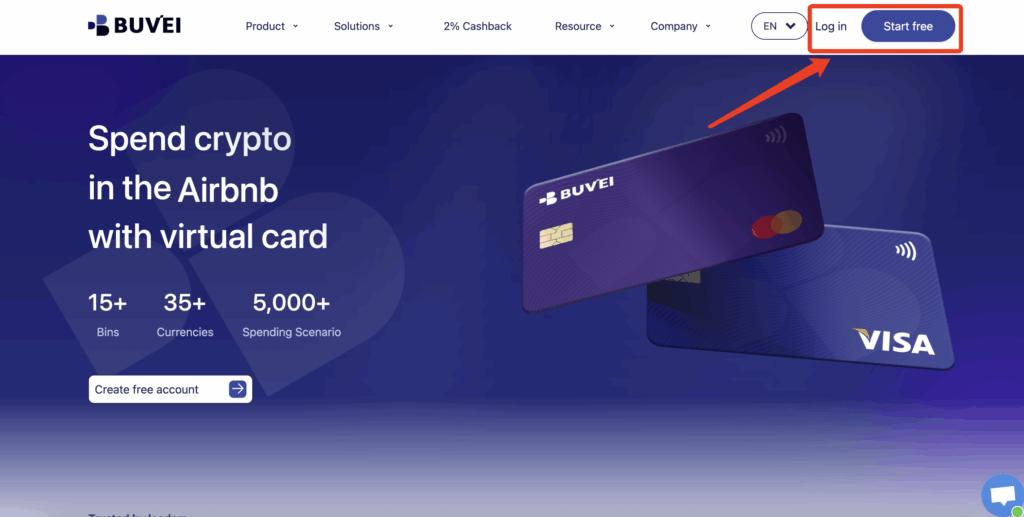
Step 1: Register a Buvei Account
-
Visit https://buvei.com
-
Create a free account
-
Complete email verification
-
Log in to your dashboard
No physical bank card is required to begin.
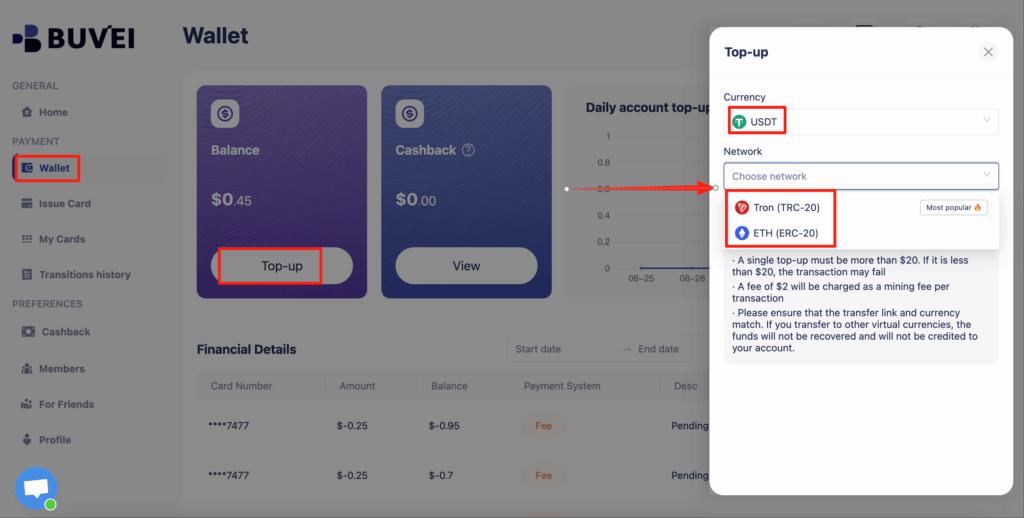
Step 2: Fund Your Wallet with Crypto
Navigate to the Wallet tab and deposit supported stablecoins:
-
USDT (TRC20)
-
USDT (ERC20)
Buvei provides a dedicated deposit address. Once confirmed on-chain, your balance becomes available instantly.
Step 3: Create a Virtual Card
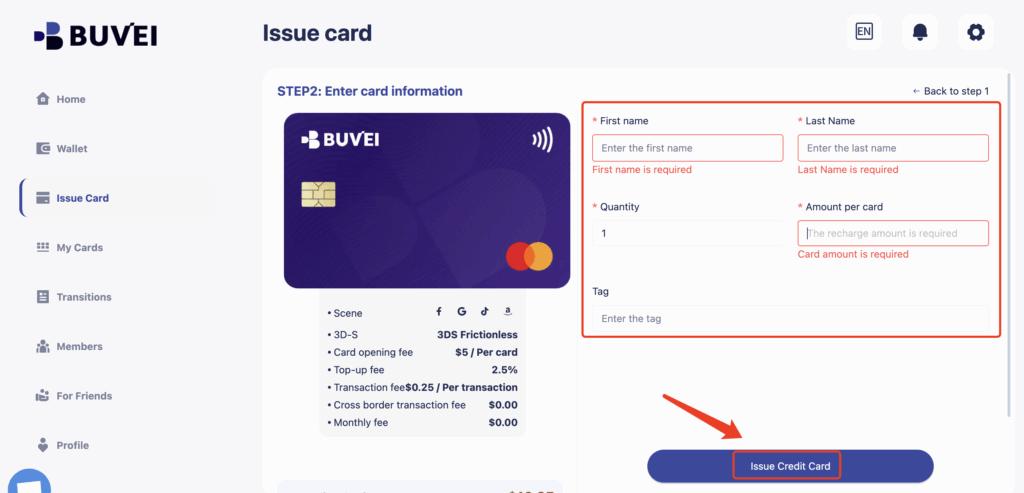
Go to the Cards tab:
-
Select your preferred BIN region (choose one aligned with your Amazon marketplace, such as US for Amazon.com)
-
Choose card type
-
Click Issue Card
Enter the card name, initial amount, and number of cards, then click Create Card.

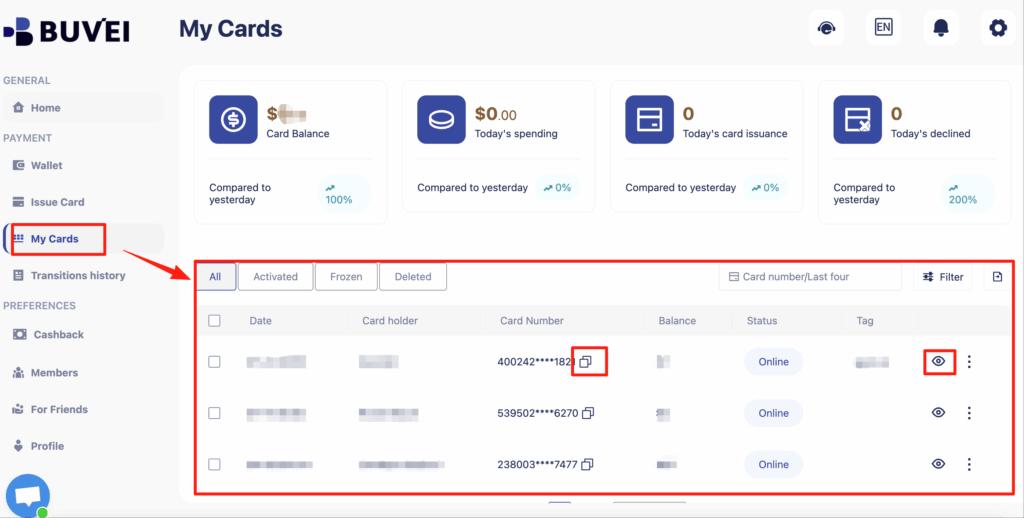
You will immediately receive:
-
Card number
-
Expiration date
-
CVV
-
Balance information
-
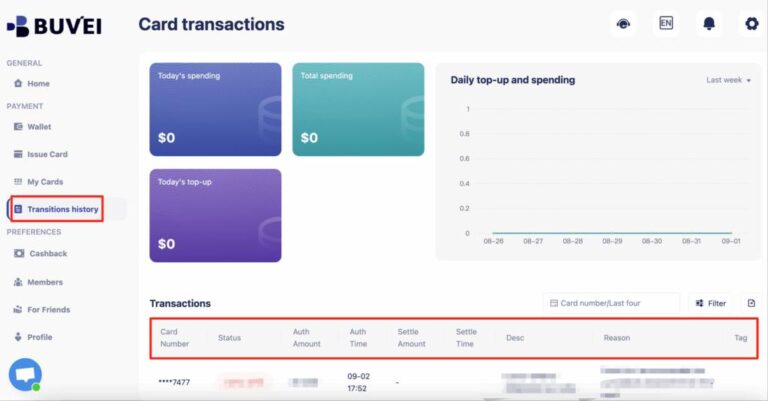
Transaction history
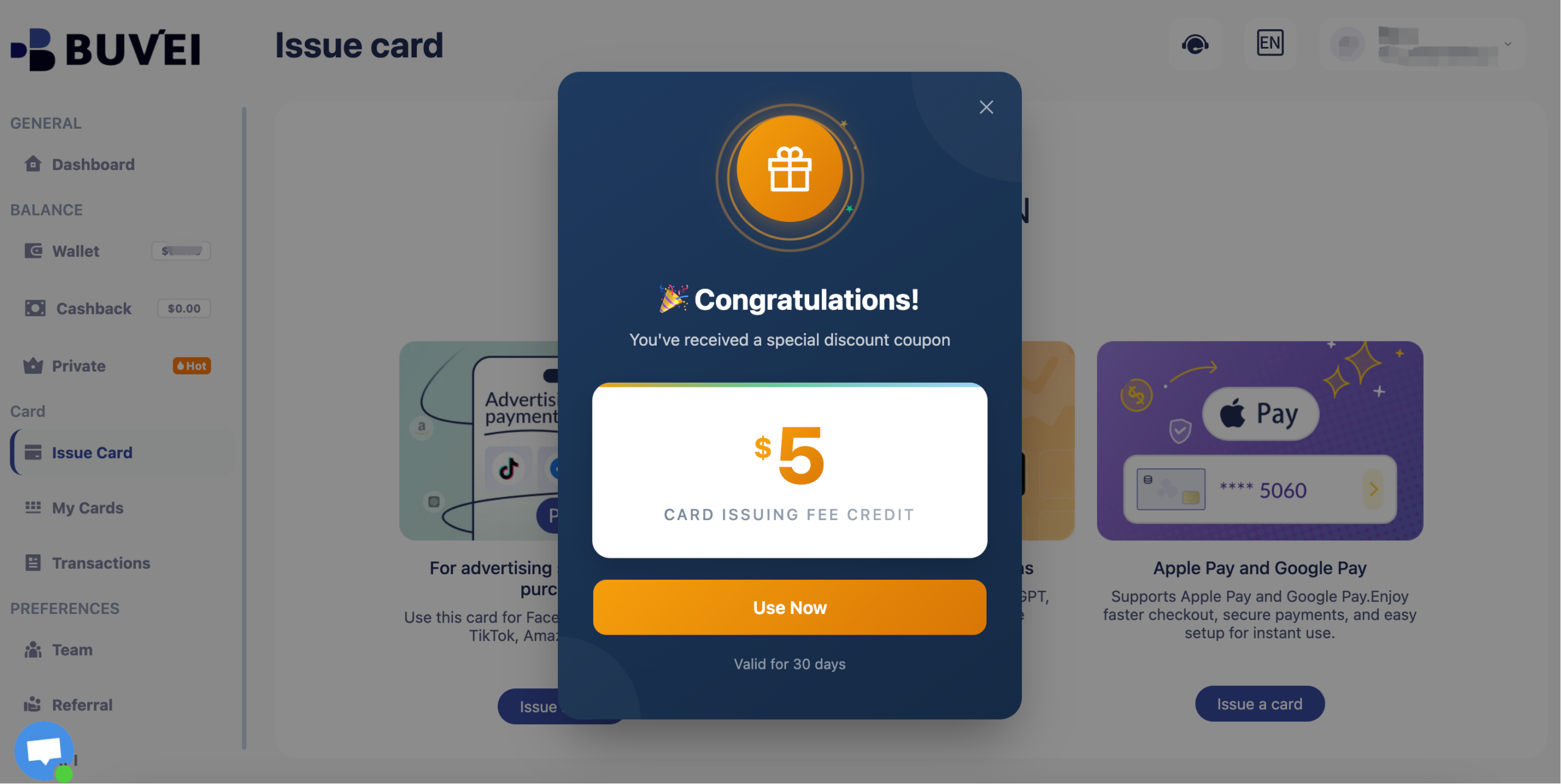
Buvei currently have a promotion: new registered users get a $5 sign-up coupon. You can claim it simply by registering.
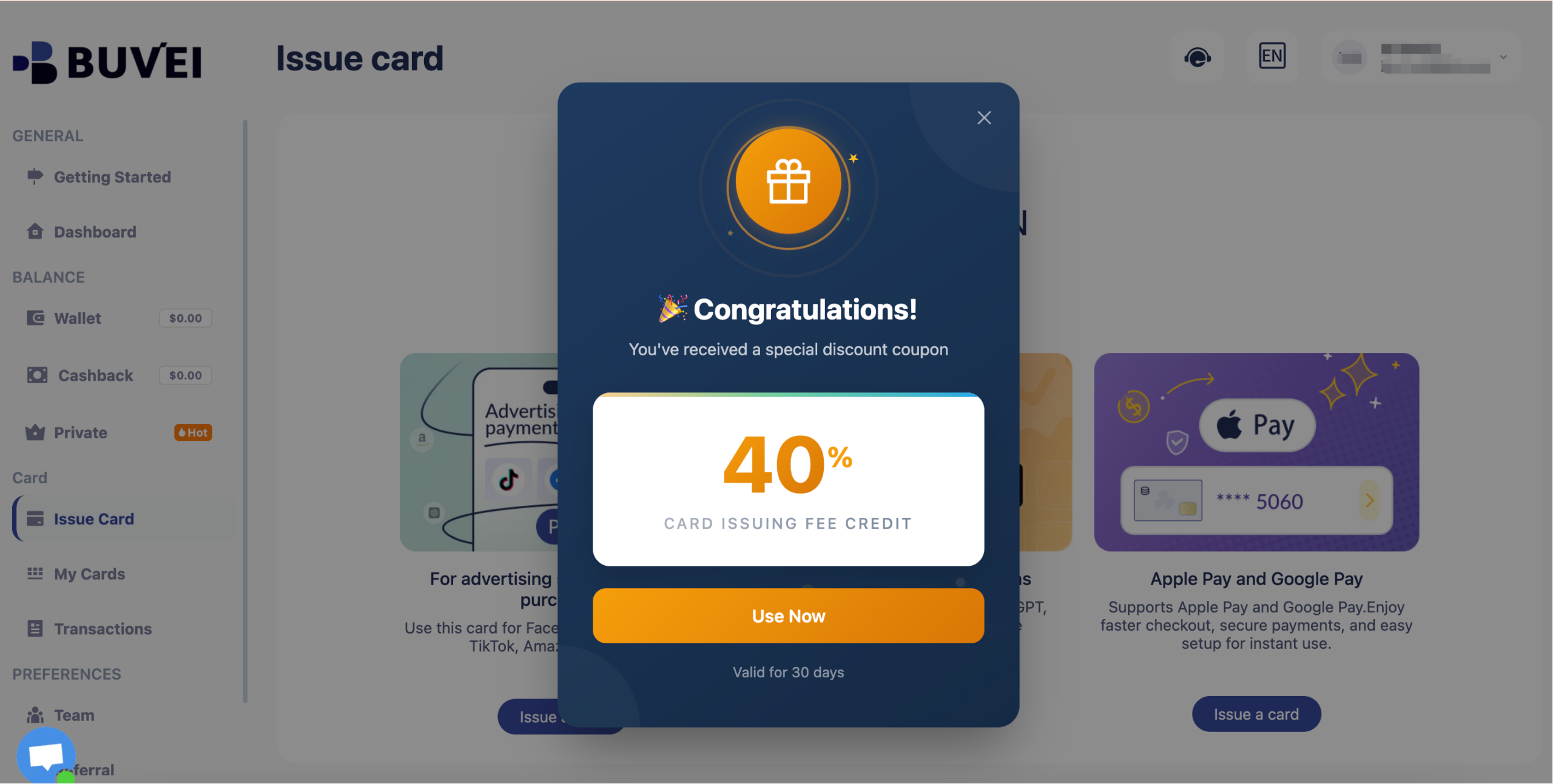
Long-term inactive users will receive a 40% discount coupon.
Common Reasons Prime Payments Fail
Even when a virtual card is accepted initially, renewals may fail due to:
-
Insufficient balance at billing time
-
Expired or replaced card details
-
Multiple rapid payment retries
-
Region mismatch between card BIN and Amazon marketplace
-
Card blocked after suspicious activity
To avoid service interruption, monitor billing cycles carefully.

Managing Recurring Prime Subscriptions
Recurring subscriptions require proactive balance management.
Best practices include:
-
Keep slightly more than the Prime renewal amount on the card
-
Use a dedicated card for Amazon only
-
Review billing dates in advance
-
Replace the card if you suspect data exposure
Using a separate virtual card isolates Amazon spending from other subscriptions.
Tips for Secure Online Payments
For safer Amazon and Prime payments:
-
Avoid using one card across many platforms
-
Enable transaction alerts
-
Regularly review subscription history
-
Remove unused cards from your Amazon account
-
Replace cards periodically for better privacy
Virtual cards add an extra layer of control, reducing exposure of your primary financial accounts.
Final Thoughts
Yes, virtual cards can be used for Amazon Prime—but reliability depends on proper configuration and renewal management.
With a structured setup using Buvei virtual cards, users can:
-
Subscribe without relying on a traditional credit card
-
Control recurring spending
-
Reduce fraud exposure
-
Quickly replace cards if needed
For privacy-focused and security-conscious users, virtual cards provide a flexible and practical solution for managing Amazon Prime subscriptions.