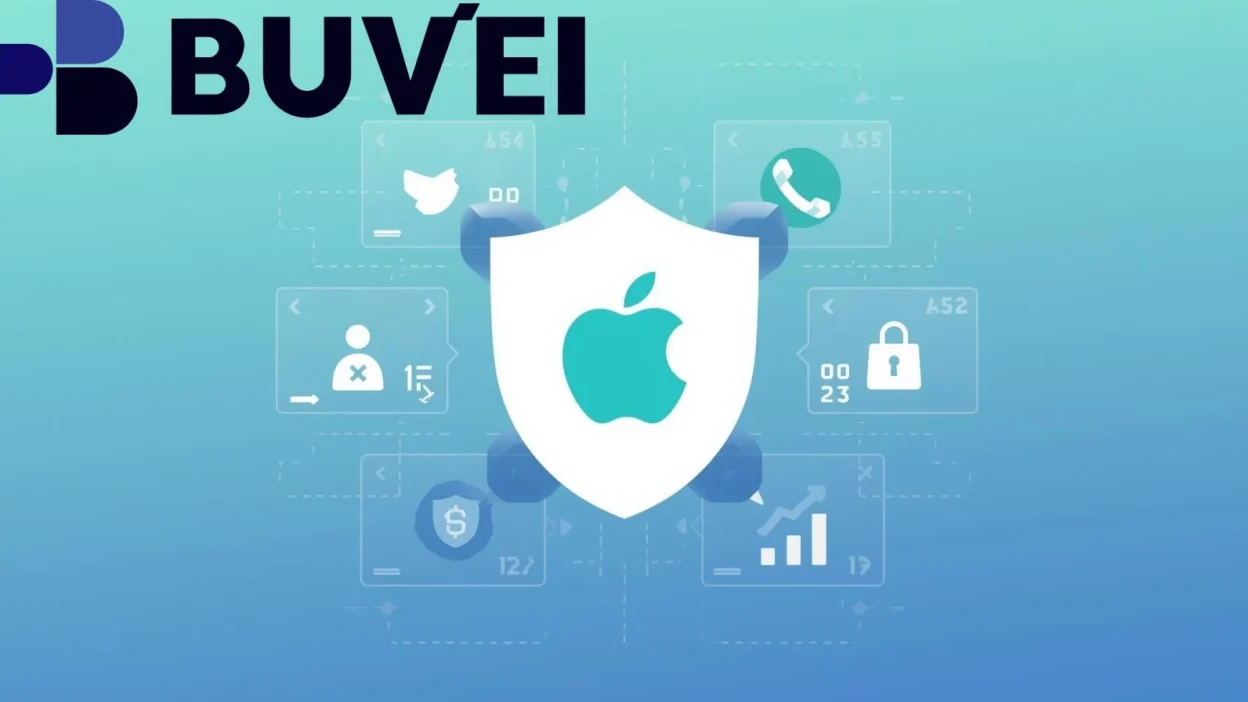
Apple Pay is widely recognized as one of the most privacy-focused payment systems in the world. But while Apple Pay protects users at the device and transaction level, the underlying card still plays a critical role in overall payment security.
Virtual cards significantly enhance Apple Pay’s privacy model by reducing data exposure, limiting fraud impact, and giving users better control over where and how their money is used.
This guide explains how Apple Pay protects privacy by design, what virtual cards mean inside Apple Pay, and how to use Buvei virtual cards for stronger payment control.
How Apple Pay Protects User Privacy by Design
Apple Pay was built with privacy as a core principle—not an add-on.
Key privacy features include:
-
Card numbers are never stored on the device
-
Merchants never see your real card number
-
Each transaction uses a dynamic security code
-
Biometric authentication (Face ID / Touch ID) is required
Instead of transmitting your actual card details, Apple Pay uses tokenization, replacing sensitive data with device-specific tokens.
However, tokenization alone does not eliminate all risks.

What Virtual Cards Mean Inside Apple Pay
When you add a card to Apple Pay, Apple creates a device-specific virtual number for that card. But this is different from a true issuer-level virtual card.
The distinction matters:
-
Apple Pay tokenization protects the transaction
-
Virtual cards protect the funding source itself
If the underlying card is compromised, overcharged, or blocked, Apple Pay cannot prevent downstream issues.
Using a virtual card as the funding source adds a second layer of protection.
How Virtual Cards Reduce Fraud and Data Exposure
Virtual cards improve payment security in ways Apple Pay alone cannot.
They help by:
-
Limiting exposure to a fixed balance
-
Isolating merchants from your primary account
-
Allowing instant card replacement if compromised
-
Preventing large unauthorized charges
-
Reducing long-term data leakage risk
Even if a merchant, subscription, or platform is breached, the damage is contained to a single virtual card—not your main financial identity.
Real-World Privacy Risks Without Virtual Cards
Without virtual cards, users face several hidden privacy risks:
-
Subscriptions charging indefinitely
-
Merchants storing outdated billing data
-
Card details reused across platforms
-
Difficult chargebacks tied to primary cards
-
Account-wide card freezes after fraud alerts
These risks increase when using the same physical card across shopping, subscriptions, travel, and digital services.
Virtual cards dramatically reduce this attack surface.
Using Virtual Cards with Apple Pay for Better Control
When virtual cards are added to Apple Pay, users gain both Apple-level privacy and issuer-level control.
Key advantages include:
-
One virtual card per merchant or category
-
Spend limits aligned with actual usage
-
Easy tracking of where each card is used
-
Faster response to suspicious activity
This setup is ideal for subscriptions, online shopping, travel, and digital services where long-term billing relationships exist.
How to Create and Use a Virtual Card with Buvei (Operation Guide)
Below is the standardized operation guide used across all Buvei tutorials, adapted for Apple Pay usage.
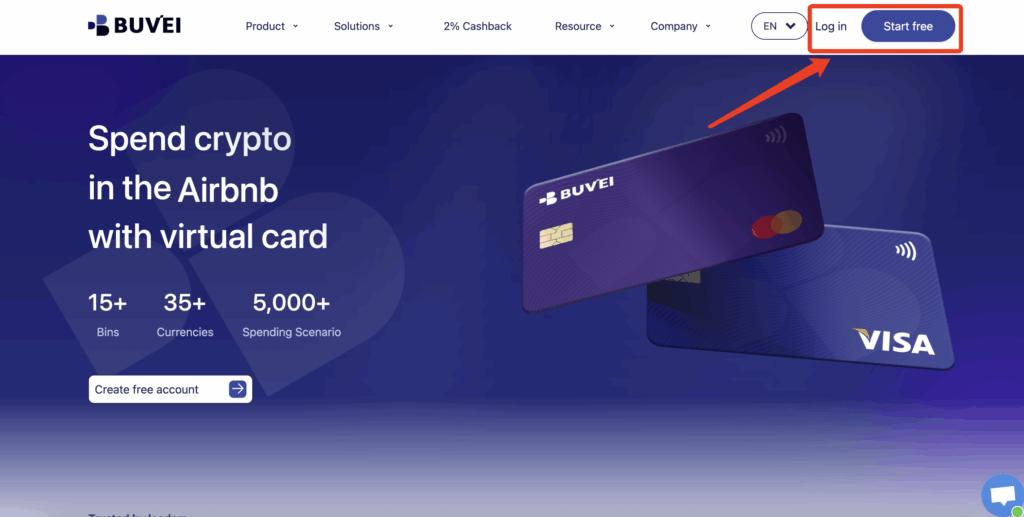
Step 1: Register a Buvei Account
-
Visit https://buvei.com
-
Create a free account
-
Complete email verification
-
Log in to your dashboard
The process is fast and designed for international users.
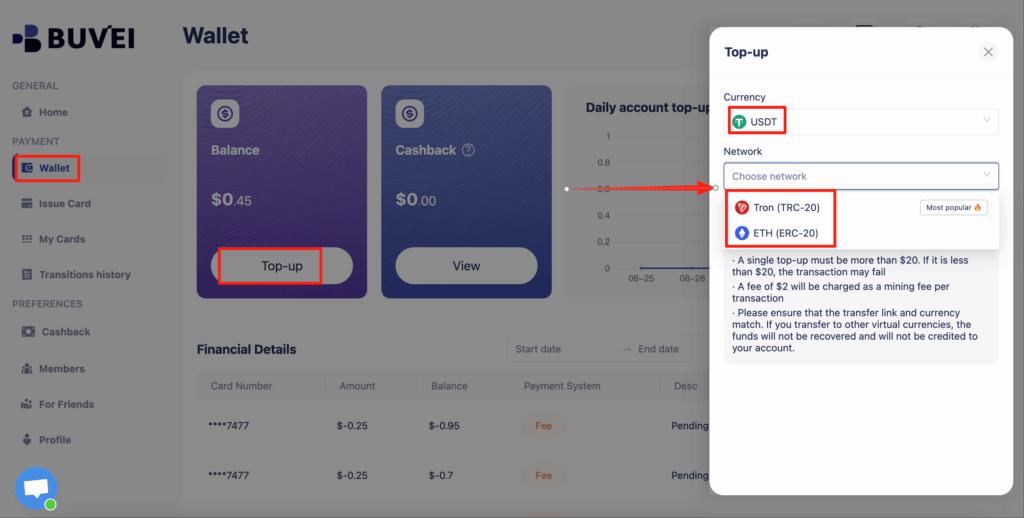
Step 2: Fund Your Wallet with Crypto
Go to the Wallet tab and top up using supported stablecoins:
-
USDT (TRC20)
-
USDT (ERC20)
Buvei provides a dedicated deposit address. Once the transaction is confirmed on-chain, your balance becomes available instantly.
Step 3: Create a Virtual Card
Navigate to the Cards tab:
-
Select your preferred BIN region
-
Choose card type
-
Click Issue Card

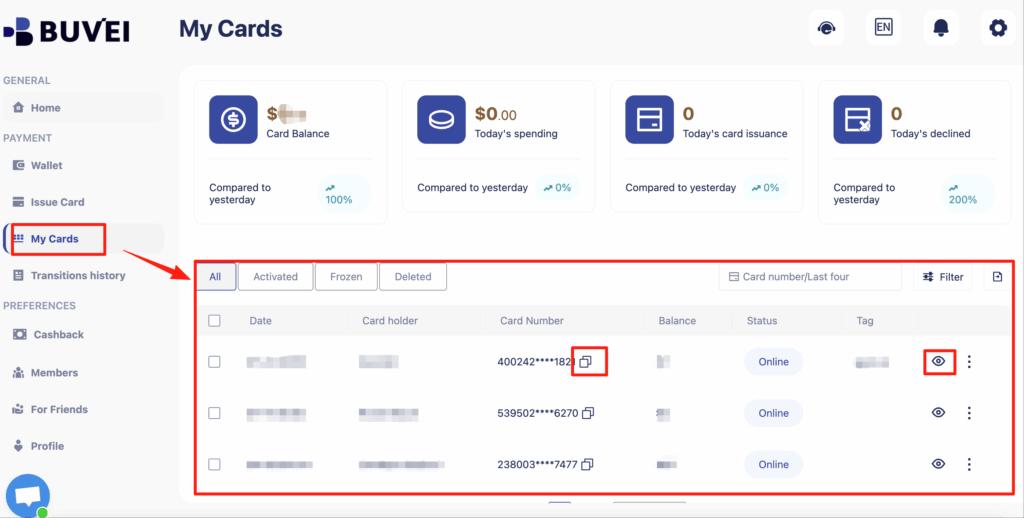
Enter the card name, initial amount, and number of cards, then click Create Card.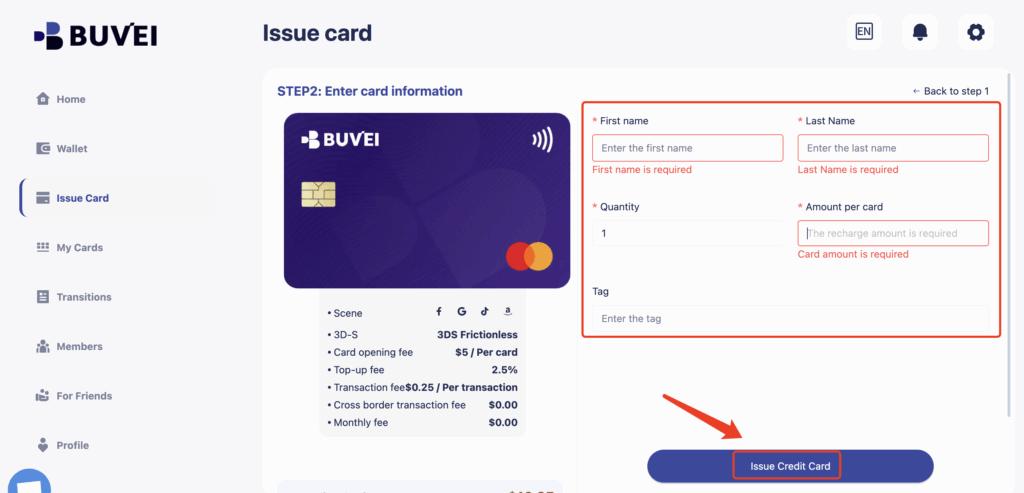
You’ll immediately receive:
-
Card number
-
Expiration date
-
CVV
-
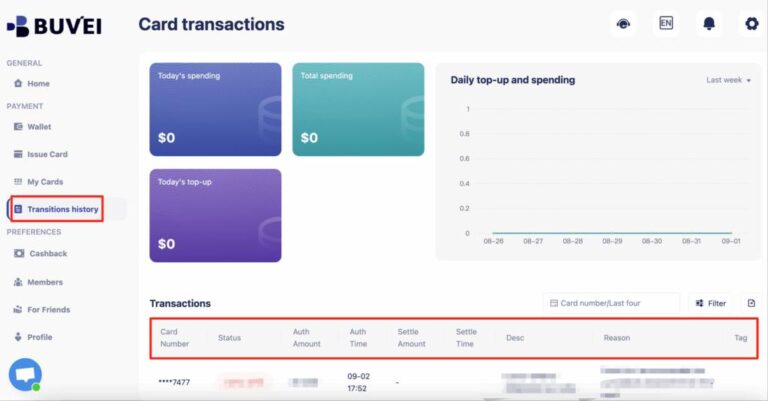
Transaction history
-
Card balance and usage
This structure makes Buvei virtual cards ideal for privacy-focused payments.
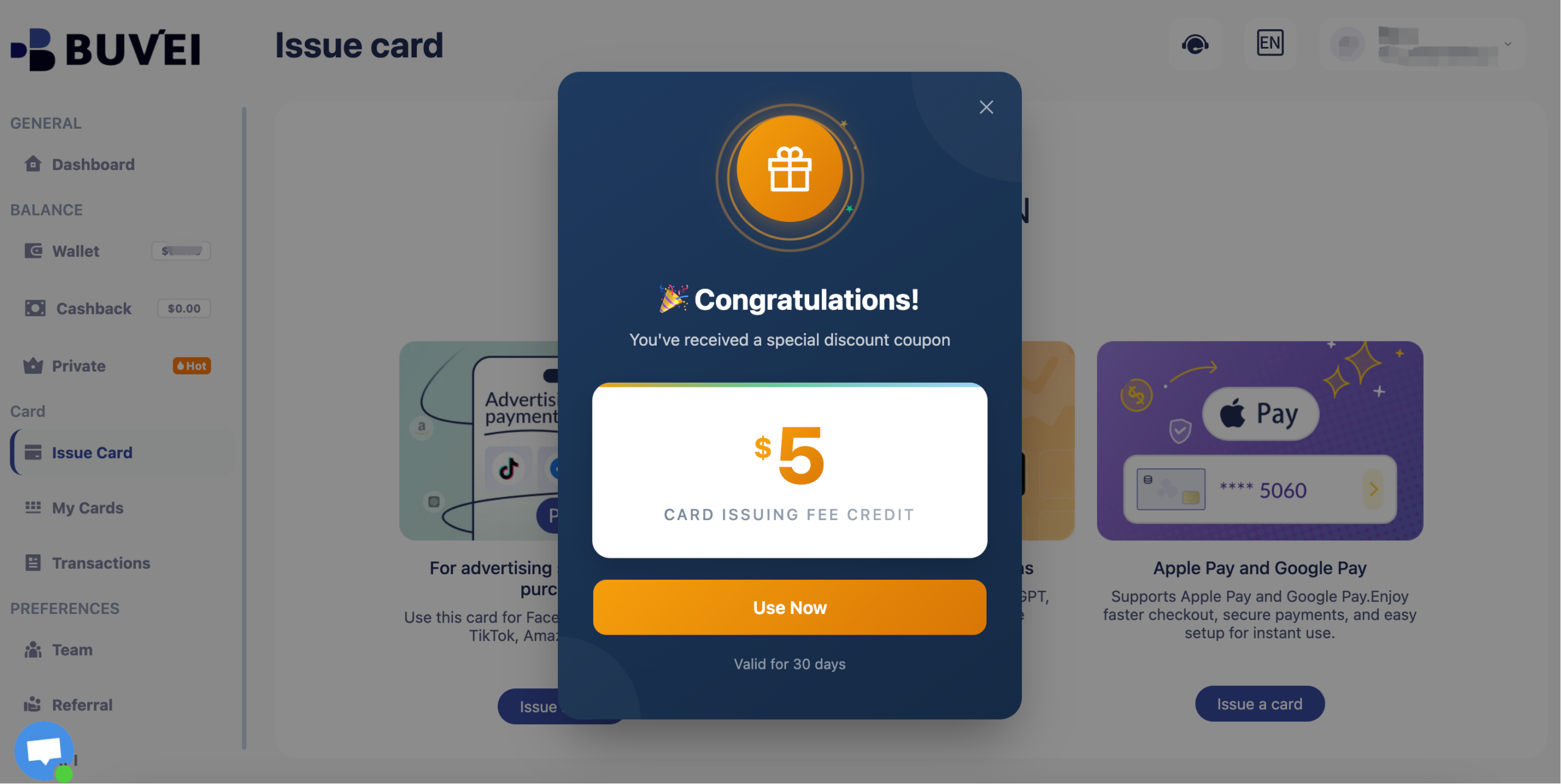
Buvei currently have a promotion: new registered users get a $5 sign-up coupon. You can claim it simply by registering.
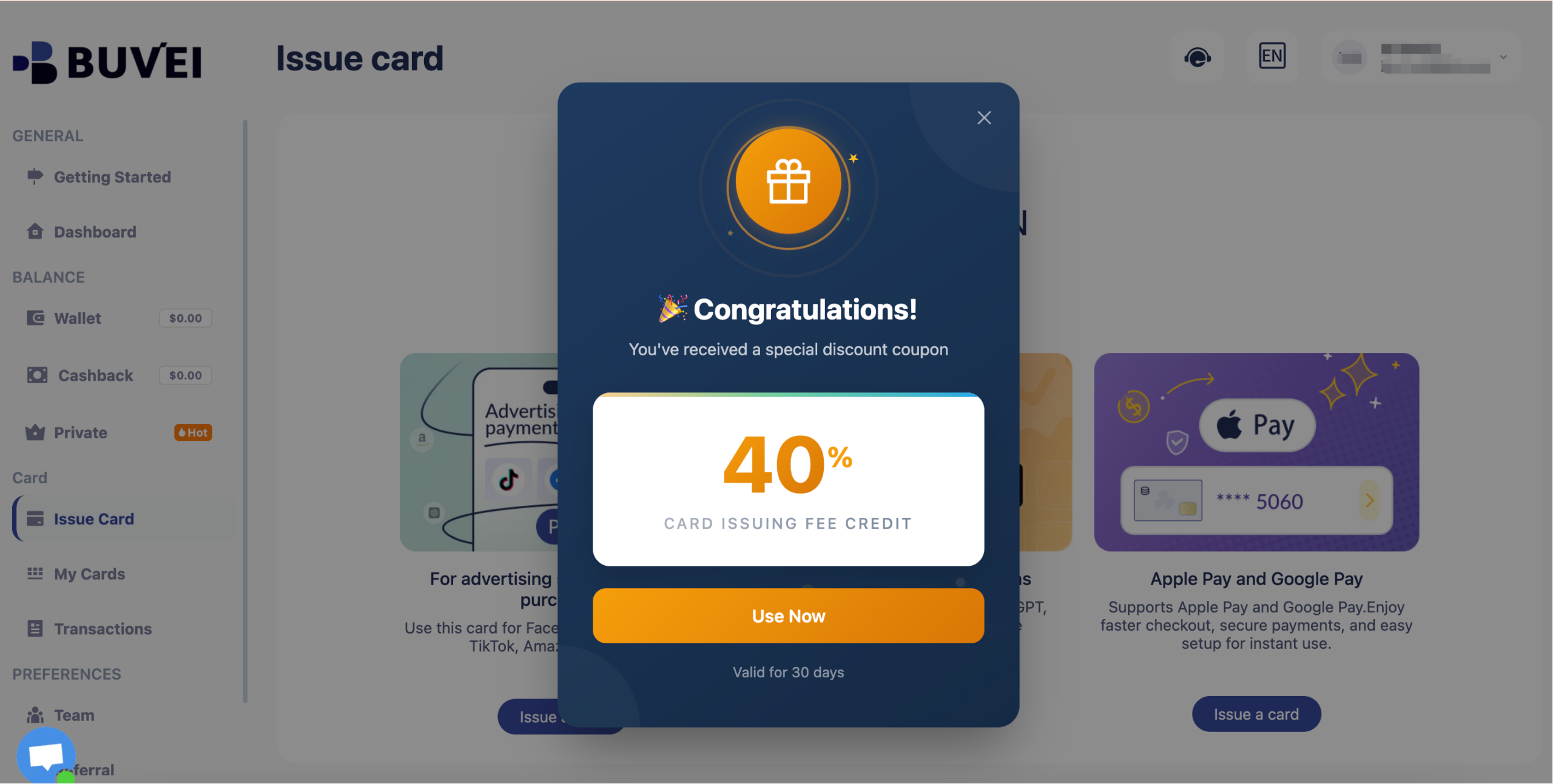
Long-term inactive users will receive a 40% discount coupon.
Best Practices for Privacy-Focused Payments
To maximize privacy and security:
-
Use one virtual card per major merchant or subscription
-
Keep balances aligned with real spending needs
-
Remove unused cards from Apple Pay
-
Monitor transaction history regularly
This layered approach provides far stronger protection than relying on Apple Pay alone.

Final Thoughts
Apple Pay already offers excellent privacy—but combining it with virtual cards takes payment security to another level.
By using virtual cards as the funding layer, users gain:
-
Reduced data exposure
-
Better fraud containment
-
Stronger spending control
-
Faster response to risks
With a structured setup using Buvei virtual cards, Apple Pay becomes not just convenient—but strategically secure.