As digital advertising, SaaS subscriptions, and cross-border e-commerce continue to grow rapidly, more businesses and users rely on Virtual Credit Cards (VCCs) to handle payments across multiple platforms—such as Meta (Facebook), Google, TikTok, and Shopify.
However, many users frequently encounter issues like:
-
Card being rejected when binding to an ad or SaaS account;
-
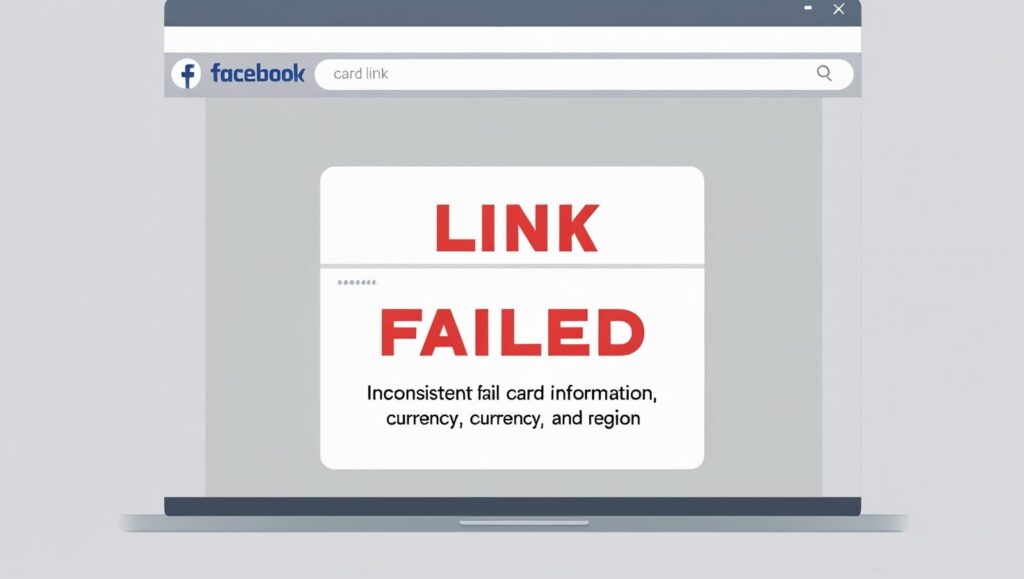
Error messages like “Payment method not accepted” or “Invalid card”;
-
The same card working on Platform A but failing on Platform B;
-
Alerts like “Account region doesn’t match card information.”
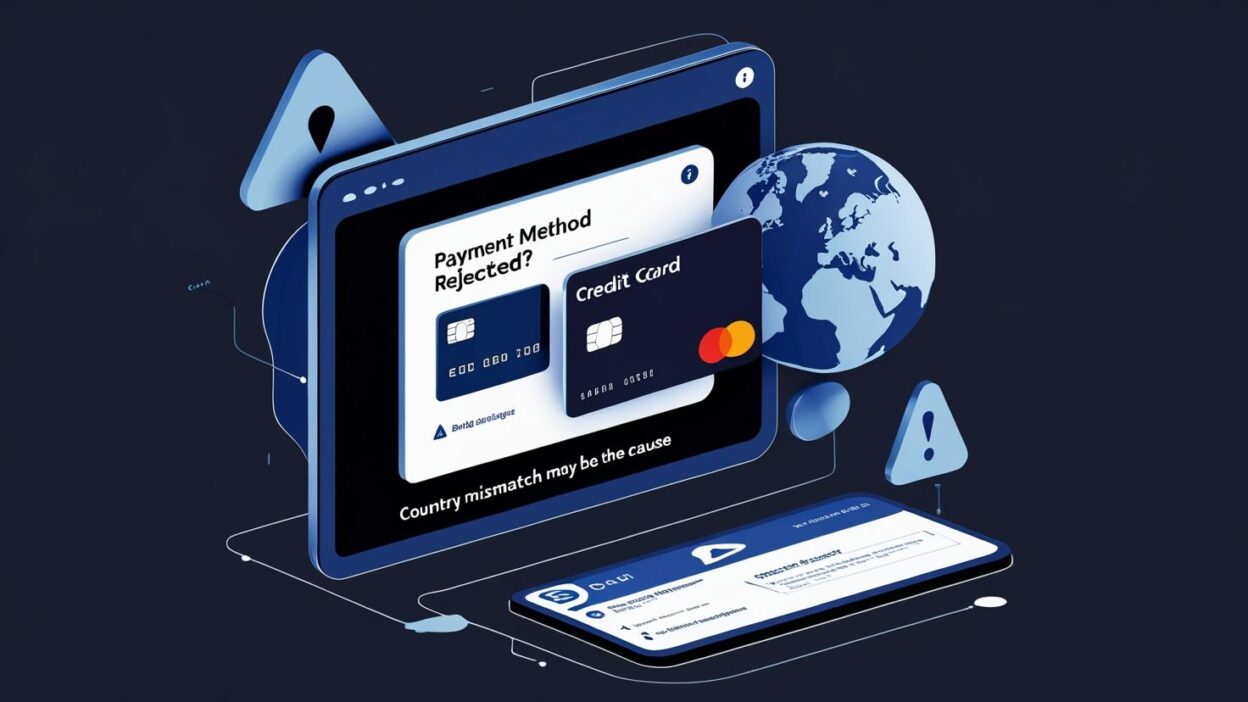
Often, these problems are not caused by the card itself, but by a “country settings conflict” that leads to payment validation failures.
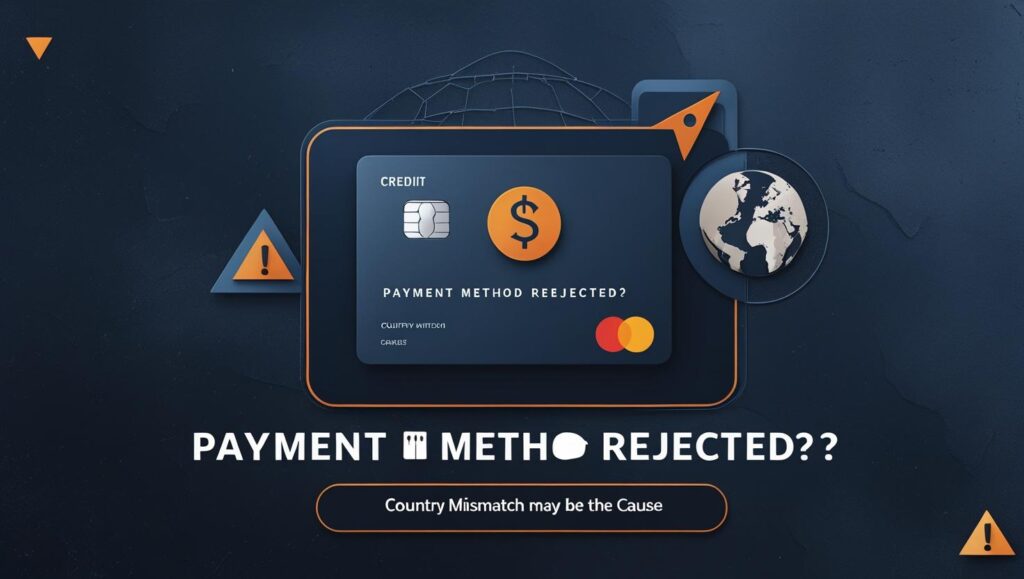
What Is a “Country Settings Conflict”?
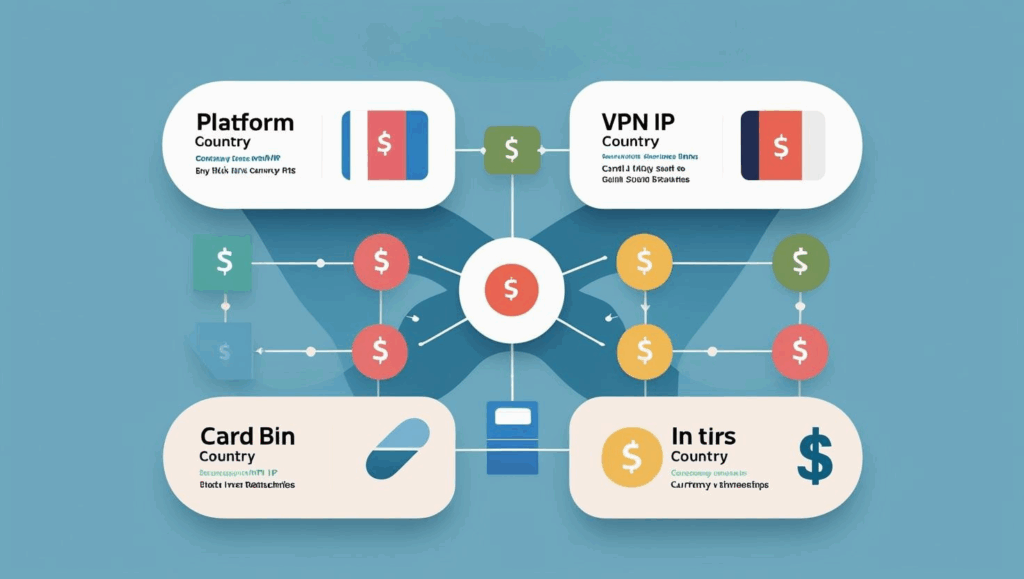
This refers to mismatched configurations among the following:
| Setting | Example Conflict |
| Platform account registration country | Account set to India |
| Language/region preference | Browser in English – US |
| VCC BIN issuing country | Card BIN issued in Singapore or Hong Kong |
| IP address or VPN | User accessing via a Philippines IP |
| Billing currency | Facebook account set to EUR, card supports only USD |
Ad platforms and SaaS providers use these parameters in risk scoring. If the system detects inconsistency, even a valid card might be rejected during the binding or payment process.

Technical Root Causes Behind the Issue
1. BIN Country Does Not Match Platform Region
Each virtual card has a BIN (Bank Identification Number) that indicates its issuing country. If you use a Philippines BIN card on a U.S. ad account, the platform may flag it as high-risk.
2. IP Address Conflict with Card Country
Platforms often cross-check the user's IP with card metadata. Using a Mexico-issued card while logged in via a Singapore VPN may result in binding failure.
3. Mismatch Between Platform Account Settings and Card Info
For example, if a Facebook account is set to Europe (EUR billing), but you bind a USD-only card, it may prompt “invalid card” or “payment method failed.”
4. Tighter Platform-Level Anti-Fraud Protocols
Platforms like Facebook and Google now rely on AI to detect fraud through multi-factor consistency: IP, card BIN, browser region, language, and currency. Any anomaly might trigger rejection—even for legitimate users.
How to Avoid Card Binding Failures
✅ 1. Use a BIN That Matches Your Target Platform
Buvei supports multi-region BINs (e.g., Singapore, Hong Kong, Malaysia, LATAM) to help you bind cards that match your platform’s expected location.
✅ 2. Align Your Account Registration Country with the Card BIN
When signing up for an ad or SaaS account, set your country to match the issuing region of the virtual card (e.g., use “Singapore” if your card has a Singapore BIN).
✅ 3. Use a Local IP or Matching VPN
Avoid using IP addresses that conflict with your card’s country. Use a VPN that matches the issuing region during card binding.
✅ 4. Maintain Consistency in Platform Settings
Ensure your platform profile’s region, language, and currency settings are consistent with your card and network environment. Misalignment can trigger platform fraud detection systems.
Case Study: How One Agency Avoided a Multi-Account Freeze
A cross-border media agency was managing over a dozen Facebook ad accounts for clients. Their team used the same card and IP address across all accounts. Facebook flagged the pattern as “payment method abuse,” resulting in a bulk suspension of ad accounts.
They later switched to Buvei’s multi-BIN virtual card solution, issuing dedicated cards per account, each matched to the account region, with custom limits and individual risk profiles. As a result, account reactivation rates increased by 70%.
How Buvei Supports Multi-Platform Advertising with Specialized Cards
Buvei provides enterprise-grade infrastructure for global advertisers:
-
Multiple BIN options across.
-
Supports major cryptocurrencies for top-up and settlement
-
Spend limits, approval workflows, and customizable risk settings
-
Fully compatible with Meta, TikTok, Google, X, and more
How to Get Started with Buvei Virtual Cards
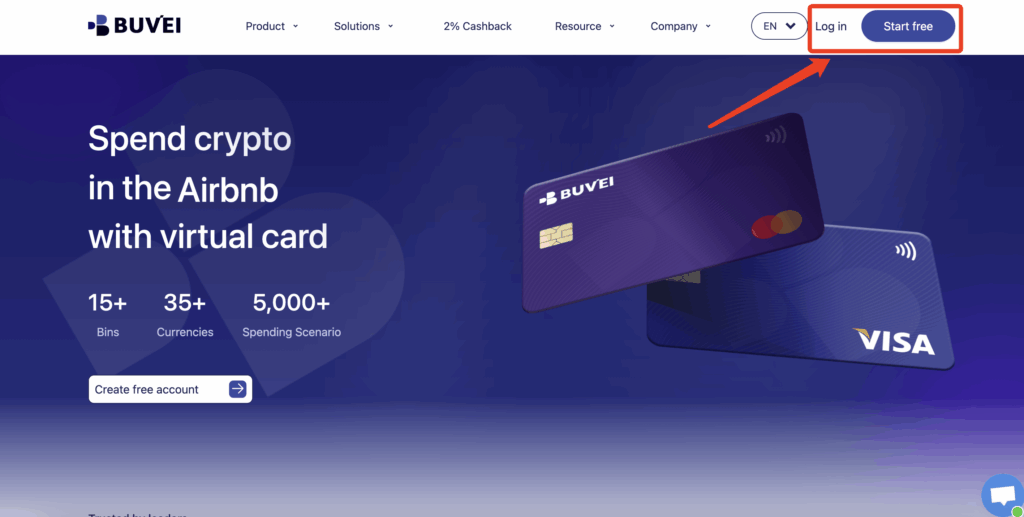
- Visit https://buvei.com and click Sign Up / Log In
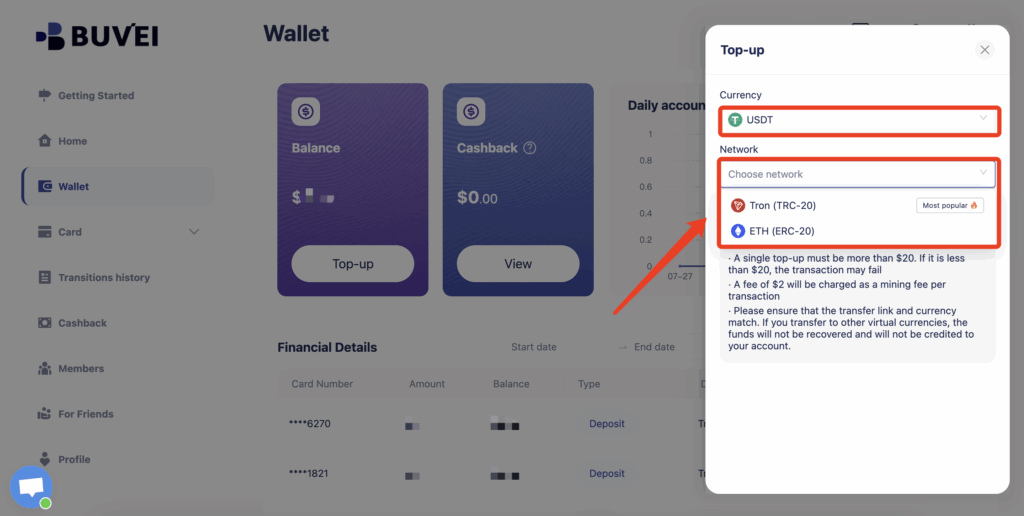
- Fund your wallet via the Wallet tab by selecting your preferred deposit address
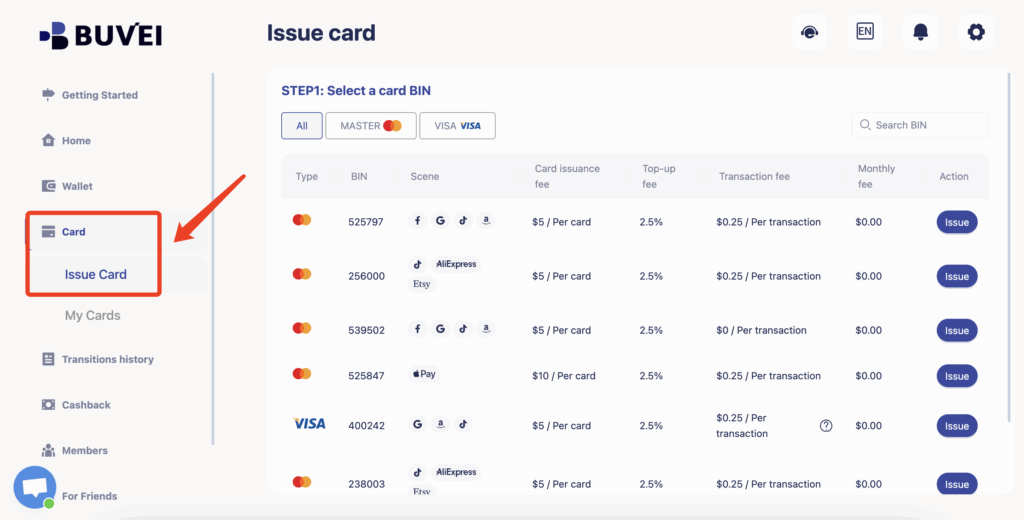
- Click on the “Card” page
Choose your desired virtual Visa or Mastercard type
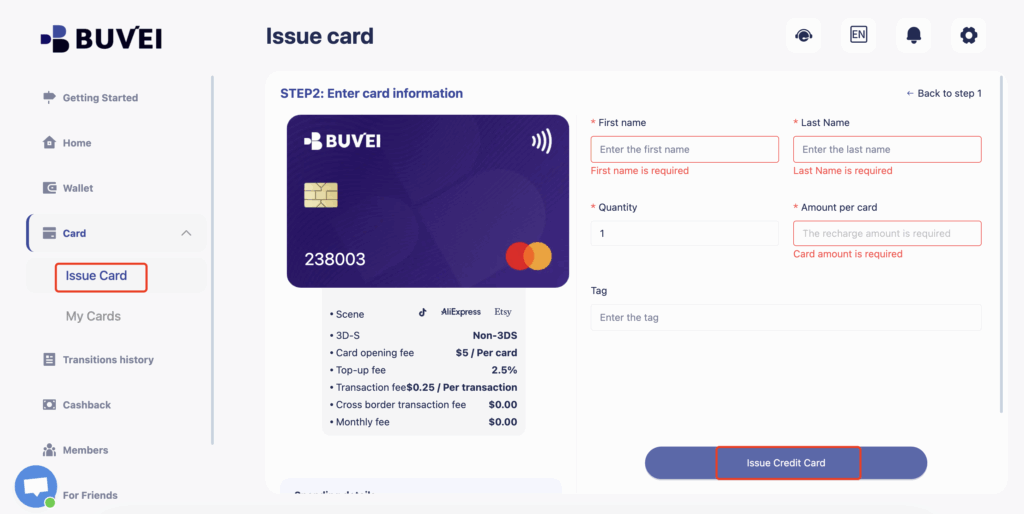
- Fill in your details: name, email, and card amount
-
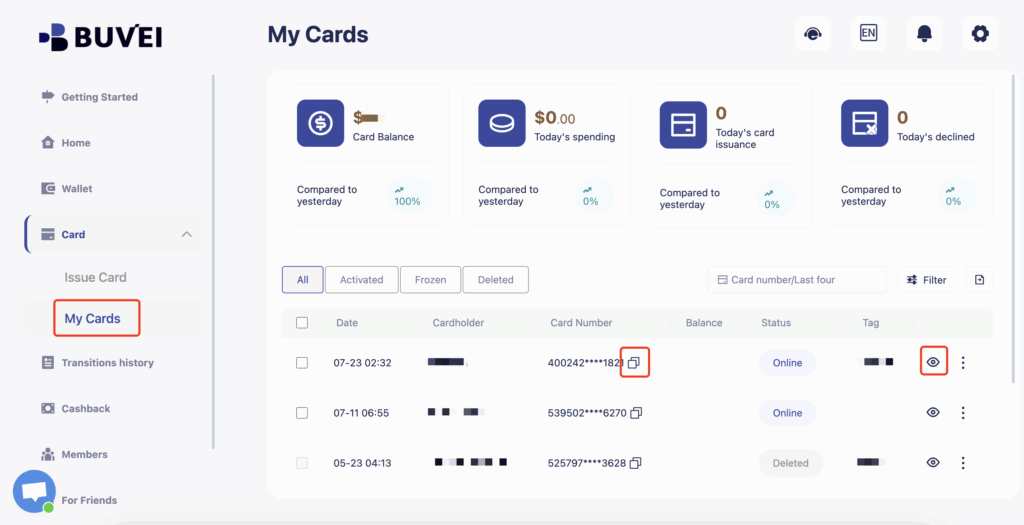
Once funded, navigate to My Cards — your virtual card will appear at the bottom of the page and includes:
-
Full card number
-
Expiration date
-
CVV security code
-
Conclusion
When a card fails to bind, the issue often stems not from the card itself, but from country setting mismatches that lead to failed verification. In today’s global operating environment, building a system with compliance, precision, and flexibility is essential to support scalable and reliable advertising.
Buvei continues to help advertisers, agencies, and e-commerce businesses overcome complex risk controls and achieve sustainable growth through smart payment infrastructure.Get started now