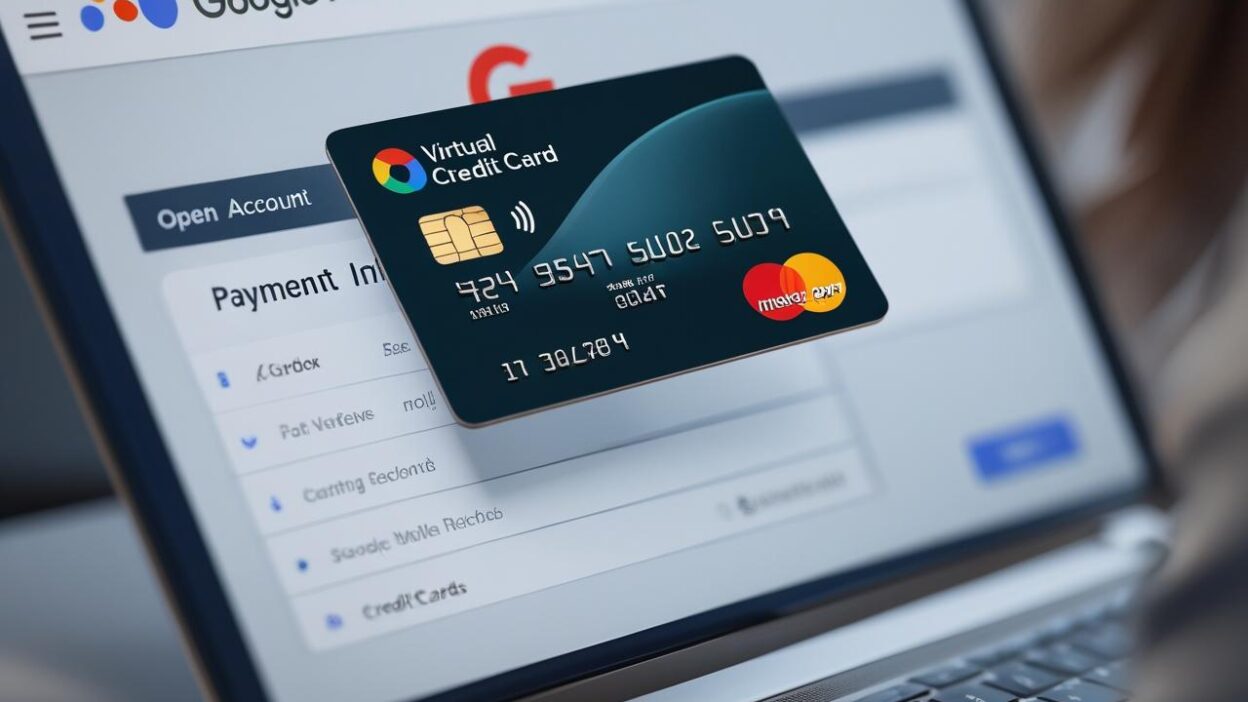
As ad platform risk control tightens in 2025, using a virtual card for Google Ads is no longer just a convenience—it’s a critical part of campaign success. Whether you're scaling cross-border campaigns, managing multiple ad accounts, or operating in high-risk verticals like crypto or dropshipping, virtual cards offer superior flexibility and protection—but only if used correctly.
Here’s a comprehensive guide to using virtual cards with Google Ads safely and effectively, minimizing the risk of account suspension.

Why Google Ads Blocks Cards (and Accounts)
Google has ramped up its automated risk control mechanisms in recent years. Common reasons for account suspension or payment rejections include:
-
❌ Multiple accounts linked to the same card or billing address
-
❌ Prepaid or unverified cards triggering the “suspicious payment activity” flag
-
❌ Failed authorizations from insufficient funds or card network mismatch
-
❌ Cards issued from regions inconsistent with account settings
To avoid these issues, a structured approach is key—starting with the right virtual card solution.

What Makes a Virtual Card “Google Ads Friendly”?
Not all virtual cards are treated equally by Google’s system. Here are the criteria you need:
| Requirement | Why It Matters |
| ✅ Issued by a reputable BIN | Google verifies issuer identity via BIN databases |
| ✅ Currency matching account | A mismatch (e.g., USD card on a GBP account) can raise red flags |
| ✅ Dynamic card metadata | Helps simulate unique cards for each account |
| ✅ One card per account | Sharing cards = instant suspension risk |
| ✅ Consistent billing info | Card info must match what’s on your Ads account |
Buvei virtual cards are built specifically for global ad payments. They support multiple currencies, allow one-click generation, and are accepted across Google Ads, Facebook, TikTok, and more. Explore Buvei Cards
If you don’t have a Buvei virtual card yet, follow our quick guide below to get started.
Create Virtual Credit Card
- I visit https://buvei.com and create a free account.
- After email verification, log in to access the Buvei dashboard.
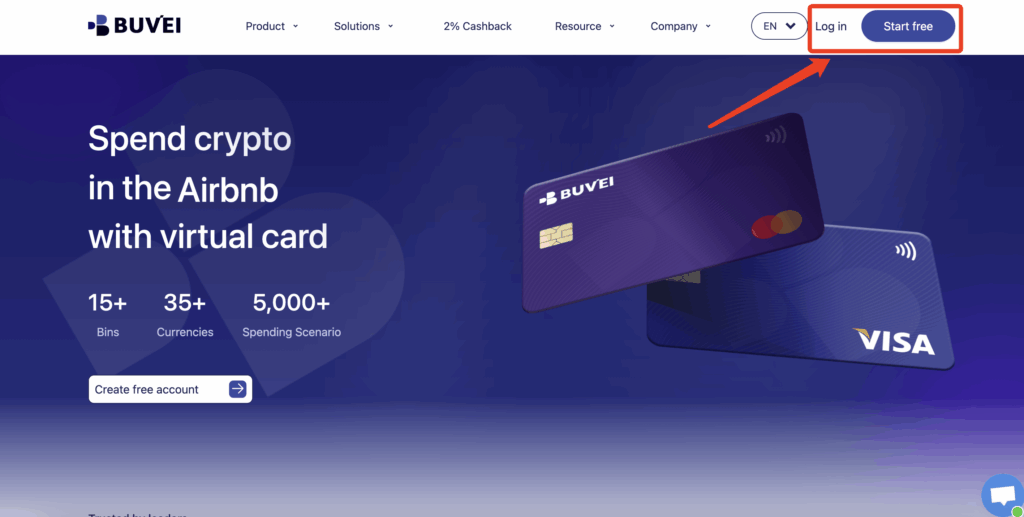
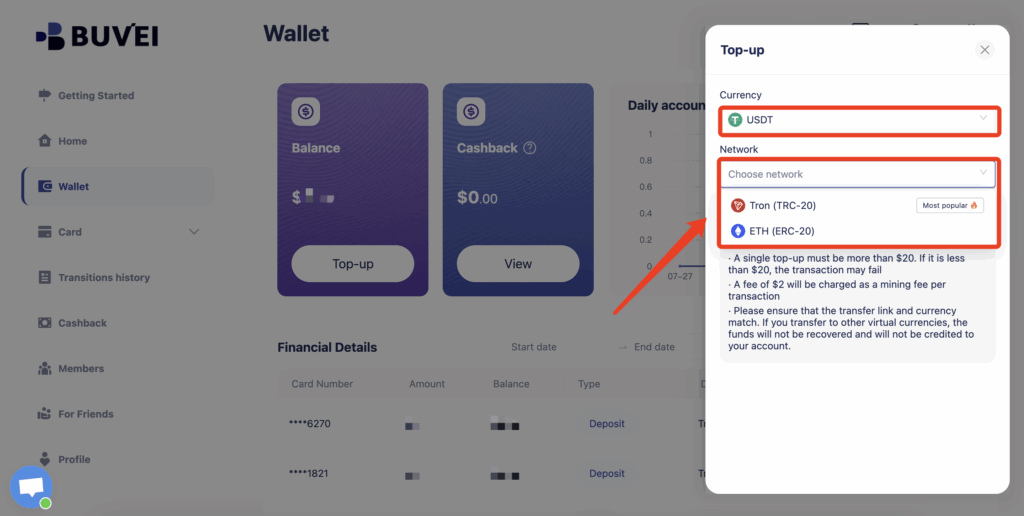
- Navigate to the Wallet tab and top up using supported stablecoins like USDT (TRC20/ERC20). You’ll receive a unique address—copy it and send your funds.
- Once confirmed, your balance will appear in the wallet for immediate use.
Create a Virtual Card
-
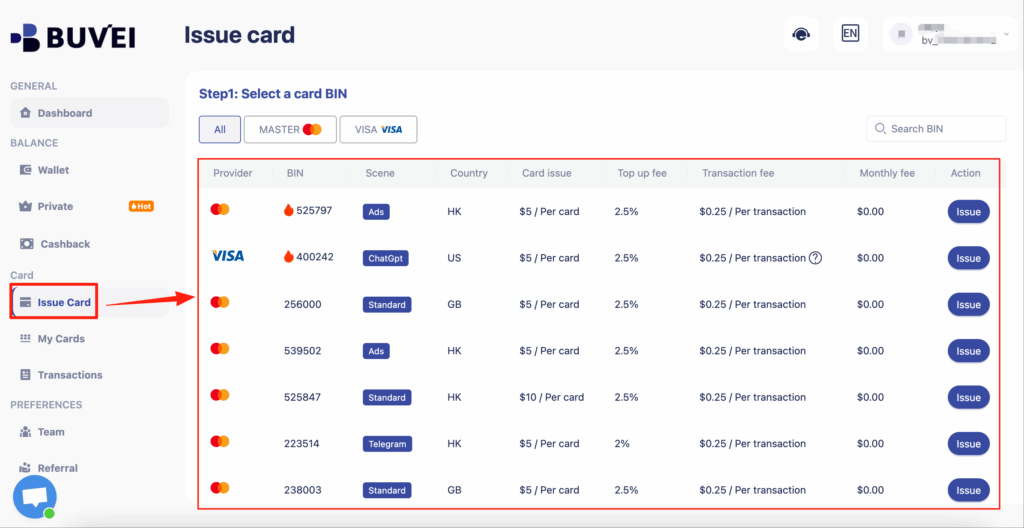
Go to the Card tab
-
Choose your preferred BIN region
-
Select your card type (Visa/Mastercard)
- Click Issue
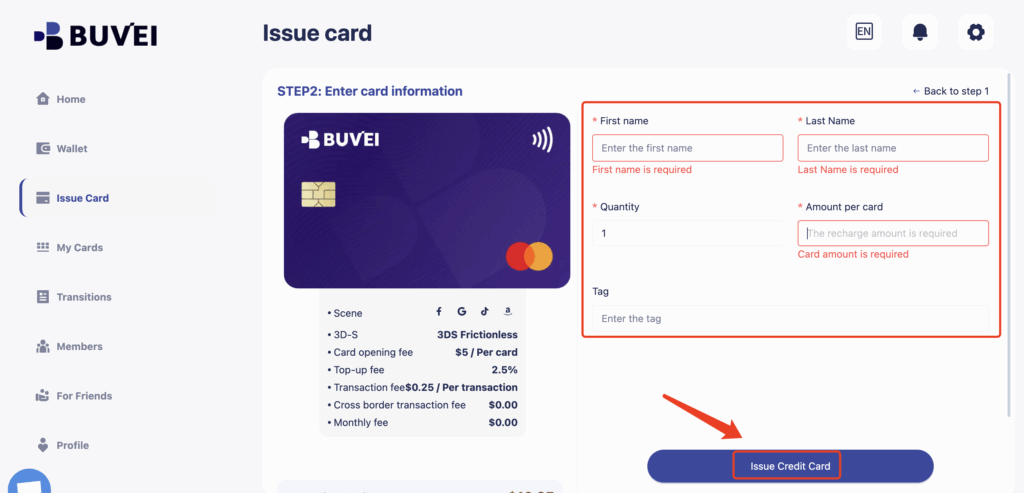
- Fill in the virtual card details, including name, amount, and number of cards.
-
Click Issue Card
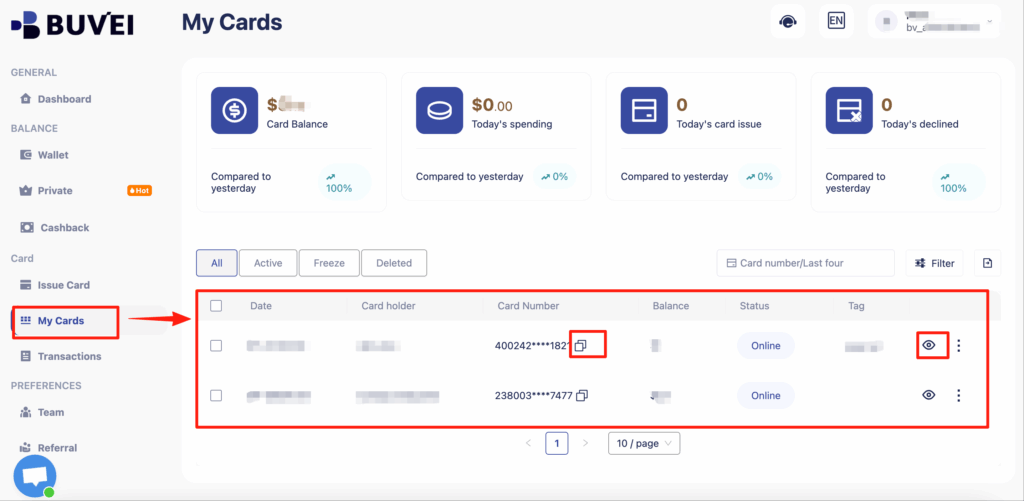
Once created, navigate to My Cards to access your card details:
-
Card Number
-
Expiration Date
-
CVV
Step-by-Step: How to Add a Virtual Card to Google Ads
-
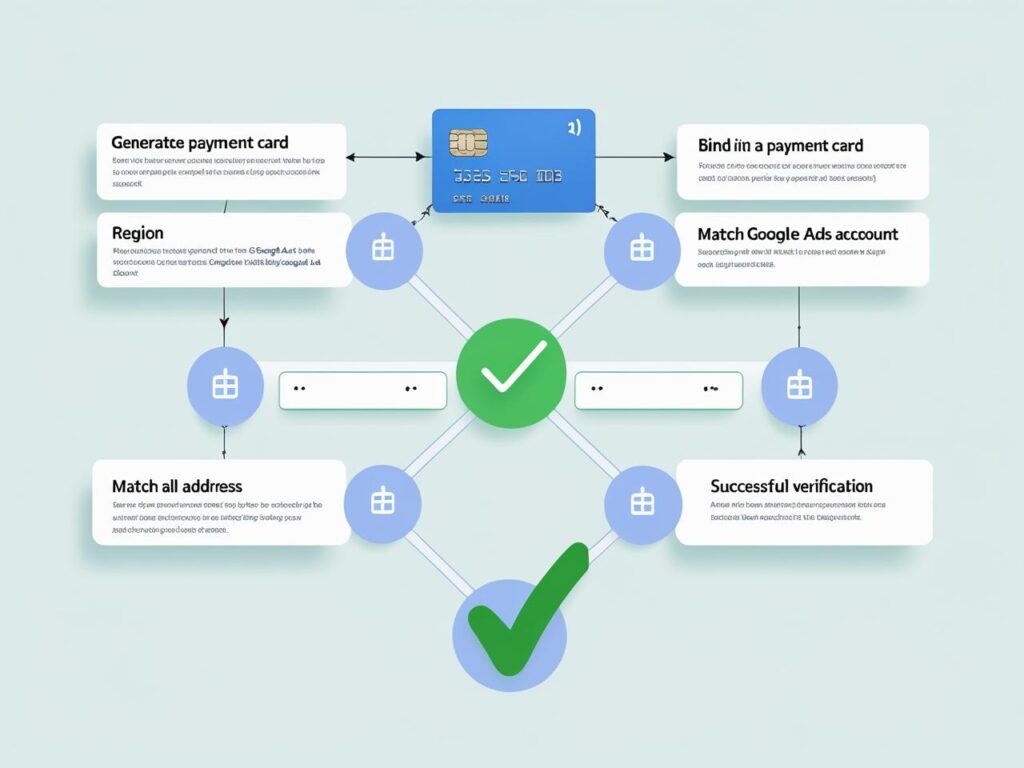
Go to Google Ads > Billing > Payment Methods
-
Click “Add Payment Method”
-
Choose “Credit or debit card” and enter your Buvei card details
-
Name: Match your Buvei profile
-
Billing address: Use the same country as your Google Ads account
-
Card number, expiry, CVV: Copy from your Buvei dashboard
-
-
Click Save
-
Make a small test payment (recommended)
-
Wait 24–48 hours to monitor account status before scaling spend
💡 Pro Tip: Always preload your Buvei virtual card with sufficient funds before adding it to avoid authorization errors.

Smart Strategies to Avoid Getting Flagged
Use Fresh Cards for Each New Account Never reuse cards across projects—even within the same brand. Buvei lets you instantly generate and label cards for clean segmentation.
Match GEO Settings If your account is set to the UK, your card should also be issued under a UK BIN. Buvei supports GEO-tagged BINs.
Separate Agency & Client Billing If you're an agency, assign unique cards per client to avoid account linking issues.
Monitor Spending Behavior Sudden budget spikes or failed charges are red flags. Start with small daily budgets and scale gradually.
Why Buvei Virtual Cards Work Best for Google Ads
-
Multi-currency support – Match the billing region of each Ads account
-
One-click freeze/delete – Instantly act if an account is flagged
-
Clear card labelling – Track spend per campaign, GEO, or client
-
No impact on credit score – Buvei cards are prepaid and isolated
-
Trusted by global advertisers – Used in over 50 countries by ad agencies and affiliates
FAQ: Virtual Cards & Google Ads
Q1: Can I use one virtual card for multiple accounts?
A: Technically yes, but it’s a terrible idea. Always use one card per account to avoid linking risks.
Q2: Why was my virtual card rejected by Google Ads?
A: Likely due to mismatch in BIN location, insufficient funds, or low-quality issuer. Use Buvei BINs optimized for Ads.
Q3: How do I scale Google Ads without account bans?
A: Build a structure: 1 account = 1 IP + 1 billing profile + 1 unique card. Start slow, then scale.
Conclusion: Secure Your Ad Spend, Scale Without Suspicion
Virtual cards are essential for modern Google Ads strategy—but only if used properly. With Buvei, you can build reliable billing structures across regions, campaigns, and teams—without the risk of being flagged.
Ready to run secure and scalable ad campaigns? Try Buvei Virtual Cards for Google Ads now.