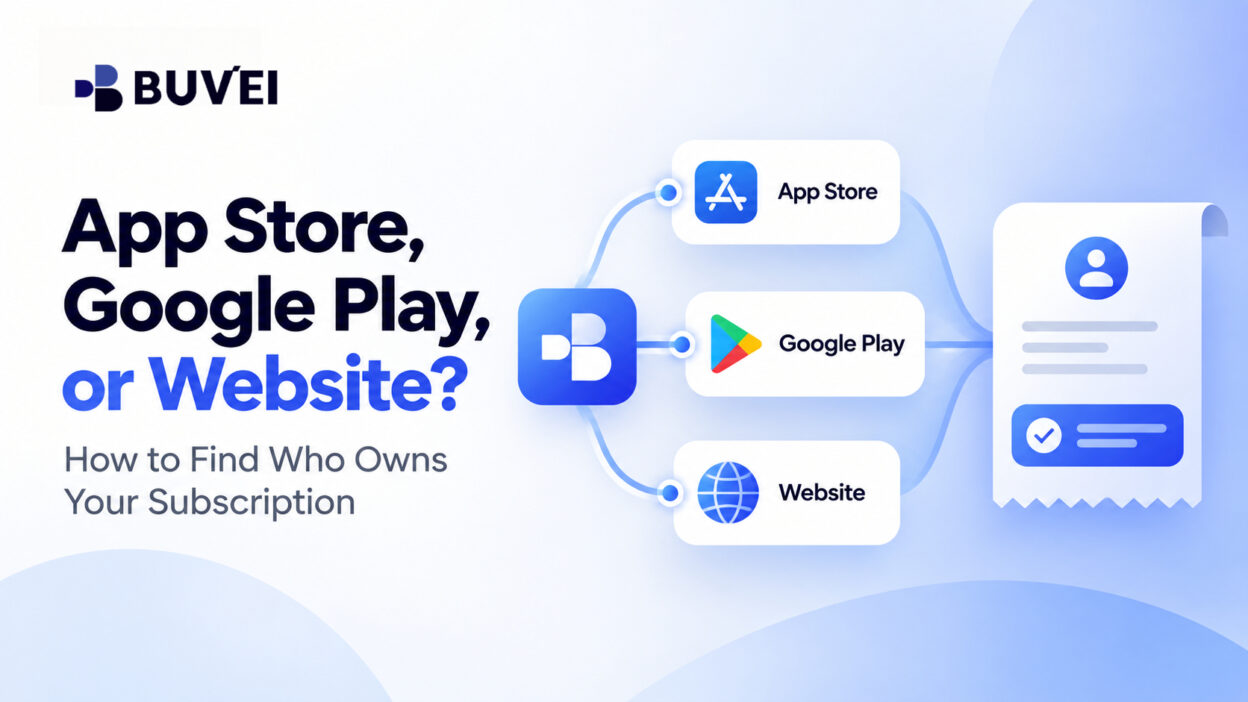
A team member opens an app, sees a paid plan, and says, “We should cancel it on the website.”
The website says no subscription exists.
Finance, meanwhile, sees a monthly card charge that appears to come from an app marketplace.
All three observations may be true.
The product people use, the account they sign in with, and the party that actually bills the subscription can be different.
That is why the first step in changing a plan, requesting an invoice, asking for a refund, or stopping a renewal is to identify the real billing owner.
Start With the Receipt, Not the App Logo
Imagine a transcription app called North Notes.
The same app can be used on a phone and laptop, but the paid plan may have been purchased through:
- an Apple Account,
- Google Play,
- an alternative billing flow inside the app,
- or the developer’s website.
The product may look identical in every case.
What changes is who sold the subscription and where it can be managed.
A web page that says “No subscription found” does not necessarily mean no one is being charged. It may simply mean the web billing system was never used for that purchase.
The strongest place to start is the purchase receipt.
Look for:
- seller name,
- order ID,
- purchase account,
- renewal terms,
- and subscription-management instructions.
Then compare those details with the card transaction.
Do not rely on the card statement name alone. Marketplace descriptors can group multiple purchases, and a developer may bill under a different trading name.
Three Questions Every Team Should Ask
When a subscription is unclear, answer these three questions:
1. Who issued the receipt or invoice?
This usually identifies the billing seller.
2. Where is the subscription visible and manageable?
That tells you which account controls renewal, cancellation, and payment settings.
3. Who sets the cancellation and refund terms?
That usually points to the party responsible for billing.
The software developer may still handle access, features, licences, and login issues.
The billing provider may handle payment changes, renewal, cancellation, or payment-related refunds.
Those roles can be separate.
How to Trace an Apple or App Store Subscription
For an iPhone or iPad purchase, start with the Apple Account that was signed in when the purchase was made.
Check:
- Subscriptions
- Purchase History
- email receipts from Apple
A user may have more than one Apple Account, such as a personal account and another used for work.
If the subscription does not appear in the account you are checking, review the other likely account and the developer’s own billing portal.
Do not assume that using a company card means the company owns the Apple subscription.
The card may fund the purchase, while the subscription itself remains tied to the employee’s personal Apple Account.
If Apple billed the purchase, use Apple’s subscription-management route for billing and cancellation.
If the product feature is not working, the developer may still be the correct support contact.
When the App Also Has a Website Account
Some products allow an app-store purchase to unlock access on the web.
Others treat app-store subscriptions and direct website plans differently.
The product may have:
- different tiers,
- different licence rules,
- different invoices,
- or different account ownership.
If the website says it cannot manage the subscription, check whether the plan is still controlled by Apple, Google Play, or another billing provider.
A familiar app logo does not mean the website owns the commercial relationship.
This also matters for business documents.
If the company needs a VAT invoice or a billing document in its legal name, ask the entity that actually issued the receipt what documents it can provide.
The software developer may not be able to change a receipt issued by another billing provider.
How to Trace a Google Play Subscription
For Android purchases, open the Google Play subscription area for the Google account used at the time of purchase.
Then check:
- Subscriptions
- Order History
- email receipts
- and the app’s own billing settings
A phone may contain several Google accounts, including a personal account and a managed work account.
Checking the wrong account can make a real subscription appear to be missing.
Also remember that installing an app from Google Play does not always mean Google Play processed the payment.
Some apps may use an alternative billing system, depending on the product and region.
The receipt and checkout record matter more than the download source.
If You Cannot Find the Receipt
Start with the card history.
Find the earliest matching charge, then search likely email inboxes using:
- merchant name,
- app name,
- amount,
- and purchase date.
Also inspect the app for:
- Manage Subscription
- Restore Purchase
- Billing
- Account
Do not press “Subscribe” simply to test whether a plan exists.
That may create a second subscription.
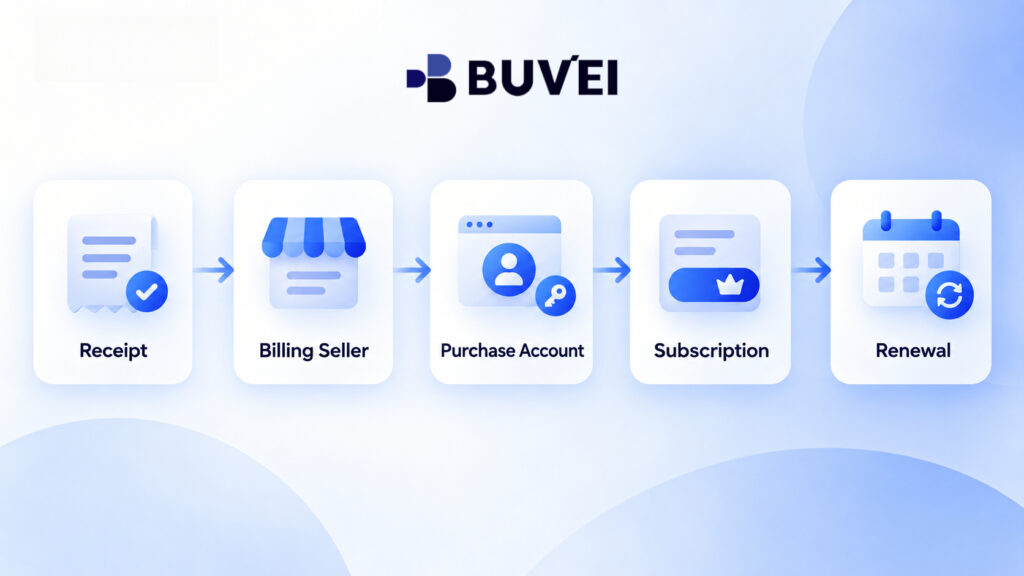
A trace is complete when you can identify:
Receipt → Billing Seller → Purchase Account → Active Subscription → Renewal Terms
Follow the Billing Owner When You Need to Cancel
Before cancelling, confirm:
- the next renewal date,
- the active plan,
- the account controlling it,
- and the cancellation terms.
Then cancel through the party that sold the subscription.
Deleting the app, signing out, removing a card, or closing an employee’s email account does not necessarily end the billing agreement.
Save the cancellation confirmation and effective date.
If requesting a refund, contact the billing owner shown on the receipt.
The developer may help explain a service problem, but it may not be able to refund a marketplace charge.
Avoid Duplicate Subscriptions
One of the most common problems happens when a team moves from one billing channel to another.
For example:
- an employee cancels an App Store plan,
- then the company purchases a website plan,
- but another Apple Account still has an active renewal.
Or:
- a web trial becomes paid,
- while a Google Play subscription is still active.
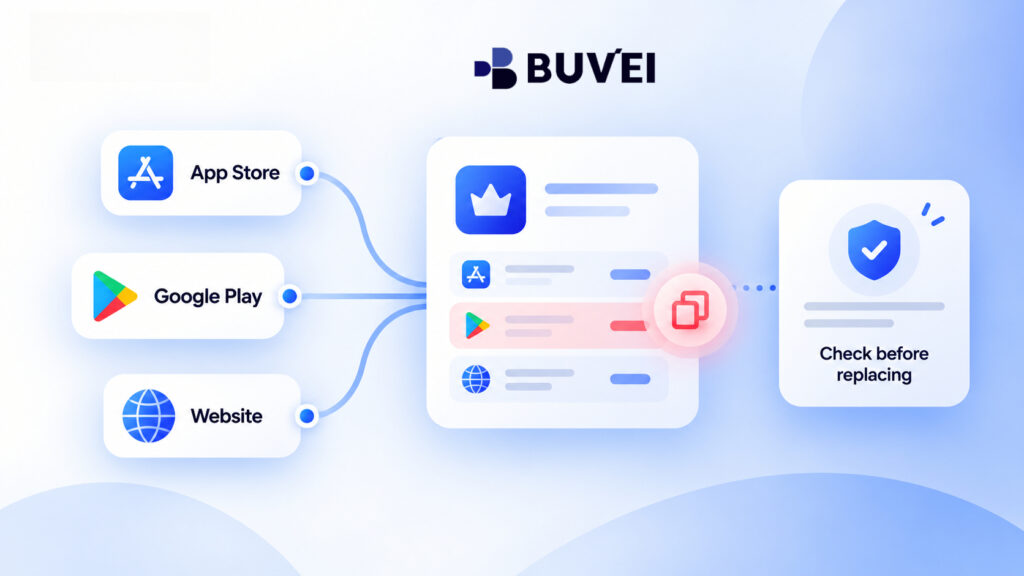
Before starting a replacement plan, check every relevant billing account.
Compare:
- plan name,
- renewal date,
- seats,
- order ID,
- and billing seller.
Do not assume cancelling one channel automatically cancels every subscription for the same product.
When an Employee’s Personal Account Becomes a Business Problem
Consider a company that approves a monthly productivity app using a corporate virtual card.
An employee buys the subscription inside the mobile app while signed into a personal Apple Account, but uses the service with a company email.
Everything works until the employee leaves.
Finance can still see the card charge, but the company cannot manage the subscription from its own Apple Accounts or the developer’s website.
This is a billing ownership problem, not necessarily a payment problem.
The company should determine:
- who owns the billing account,
- whether the subscription can be transferred,
- whether a new company-controlled purchase is needed,
- and how to avoid overlapping service.
Where available, Buvei transaction records can help teams identify which card was used, when the charge occurred, and how often a subscription was billed.
This can make recurring software and digital-service expenses easier to trace and reconcile.
However, the billing account that owns the subscription is still determined by the seller or marketplace where the purchase was made.
Keep a Simple Subscription Map
For every paid app or SaaS tool, record:
- Product / workspace
- Billing seller
- Purchase account
- Payment method
- Person who can manage or cancel it
- Receipt location
- Next renewal date
Do not store passwords or full card details.
The purpose is simply to make the subscription easy to trace later.
This is especially important when employees work across different countries, where checkout options, currencies, tax documents, and billing routes may differ.
Two Easy Mistakes to Avoid
Mistake 1: Assuming the App Store Descriptor Identifies the Subscription
A card charge may look like an app marketplace payment, but it could correspond to:
- a one-time add-on,
- an in-app purchase,
- or a different service.
The recurring subscription may have been purchased directly on the developer’s website.
Always compare order IDs, dates, plan names, and billing periods before cancelling anything.
Mistake 2: Assuming a Website Account Means a Website Subscription
A user may sign into the developer’s website and see a premium account, but the actual subscription may still be managed by Apple or Google Play.
A “Manage” button may even redirect back to the original marketplace.
Adding a card to the website does not necessarily move the existing subscription.
Before Moving a Subscription to Another Billing Channel
Before changing from App Store or Google Play billing to a direct company plan, ask:
- Can the current plan be transferred?
- Will data and seats move?
- Is prepaid time remaining?
- Will there be overlapping charges?
- Who issues the new invoice?
- When does the old plan actually stop?
If you start the new plan before cancelling the old one, set a reminder to verify that the old renewal is off.
If you cancel first, make sure users will not lose access during the transition.
Don’t Forget Free Trials
A free trial can create the same ownership problem.
An employee may start a trial through the App Store while the company later buys a direct business plan.
The trial may still convert to a paid subscription unless it is separately cancelled.
No initial card charge does not mean no future billing agreement exists.
Track:
- trial account,
- conversion date,
- billing seller,
- and cancellation status.
How Buvei Can Help With Subscription Spend
Buvei virtual cards can help businesses separate recurring software and digital-service payments by team, purpose, or vendor.
Using dedicated cards for different services can make recurring charges easier to identify, track, and reconcile over time.
Card records can help confirm the payment side of a subscription, including which card funded a transaction and when the charge occurred.
The merchant, marketplace, or billing provider still controls the subscription itself, including:
- billing ownership,
- cancellation,
- refunds,
- and account access.
This distinction helps teams use payment records for reconciliation without confusing the payment method with subscription ownership.
A Practical Checklist for the Next Confusing Charge
When you see a recurring app charge:
- Find the receipt.
- Identify who sold the subscription.
- Open that seller’s subscription page in the correct account.
- Match the order to the card transaction.
- Confirm the renewal date and plan.
- Decide whether the issue belongs to the billing seller or the product developer.
- Save the cancellation, refund, or support confirmation.
If no one can locate the purchase account, investigate that ownership gap before replacing the payment method.
Final Takeaway
The app is only the visible product.
The receipt and billing account reveal the commercial path behind it.
When a subscription seems impossible to find, trace:
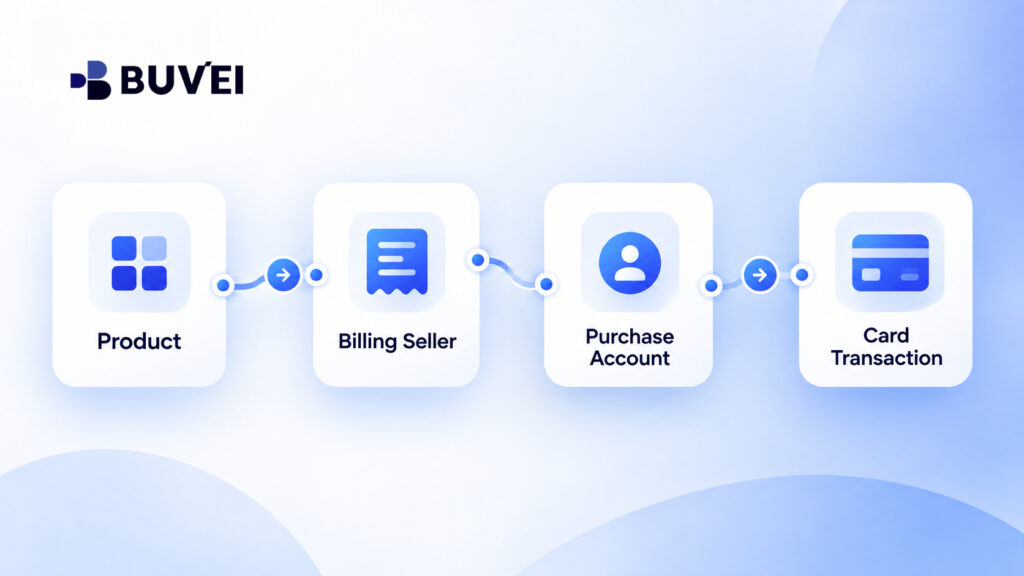
Product → Billing Seller → Purchase Account → Subscription → Card Transaction
Once those records match, it becomes much easier to:
- stop a renewal,
- request a refund,
- get the correct invoice,
- solve an account-access issue,
- or avoid paying twice for the same service.
The key is simple:
Do not manage a subscription based on the app logo alone. Follow the billing owner.