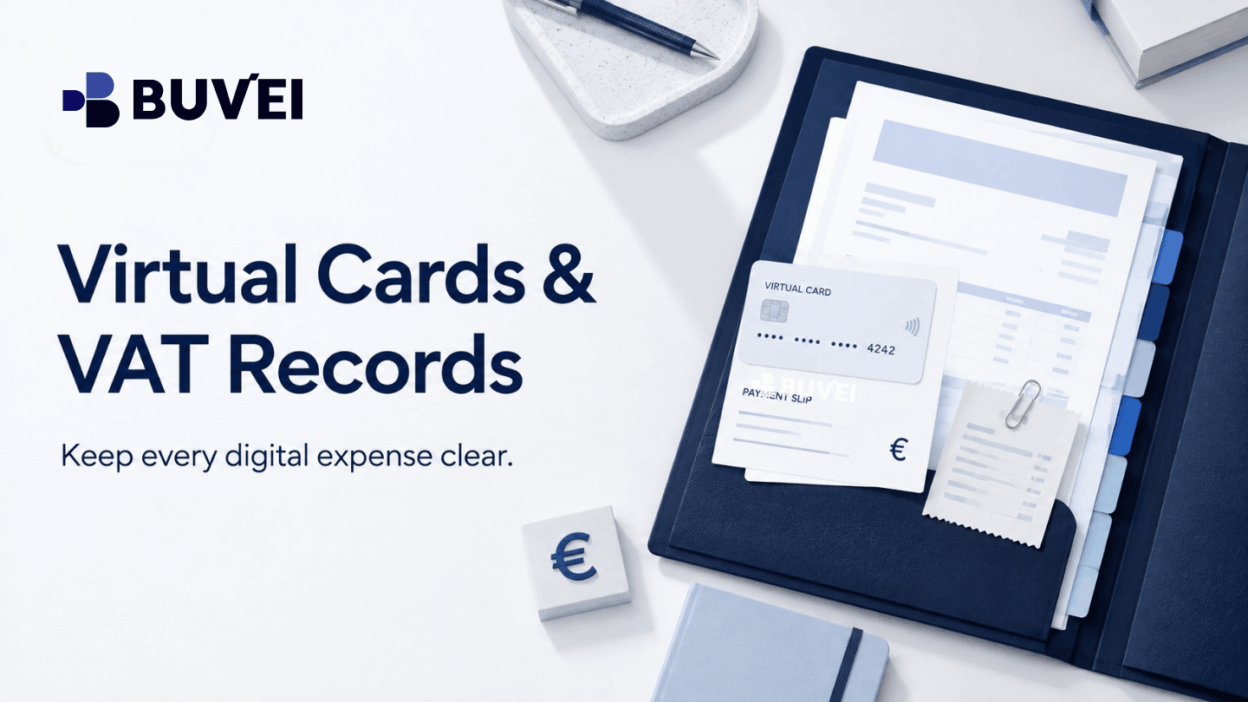
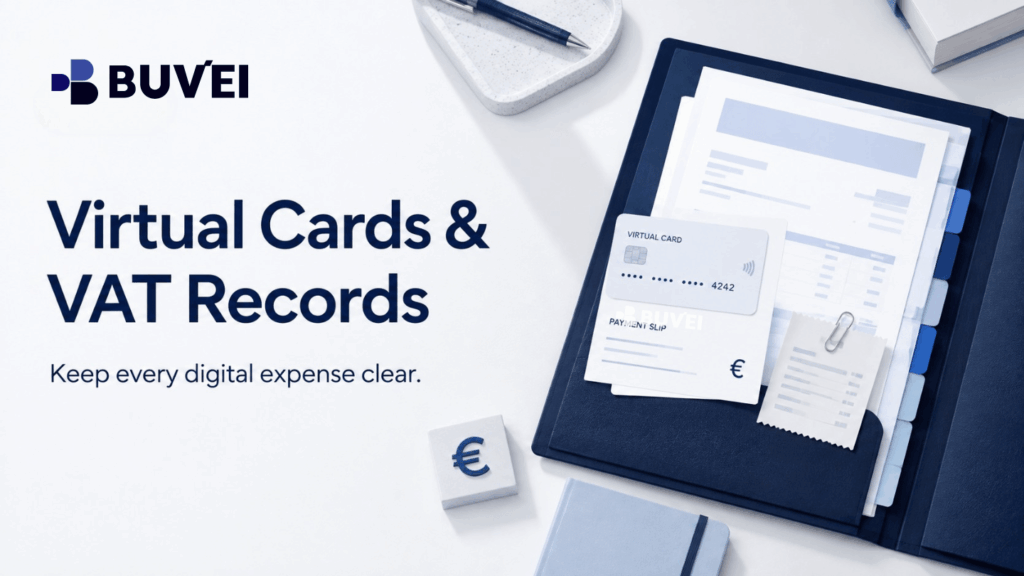
A virtual card transaction proves that money moved. A supplier invoice or receipt explains what was bought and how the merchant treated tax. For a clean expense record, keep both together with a short note describing the business purpose.
This guide is operational information, not tax advice. VAT treatment depends on the supplier, customer status, location, service, and local rules. When the treatment is unclear, ask a qualified accountant.
Why a card transaction is not a VAT invoice
Card records and VAT invoices answer different questions. The card record usually shows the merchant descriptor, amount, currency, date, and status. It is essential payment evidence, but it normally does not contain the supplier and customer details, taxable amount, VAT rate, or VAT amount required for accounting.
The invoice or receipt comes from the supplier. It identifies the commercial purchase and may include the supplier legal entity, tax number, invoice date, service description, net amount, VAT, and total. A dashboard cannot create that document on the merchant’s behalf.
Simple rule: use the card record to explain the movement of money; use the supplier document to explain the purchase; keep a brief business-purpose note when the reason is not obvious.
- Payment evidence: card or account used, merchant descriptor, transaction date, amount, currency, final status, and transaction reference.
- Merchant evidence: the invoice, receipt, order confirmation, or other document from the supplier.
- Business context: a clear note, project code, or department label that explains why the expense was needed.
When the accounting currency differs from the charge currency, retain the original amount and the conversion basis used in your books. Do not overwrite the merchant’s original USD, GBP, or EUR charge.
What to check on a supplier invoice
A product name at checkout may differ from the legal entity on the invoice or the descriptor on the card statement. That is not automatically a problem. Keep the invoice, confirm the relationship where necessary, and add a short internal note if the names could confuse a reviewer.
Customer details and tax treatment
For business purchases, add the correct company name, address, and VAT number in the merchant billing profile before invoicing. If the information is missing, request a corrected document through the merchant’s billing channel instead of editing the PDF yourself. Do not infer VAT treatment from the card, the BIN, or an account profile alone.
Amount and currency
Match the invoice and card entry, but investigate differences before treating them as errors. Currency conversion, tax, rounding, a pre-authorisation, fees, split captures, or refunds can all cause amounts or dates to differ.
Four locations that should not be confused
Cross-border digital services often involve several locations. They may affect payment acceptance or tax analysis in different ways.
- Customer location: the individual or business using the service.
- Supplier legal location: the entity named on the invoice.
- Card issuer location: the region associated with the card programme.
- Merchant processing location: the acquiring or billing route used to process payment.
Do not use the card’s region as a tax shortcut. A card programme is a payment detail; it does not replace the supplier invoice, the customer’s tax status, or professional advice.

A practical workflow: purchase to month-end
Before paying
- Confirm the project, business, client, or department that needs the service.
- Check the merchant billing profile and company tax details.
- Decide whether the expense is one-time, recurring, usage-based, or likely to change at renewal.
- Choose a payment arrangement that fits the use case: a dedicated reusable card for a stable subscription, or a limited-purpose card for a one-off purchase.
Immediately after paying
- Download the invoice or receipt from the merchant account.
- Match supplier, date, currency, and total against the card record.
- Add a short note where the payment descriptor is unclear.
- Mark unresolved items as pending, reversed, refunded, or awaiting invoice.
At month-end
- Filter card transactions by period and currency, then identify items without merchant evidence.
- Review recurring services whose price, seats, tax, or invoicing entity changed.
- Share a short exception list with the accounting owner instead of an unstructured screenshot folder.
A small but useful expense file
Use a predictable folder and naming system. A format such as 2026-08-23_supplier_purpose_currency_invoice.pdf makes files easy to locate without over-collecting sensitive data.
| Field | Keep | Why it helps |
| Date | Invoice date and card transaction date | Shows when the service was billed and paid. |
| Supplier | Brand name plus legal entity | Connects the descriptor to the invoice. |
| Purpose | Business reason and project | Links the expense to real activity. |
| Amount | Original currency, tax, fees, book currency | Preserves what the merchant actually charged. |
| Status | Paid, pending, reversed, refunded, awaiting invoice | Stops unresolved items being treated as final. |
| Reference | Invoice, order, and transaction numbers | Lets each party find the same event. |
If an invoice is missing
Check the merchant billing area, account settings, order email, and official help centre. Some services issue a receipt immediately and a formal invoice later; marketplaces may place the document under the seller order rather than the payment account.
If the document is still unavailable, keep the order confirmation, service description, payment receipt, card record, and business-purpose note. Record that an invoice was requested. This creates an honest exception for review; it does not turn a card statement into a VAT invoice or guarantee a tax outcome.
When one invoice and one transaction do not match
One invoice, several card transactions
Platforms may split a bill, capture usage in stages, or combine charges into one monthly invoice. Link every relevant transaction reference to that invoice and explain the relationship. If one entry is still pending or reversed, keep it separate rather than forcing a premature match.
One card transaction, several services
A marketplace or software group may charge one amount for several products, seats, or add-ons. Request an itemised invoice when costs need to be allocated across teams or clients. If that is not available, keep the source document and add a transparent internal allocation note.
Buvei can be the payment-control layer in this workflow. Separate virtual cards can make different digital payment activities easier to identify, while transaction visibility helps the payment owner review status and references in one place.
The boundary matters: supplier invoices must come from the merchant, and VAT or accounting treatment should follow the business’s local process. A clear handoff works best: the payment owner supplies the card record, the merchant-account owner supplies the invoice, and the accounting owner classifies the expense.
Common mistakes to avoid
- Saving only a card screenshot and treating it as supplier tax documentation.
- Editing invoice PDFs instead of requesting a corrected document.
- Using the card issuer country as proof of the VAT location.
- Ignoring small fee, tax, or conversion entries that explain a difference.
- Closing a card before an open refund or reversal has been fully resolved.
- Keeping every file without a consistent naming and access system.
Final takeaway
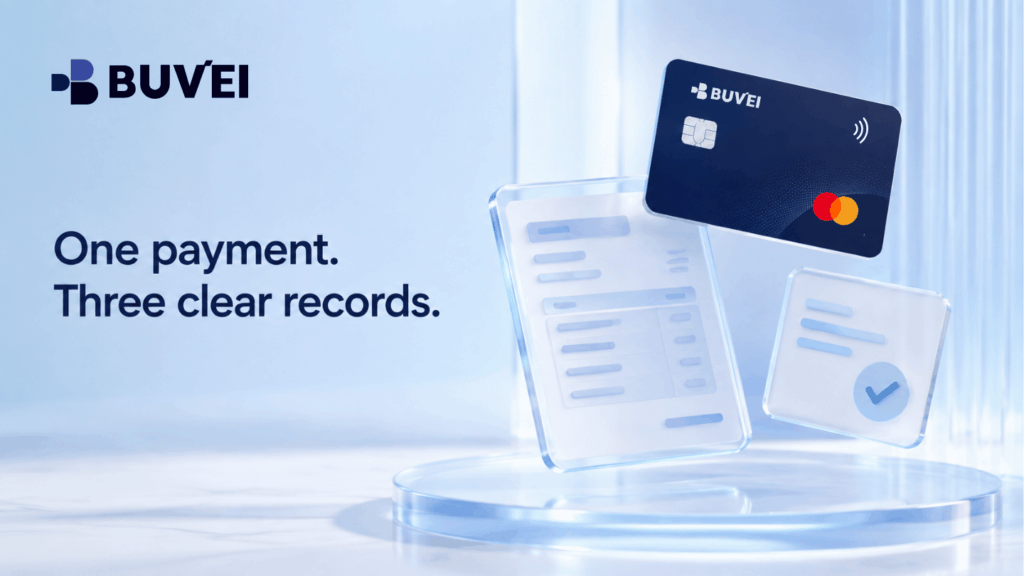
For European digital expenses, keep three things connected: the payment record, the merchant invoice, and the business purpose. Virtual cards can make spending easier to separate and review, but they do not replace commercial documentation.
Use the payment dashboard for visibility, the supplier portal for invoices, and qualified local advice when the VAT treatment is unclear. That creates a clean record that is easier to review now and easier to correct as the business grows.