A virtual card can be issued in seconds. A sensible payment setup usually takes a little longer.
That is not because creating the card is difficult. The difficult part is deciding what the card should do after it has been created. Will it be used once or every month? Should it carry a small fixed budget or support changing payments? Does the merchant need a billing address, a verification step, or a card that stays active for future charges?
Those questions are easy to skip when a payment is urgent. They become much more important when the same card is connected to several services, a client project, an advertising account, or a subscription that renews automatically.
This virtual card setup checklist is written for people who want a practical starting point rather than a long technical explanation. It works for individuals, freelancers, creators, small online businesses, and teams. The principle is simple: decide what the payment requires first, then choose a card setup that fits it.
The short version
Before using a virtual card, answer these seven questions:
-
What exactly is the card for?
-
How will the merchant charge it?
-
Should the card be reusable, temporary, or merchant-specific?
-
How much money or spending capacity is it really needed?
-
Which billing details must match the account?
-
What will you observe during the first payment?
-
What will happen after the payment is complete?
If you can answer these questions, the setup is already much clearer. The rest of this article explains how to work through them without turning a normal online payment into a complicated project.
-
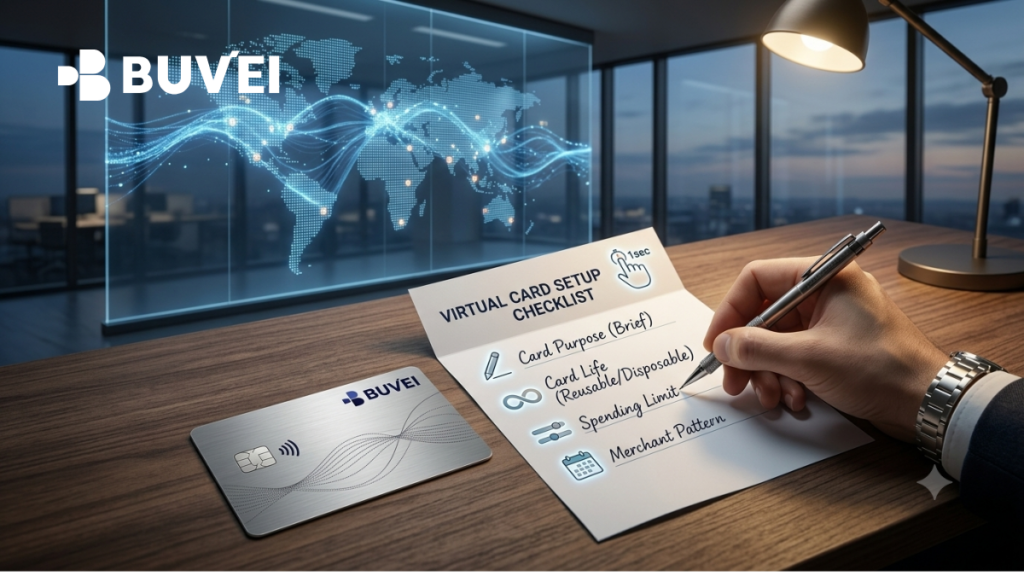
Write a one-line brief for the card
The best first step is not opening the card dashboard. It is writing one sentence that describes the intended use.
Examples:
-
“This card will pay for a monthly design subscription.”
-
“This card will cover the initial budget for one advertising campaign.”
-
“This card is for one purchase from a new merchant.”
-
“This card is for accommodation and related travel charges.”
-
“This card is for a client project and should not be mixed with personal spending.”
The sentence gives the card a job. It also gives you a reason to review the card later. If the sentence no longer describes the way the card is being used, the setup probably needs to change.
This is more useful than creating cards with labels such as “Card 1” or “New Card.” A name like “Client A – Design Tool” can tell you immediately why the card exists. A name like “August Card” may be confusing once the project continues into September.
You do not need a separate card for every small purchase. The point is not to create as many cards as possible. It is to stop unrelated payments from becoming one unexplained stream of activity.
For a person with two predictable subscriptions, one or two clearly named cards may be enough. For an agency or online business, separating important merchants, clients, or campaigns can make budget reviews much easier.
-
Read the merchant’s payment pattern before choosing a card
The same checkout form can hide very different payment behavior. A merchant may charge once, renew automatically, place a temporary hold, or adjust the final amount after the order is confirmed.
Before you add the card, check:
-
Whether Visa or Mastercard is accepted
-
Whether the charge is one-time, recurring, or usage-based
-
Whether the merchant asks for 3D Secure or another verification step
-
Whether a small authorization or verification amount may appear
-
Whether a billing address, postal code, or cardholder name is required
-
Which currency will be charged
-
Whether the account or service is limited to certain countries
-
Whether the card will be added to Apple Pay, Google Pay, or another wallet
You do not need to know exactly how the merchant’s payment infrastructure works. You only need enough information to avoid an obvious mismatch.
For example, a temporary card may be reasonable for a one-time purchase but unsuitable for a subscription that will charge again next month. A travel service may complete the booking today but make a deposit or adjustment later. A software tool may show a low introductory price and then renew at a different price after the trial.
The important distinction is between “the merchant accepts cards” and “this card setup fits the merchant’s complete billing pattern.” They are not the same question.
-
Choose how long the card should remain useful
The card type should follow the life of the payment.
Reusable cards for continuing payments
A reusable virtual card keeps the same details for future charges. It is normally a better fit for:
-
Monthly or annual subscriptions
-
Cloud and software services
-
Advertising accounts with ongoing activity
-
Services that may make a later adjustment
-
Merchants that need the original card for a refund
The advantage is continuity. You do not have to replace the payment method every time the service renews, and the merchant can continue to recognize the same card.
Single-use cards for genuine temporary payments
A single-use or disposable card can be useful when you expect only one transaction. It can limit how long a particular card number remains exposed and can make a fixed one-time expense easier to contain.
It may fit:
-
A one-off online purchase
-
A short trial that will not continue
-
A temporary vendor relationship
-
A fixed transaction with no expected adjustment
It may not fit a subscription, a hotel deposit, a delayed charge, or a payment for which a refund is likely. The more future activity a merchant may create, the more important it is to keep the original card available.
Merchant-specific cards
Some providers support cards that are limited to a particular merchant or payment purpose. This can be useful when you want a card to work for one service rather than become a general-purpose payment method.
Restrictions are not automatically better in every situation. A card that is too restricted may be inconvenient when a merchant uses a different billing descriptor or payment processor. Choose the narrowest setup that still supports the payment you actually need.
-
Set the amount before you find the card
The card should have a clear financial boundary before it is used. That boundary may be a balance, a per-card spending limit, or both.
Start with the expected charge, then check whether the merchant may add:
-
Tax
-
A service or platform charge
-
A currency conversion adjustment
-
A temporary authorization
-
A small verification amount
-
A second charge during the same billing period
For a fixed purchase, the estimate may be straightforward. For an advertising account or usage-based service, the card needs a budget that reflects changing activity. For a subscription, the limit should be realistic for the full renewal amount, not just the introductory price.
There is no universal buffer that is correct for every merchant. The better habit is to account for the conditions you know about and then monitor the transaction. Loading a large amount without a clear reason does not make a payment more reliable; it only increases the amount exposed if something goes wrong.
On the other extreme, a limit that is too low can make a normal transaction look like a payment problem. Taxes, exchange-rate movement, or a temporary hold may push the required amount above the visible purchase price. A limit should be deliberate, not simply as small as possible.
-
Treat billing details as part of the card setup
Card details are not limited to the 16-digit number. Many merchants also ask for a name, billing address, postal code, country, or other account information.
Use the billing information provided by the card platform and enter it consistently. Avoid copying an address from a different account or inventing random details just to complete a form. A merchant may compare the information with its own account, regional, or address-verification checks.
Keep a secure note of the billing details connected to the card if you need to use them more than once. The note should not contain the full card number or CVV unless it is stored in an approved secure system.
Check the account region and currency as well. Some services use regional pricing or restrict a subscription according to the account country. A virtual card does not remove the merchant’s terms, and it should not be used to ignore regional or identity requirements.
Good payment information is consistent information. If something fails, you want to know that the card itself was tested with the correct name, address, country, and currency rather than with a mixture of details from different accounts.
-
Use the first payment as an observation, not a victory lap
The first transaction should be controlled and purposeful. Use a genuine payment you intend to make, with an amount that reflects the real use case.
Before clicking “Pay,” confirm:
-
The card is active
-
The available balance and limit are appropriate
-
The billing details are accurate
-
The card type fits the payment pattern
-
You know where a verification prompt may appear
-
You can find the transaction in the dashboard afterward
After the payment, record the merchant, amount, currency, time, and status. A transaction may first appear as pending. That does not always mean it has failed, and it does not always mean the final amount has been settled.
Do not repeatedly submit the same payment if the result is unclear. Repeated attempts create extra records and can trigger further checks from the merchant. First identify whether the issue is an incorrect card detail, a missing verification step, a merchant rule, or a transaction that is still being processed.
A successful first payment is useful information, but it is not a permanent promise. It tells you that one card, one merchant, one currency, and one set of account details worked under those conditions.
-
Decide what happens after the payment
The card setup should include an end point or a review point.
For a subscription, note the renewal date and decide how the service will be cancelled or reviewed. For a one-time purchase, keep the card available until settlement and any expected refund are complete. For a project, decide who will check the final transactions and when the card can be paused or closed.
This is where many otherwise sensible setups become messy. A card is closed immediately after a purchase, then the merchant sends a refund to the original payment method. Or a trial is forgotten because the card was created without a renewal reminder. Or a project ends but nobody knows which card is still attached to a service.
Add one follow-up action to the record:
-
“Review renewal on 15 September.”
-
“Keep active until refund arrives.”
-
“Close after campaign ends.”
-
“Download final invoice.”
-
“Check whether the merchant subscription is cancelled.”
The action can be small. It only needs to prevent the card from becoming an invisible part of the project.
A setup checklist for different payment situations
A monthly subscription
Use a reusable card, check the renewal amount, confirm recurring billing, and set a reminder. Keep enough available balance for the full charge and any known tax or conversion adjustment.
A one-time purchase
Check whether a refund or delayed adjustment is possible before choosing a temporary card. Save the order reference and wait for the transaction to reach its final state before closing the card.
An advertising account
Define the budget period, set a card limit that matches the planned spend, and monitor transactions more frequently. A small initial charge does not tell you how the card will behave when the amount changes.
A travel booking
Check for deposits, delayed charges, cancellation rules, and refund timing. Keep the card available until the booking is complete and any expected adjustment has been resolved.
A client or project expense
Use a clear label, record the client or project name, set an agreed limit, and decide who will review the transaction history. This helps keep the payment explainable later.
Keep the setup proportionate
Not every payment deserves the same level of administration. A low-value personal subscription may only need a named card and a renewal reminder. A project with changing spend, several merchants, or more than one person involved needs stronger separation and more frequent reviews.
The checklist is meant to scale the situation. Start with the decisions that protect the most important payment, then add detail when the project grows. A simple setup that is actually followed is more useful than an elaborate process that people skip.
Common setup mistakes worth avoiding
Using one card for every merchant
It looks efficient at first, but unrelated subscriptions and purchases become difficult to review. Replacing the card later may also affect several services at once.
Choosing a disposable card for a continuing service
The first payment can succeed even when the card is a poor fit for later renewals. Always think about the full payment lifecycle.
Loading more money than the purpose requires
A large balance is not a substitute for suitable card type or accurate billing information. Keep the amount connected to a real budget.
Ignoring the account region and billing address
A card may be active and funded while the merchant still rejects inconsistent account details. Treat these fields as part of the payment method.
Closing the card before the record is complete
Save the receipt, transaction reference, and final status before closing a card. If a refund or adjustment is still expected, keep the card available and follow the provider’s guidance.
How Buvei can fit into the setup
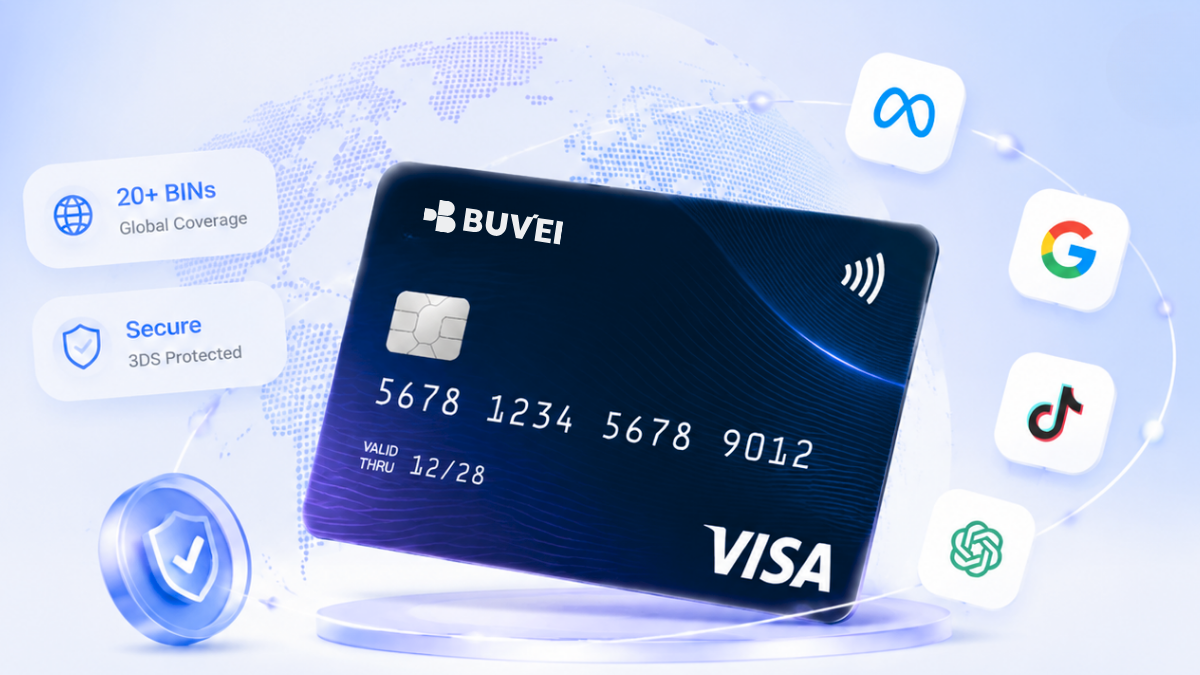
Buvei’s official product pages describe virtual Visa and Mastercard cards, per-card spending limits, and card activity that can be reviewed from the dashboard. The card option available to you may depend on your account and card configuration, so choose the option that matches the payment rather than assuming every card has the same controls.
That can be useful when a subscription should be kept separate from an advertising budget, when a client expense needs a clear boundary, or when a new online service should be tested without putting a primary bank card at the centre of the transaction.
Buvei’s official materials also describe controls such as pausing or closing a card, transaction visibility, and support for multiple currencies. The exact availability can depend on the account or card configuration, and none of these features guarantees that every merchant will accept every card. They give the user more information and control when setting up a legitimate online payment.
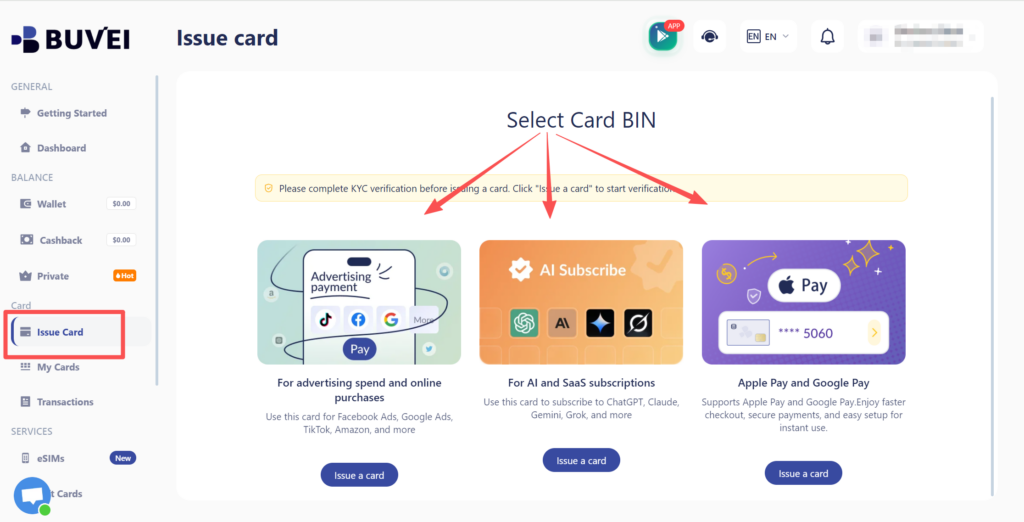
For account, funding, and card-creation steps, readers can follow the Buvei guide to getting a virtual card.
Final thoughts
Setting up a virtual card well is less about moving quickly through a form and more about making the payment understandable before it starts.
Give the card a purpose. Learn how the merchant will charge it. Choose a card that can remain useful for the whole payment lifecycle. Set a reasonable boundary, enter consistent billing details, observe the first transaction, and decide what happens afterward.
Those habits are simple enough for a personal subscription and structured enough for a small online project. They also make Buvei’s controls more useful because the cards, limits, and transaction history are being used as part of a plan rather than as isolated features.