
Google Cloud is one of the most widely used infrastructure platforms globally. However, many users—especially developers, startups, and international teams—face challenges when trying to pay without a traditional credit card.
This guide explains Google Cloud’s billing requirements, why direct crypto payments are not supported, how crypto-funded virtual cards work, and how to safely manage recurring cloud billing without risking account suspension.

Google Cloud Billing Requirements Explained
To activate paid services on Google Cloud, users must attach a valid payment method to their billing account.
Google Cloud requires:
-
A Visa, Mastercard, or supported card network
-
A verified billing profile
-
Recurring payment authorization
-
Sufficient balance for automatic charges
Without a valid payment source, projects may be paused, and compute resources can be suspended.
Google Cloud treats billing reliability as critical because infrastructure services run continuously.

Why Google Cloud Doesn’t Accept Direct Crypto Payments
Despite the growth of digital assets, Google Cloud does not directly accept cryptocurrency as a payment method.
Reasons include:
-
Regulatory compliance requirements
-
Chargeback and dispute management standards
-
Accounting and tax reporting frameworks
-
Payment processor integration limits
Crypto transactions are irreversible, while cloud services operate on recurring billing models that require flexible dispute handling. As a result, users must rely on card-based payments.
This is where crypto-funded virtual cards become practical.
How Crypto-Funded Virtual Cards Work
Crypto-funded virtual cards act as a bridge between blockchain assets and traditional card networks.
The process works like this:
-
You fund a wallet using stablecoins (e.g., USDT).
-
The provider issues a virtual Visa or Mastercard.
-
The card draws from your funded balance.
-
Merchants (like Google Cloud) process it as a normal card payment.
To Google Cloud, the transaction appears as a standard card charge—even though the funding source originated from crypto.
This enables users to pay without holding a traditional credit card.
Step-by-Step: Paying Google Cloud Without a Credit Card
Below is the standardized operation guide used across Buvei tutorials.
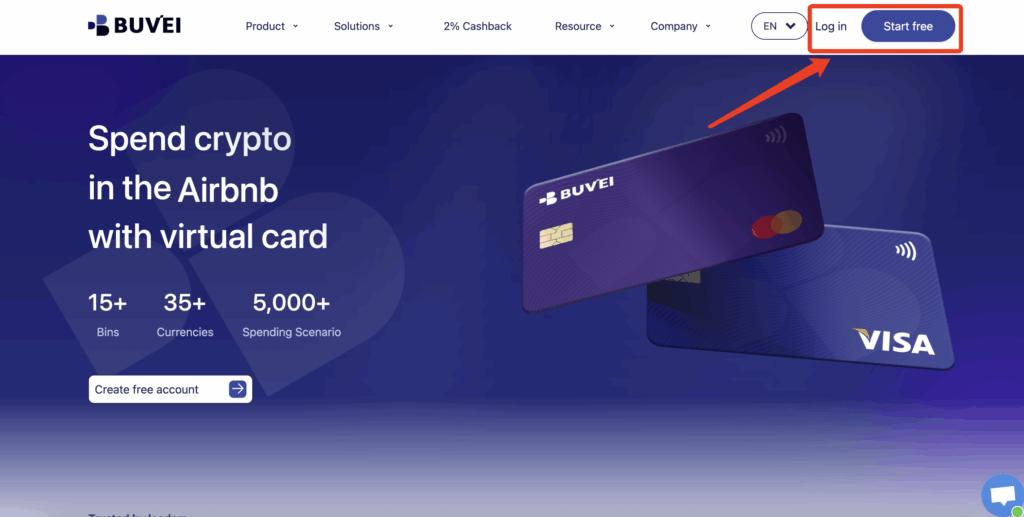
Step 1: Register a Buvei Account
-
Visit https://buvei.com
-
Create a free account
-
Complete email verification
-
Log in to your dashboard
No physical bank card is required.
Step 2: Fund Your Wallet with Crypto
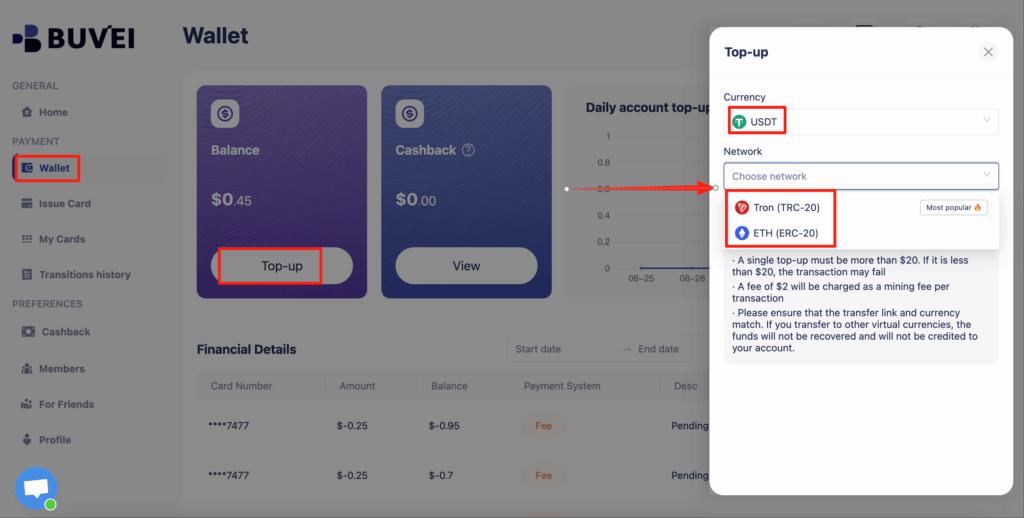
Navigate to the Wallet tab and top up using supported stablecoins:
-
USDT (TRC20)
-
USDT (ERC20)
Buvei provides a dedicated deposit address. Once the blockchain transaction confirms, your balance becomes available instantly.
Step 3: Create a Virtual Card
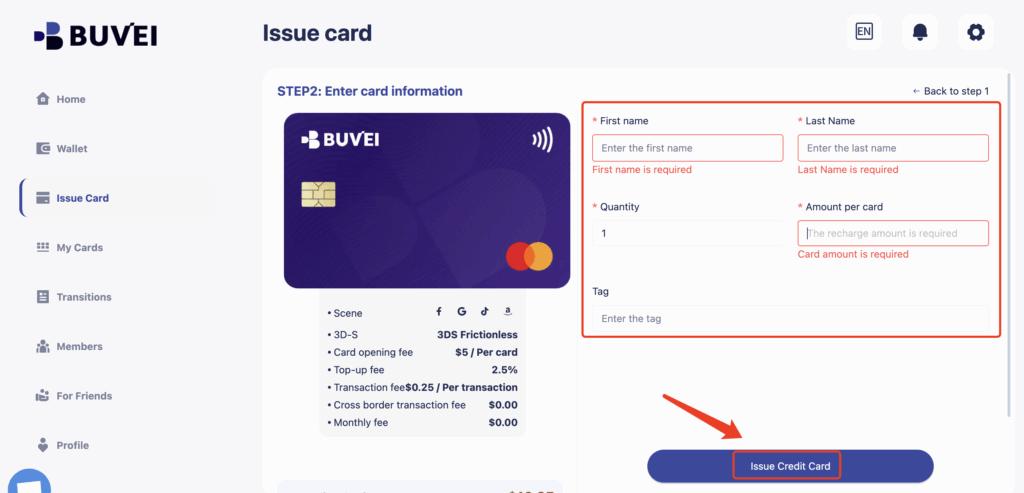
Go to the Cards tab:
-
Select your preferred BIN region (US BINs generally perform well for global SaaS)
-
Choose card type
-
Click Issue Card

Enter the card name, initial funding amount, and number of cards, then click Create Card.
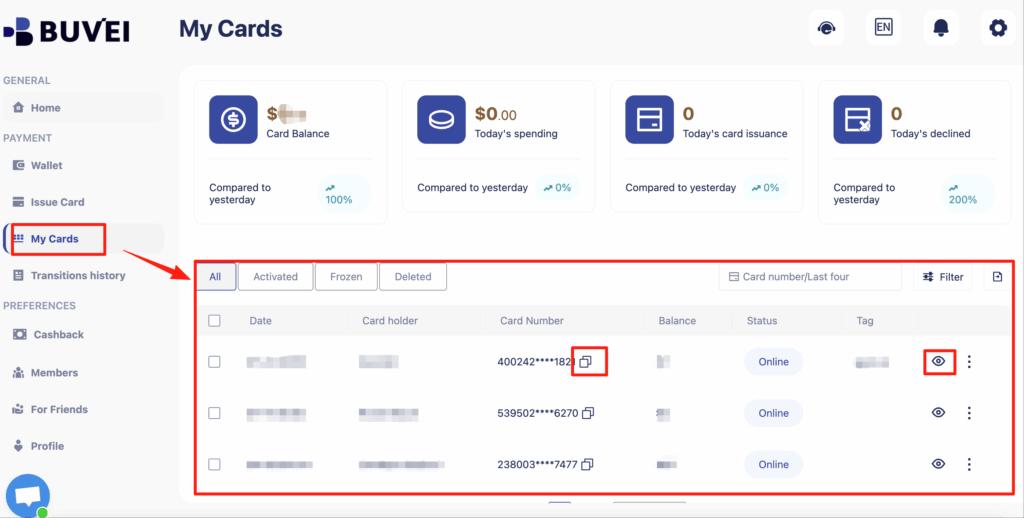
You will immediately receive:
-
Card number
-
Expiration date
-
CVV
-
Balance details
-
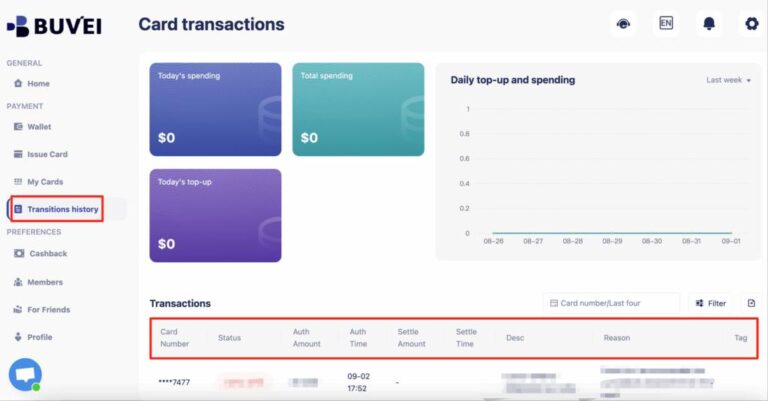
Transaction history
This virtual card can now be used as a payment method on Google Cloud.
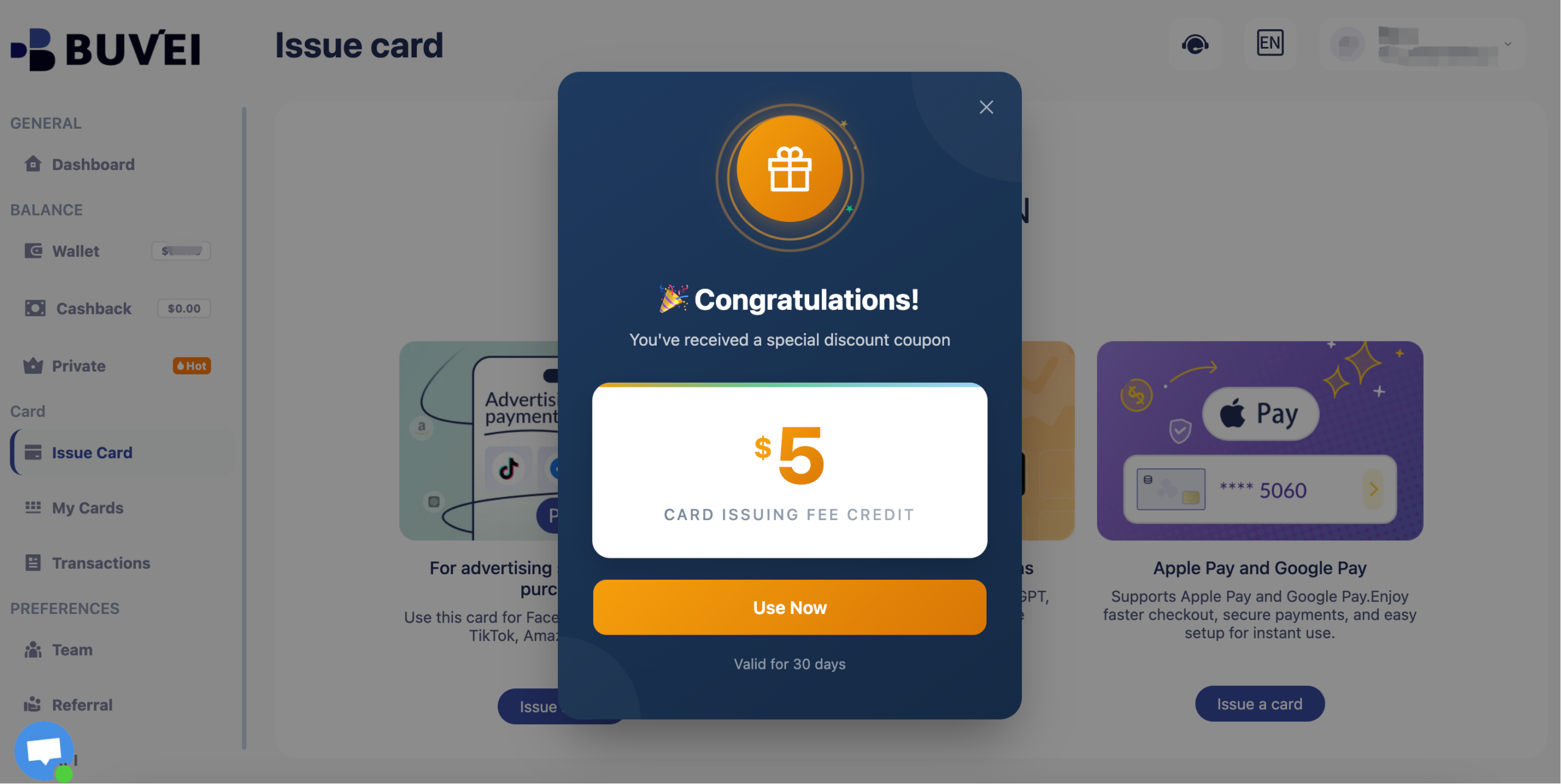
Buvei currently have a promotion: new registered users get a $5 sign-up coupon. You can claim it simply by registering.
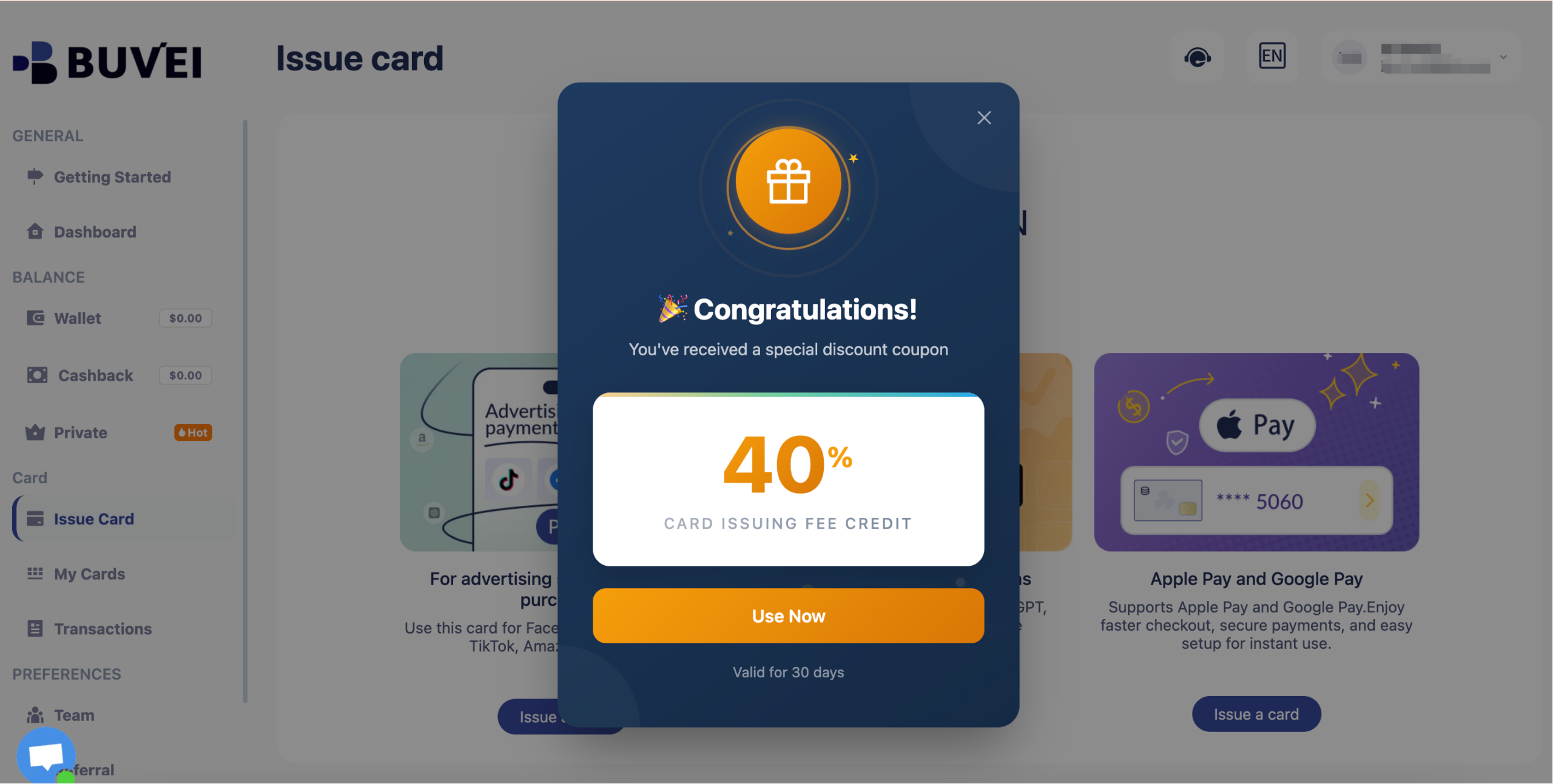
Long-term inactive users will receive a 40% discount coupon.
Managing Recurring Cloud Billing Safely
Because cloud services run continuously, billing management is critical.
Best practices include:
-
Maintain buffer balance above expected monthly usage
-
Use one virtual card per project for cost isolation
-
Monitor usage alerts inside Google Cloud
-
Review transaction logs regularly
Separating projects with individual cards prevents unexpected overruns from affecting other workloads.
Avoiding Account Suspension Due to Payment Failure
Google Cloud may suspend services if payments fail repeatedly.
To avoid disruption:
-
Avoid repeated failed authorization attempts
-
Ensure sufficient card balance before billing cycles
-
Keep billing profile details consistent
-
Update card details immediately if replaced
Payment failures can trigger automatic project suspension, so proactive balance management is essential.
Final Thoughts
While Google Cloud does not accept cryptocurrency directly, crypto-funded virtual cards provide a practical workaround.
By using a structured setup with Buvei virtual cards, users can:
-
Pay Google Cloud without a traditional credit card
-
Fund infrastructure using stablecoins
-
Maintain spending control
-
Reduce risk of service interruption
For developers and global teams working in crypto ecosystems, this approach bridges the gap between blockchain assets and enterprise cloud billing.