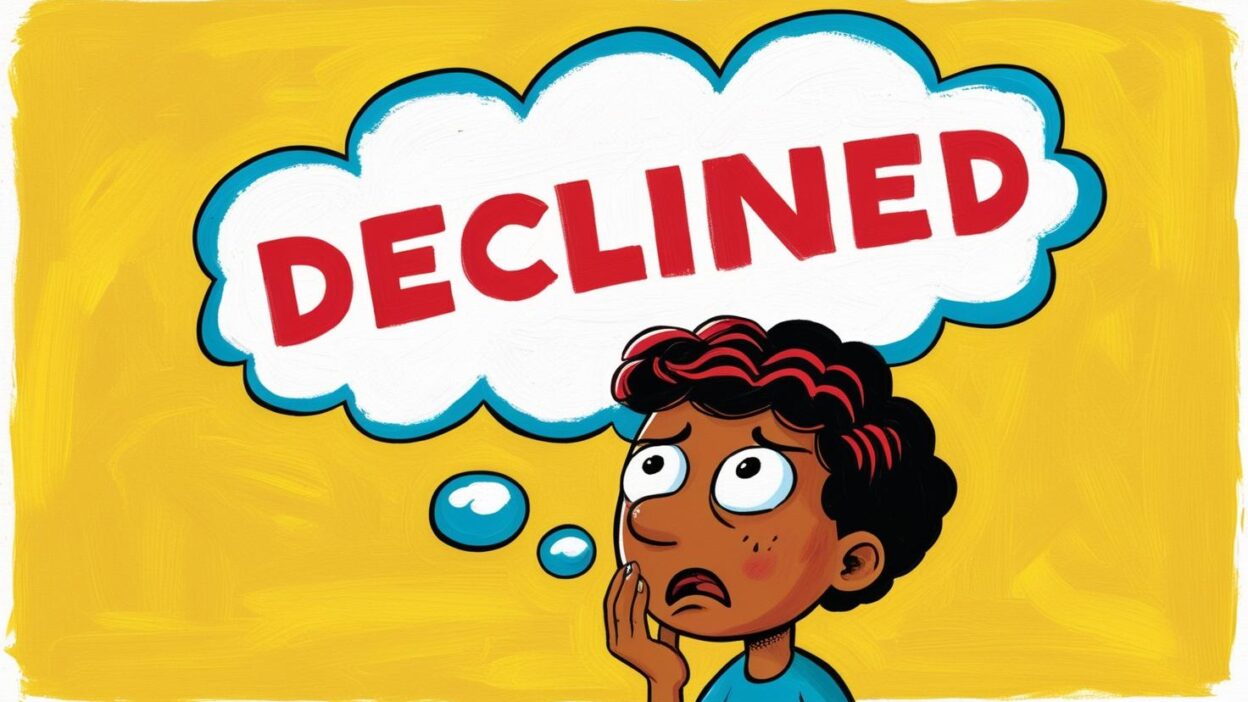
Have you ever seen a message like "Transaction Declined" or "Payment Was Declined" when trying to pay online with your credit card? It can be stressful: “Did someone steal my card?” “Is my account out of money?” “Is it my fault or the merchant’s?”
Don’t worry—today we’re breaking down exactly what “Declined” means, why it happens, and how you can fix it.
-
What Does “Declined” Mean?
Declined = Transaction rejected, payment unsuccessful.
In short, this message means that your bank or payment processor did not approve the transaction. No money was taken, and the product or service was not delivered.
-
Who Declined Your Payment?
In an online credit card transaction, four parties are involved:
-
You (the cardholder)
-
The merchant
-
Your issuing bank (the bank that issued your credit card)
-
The payment gateway/platform (e.g., Buvei)
In most cases, the issuing bank is the one that declines the payment, based on your account status or security concerns. It’s rarely the merchant’s or platform’s fault.
-
Common Reasons Behind a Declined Payment
🟠 Account-Related Issues
-
Insufficient credit limit Your available credit is maxed out, or the charge exceeds your current limit.
-
Expired card The card’s validity period has ended.
-
Online/international payments disabled Some banks block online or international transactions by default. You may need to enable these features manually.
🟠 Incorrect Information
-
Typos in your card number, expiry date, or CVV code
-
Billing address mismatch — the address must match the one registered with your bank
🟠 Security & Fraud Protection
-
Suspicious transaction patterns For example, attempting a purchase from a high-risk country or making unusually large or frequent transactions
-
Temporary card freeze Your bank may lock your card if it detects potentially unauthorized use.
🟠 Technical Glitches
-
Bank undergoing system maintenance
-
Temporary payment gateway errors
-
Network timeouts or unstable connection
-
Got Declined? Don’t Panic — Try These 4 Steps:
-
Double-check card details Make sure your card number, expiration date, CVV, and billing address are 100% accurate.
-
Check your account status Log in to your mobile banking or credit card app to check your balance, card status, or any alerts from the bank.
-
Switch devices or browsers Clear your browser cache or try again using a different device or internet connection—sometimes that’s all it takes.
-
Use an alternative payment method Try another card or a supported payment option via Buvei (e.g., Apple Pay, Google Pay, PayPal, or digital wallets).
If none of that works, call your issuing bank’s customer service to find out why the transaction was declined—and how to fix it.
-
How Buvei Helps You Avoid Declines
-
Smart risk alerts Buvei can detect risky payment conditions and warn you before you submit a transaction.
-
Live customer support If your card is declined due to bank restrictions, Buvei’s team can help identify the issue and guide you on next steps.
-
One card, multiple currencies & uses Buvei virtual cards support multi-currency and versatile payment scenarios—reducing mismatches that trigger declines.
-
5 Pro Tips to Prevent Future Declines
-
Enable transaction alerts Set up SMS or email alerts to get notified instantly when a payment fails.
-
Notify your bank of travel plans This helps reduce the chance of overseas transactions being flagged as suspicious.
-
Keep an eye on card status Make it a habit to check for expiry dates, freezes, or balance issues.
-
Start with a small test payment Before large transactions, make a smaller one to ensure your card goes through.
-
Use Buvei to diversify risk Create multiple virtual cards with specific budgets—if one is declined, switch to the next instantly.

-
Final Note: Declined ≠ Error
A declined transaction isn’t necessarily a problem—it’s often your bank’s way of protecting your account from fraud.
In most cases, a quick review and retry will resolve the issue.
With Buvei’s smart tools, multi-channel support, and flexible virtual cards, your payment experience becomes more secure, seamless, and stress-free.
🔔 Pro tip: Before linking a credit card, always make sure international and online payments are enabled in your banking app or online banking portal. And don’t forget to monitor your credit limit to avoid surprises.
Next time you see “Declined,” you’ll know exactly what to do—like a pro!