Introduction
Online shopping is easier than ever with flexible payment options like Affirm. If you’ve received an Affirm virtual card, you can use it to shop online just like a regular debit or credit card. However, many users wonder how to use the Affirm virtual card on Amazon, especially since Amazon doesn’t directly list Affirm as a payment method.
This article will guide you through how to use your Affirm virtual card on Amazon, explain its limitations, and introduce Buvei, a versatile alternative for international and ad-related payments.
1. What Is an Affirm Virtual Card?
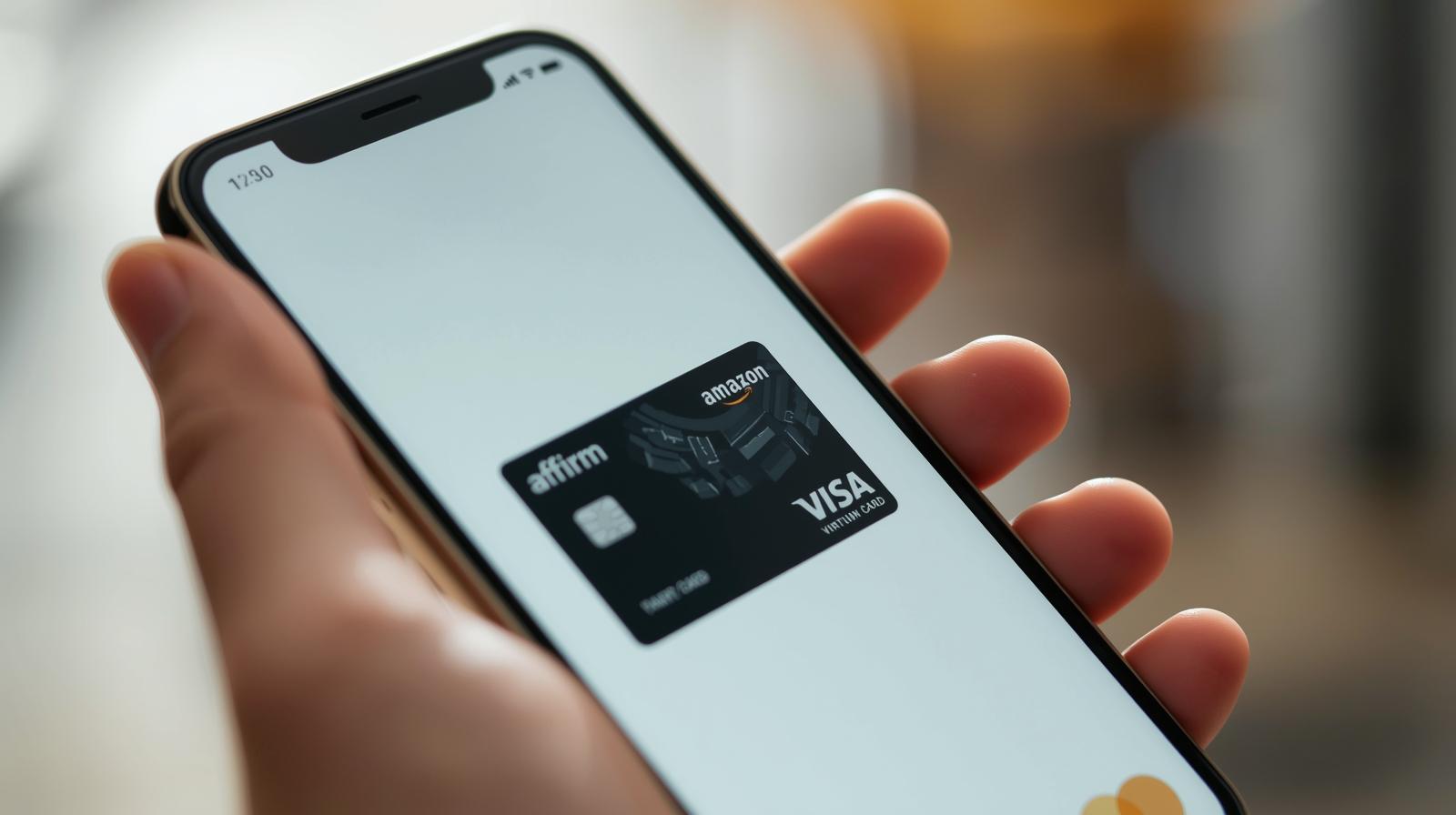
The Affirm virtual card is a temporary digital card issued to let you make purchases at stores that don’t have Affirm as a direct checkout option. It allows you to buy now and pay later—dividing your purchase into fixed monthly payments.
Key features of the Affirm virtual card include:
-
It works wherever Visa is accepted.
-
It has a spending limit based on your approved amount.
-
It’s valid for 24 hours after issuance (if not used).
-
You can use it online or in-store, depending on the retailer.
This card provides flexibility and convenience for users who want to spread out payments without using traditional credit.
2. Can You Use the Affirm Virtual Card on Amazon?
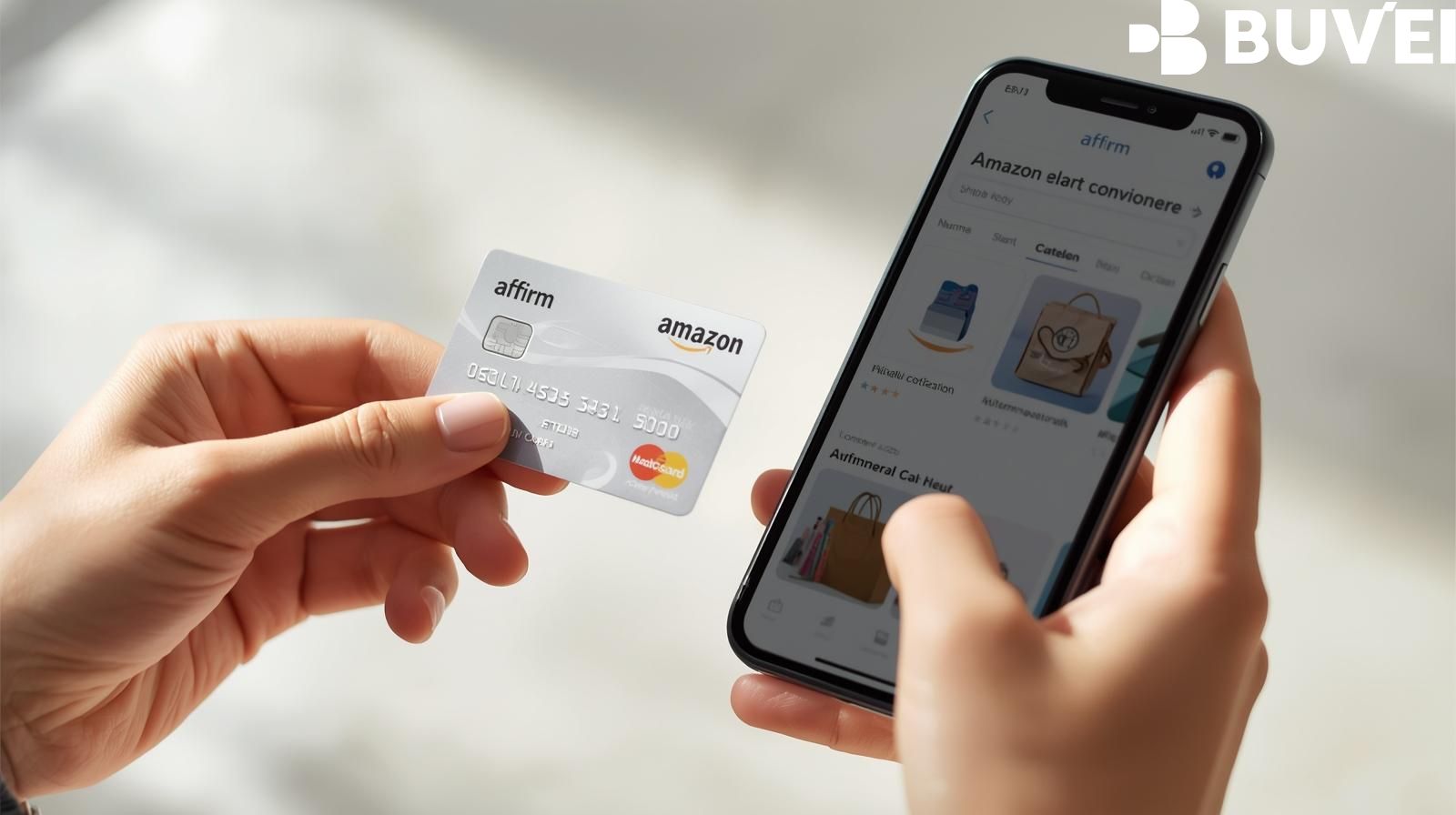
Yes—but not directly at checkout. Amazon doesn’t have an integrated “Pay with Affirm” option, but since the Affirm virtual card functions like a Visa card, you can still use it manually.
However, there are important limitations:
-
The card must be used before it expires (usually within 24 hours).
-
It cannot be used for Amazon gift cards, digital content, or recurring payments like Prime subscriptions.
-
You must ensure your Affirm card limit covers the total purchase amount, including taxes and shipping.
3. How to Use the Affirm Virtual Card on Amazon (Step-by-Step)
Here’s how to make your purchase successfully:
Step 1: Apply for an Affirm Virtual Card
-
Log into your Affirm account (via app or website).
-
Choose “Get a virtual card” and enter your desired spending amount.
-
Affirm will review your request and provide a temporary Visa card (with card number, expiry date, and CVV).
Step 2: Add Items to Your Amazon Cart
Shop as usual on Amazon and add products you want to buy to your cart.
Step 3: Proceed to Checkout
When you’re ready to pay, go to “Payment Method”.
Step 4: Enter the Affirm Virtual Card Details
-
Choose “Add a Credit or Debit Card.”
-
Enter the Affirm virtual card number, expiration date, and CVV exactly as shown.
-
Enter your billing address (should match your Affirm account).
Step 5: Complete Your Purchase
Confirm your order. If the payment is approved, the amount will be deducted from your Affirm virtual card balance, and your monthly payment plan will begin as scheduled.
4. Common Issues When Using Affirm Virtual Card on Amazon
While the process is simple, some users experience errors. Here’s how to handle them:
-
Payment Declined: Ensure your total doesn’t exceed your Affirm card limit.
-
Card Expired: Use the card immediately after it’s issued.
-
Billing Address Mismatch: Always use the same address as on your Affirm account.
-
Amazon Restriction: Some items (like digital goods or gift cards) are not eligible.
If these limitations frustrate you—especially for global purchases or business expenses—consider using a Buvei virtual card, which provides greater flexibility and platform compatibility.
5. Buvei: A Global Virtual Card Alternative
While Affirm is great for “buy now, pay later” purchases, it has restrictions. Buvei offers a more versatile virtual card solution for users who need broader access to online and international platforms.
Buvei’s Key Advantages and Highlights:
1. Multiple BIN Support, Boosting Payment Success Rates
Buvei covers global Visa and Mastercard BIN regions, ensuring high approval rates for different platforms and business types.
2. Strong Payment Compatibility
Buvei cards work seamlessly on Google Ads, Meta Ads, TikTok Ads, Microsoft Ads, and even for SaaS subscriptions like ChatGPT, Canva, and Notion—as well as for daily shopping and travel.
3. USDT Top-up: Low Cost and Fast Arrival
Supports USDT (TRC20/ERC20) deposits for quick top-ups, low fees, and instant balance updates, making it ideal for users managing international or digital transactions.
4. Instant Card Issuance: Easy to Use
You can register and get a Buvei virtual card within minutes—no complex KYC required, just simple account setup.
5. Transparent Fee Structure
All fees are clearly displayed in your dashboard, allowing you to manage spending and set limits easily.
6. Security and Privacy Protection
Buvei complies with PCI DSS standards, ensuring your financial data and transactions remain private and secure.
7. Multi-Account Management and 24/7 Support
Manage multiple virtual cards in one place and enjoy real-time customer service or a dedicated account manager for personalized assistance.
6. Affirm vs. Buvei Virtual Cards: Quick Comparison
| Feature | Affirm Virtual Card | Buvei Virtual Card |
|---|---|---|
| Usage Duration | 24 hours | Long-term |
| Top-up Method | Affirm loan | USDT (TRC20/ERC20) |
| Accepted Platforms | Limited (Visa merchants only) | Global platforms (Ads, SaaS, shopping) |
| KYC Requirement | Full verification | Simplified |
| Issuance Time | Upon loan approval | Instant |
| Multi-card Support | No | Yes |
| Customer Support | App support | 24/7 online + dedicated manager |
If you frequently pay for digital ads, SaaS tools, or international services, Buvei offers more flexibility, lower costs, and instant setup.
Conclusion
Using an Affirm virtual card on Amazon is a convenient way to enjoy flexible payments, but it comes with limitations—like short validity and platform restrictions. For users needing a long-term, globally accepted virtual card, Buvei provides a more powerful and versatile solution.
With instant issuance, transparent fees, crypto top-ups, and wide platform support, Buvei makes managing online payments simple, secure, and efficient.