With the boom in digital learning, platforms like Udemy, Coursera, and Skillshare have become go-to destinations for millions of learners worldwide. But when it comes to paying for courses, many learners now prefer using virtual cards instead of physical credit/debit cards — for privacy, budgeting, and security reasons. In this guide, we’ll explore how these platforms handle payments, whether virtual cards are supported, what makes a virtual card ideal for online learning, common payment issues, and how to create and use a virtual card with Buvei.
How Udemy, Coursera, and Skillshare Handle Payments
Udemy
Udemy accepts major credit/debit cards (Visa, Mastercard, American Express), PayPal in many regions, and sometimes local payment options depending on your country. Payments are usually processed immediately, and course access is granted once the transaction is successful.
Coursera
Coursera supports payments via credit/debit cards and PayPal. For subscription-based plans like Coursera Plus, recurring billing applies. Educational institutions or enterprises may use invoicing or special billing arrangements.
Skillshare
Skillshare operates primarily on a subscription model (monthly or annual). Users can pay with credit/debit cards or PayPal. Once payment is received, members get access to all classes included in their plan.
Across all three platforms, charges appear in the payer’s local currency when possible, and refunds are subject to each platform’s policy.
Can Virtual Cards Be Used on These Learning Platforms?
Yes – virtual cards are compatible with Udemy, Coursera, and Skillshare in most cases, because these platforms accept standard card networks (Visa, Mastercard, AmEx) that virtual cards are built on.
Why Virtual Cards Work
-
Virtual cards have standard PANs (card numbers), expiry dates, and CVVs.
-
They’re treated like any other credit/debit card at checkout.
-
They can be used for one-time purchases or set up for recurring payments depending on the card issuer’s features.
Platform Limitations
-
Recurring billing: Some virtual cards — especially single-use cards — are NOT suitable for subscriptions (like Skillshare monthly plan) unless they allow recurring payments.
-
Country restrictions: Regional availability of virtual cards may vary; some learning platforms might require billing address verification that differs from the virtual card’s default.
In general, purchasing individual courses or paying for one-time access using a virtual card is straightforward, while subscriptions require ensuring the card supports recurring charges.
What Makes a Virtual Card Work Well for Online Courses
Not all virtual cards are created equal. The ideal virtual card for online learning should have the following characteristics:
Supports Recurring Payments
If you plan to subscribe to Skillshare or Coursera Plus, choose a virtual card that allows recurring charges.
Adjustable Spending Limits
Being able to set:
-
Per-transaction limit
-
Monthly limit
helps prevent unwanted charges or overspending.
Security Features
Strong security — such as auto-generation of a new card number, transaction alerts, and the ability to instantly lock the card — reduces fraud risks.
Global Compatibility
Since Udemy, Coursera, and Skillshare operate worldwide, it’s best if the virtual card:
-
Offers multicurrency support
-
Works with global billing systems
-
Has low forex fees (if paying outside your currency)
Easy Top-Up & Management
The ability to quickly load funds into the virtual card and manage settings via a mobile app or dashboard makes payment hassle-free.
Common Payment Issues When Paying for Online Courses
Even with virtual cards, you might run into these common problems:
Card Declined
-
Insufficient balance
-
Card not activated for international/online payments
-
Unsupported card type by the platform
Subscription Failures
Some virtual cards block recurring payments by default. This leads to:
-
Failed auto-renewals
-
Loss of access after trial
Billing Address Mismatch
Platforms verify billing info. If the virtual card’s address doesn’t match the platform’s expectations, the payment can be rejected.
Currency/Regional Limits
Currency conversion fees or regional lockouts can cause payment failures or high charges.
Solution Tips:
-
Enable international transactions
-
Confirm virtual card settings allow subscription billing
-
Match billing address if required
-
Ensure sufficient balance
How to Create and Use a Virtual Card with Buvei
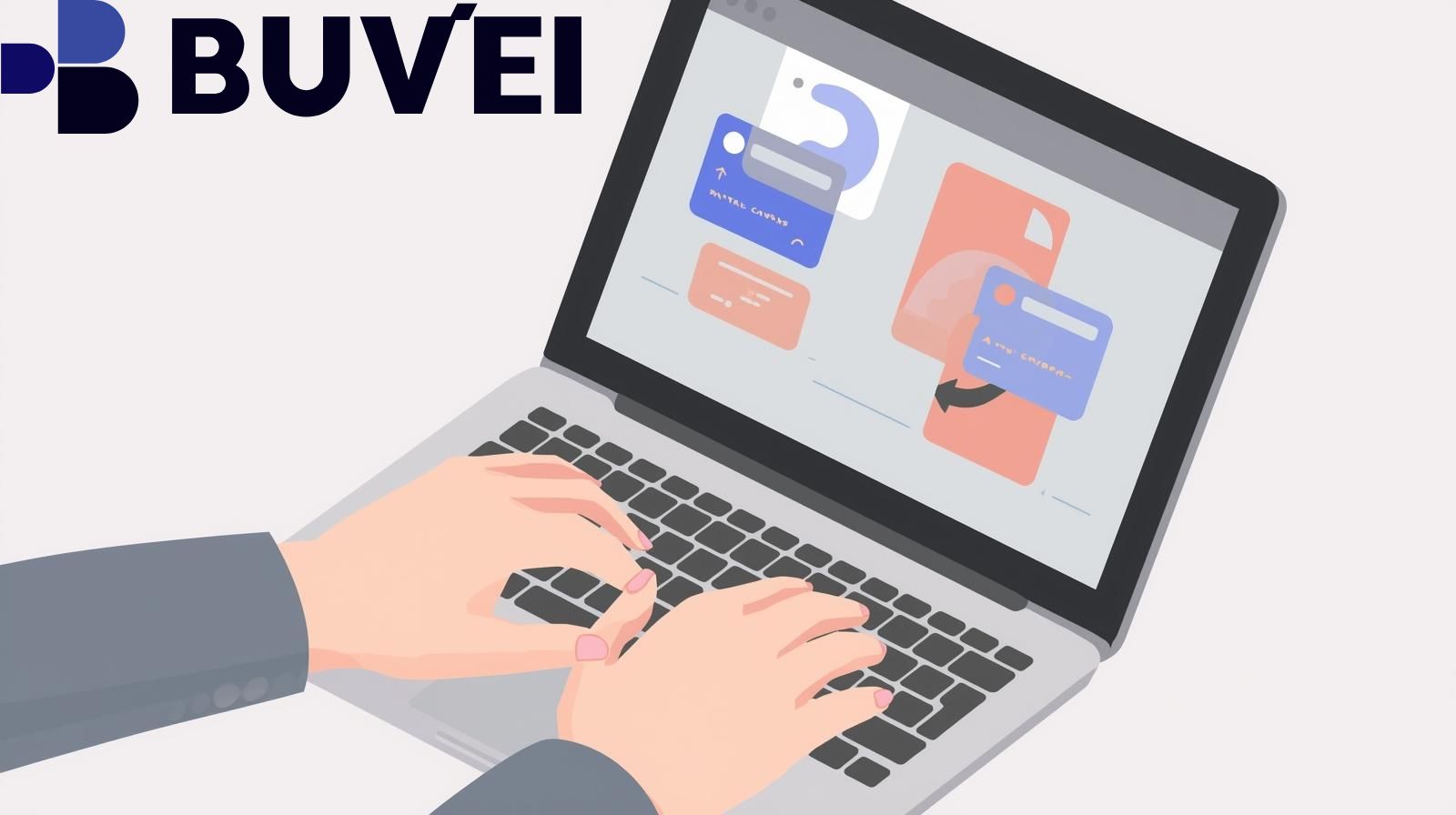
Buvei is a modern digital financial platform that allows users to generate virtual cards quickly — ideal for online payments like course purchases.
Step-by-Step: Create a Virtual Card
-
Sign Up & Verify
-
Register with Buvei using your email or mobile
-
Complete identity verification (as required)
-
-
Add Funds
-
Top up your Buvei account with a linked bank account or transfer
-
-
Generate a Virtual Card
-
Choose whether you want:
-
Single-use card (one transaction only)
-
Multi-use card (reusable + supports subscriptions)
-
-
Set currency, spending limit, and expiration
-
-
Copy Card Details
-
Use the generated:
-
Card number
-
Expiry date
-
CVV
-
-
How to Use It on Udemy / Coursera / Skillshare
-
Go to the platform checkout
-
Select Credit/Debit Card payment method
-
Enter the virtual card details
-
Complete the purchase
Managing Recurring Payments
If subscribing:
-
Make sure the card type supports recurring charges
-
Monitor renewal dates
-
Update the card in the platform’s payment settings if you generate a new virtual card
Conclusion
Virtual cards are a secure and flexible way to pay for online courses on platforms like Udemy, Coursera, and Skillshare. They help protect your primary banking details, control spending, and simplify online transactions — as long as you choose the right card features for your use case. Platforms accept them like regular cards, but it’s crucial to understand recurring payment support and billing settings to avoid subscription issues.
If you’re ready to start, Buvei’s virtual cards make the process fast and convenient, letting you focus on learning — not payment headaches.