
In today’s global marketing landscape, Twitter Ads has become a powerful channel for brands aiming to reach international audiences. With over 145 million daily active users, Twitter is a real-time information network ideal for promoting brand campaigns, driving traffic to independent websites, and expanding global visibility. By linking a virtual credit card, such as the multi-currency cards provided by Buvei, businesses can seamlessly and securely open Twitter Ads accounts—overcoming traditional payment challenges such as regional restrictions and risk controls.
Step 1: Access the Twitter Ads Manager
Go to https://ads.twitter.com Log into your existing Twitter account, or sign up for a new one for advertising purposes. Click the “Create campaign” button in the upper-right corner.

Step 2: Choose Your Campaign Objective
Twitter offers a variety of ad goals, such as:
-
Website traffic, Engagements,Followers,Video views
Select the objective that aligns with your campaign strategy and continue.

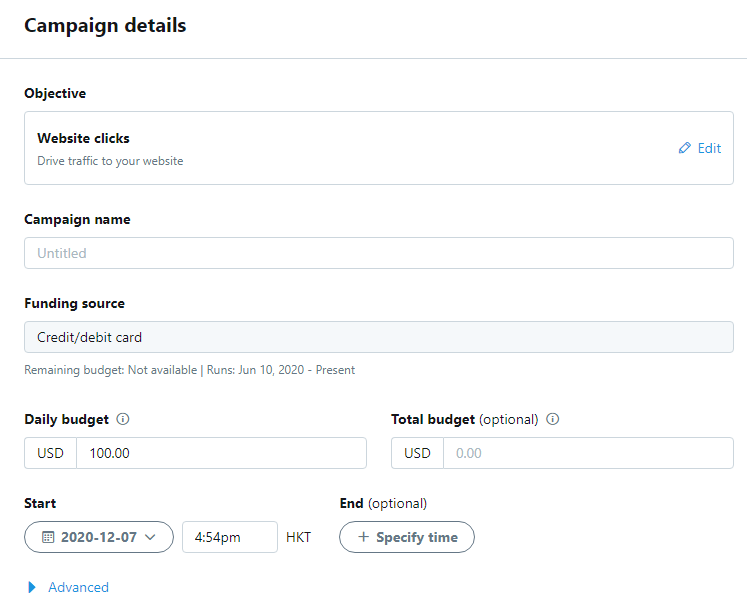
Step 3: Set Budget & Bidding
You can define a daily budget or a total campaign budget. Choose between automatic or manual bidding. During early-stage testing, we recommend setting a lower budget to optimize conversion.
Step 4: Create Your Ad (Creatives)
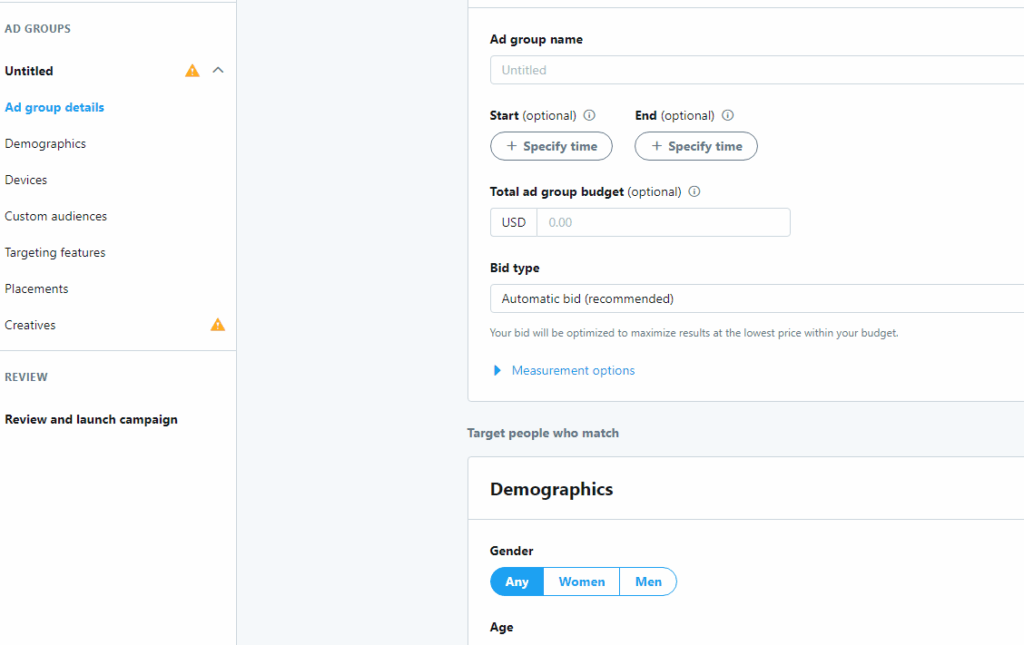
Fill in the ad title, description, and target URL (preferably your website or landing page). Upload visual assets (images or videos) that follow Twitter’s recommended specs. Consider creating multiple variations to facilitate A/B testing.
Step 5: Add a Payment Method (Using Buvei Virtual Credit Card)
After saving your campaign setup, Twitter will prompt you to enter billing details. Choose “Credit or Debit Card”, then input your Buvei Virtual Card details:
-
Card number
-
Expiry date
-
CVV code
-
Cardholder name (must match your Buvei account)
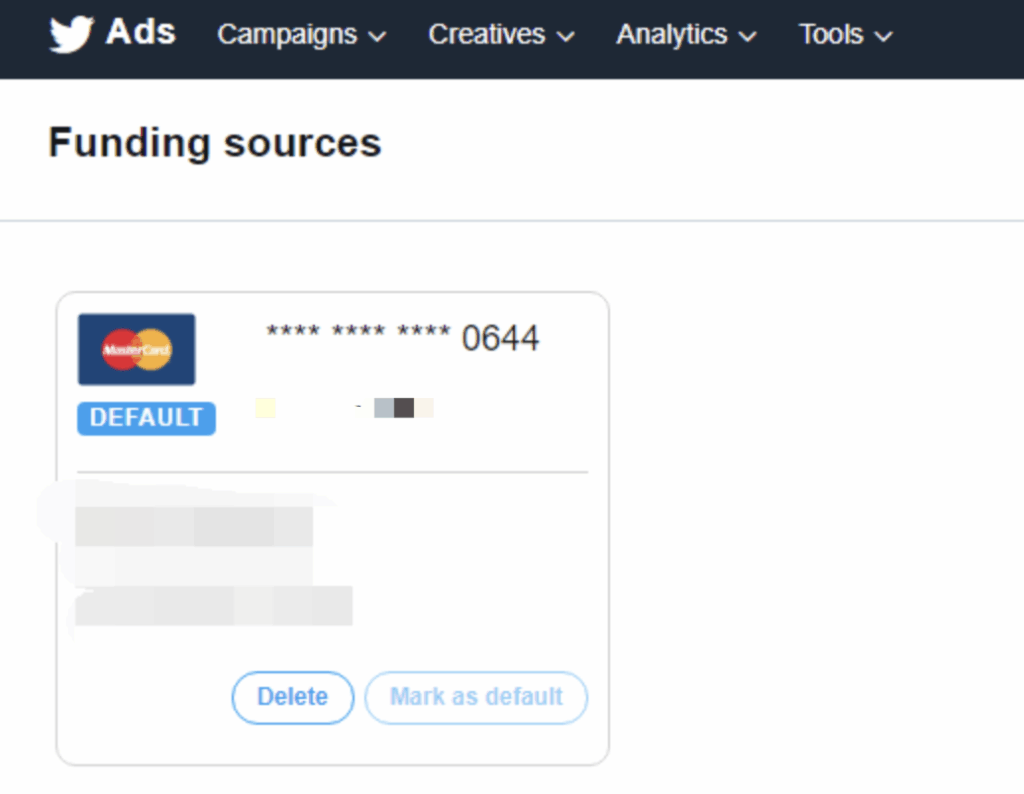
✅ Buvei offers virtual Mastercard/Visa that work seamlessly with Twitter Ads, supporting multi-currency payments (e.g., USD, EUR), customizable spending limits, and enhanced account security with disposable or replaceable cards.
If you don’t have a virtual credit card yet, visit https://buvei.com/vcc to get started:
-
Register or log in with your email
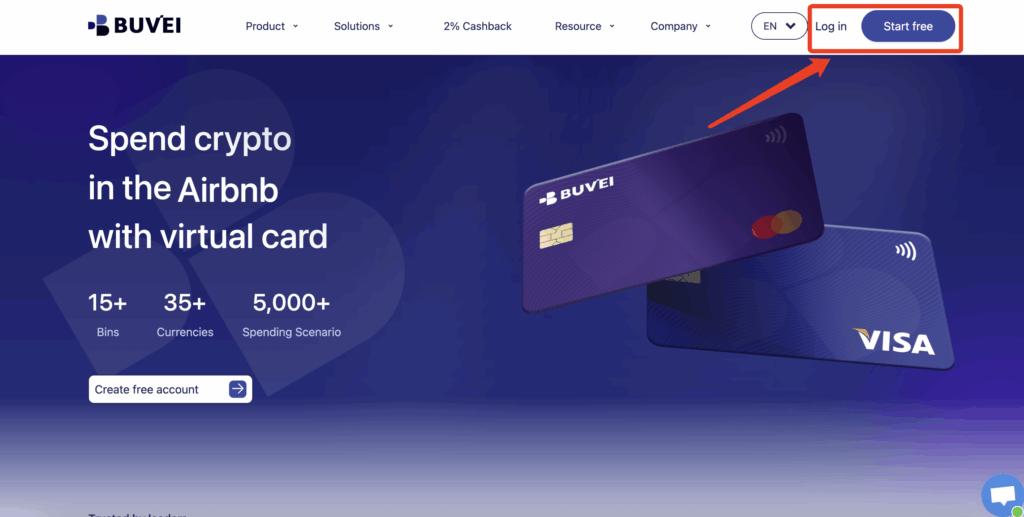
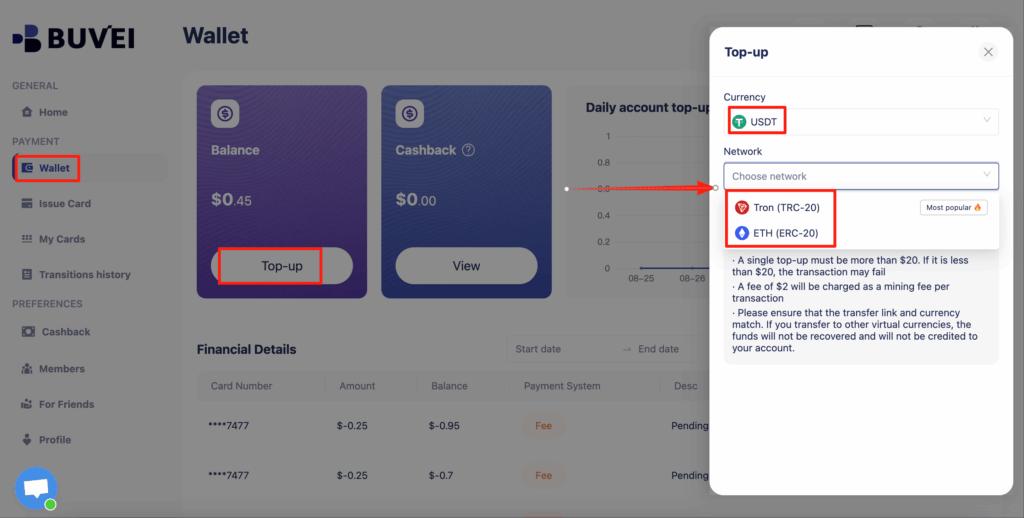
- Go to Wallet to fund your balance (supports multiple top-up options)
-
Click Virtual Card, choose your preferred BIN, fill in your card details and fund it


Step 6: Submit for Review & Start Running Ads
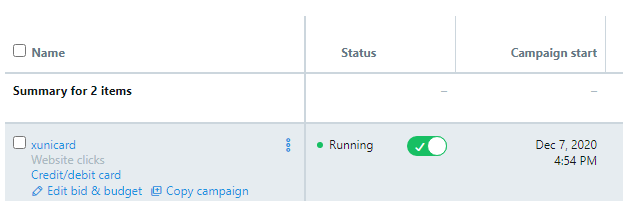
Once submitted, Twitter typically reviews your ad within 1–12 hours.
Upon approval, your ads will go live, with costs based on impressions or clicks.
🔐 Why Use Buvei Virtual Cards for Twitter Ads?
| Feature | Traditional Physical Cards | Buvei Virtual Cards ✅ |
| Cross-border payment support | Limited | ✅ Multi-currency supported |
| Risk of account restriction | High | ✅ Low-risk, single-use cards |
| Multi-account campaign use | Not supported | ✅ Independent cards per account |
| Cost control | Inflexible | ✅ Set limits and expiry |
| Billing management | Unclear | ✅ Tagged and transparent |
By using Buvei virtual cards for Twitter Ads, businesses can take full control of their ad spend, reduce risks of account blocks, and streamline financial operations across regions.