IONOS (formerly 1&1 IONOS) is one of Europe’s most widely used domain and hosting providers, especially popular among users in Germany, the UK, and other EU markets. While its infrastructure and services are enterprise-grade, payment flexibility—especially for crypto users—remains limited.
IONOS does not directly accept cryptocurrency. However, by using crypto-funded virtual cards, users can still pay for domain registrations, renewals, and related services without converting crypto through traditional banks.
This guide explains how the process works and how to manage IONOS payments safely using crypto virtual cards.
IONOS Domain Payment Options Explained
IONOS primarily supports the following payment methods:
-
Visa and Mastercard credit or debit cards
-
SEPA direct debit (mainly for EU residents)
-
PayPal in selected regions
Most IONOS services, including domain registrations, are subscription-based and rely on automatic renewals. This means the payment method must support recurring or future charges, not just one-time payments.
For international users and crypto holders, this requirement is often where payment issues begin.
Why Crypto Payments Aren’t Directly Accepted by IONOS
IONOS follows a conservative payment policy shaped by EU financial regulations. Direct crypto acceptance would introduce challenges related to:
-
Regulatory compliance and AML requirements
-
Refund handling and exchange-rate volatility
-
Long-term subscriptions and recurring billing
As a result, IONOS has not integrated native crypto payment gateways. Instead, users need a payment method that behaves like a standard bank card while still being funded by crypto.
How Crypto Virtual Cards Enable IONOS Payments
Crypto virtual cards act as a bridge between blockchain assets and traditional card networks.
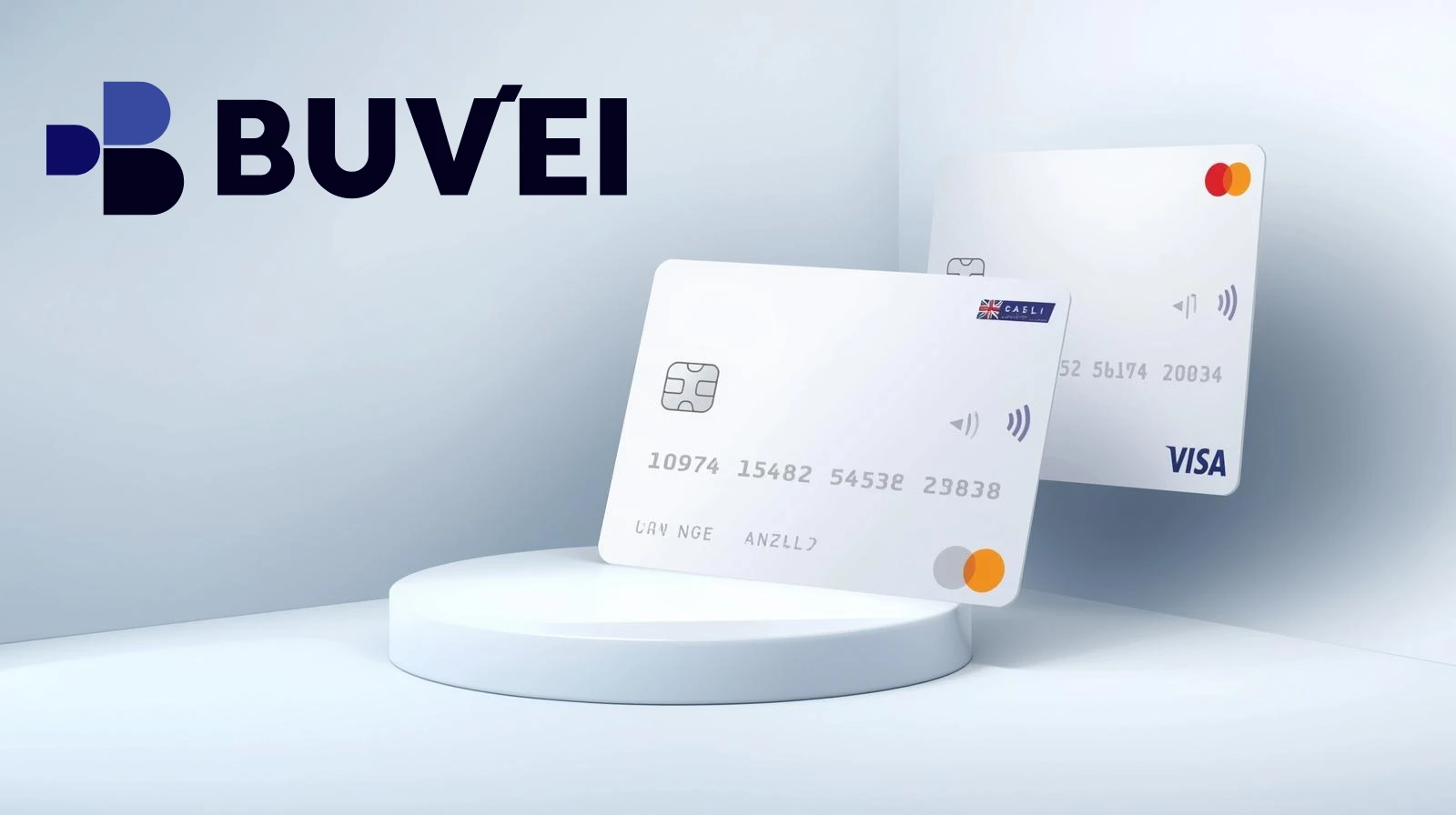
You fund the virtual card using cryptocurrency such as USDT or USDC. The card then functions like a regular Visa or Mastercard, which IONOS can process without restrictions. From IONOS’s perspective, it’s a normal card transaction; from your perspective, you’re paying with crypto.
This approach also supports renewals, pre-authorizations, and account-level billing settings.
Step-by-Step: Paying IONOS Domain Fees with a Crypto Virtual Card
Start by choosing a virtual card provider that supports crypto funding and international online payments.
Create a virtual card and load it with sufficient balance to cover your domain fees and potential renewal charges.
Log in to your IONOS account and navigate to the billing or payment settings section. Add a new card and enter the virtual card details, including card number, expiration date, CVV, and billing address.
Once saved, set the virtual card as your default payment method. You can now complete domain purchases or allow the card to handle upcoming renewals automatically.
Managing IONOS Payments and Renewals with Crypto
Because IONOS enables auto-renew by default, balance management is critical when using crypto virtual cards.
It’s recommended to monitor upcoming renewal dates and ensure the virtual card always maintains enough funds. Many users prefer keeping a buffer to avoid failed renewals that could result in domain suspension.
Some virtual card platforms allow you to pause, freeze, or replace cards instantly, giving you more control compared to traditional bank cards.
Benefits of Using Crypto Virtual Cards for Domain Services
Using crypto virtual cards for IONOS offers several advantages:
-
No need to convert crypto through banks
-
Global accessibility regardless of residence
-
Better control over recurring payments
-
Reduced exposure of primary bank accounts
For freelancers, Web3 projects, and international founders, this method aligns well with decentralized finance workflows.
Common Issues and How to Avoid Them
Payment failures usually occur due to insufficient balance, mismatched billing addresses, or cards that do not support recurring charges.
To reduce risk, always use a virtual card that explicitly supports SaaS or subscription payments and ensure billing details are consistent with your IONOS account region.