In today’s digital era, virtual cards have become essential tools for online transactions, subscription services, and secure payments. Unlike physical cards, virtual cards offer the convenience of instant issuance and enhanced security. However, one common challenge users face is managing monthly spending limits. Understanding how to effectively handle these virtual card limits ensures financial control, prevents overspending, and maximizes the benefits of digital banking. This article explores practical strategies to manage your virtual card monthly caps efficiently. 
Understand Your Virtual Card Limits
The first step in managing a virtual card is understanding its limits. Each card provider sets a maximum monthly spending cap based on factors like account type, verification level, and user history. Common limit types include:
-
Daily limits: The maximum amount you can spend per day.
-
Weekly limits: Aggregated spending allowed within seven days.
-
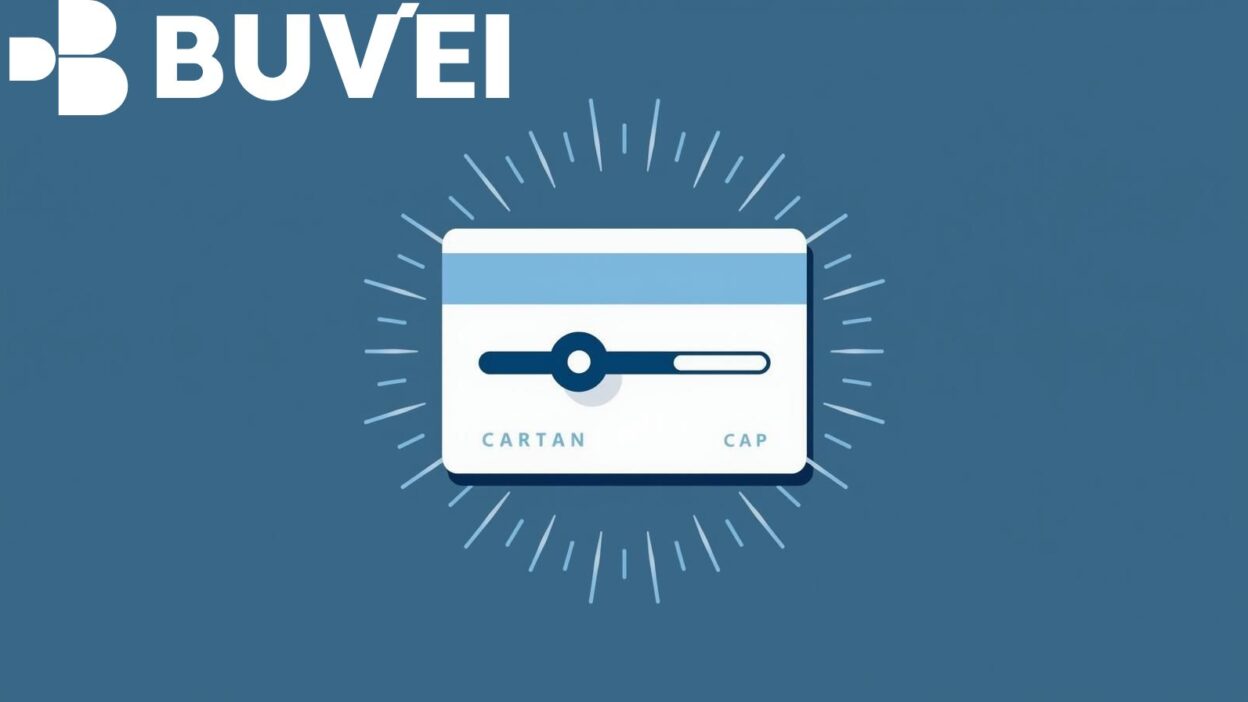
Monthly caps: Total spending permitted over a month.
By reviewing these limits in your card’s dashboard, you can avoid transaction failures and unexpected denials. Monitoring limits also allows for better budgeting and financial planning.
Track Spending Regularly
Once you know your virtual card limits, consistent monitoring is crucial. Many providers offer real-time alerts for transactions and remaining balances. Key practices include:
-
Check your card activity daily or weekly to stay informed.
-
Set notifications for approaching monthly caps.
-
Use financial apps that integrate with your virtual card for automatic tracking.
Regular tracking helps prevent overcharges, reduces stress from missed limits, and ensures you maintain control over your digital finances.
Adjust Limits When Possible
Some virtual card providers allow users to adjust spending limits temporarily or permanently. Increasing a monthly cap can be helpful for planned high-cost transactions, while lowering it can enforce stricter budgeting. Steps to manage limits effectively:
-
Review provider policies on limit adjustments.
-
Request temporary limit increases for travel or subscription renewals.
-
Set permanent limits to prevent overspending on recurring payments.
This flexibility ensures your virtual card adapts to your financial needs without compromising security.
Use Multiple Cards Strategically
Another practical approach to managing monthly caps is using multiple virtual cards. By dividing spending across several cards, you can:
-
Avoid hitting a single card’s limit too quickly.
-
Separate business and personal expenses for easier accounting.
-
Enhance security by reducing exposure if a card is compromised.
For example, one card can be dedicated to subscriptions, while another handles one-time online purchases. This strategy optimizes both financial control and security.

Conclusion
Managing virtual card limits is essential for maintaining control over online spending and maximizing the benefits of digital banking. By understanding your card’s limits, tracking spending regularly, adjusting caps as needed, and strategically using multiple cards, you can avoid overspending and improve financial organization. With these methods, virtual cards can provide both convenience and security for all your online transactions.