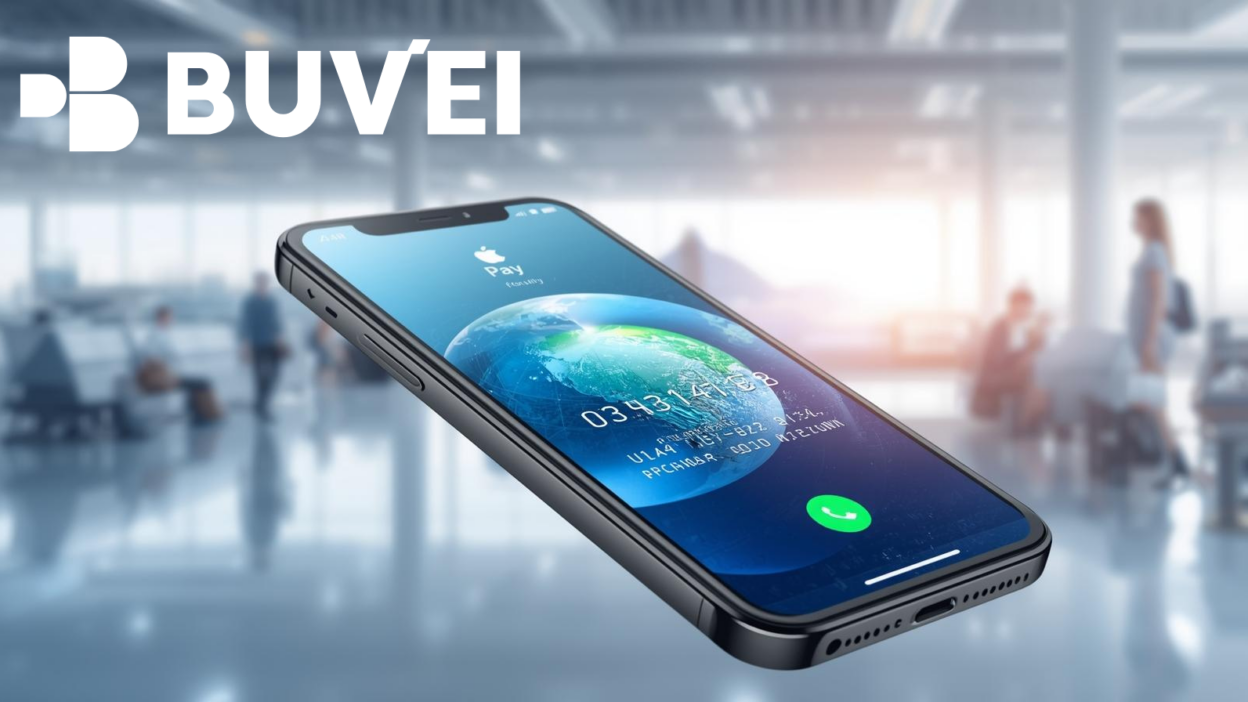
International travel involves multiple payment scenarios — hotels, airlines, restaurants, transportation, and online bookings. Using physical cards abroad can expose travelers to fraud risks, foreign transaction fees, and card decline issues.
Apple Pay provides a secure and contactless way to handle payments internationally, especially when paired with compatible virtual cards.

Why Apple Pay is Perfect for International Travel Payments
Apple Pay is widely accepted wherever contactless Visa and Mastercard payments are supported.
Key travel advantages include:
🔹 Tokenized Security
Your real card number is never shared with merchants.
🔹 Contactless Convenience
Pay with iPhone or Apple Watch without handling cash or inserting cards.
🔹 Multi-Currency Compatibility
Works globally where supported networks operate.
🔹 Reduced Fraud Exposure
Lost devices can be locked remotely via Find My.
For travelers moving across countries, digital wallet payments reduce dependency on physical cards.
Benefits of Using Virtual Cards for Travel Expenses with Apple Pay
Virtual cards add another layer of flexibility when traveling.
✔ Budget Control
Set spending limits for accommodation, dining, or transport.
✔ Risk Isolation
Use separate cards for bookings and daily spending.
✔ Easy Replacement
Instantly replace a compromised card.
✔ Cross-Border Compatibility
Designed for online and international transactions.
When linked to Apple Pay, virtual cards combine mobile convenience with structured financial control.

Best Virtual Cards for International Payments via Apple Pay
When selecting a virtual card for travel, consider:
🔹 International Acceptance
Card should support global online and offline payments.
🔹 Low Foreign Transaction Fees
Review FX markups and conversion rates.
🔹 Adjustable Spending Limits
Important for managing travel budgets.
🔹 Wallet Compatibility
Ensure the provider supports Apple Pay integration.
Virtual cards backed by major payment networks typically provide broader international acceptance.
How to Set Up Apple Pay for International Travel
Step 1: Add Your Card
-
Open Wallet app
-
Tap "+"
-
Add debit, credit, or supported virtual card
-
Complete verification
Step 2: Set Default Travel Card
Choose the card you want as your primary international payment method.
Step 3: Enable International Usage
Confirm with your card issuer that:
-
International transactions are enabled
-
Online payments are allowed
-
Travel notifications (if required) are set
Testing a small transaction before departure is recommended.
Common Issues with Apple Pay and How Virtual Cards Solve Them
Card Declined Abroad
Some banks block foreign transactions automatically.
Solution: Use a travel-dedicated virtual card with international authorization enabled.
Foreign Transaction Fees
Unexpected FX fees increase total expenses.
Solution: Compare card providers offering competitive FX rates.
Fraud Risk in Tourist Areas
Physical card skimming remains a concern.
Solution: Use tokenized Apple Pay transactions instead of swiping cards.
Subscription or Pre-Authorization Holds
Hotels and rental companies often place temporary holds.
Solution: Use a separate virtual card to isolate large authorization amounts.
Travel Payment Best Practices
To optimize international spending:
-
Inform your issuer before travel
-
Carry a backup payment method
-
Monitor transactions daily
-
Use separate cards for bookings and daily expenses
-
Keep sufficient balance for pre-authorizations
Combining Apple Pay with virtual cards creates a structured, secure, and flexible travel payment system.
Conclusion
Apple Pay simplifies international travel payments through secure, contactless transactions and broad global acceptance. When paired with compatible virtual cards, travelers gain additional control over spending, improved risk management, and greater flexibility across borders.
Structured payment management ensures smoother travel experiences with fewer billing disruptions.、