PayPal is one of the most popular online payment systems, allowing users to make purchases, send money, and receive payments globally. To use PayPal’s full features, you need to verify your account, which typically involves linking and verifying a payment method like a credit or debit card. Virtual cards are a great way to do this, offering security, convenience, and ease of use. In this step-by-step guide, we’ll show you how to verify your PayPal account with a virtual card, troubleshoot common errors, and explain how Buvei virtual cards can simplify the process.
Why PayPal Requires Card Verification
PayPal requires card verification to ensure that users can securely make payments and receive funds. Verifying a card allows PayPal to confirm your identity, prevent fraudulent activity, and provide a secure method for processing transactions.
Here are some reasons why card verification is necessary:
-
Security: Verifying a card helps prevent fraud and ensures that the cardholder is legitimate.
-
Access to Full Features: Unverified PayPal accounts have limited access to PayPal features. By verifying your card, you can unlock all of PayPal’s capabilities, including sending and receiving larger amounts of money.
-
Transaction Safety: Linking and verifying a card adds an additional layer of protection for both buyers and sellers by reducing the chances of unauthorized transactions.
Once your card is verified, you can easily make purchases, receive funds, and use PayPal for international transactions with confidence.

Can Virtual Cards Be Used to Verify PayPal?
Yes, virtual cards can be used to verify your PayPal account. In fact, virtual cards are an excellent option for verifying PayPal because they provide enhanced security and control over your spending.
Virtual cards work in much the same way as traditional debit or credit cards, but they are digital, which means they are not linked to a physical card. This makes them an ideal solution for online verification and transactions.
The process of verifying PayPal with a virtual card is straightforward, but there are a few key steps to follow. Let’s dive into the details of the verification process.
Step-by-Step Guide to Verifying PayPal with a Virtual Card
Follow these steps to verify your PayPal account with a virtual card:
Step 1: Create a Virtual Card
To begin, you’ll need to create a virtual card. You can do this through a virtual card provider such as Buvei. The process usually involves the following:
-
Sign up for an account with a virtual card provider.
-
Add funds to your account using a credit card, bank transfer, or cryptocurrency.
-
Generate a virtual card through the provider’s platform. You’ll receive a card number, expiration date, and CVV code.
Step 2: Link the Virtual Card to Your PayPal Account
Once you’ve created your virtual card, the next step is to link it to your PayPal account:
-
Log in to your PayPal account.
-
Go to the Wallet section and click on Link a Card or Bank.
-
Choose Link a Credit or Debit Card and enter the virtual card’s details: card number, expiration date, and CVV code.
Step 3: Verify the Card
After linking your virtual card, PayPal will initiate a small charge to verify the card. This typically involves:
-
PayPal making a temporary charge (usually under $1) to your virtual card.
-
The charge will appear on your virtual card statement. You may need to log into your virtual card provider’s platform or app to view the transaction details.
Step 4: Enter the Verification Code
Once you have the charge details, you’ll need to enter the verification code provided by PayPal:
-
In your PayPal account, go to the Activity section and find the charge.
-
PayPal will provide a unique 4-digit code related to the charge.
-
Enter this code in PayPal to complete the verification process.
Once completed, your PayPal account will be fully verified, and you’ll be able to use all of its features.
Common PayPal Verification Errors and Fixes
While the verification process is generally straightforward, some users encounter issues. Here are some common errors and how to fix them:
-
Error: “Card Could Not Be Verified”
-
Solution: Double-check that the virtual card details (card number, expiration date, CVV) are entered correctly. Ensure that the virtual card has sufficient funds and is valid for online payments.
-
-
Error: “Verification Code Not Received”
-
Solution: Check your virtual card provider’s platform to view the charge details and find the verification code. If the charge does not appear, wait a few minutes and try again. If you still don’t see it, contact your virtual card provider for assistance.
-
-
Error: “PayPal Unable to Process Card”
-
Solution: Some virtual cards may not be accepted by PayPal for verification. Ensure that the virtual card is supported by PayPal. You can contact the virtual card provider or try using a different virtual card.
-
-
Error: “Card Declined”
-
Solution: This may happen if your virtual card doesn’t have enough funds, or if there are restrictions on online transactions. Ensure the card is fully funded and supports online purchases.
-
By following these solutions, you can quickly resolve any verification issues you may encounter.
Using Buvei Virtual Cards for Smooth PayPal Verification
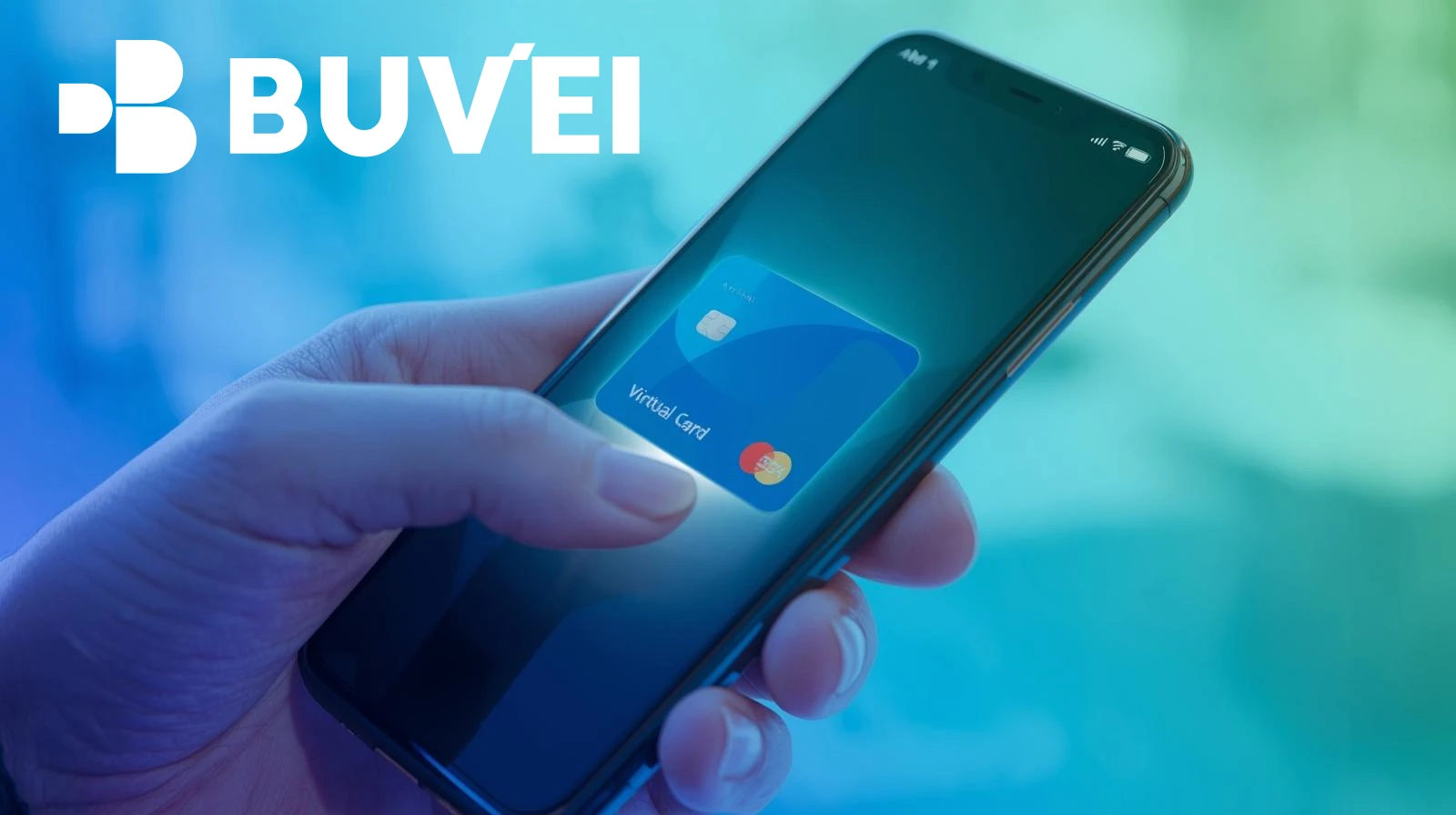
Buvei is an excellent option for those looking to verify their PayPal accounts securely and efficiently. Here’s why Buvei virtual cards are ideal for this process:
-
Instant Card Creation: Buvei allows you to generate virtual cards instantly, so you can start using them for PayPal verification right away.
-
No Hidden Fees: Buvei offers transparent pricing with low fees, which is ideal for students and users looking to manage small verification payments.
-
Global Acceptance: Buvei’s virtual cards are accepted by PayPal and other international platforms, ensuring that you can make payments and verify accounts globally.
-
Enhanced Security: Buvei’s virtual cards come with advanced security features like two-factor authentication, real-time transaction alerts, and customizable spending limits.
-
Easy to Use: Buvei’s platform is user-friendly, allowing you to manage your virtual cards and track your payments with ease.
With Buvei virtual cards, the PayPal verification process becomes simple, secure, and hassle-free. You can easily create a virtual card, link it to PayPal, and verify your account in no time.
Final Thoughts
Verifying your PayPal account with a virtual card is a convenient and secure way to unlock all of PayPal’s features. Whether you’re using PayPal for shopping, receiving payments, or managing subscriptions, virtual cards provide enhanced security and flexibility. By following the step-by-step guide above and using Buvei virtual cards, you can quickly and easily verify your PayPal account and begin using it for all your online transactions.