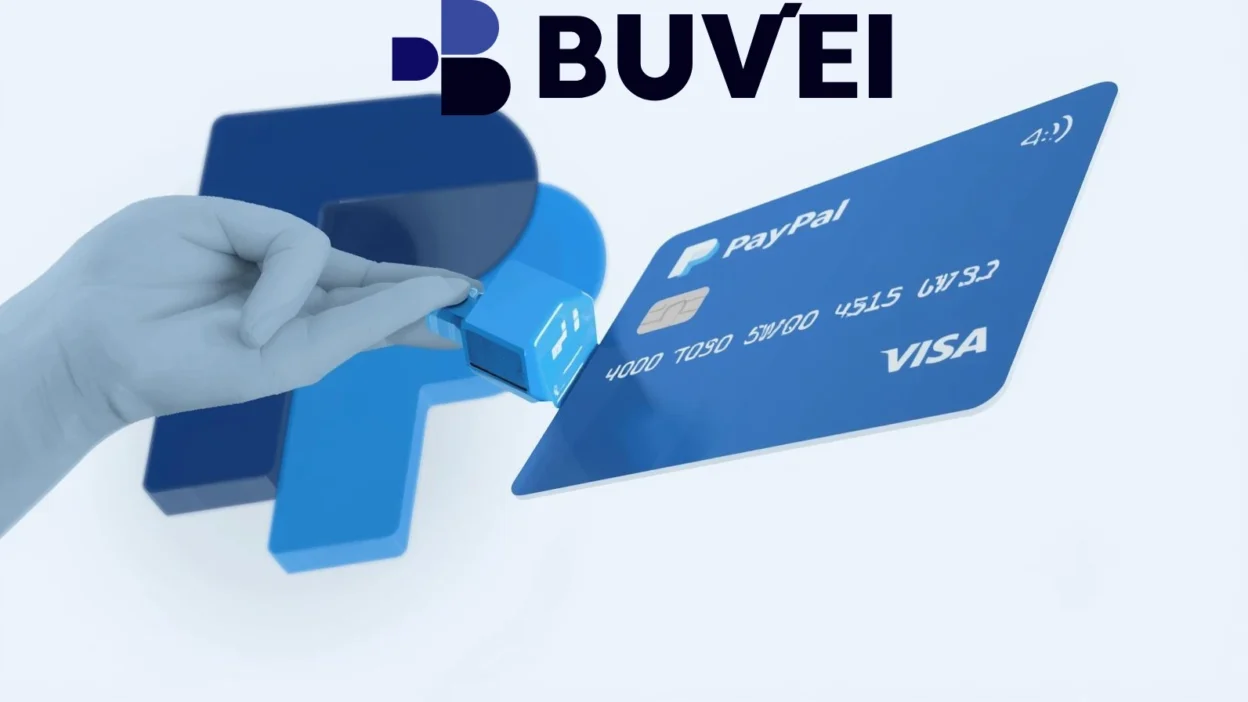
PayPal requires users to verify a payment method to confirm account ownership and improve transaction security. Card verification helps reduce fraud, ensure that payments are authorized, and unlock additional account features.
For many users who shop online or receive payments globally, verifying a PayPal account is an essential step to fully activate the platform’s capabilities.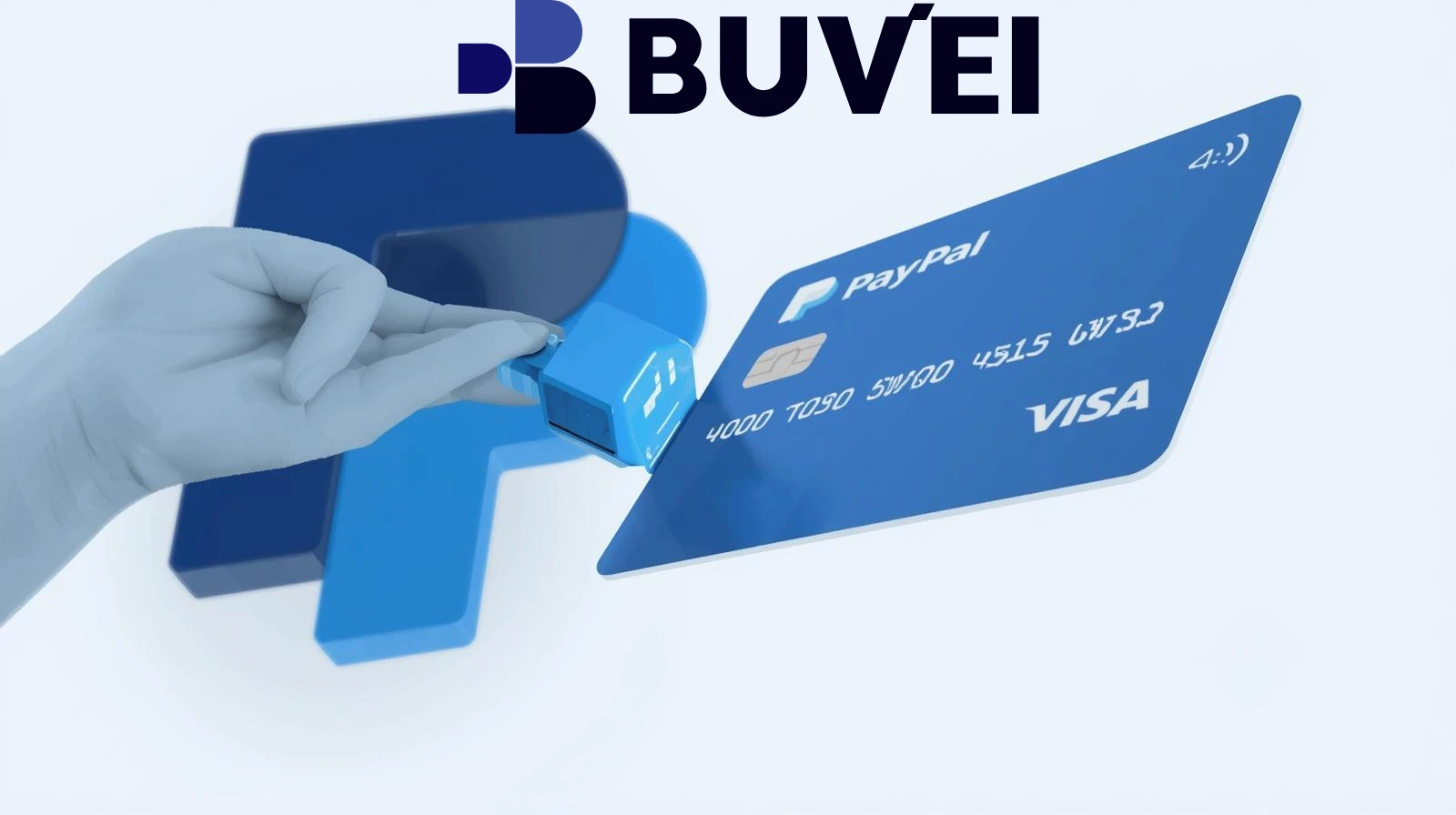
Can Virtual Cards Be Used to Verify PayPal?
In many cases, virtual cards can be used to verify a PayPal account. Since most virtual cards function like standard debit or credit cards, they can be added as a payment method during the verification process.
However, successful verification depends on several factors:
Card Network Compatibility
Cards issued on major payment networks such as Visa or Mastercard are more likely to work.
International Payment Support
The card must support online and cross-border transactions.
Authorization Capability
PayPal usually charges a small temporary authorization fee to confirm the card.
If the virtual card meets these requirements, it can typically be used to complete PayPal verification.

Step-by-Step Guide to Verifying PayPal with a Virtual Card
Verifying a PayPal account with a virtual card usually takes only a few minutes. The process is straightforward.
Step 1 – Log In to Your PayPal Account
Sign in to your PayPal account and navigate to the Wallet section.
Step 2 – Add a New Card
Select the option to add a credit or debit card, then enter your virtual card details:
-
Card number
-
Expiration date
-
CVV code
-
Billing address
Step 3 – Confirm the Card
PayPal will place a small temporary charge on the card. This charge includes a 4-digit verification code in the transaction description.
Step 4 – Enter the Verification Code
Check your card transaction details to locate the code, then return to PayPal and enter it to complete the verification.
Step 5 – Card Verification Complete
Once the code is confirmed, the card will be successfully linked and verified for use with PayPal.
This process allows users to start making payments or receiving funds more easily.
Common PayPal Verification Errors and Fixes
While the process is simple, some users may encounter errors during verification. Understanding the common issues can help resolve them quickly.
Card Declined
Some banks block PayPal authorization requests. Using a card designed for international online payments can help avoid this issue.
Authorization Charge Not Received
If the temporary charge does not appear, users should wait a few minutes or check with their card provider.
Invalid Billing Address
The billing address entered in PayPal must match the address associated with the card.
Unsupported Card Type
Certain prepaid or restricted cards may not support PayPal verification.
Most verification problems can be solved by ensuring that the card supports online transactions and international payments.
Using Buvei Virtual Cards for Smooth PayPal Verification
For users who want a flexible solution for online payments, Buvei offers virtual cards designed for global transactions.
Key advantages include:
Instant Virtual Card Creation
Users can generate a virtual card quickly and add it to PayPal immediately.
Online Payment Compatibility
Cards are designed to work with international payment platforms and digital services.
Secure Transactions
Virtual cards reduce the risk of exposing a primary bank card when linking payment methods.
Flexible Payment Management
Users can create multiple cards for different services or accounts.
Subscription and Payment Support
Cards can also be used for recurring payments across many online platforms.
These features make Buvei a convenient option for users who want to verify their PayPal accounts and manage digital payments securely.
 Final Thoughts
Verifying a PayPal account is an important step for anyone using the platform for online transactions or global payments. Linking a card confirms account ownership and unlocks additional payment features.
Virtual cards provide a practical alternative to traditional bank cards, offering better security and easier payment management. By following the correct verification steps and using a compatible card, users can complete the process quickly and start using PayPal with confidence.
Solutions like Buvei help simplify PayPal verification while providing a secure and flexible way to manage online payments in 2026.