Introduction
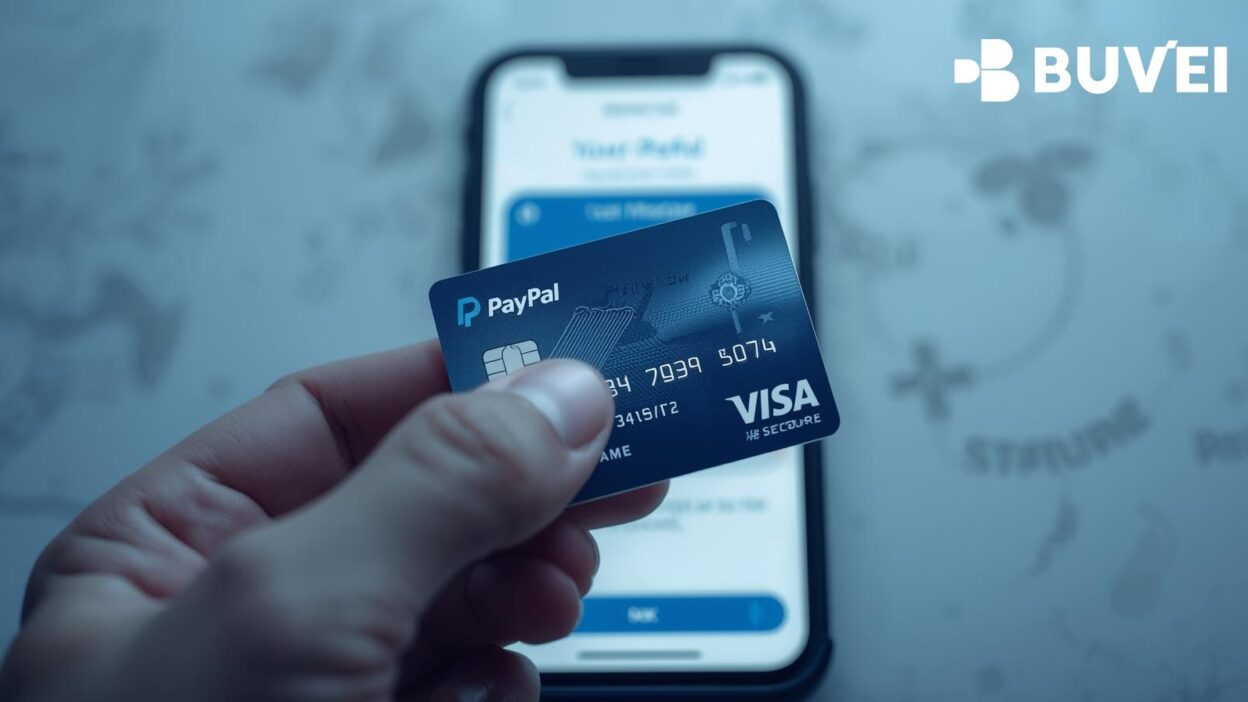
PayPal is one of the most popular online payment platforms, but using it securely and efficiently often requires a linked card. A virtual card provides a fast, safe, and flexible solution. With a virtual card, you can manage subscriptions, run ads, and make purchases without exposing your real bank account details.
Buvei is a top choice for users looking to link a virtual card to PayPal, offering instant issuance, global compatibility, and strong security.
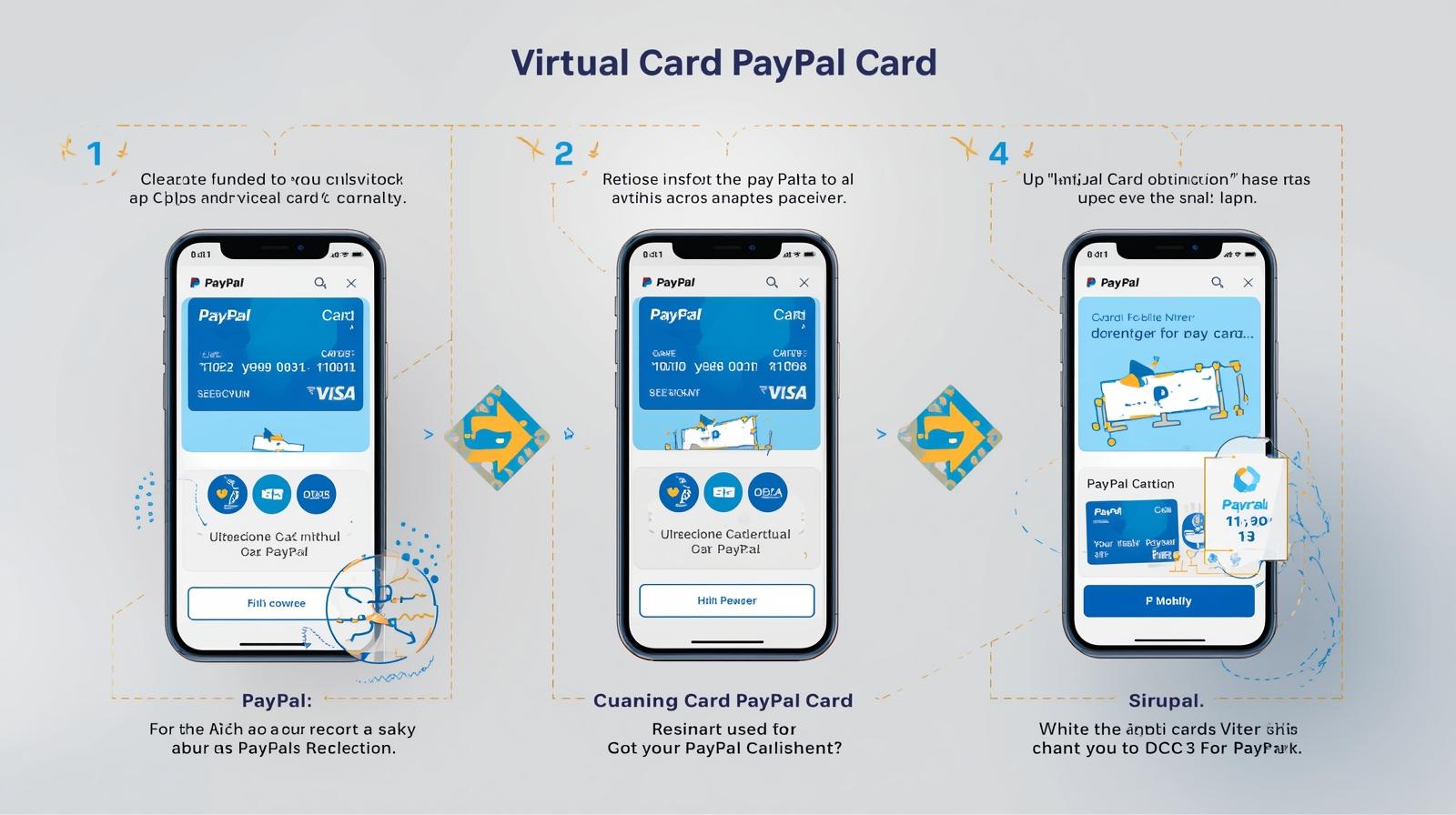
1. What Is a Virtual Card?
A virtual card is a digital card issued online with a unique number, CVV, and expiration date. Unlike physical cards, virtual cards are designed for online payments, offering benefits such as:
-
Instant usage immediately after creation.
-
Enhanced security to protect personal bank information.
-
Global acceptance for Visa and Mastercard networks.
-
Spending control via limits and multi-account management.
2. How to Use a Virtual Card with PayPal
Using a virtual card with PayPal is straightforward:
-
Sign Up for a Virtual Card Provider
Choose a reliable provider like Buvei, which supports multiple BINs for global payment success. -
Top Up Your Virtual Card
Fund your card using options like USDT (TRC20/ERC20) for low fees and fast arrival. -
Link Your Virtual Card to PayPal
-
Log in to your PayPal account.
-
Navigate to “Wallet” → “Link a card.”
-
Enter your virtual card details.
-
Verify the card if prompted.
-
-
Start Using PayPal Payments
Use the linked virtual card for online purchases, subscriptions, or payments on supported platforms.
3. Why Buvei Is Ideal for Virtual Cards with PayPal
Buvei’s Advantages:
-
Multiple BIN Support, Boosting Payment Success Rates
Covers global Visa/Mastercard BINs, ensuring your PayPal payments are smooth and accepted worldwide. -
Strong Payment Compatibility
Works on platforms like Google Ads, Meta Ads, TikTok Ads, Microsoft Ads, and SaaS subscriptions like ChatGPT, Canva, Notion, as well as daily online purchases. -
Instant Card Issuance and Easy Top-Up
Virtual cards are issued immediately after registration. Fund them via USDT for quick and cost-effective payments. -
Transparent Fee Structure and Spending Control
Set card limits and view all fees clearly in the dashboard, helping you manage your budget.
Additional benefits include security and privacy protection (PCI DSS compliant), multi-account management, and real-time online customer support.
4. Tips for Using Virtual Cards on PayPal
-
Always verify the card in PayPal to avoid declined transactions.
-
Set spending limits to control subscription and purchase costs.
-
Monitor transactions through Buvei’s dashboard for better budgeting.
-
Use multiple cards for different purposes (ads, SaaS tools, personal expenses).
Summary
Linking a virtual card to PayPal allows secure, fast, and convenient online payments. Buvei provides instant virtual cards with multiple BIN support, USDT top-ups, and global compatibility. Freelancers, remote workers, and everyday users can enjoy enhanced security, budget control, and instant payment capabilities.