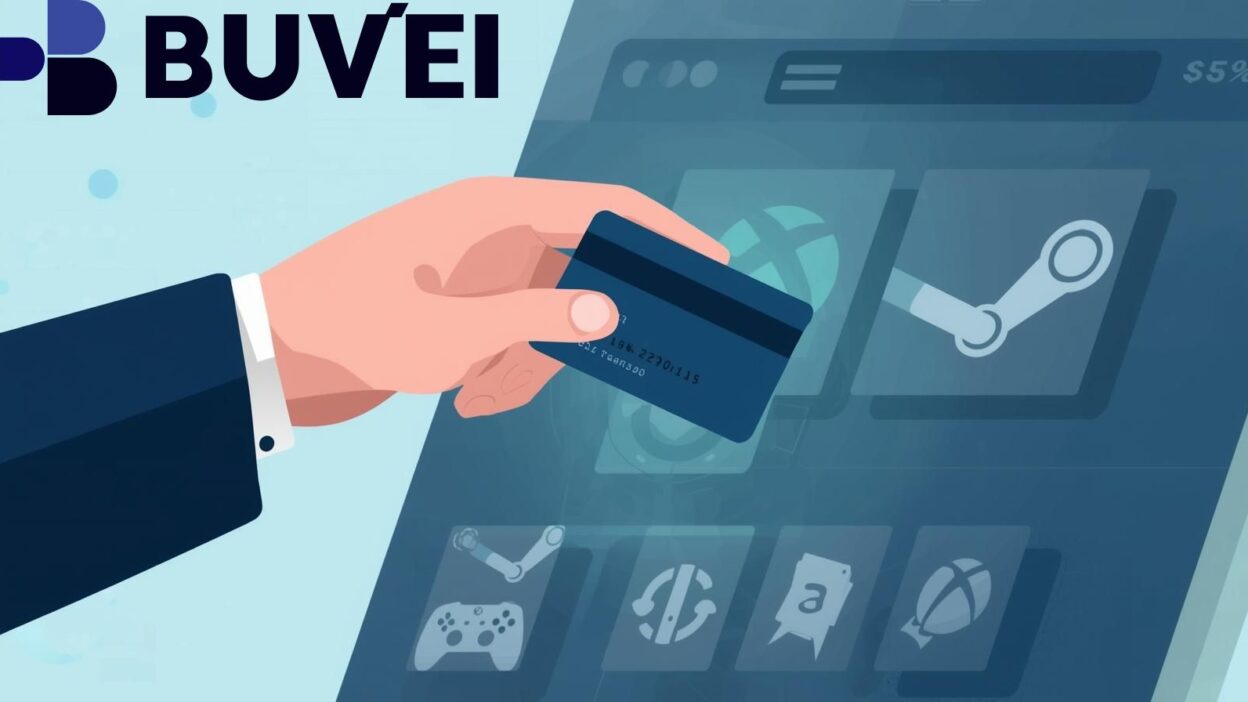
In the digital age of gaming, payment flexibility and security matter more than ever. Using a virtual card—a card that exists only in digital form—can provide an efficient and safer way to make purchases on platforms like Steam and Xbox. This article explores how virtual cards work in this context, and offers four strategic steps to deploy them successfully and reliably. 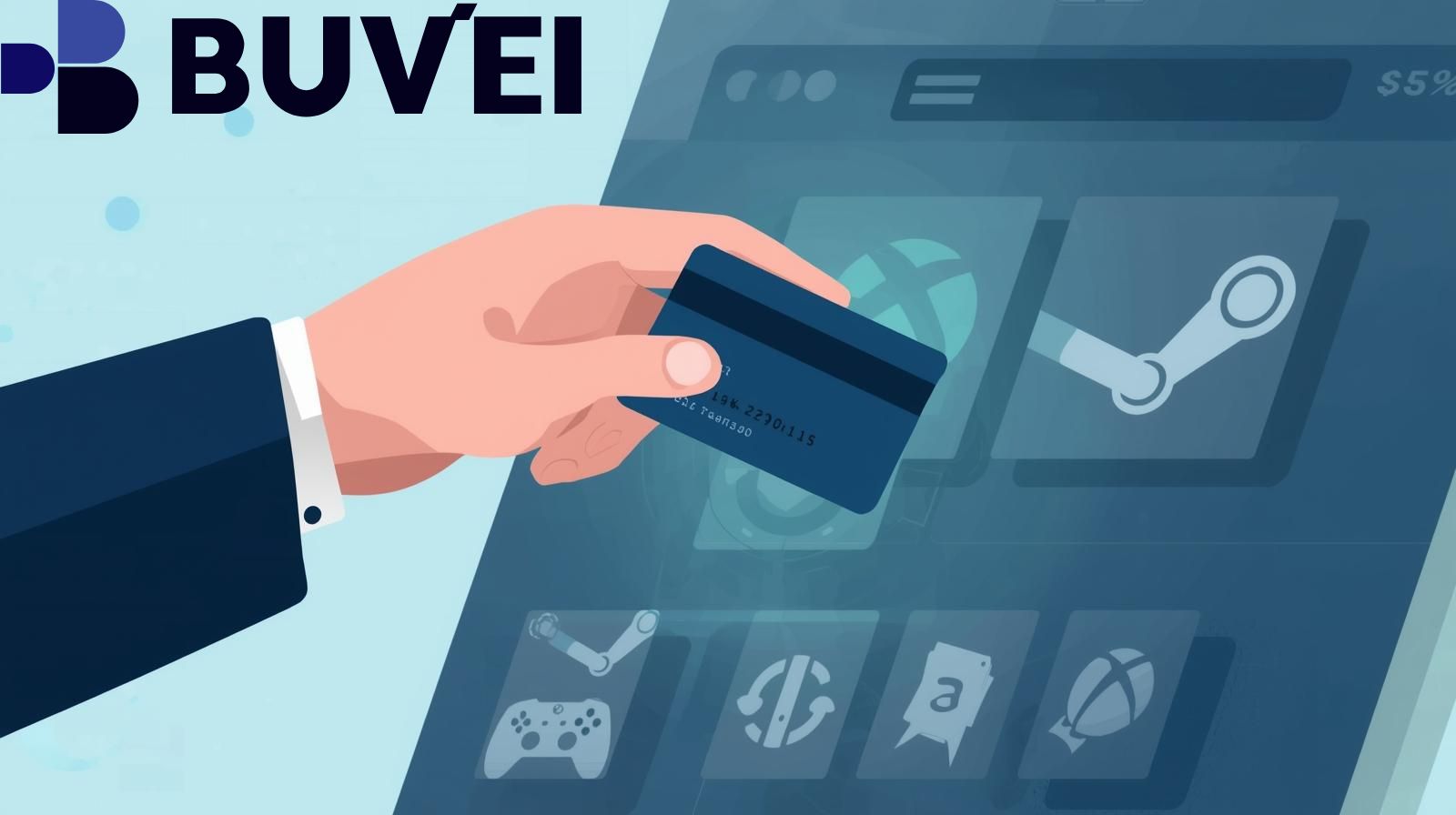
Understand What a Virtual Card Is and Why It Works for Gaming
A virtual card is a digital-only payment card that includes a card number, expiration date and CVV just like a physical card—but is generated and stored online.
Why it matters for gaming:
-
It offers additional security: your main bank or credit card details aren’t exposed to the merchant.
-
You can control spending: many virtual cards allow setting limits or issuing single-use numbers.
-
It works for online platforms: for example, a virtual prepaid card is highlighted as usable for Steam in a how-to guide.
Key caveats: -
Not all platforms treat virtual cards the same way. For instance, when using Steam for its market or certain features, a “virtual card” may trigger delays or restrictions.
-
Make sure the card you choose supports recurring payments (if needed) and is accepted in your region.
Check Compatibility with Steam and Xbox Platforms
Before using a virtual card, you’ll want to verify the compatibility with both your gaming platforms.
Steam:
-
Steam supports adding payment methods and funding the Steam Wallet.
-
While virtual/prepaid cards may work, Steam’s verification policies may impose a delay (for example, market access) when using virtual cards.
Xbox / Microsoft Account: -
You can update payment options in your Microsoft/Xbox account settings.
-
Guides show that a virtual card can be used for services like Xbox Game Pass.
Best practice: -
Check that the virtual card is issued on a major network (Visa, Mastercard) and denominated in your account’s currency.
-
Review your platform’s payment policy for prepaid or virtual cards (for example, currency restrictions, region match, billing address consistency).
-
If you’re using the card to subscribe (recurring billing), ensure the card supports automatic renewals and isn’t single-use or time-limited.
Set Up and Use a Virtual Card for Gaming Purchases
Here’s a reliable four-step strategy to implement a virtual card effectively:
a. Choose a reputable provider – Pick a virtual card issuer that supports online purchases, has clear terms on gaming use, supports your region and major networks. For example, one provider advertises support for gaming services including Steam and Xbox.
b. Generate your virtual card and fund it – Create the virtual card, load sufficient funds (for a one-time purchase) or set up for recurring payments (for subscriptions). Confirm that the card’s billing address can match your account’s requirements.
c. Add it as a payment method – On Steam: go to your account details → Add payment method; input the virtual card details. On Xbox/Microsoft: go to Payment & billing → Add a payment method. Make your virtual card the default if needed.
d. Monitor and maintain it – Make sure the virtual card has enough balance for future renewals, check expiration date, and monitor for any failed transactions. Because virtual cards are often more tightly controlled, if a payment fails your gaming service could be interrupted.
Enhance Reliability and Troubleshoot Common Issues
To improve reliability and reduce friction when using a virtual card, follow these strategies:
-
Match billing and region information: Ensure the billing address attached to the virtual card matches the address on your Steam or Xbox account; mismatches can cause declines.
-
Reserve sufficient buffer: Sometimes authorizations or currency conversions may temporarily hold more than anticipated. A little buffer can prevent failures. For example, virtual cards may not handle temporary pending authorizations as smoothly.
-
Use the right currency/account region: Some services require your payment method to match your account’s region or currency (especially Steam). If you’re in a different region, there may be extra verification or rejection risk.
-
Avoid making frequent changes: Changing payment methods repeatedly or using multiple cards can trigger review or restrictions, especially with virtual cards.
-
Plan for renewals/subscriptions: If you’re using the card for recurring services such as Xbox Game Pass, ensure the card remains valid and funded for the future. Also, keep to reliable virtual card providers that support such scenarios: using a one-time use virtual card may cause renewal to fail.
-
Be aware of platform policies: For example, Steam’s market may restrict usage of new payment methods until a verification period has passed.
-
Keep transaction records: If something goes wrong (e.g., payment declined, card flagged), you’ll want your card provider’s customer service info and proof of funding.

Conclusion
Using a virtual card to make purchases on Steam and Xbox can be an excellent strategy for security, flexibility, and budgeting. By understanding what a virtual card is, ensuring platform compatibility, setting it up correctly, and following strategies to enhance reliability, you can streamline your gaming purchases with confidence. Before proceeding, always check your specific region’s payment policies and choose a well-recognized virtual card provider. With the right approach, you’ll enjoy your games without the worry of exposing your main payment details.