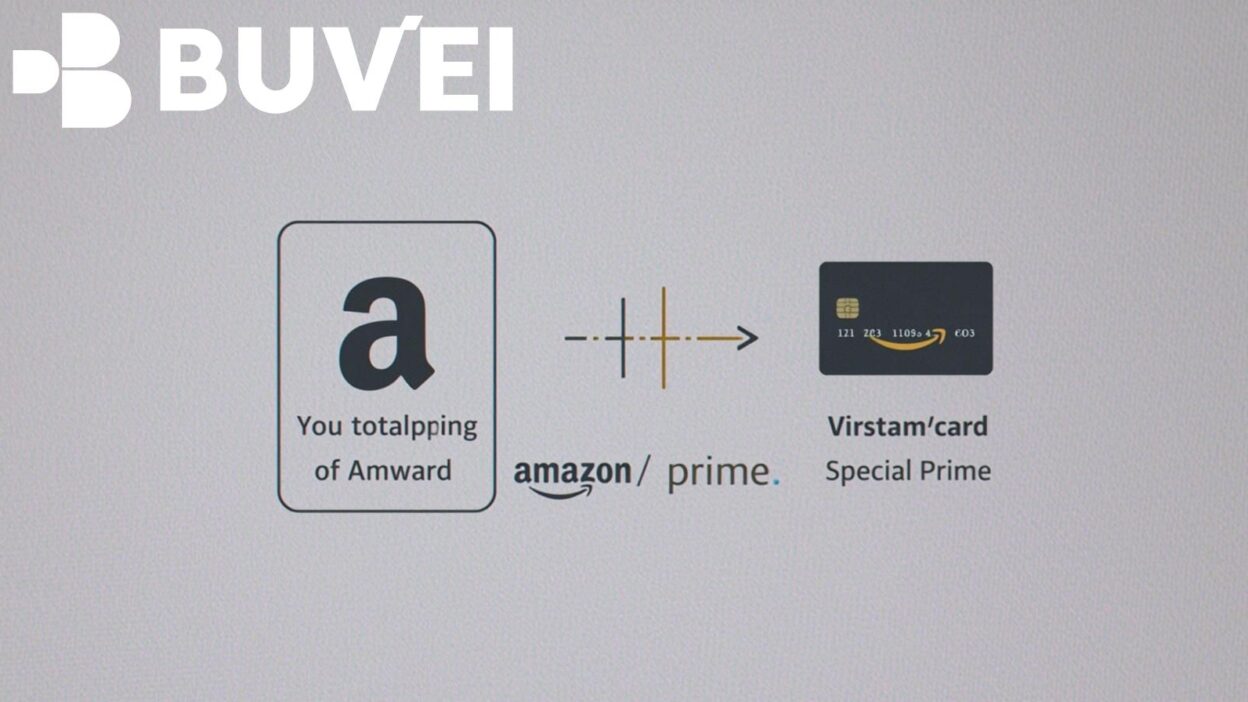
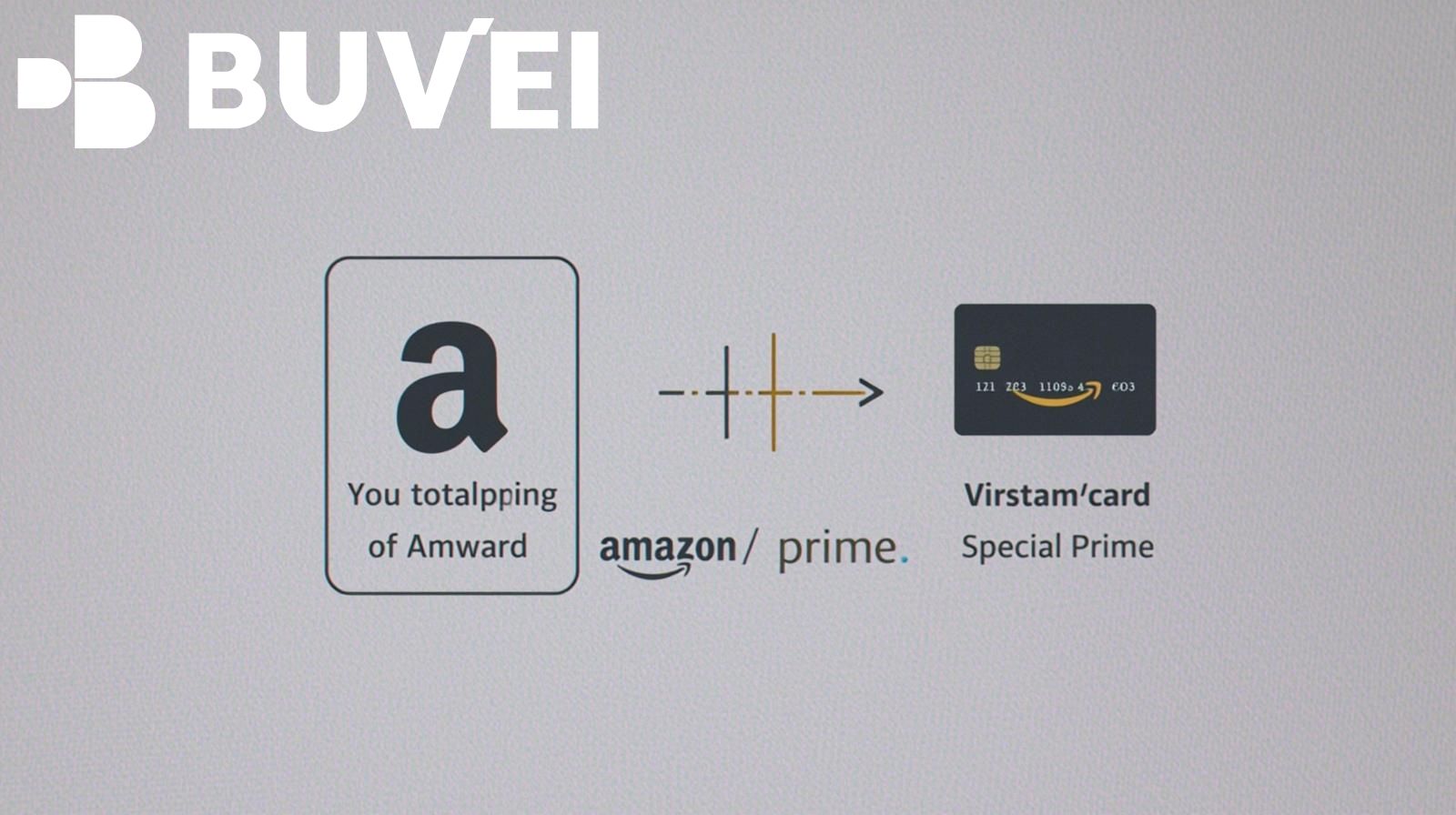
Amazon Prime has become an essential subscription for millions of users worldwide, offering fast shipping, Prime Video streaming, exclusive deals, and more. But not everyone wants to link their personal debit or credit card to recurring payments. That’s where virtual cards step in. By using a virtual card for Amazon Prime payments, you can enjoy enhanced security, better budget control, and peace of mind when managing online subscriptions.
In this article, we’ll explore how to set up a virtual card for Amazon Prime, why it’s safer than traditional cards, and how platforms like Buvei simplify subscription management.
What Is a Virtual Card and Why Use It for Amazon Prime?
A virtual card is a digital version of a payment card that can be used online just like a physical debit or credit card. However, it comes with unique benefits that make it especially useful for subscriptions such as Amazon Prime:
-
Enhanced Security: Virtual cards protect your real card number by generating a temporary or masked number for online use.
-
Spending Control: Set spending limits to avoid unexpected charges.
-
Easy Cancellation: Instantly freeze or delete a card without affecting your main bank account.
-
Privacy: Keep your personal banking information private when shopping online.
By paying your Amazon Prime membership with a virtual card, you reduce exposure to fraud and maintain tighter control over your digital payments.
Step-by-Step Guide: Paying for Amazon Prime with a Virtual Card
Using a virtual card for Amazon Prime membership is simple and works almost the same as adding a standard card:
-
Sign Up for a Virtual Card Provider
-
Register with a trusted provider such as Buvei, which specializes in secure virtual card solutions for online payments.
-
-
Generate Your Virtual Card
-
Create a card within your Buvei account. You’ll receive a card number, expiration date, and CVV code just like a physical card.
-
-
Log In to Your Amazon Account
-
Go to “Your Account” → “Your Payments.”
-
-
Add the Virtual Card
-
Select “Add a payment method” and enter the details of your virtual card.
-
-
Set It as Default for Prime Membership
-
Ensure the virtual card is selected as the default method for subscription renewals.
-
-
Confirm Subscription
-
Amazon will process the payment with your virtual card, and you’re ready to enjoy uninterrupted Prime benefits.
-
Benefits of Using Buvei Virtual Cards for Amazon Prime
While many banks and fintech platforms offer virtual cards, Buvei stands out for subscription management. Here’s why:
-
Real-Time Controls: Instantly adjust spending limits or block a card if needed.
-
Multi-Subscription Management: Use Buvei to manage Netflix, Disney+, Spotify, and other subscriptions alongside Amazon Prime.
-
Cross-Border Payments: Buvei supports international transactions, making it easier for travelers and expatriates to maintain Prime access.
-
Data Privacy Protection: Reduce the risk of unauthorized charges by using unique card numbers for each subscription.
By choosing Buvei, you streamline subscription payments while keeping finances secure.
Strategies for Reliable Subscription Management
To ensure uninterrupted access to Amazon Prime and avoid failed payments, follow these best practices:
-
Monitor Renewal Dates: Check your Prime renewal schedule and ensure your Buvei virtual card has sufficient balance.
-
Use Auto-Reload: If available, enable auto-reload on Buvei to prevent insufficient funds.
-
Set Spending Alerts: Activate notifications for charges to track payments in real time.
-
Dedicated Cards for Each Subscription: Create different virtual cards for Prime, Netflix, and other services to prevent billing overlaps.
These strategies not only enhance reliability but also provide greater transparency in your monthly expenses.
 Conclusion
Paying for your Amazon Prime membership with a virtual card is a smart move for anyone seeking security, flexibility, and control over online payments. By leveraging platforms like Buvei, you can simplify subscription management, protect your financial information, and enjoy a seamless Prime experience without the risks of exposing your primary credit or debit card.
Whether you’re a frequent online shopper, a streaming enthusiast, or simply cautious about online security, adopting a Buvei virtual card ensures that your Amazon Prime subscription remains both convenient and secure.